

Share this tool:
 |
Description:
Checksub is an AI video localization platform built around subtitles, translation, dubbing, voice-over, voice cloning, lip-sync, and export-ready video workflows. Its best use is not just creating a quick caption file. The stronger value is helping creators, educators, companies, and media teams take one video and turn it into multilingual versions with editable subtitles, styled captions, dubbed voices, and publication-ready exports.
Generates subtitles automatically and lets users edit them before export or translation.
Translates subtitles into many languages, with Checksub positioning its translation workflow as designed specifically for subtitling rather than generic machine translation.
Replaces the original spoken voice with dubbed speech while preserving background audio, music, and atmosphere.
Lets users replace the original voice-over with a cloned voice in 30 languages, according to Checksub’s product page.
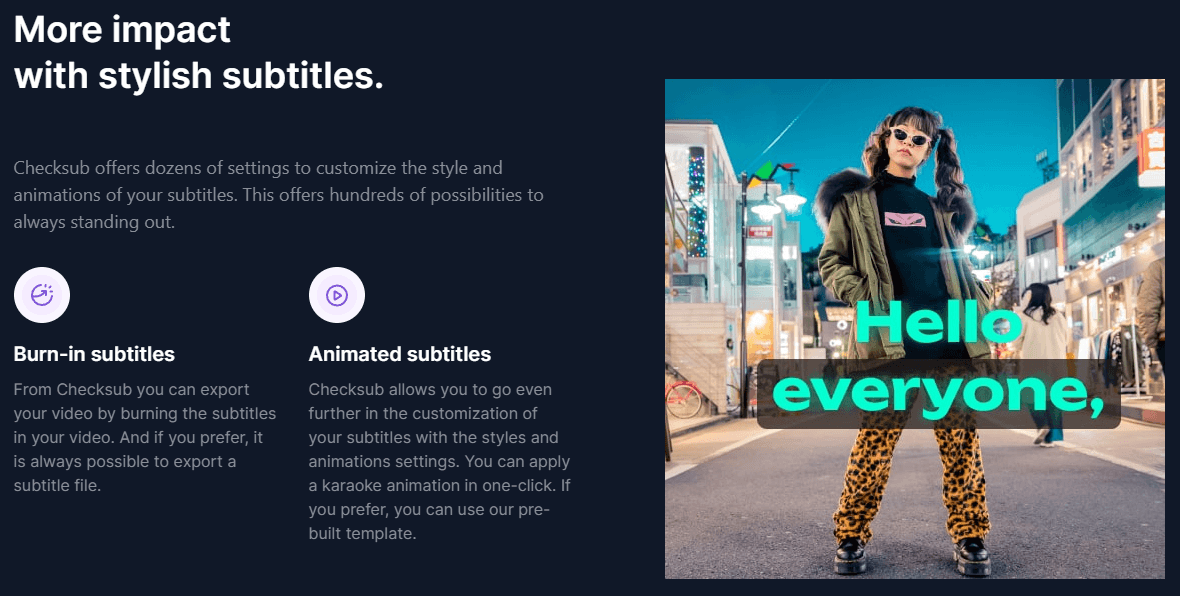
Supports subtitle file export, burned-in subtitles, animated subtitles, karaoke-style animation, templates, custom fonts, and visual subtitle styling.
Enterprise users can use API workflows, and Checksub’s API supports project creation, dubbing, diarization, gender detection, rephrasing, voice cloning, lip-sync model selection, guidelines, SRT import, and exportation.
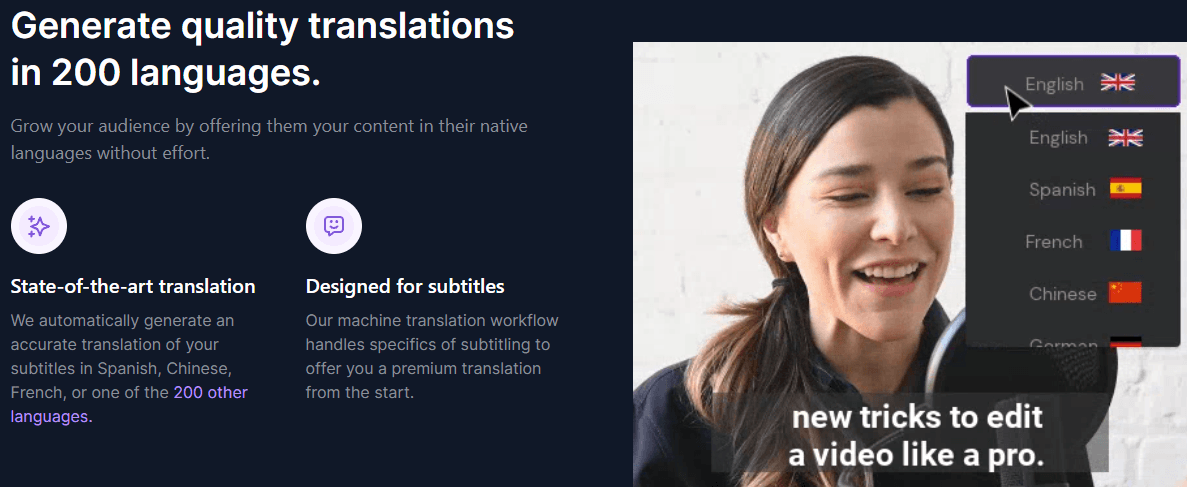
At the simplest level, Checksub lets you upload a video, generate subtitles in the original language, translate those subtitles, style or export them, and optionally create AI dubbing or voice-over. The platform describes itself as a faster way to caption, translate, and voice-over videos, with support for subtitles, translations, voice-overs, animated subtitles, and short-form video creation.
The important part is that Checksub is not only a transcription tool. It sits closer to a video localization workspace. You can generate source-language subtitles, translate them, burn captions into the video, export subtitle files, create AI dubbing, clone voices, isolate voices from background audio, and use the online editor to adjust the generated text or regenerate sentences.
That structure matters because subtitle and dubbing work is rarely perfect on the first pass. Checksub’s own workflow requires source-language captions before translation, which is a smart quality-control step: fix the original transcript first, then generate translations from the cleaned-up version.
Checksub is strongest when a video needs to travel across formats, languages, or platforms. A creator might use it to subtitle a YouTube video, translate the same video into another language, style animated captions for social clips, and export the final video. A training team might use it to translate learning content into multiple languages without recording separate videos for every market. A company might use it to publish localized videos to YouTube channels and improve accessibility, reach, and search visibility.
The product’s core advantage is the way it combines multiple related steps. Some tools only generate captions. Some only translate transcript text. Some only create dubbed audio. Checksub tries to keep the whole subtitle-to-localization workflow in one place: transcription, translation, styling, dubbing, voice cloning, lip-sync, editing, and export.
The main Checksub workflow starts with a project. You choose “Add subtitles,” upload a video, define the source language, choose the languages you need, and pick the automatic method. Checksub then generates the subtitle project and emails you when it is ready.
Translation adds one important step: you first generate or import the subtitles in the original language. Once the source captions exist, you can add a translation language, start automatic translation, and then open or download the translated language after processing. This is less instant than simply throwing a video into a translator, but it is better for real localization work because the source transcript becomes the foundation for every translated version.
The editor is where Checksub becomes more useful than a basic caption generator. It allows users to change subtitle style, background, design, translation, synchronization, and video output. For dubbing, the editor also lets users fine-tune text, synchronization, and prosody, and regenerate the dub for individual timestamps.
That makes Checksub a good fit for users who want speed but still need review control. You are not locked into the first AI output. You can correct the transcript, adjust the translation, change the design, and regenerate problem sections instead of starting again from scratch.
Checksub’s subtitle layer is one of the strongest reasons to use it. The product supports automatic subtitles, script-to-subtitle conversion, subtitle translation, burned-in subtitles, subtitle file export, animated subtitles, karaoke-style animation, and prebuilt templates. That makes it more complete than tools that only output plain SRT files.
The script-to-subtitle feature is especially useful when you already have a clean script. Instead of transcribing from scratch and then proofreading heavily, Checksub can convert the script into synchronized subtitles. That can save time for scripted explainers, training videos, webinars, courses, product walkthroughs, and corporate content where the spoken words already exist in document form.
The styling tools matter for social content. Many caption tools are built for accessibility first, which is useful, but Checksub also focuses on visual impact: animated captions, custom fonts, brand colors, templates, resizing, and short-form repurposing. That makes it more relevant for creators and marketers who need captions to be part of the visual edit, not just a compliance layer.
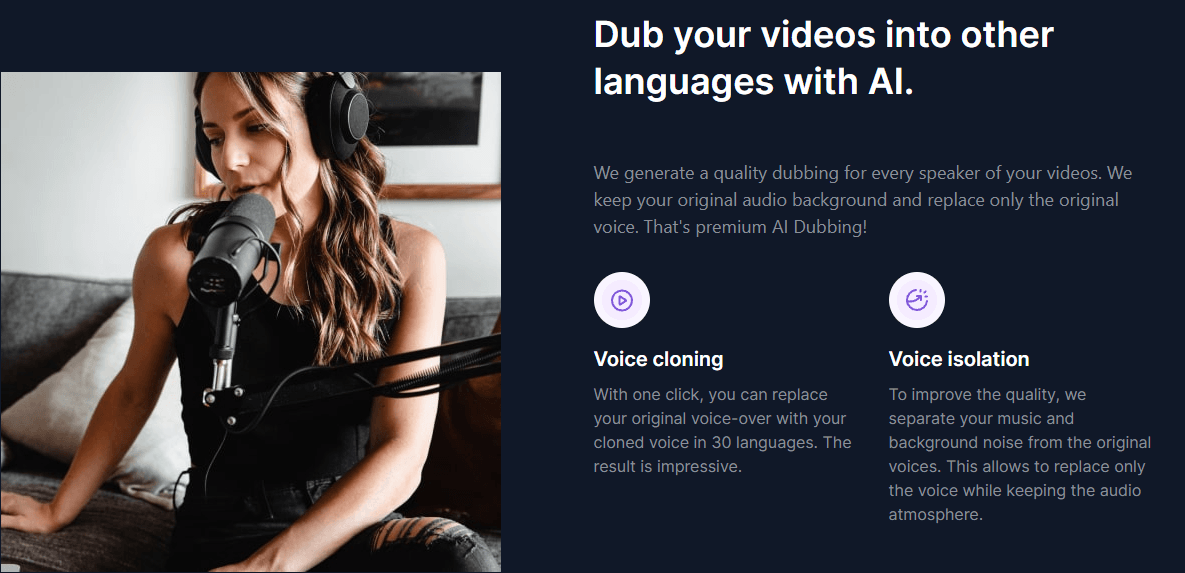
Checksub’s AI dubbing is built around replacing voices while keeping the background audio. That is a meaningful detail. For many videos, the atmosphere matters: room tone, music, applause, ambient sound, or background effects. Checksub says its voice isolation separates music and background noise from original voices so the platform can replace only the voice while preserving the original audio atmosphere.
The dubbing workflow is also editable. You can adjust the script and regenerate the dub for each timestamp, and if the script changes significantly, Checksub can also regenerate lip-sync. That gives users a practical correction loop for the most common dubbing issues: awkward phrasing, poor timing, voice mismatch, or translated speech that does not fit the original segment.
Voice cloning adds another layer. Checksub says its voice cloning can replace the original voice-over with a cloned voice in 30 languages. That is useful when the speaker’s identity matters, such as founder videos, training presenters, creator channels, executive messages, or branded educational content.
The caveat is that Checksub’s language claims vary by feature. The site references 200-language translation, more than 280 subtitle languages on the subtitle page, more than 120 languages on the dubbing page, 187 languages on the Enterprise pricing plan, and 30 languages for voice cloning. The safest reading is that language coverage depends on the specific workflow: subtitles, translation, dubbing, voice cloning, and Enterprise access are not all the same language set.
- Training and learning content: Checksub is a strong fit for companies that need to translate training videos into multiple languages without recording separate versions for each region.
- YouTube localization: The platform is useful for creators and media teams that want to translate videos, publish multilingual versions, grow international reach, and connect YouTube channels on higher plans.
- Social video repurposing: Animated subtitles, burn-in captions, resizing, and short-form repurposing make Checksub useful for clips, reels, shorts, and social-first publishing.
- Corporate video localization: Dubbing, voice cloning, lip-sync beta, subtitle exports, and translation workflows make it practical for product videos, internal communications, webinars, founder messages, and customer education.
- Developer and enterprise workflows: The API is relevant for teams that want to automate captioning, translation, dubbing, SRT import, voice cloning, rephrasing, and export workflows instead of managing every project manually in the web app.
- Start with clean source-language subtitles before translating. Checksub’s own support documentation says source captions should be generated first, and it recommends making sure the transcript is good enough before adding a new language. That is the most important quality step in the whole workflow.
- Use Junior only if subtitles are the main job. It supports subtitle export, but the plan is not the full localization experience because Starter is where no-watermark exports, AI dubbing, lip-sync beta, voice cloning, and YouTube connection appear.
- Budget credits based on the real workflow. A translated subtitled video is not priced the same as a dubbed and lip-synced video. Dubbing and lip-sync consume credits at higher ratios, so high-volume localization teams should use the credit estimator or Enterprise discussion before committing.
- Use script-to-subtitles when you already have a script. It can reduce proofreading time and improve alignment for structured content such as courses, webinars, explainers, and product walkthroughs.
- Treat AI dubbing as editable production, not one-click publishing. Checksub gives you regeneration by timestamp, script adjustment, synchronization controls, and lip-sync regeneration because dubbed output still needs human review.
- The first limitation is plan separation. Checksub’s most useful localization features are not evenly distributed. Junior is mainly a subtitle plan. Starter adds no watermark, AI dubbing, voice cloning, lip-sync beta, and YouTube connection. Enterprise adds API access, custom users, custom credits, custom translation limits, custom storage, and account support.
- The second trade-off is credit complexity. The same video can cost one amount for transcription, more if translated into multiple languages, more again if dubbed, and significantly more if lip-sync is added. Users who only look at the monthly hours may underestimate how quickly advanced localization workflows consume credits.
- The third limitation is language clarity. Checksub is clearly multilingual, but the public pages use different language counts depending on the feature and page. That is not unusual for localization platforms, but buyers should verify the exact source language, translation language, dubbing language, voice-cloning language, and lip-sync availability they need before choosing a plan.
- The fourth limitation is that it is still a review-based workflow. Checksub can generate subtitles quickly, but even the site’s own user testimonials and documentation point toward post-editing and transcript review as part of the process. For polished publishing, especially in professional translation or branded dubbing, human checking is still necessary.
Checksub is a strong choice for creators, educators, companies, and localization teams that need more than plain auto-captions.
Its best strengths are editable AI subtitles, subtitle translation, styled captions, AI dubbing, voice cloning, background-audio preservation, lip-sync beta, video exports, YouTube-oriented workflows, and Enterprise API access.
The main caveat is that the best results still require transcript review, translation checking, and careful credit planning, especially once dubbing and lip-sync enter the workflow.
TAGS: Translation Speech to Text
Related Tools:
Transcribes audio and video content into accurate subtitles
AI-driven translation across multiple languages
Generates subtitles and dubbing in multiple languages
Provides automated dubbing and translation

Transforms your spoken ideas into written content
Enables multilingual support for ChatGPT