
Share this tool:
 |
Description:
Rask AI is best understood as a localization platform, not just a voice tool. It translates and dubs video and audio in over 130 languages, supports voice cloning, subtitles, lip-sync, terminology control, and API-based automation, and is clearly built for teams that need to repurpose existing content for multiple markets without rebuilding production from scratch.
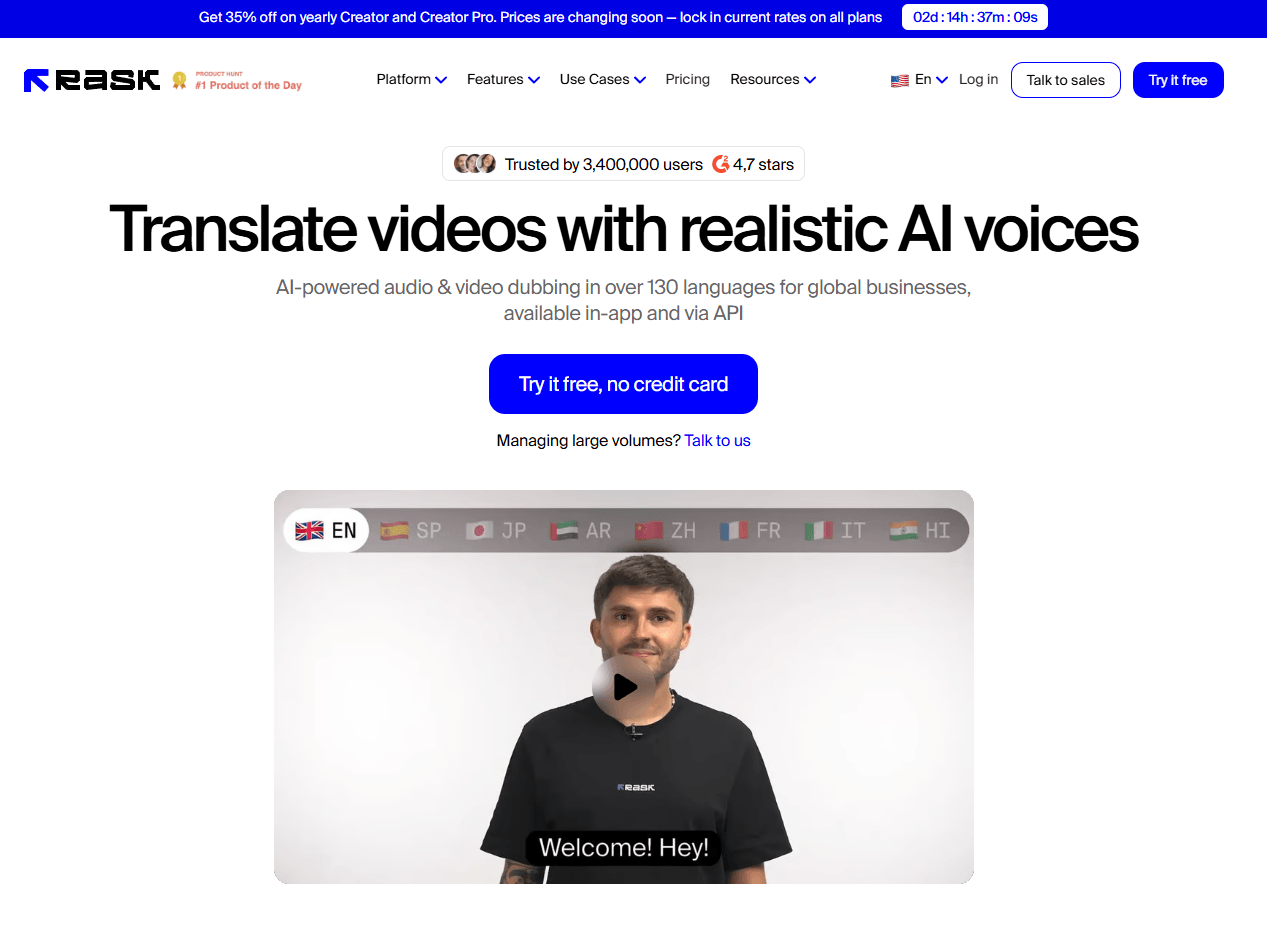
At the simplest level, Rask AI takes an uploaded video or audio file, generates transcription and translation, produces a dubbed version, and then lets you refine the result inside an editor. That editor matters more than it might first appear. Rask exposes transcription and translation edits, timestamp control, speaker reassignment, voice selection, subtitle export, and optional lip-sync rather than forcing you to accept the first automated pass.
That is why Rask AI feels more useful than a basic text-to-speech or transcript translator. It is built around post-generation correction. The help docs explicitly frame editing as necessary because the automated translation pipeline is not always perfect, which is the right way to think about the product in real work.
Rask AI handles transcription, translation, dubbed voiceover, subtitles, and optional lip-sync across over 130 languages, both in the web product and through its API.
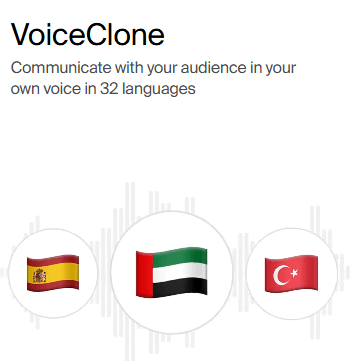
It can clone a speaker’s voice from the original video, and you can also switch to preset voices when cloning is not the best fit.
Higher plans can save reusable custom voice clones, with support for up to 10 uploaded samples per clone and adjustable similarity and expressiveness settings.
Timestamp editing and AI script adjustment help fix the common dubbing problem where translated speech becomes too long or too short for the original pacing.
Translation dictionaries, subtitles/SRT workflows, and Enterprise-only Translation Prompting give teams more control over terminology, tone, and consistency.
Teamspaces, bulk upload, OAuth2-based API access, lip-sync endpoints, glossary endpoints, and an official Python SDK make Rask usable beyond one-off creator workflows.
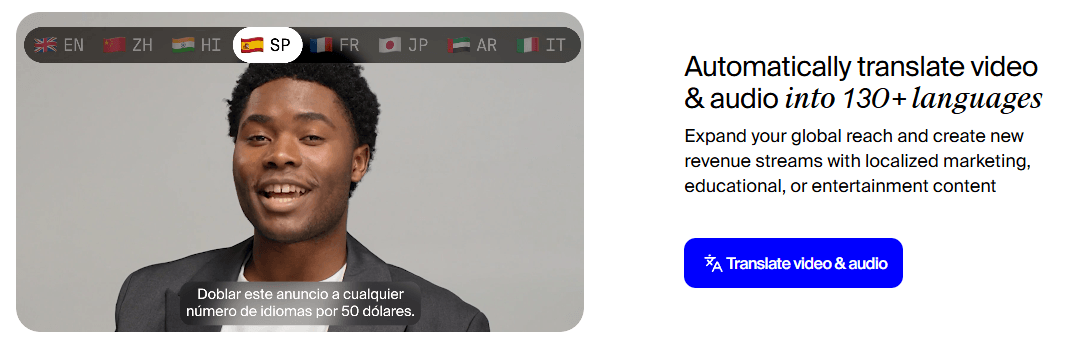
Rask AI’s core workflow is straightforward. You upload media from your device or by link, choose the target language, generate the translation, then dub the project. From there, the product shifts into correction mode: you edit segments, adjust timestamps, change voices, retranslate with a dictionary or prompt if needed, and optionally run lip-sync at the end. That flow is sensible because it matches how localization work actually behaves: first pass, review, repair, export.
It also has a more operational side than many creator-facing dubbing tools. Bulk upload lets you process multiple files in one go, Teamspaces add shared work and permissions, and the API supports upload, transcription, project creation, project patching, glossary management, and lip-sync calls. That gives Rask a clear path from “I need one dubbed marketing video” to “we need this inside a real localization pipeline.”
The onboarding story is a little less clean than the homepage suggests, though. Rask still offers a free trial, but the help center says trial users now work with a demo project rather than uploading their own videos, and lip-sync is not included in the free trial. That means the product is easy to inspect, but not as easy to fully validate on your own source material before paying.
Rask AI’s strongest quality advantage is that it is trying to preserve performance, not just produce translated speech. Standard voice cloning replicates the speaker from the original video, while Custom Voice Clone lets you pre-record and save tone-specific presets for later reuse. The added similarity and expressiveness controls are especially important because they turn voice cloning into something you can tune, not just accept.
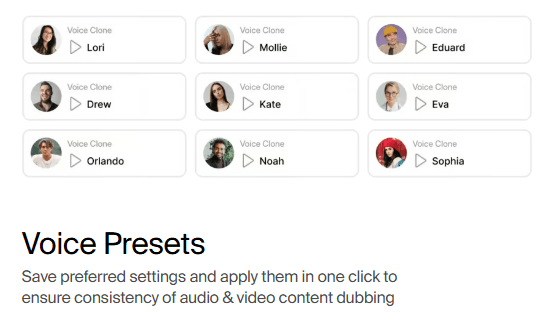
This is also where Rask starts separating itself from simpler dubbing products. Translation dictionaries help with recurring terminology, AI script adjustment helps repair pacing, and Translation Prompting lets Enterprise users steer formality and tone. Those are not flashy headline features, but they are exactly the features that matter once you are translating training content, branded marketing, webinars, or educational material at scale.
The trade-off is that Rask still expects intervention. Its own documentation says you may need to manually edit projects because the automated translation pipeline is not perfect. That is honest, and it matches the product design: Rask is strongest as an assisted localization platform, not a magic one-click finalizer.
Rask AI’s localization controls are useful because most real dubbing problems are practical rather than glamorous. Translations expand or shrink. Speaker turns are detected incorrectly. A product name gets translated when it should stay untouched. A subtitle is too long. A speaker’s voice clone sounds less appropriate than a preset. A key segment needs re-timing before lip-sync makes sense.
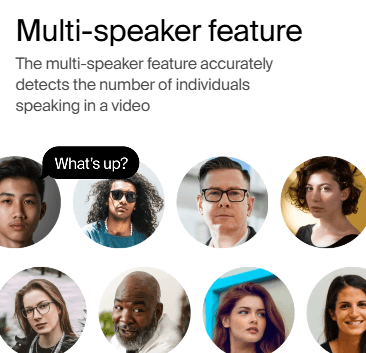

The practical value of Rask is that it gives users places to fix those problems after generation. Subtitle and SRT workflows make review easier, speaker reassignment helps with multi-person content, and dictionaries or prompts help keep terminology consistent.
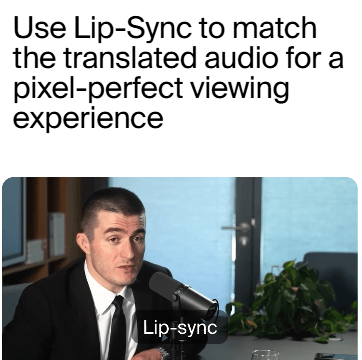
Lip-sync should be treated as a finishing step, not the first thing to run. It is most useful after the transcript, translation, timing, and voice choices are already solid. Running lip-sync too early can make a flawed localization look more polished without actually making it more accurate.
Rask AI is clearly trying to serve both individual creators and more serious localization teams. Teamspaces, bulk upload, API access, glossary endpoints, lip-sync endpoints, and an official Python SDK all point toward repeatable workflows rather than one-off experiments.
The security posture also matters because video localization often involves internal training, product demos, customer calls, private webinars, and unreleased marketing assets. Rask’s SOC 2 Type II positioning makes the platform more credible for teams that need to think about trust, access control, and operational governance rather than only creative output.
- Course localization: Rask is a strong fit for educators and course teams that want lessons translated, dubbed, subtitled, and reviewed across multiple languages.
- YouTube and creator expansion: Creators can use Rask to adapt existing videos for international audiences while preserving speaker identity through voice cloning.
- Marketing and product videos: Teams can translate demos, explainers, webinars, and campaign videos while keeping terminology and tone more consistent.
- Internal training: Companies can repurpose onboarding, compliance, enablement, and support videos for multilingual teams.
- Multi-speaker interviews and webinars: Speaker detection, reassignment, and voice selection make Rask more useful for dialogue-heavy content than simple single-speaker dubbing tools.
- Localization pipelines: API access, glossaries, bulk processing, and team workflows make Rask relevant for teams that need repeatable content localization rather than one-off exports.
- Start with a short representative video before localizing a whole library, especially if the content includes multiple speakers, fast speech, jargon, or visible talking heads.
- Fix the transcript first because every later step depends on it: translation, subtitles, voiceover, timing, and lip-sync.
- Use dictionaries for recurring brand terms, product names, acronyms, and industry phrases so they do not drift across projects.
- Use voice cloning when the speaker’s identity matters, but switch to presets when a cloned voice does not fit the target language or tone.
- Run lip-sync last, after translation, script timing, and voice choices are already reviewed.
- Use SRT exports for review workflows because subtitles are easier to inspect, share, correct, and reuse than a finished video alone.
- Treat Rask as an assisted localization system, not a no-review publishing machine.
- The biggest limitation is that Rask still needs human review. The product is powerful, but automated translation and dubbing are not perfect, especially for tone, idioms, cultural nuance, technical terms, and speaker intent.
- The second limitation is source dependency. Poor audio, overlapping speakers, heavy background music, unclear speech, or fast delivery can weaken transcription and everything downstream.
- The third limitation is trial validation. Trial users working with a demo project rather than their own videos makes it harder to fully test real source material before paying.
- The fourth limitation is feature availability by plan. Custom voice clone libraries, higher-scale workflows, lip-sync, teamspaces, API access, and enterprise-level controls may not all be available to every user.
- The fifth limitation is workflow complexity. Rask is more capable than a basic translator, but that also means users need to understand transcripts, segments, timestamps, speakers, subtitles, voices, dictionaries, and review stages.
Rask AI is one of the stronger AI video localization platforms because it does not stop at automatic translation. It gives users a full workflow for transcription, translation, dubbing, voice cloning, subtitle export, speaker handling, terminology control, lip-sync, and team/API use.
It is best for creators, educators, marketers, training teams, and organizations that already have useful video or audio content and want to adapt it across languages without rebuilding production manually.
The main caveat is that Rask is not a one-click replacement for professional localization judgment. It is strongest when treated as a fast first-pass and correction platform: generate, review, fix, tune, then export.
TAGS: Translation Speech to Text
Related Tools:
Translates videos into multiple languages
AI-powered mobile keyboard app that enhances typing efficiency

Transforms voice recordings into organized notes
Translates app content into over 100 languages
Translates, dubs, and add subtitles to videos
Transforms spoken words into organized text