
Share this tool:
 |
Description:
VideoDubber is best understood as a localization workflow, not just a voice tool. The product combines video translation, subtitle editing, voice selection, optional voice cloning, lip-sync, multi-speaker handling, background-audio control, and export formats for both video and subtitles. That combination is what makes it more interesting than a basic “dub this clip” app.
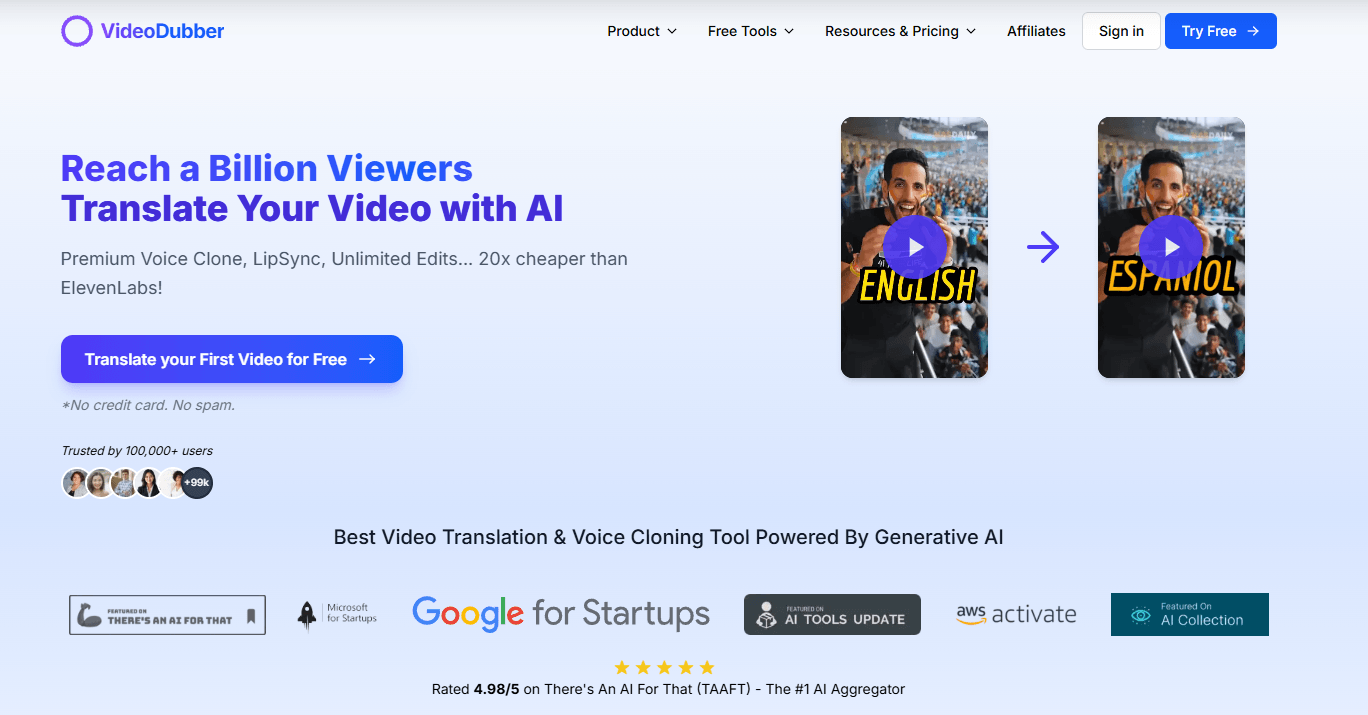
VideoDubber is strongest when you already have finished content and want to turn it into publishable versions for new languages without rebuilding the whole thing by hand. Its public docs consistently frame it around creators, educators, marketers, filmmakers, and businesses who want to upload a file or paste a YouTube link, choose target languages, and get back dubbed output with synchronized subtitles.
That matters because the platform is not trying to be a general-purpose TTS sandbox first. Its real value is the full chain: ingest a video, transcribe it, translate it, assign voices, preserve timing, edit lines if needed, optionally apply lip-sync, then export finished assets. The docs even position it against standalone voice or avatar tools by emphasizing end-to-end localization of existing video.
The second thing it does well is letting beginners and advanced users live in the same product. The homepage emphasizes one-click translation for people who just want a fast result, while the docs and editor workflow show a more detailed layer for subtitle timing, line-by-line fixes, brand dictionaries, regenerated lines, and per-speaker voice assignment. That split is practical, because localization tools are usually either too simple or too technical. VideoDubber seems designed to cover both.
Upload a file or paste a public YouTube URL, choose source and target languages, and generate dubbed output from a simple workflow.
The docs say the platform supports 150+ languages and regional accents, with more than 180 AI voices.
Every project includes an editor for transcript fixes, timing shifts, line splitting and merging, single-line regeneration, and subtitle export.
Users can upload a short clean voice sample and make dubbed videos sound like the original speaker across supported languages.
VideoDubber can modify mouth movement frame by frame so talking-head videos look more natural in the target language.
The platform diarizes audio, detects up to 10 speakers per project, and lets users assign different voices to each one.
Users can keep original music, mute it, replace it, or apply automatic ducking under speech.
The docs list MP4, SRT, VTT, MP3, and WAV outputs depending on the workflow.
The easiest way to understand VideoDubber is through its four-step quickstart: upload a file or paste a link, select source and target languages, choose a voice, then export. That sounds simple, but the interesting part is what sits inside those steps. The platform accepts direct uploads and YouTube URLs, supports multiple target languages in one project, and lets you preview voices by language, gender, age, and tone before committing.
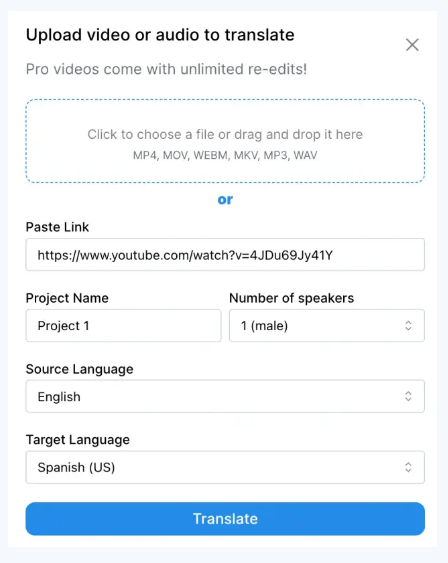
The editor layer is where the product gets materially better than a lot of lightweight dubbing tools. VideoDubber’s subtitle editor lets you correct the transcript and translation side by side, shift timing line by line or across the whole track, preserve product names and jargon with a brand dictionary, regenerate only the lines that need work, and export either subtitle files or burned-in subtitles. That is a much more useful workflow than rerunning an entire job every time one sentence sounds wrong.
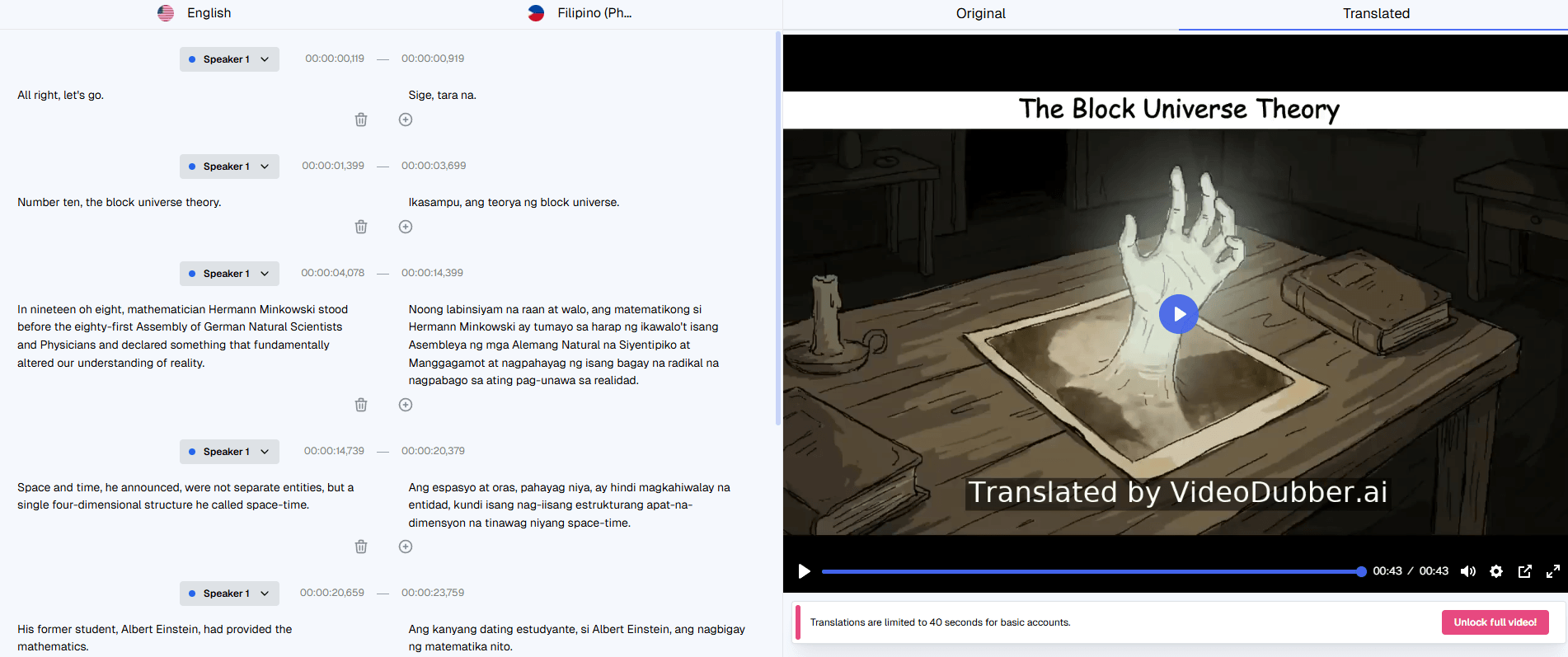
The docs also show that VideoDubber is built for more than normal on-camera videos. There are separate workflows for localizing YouTube videos, full courses, subtitle-only jobs, and podcasts. Audio-only projects can skip lip-sync and still use multi-speaker detection and per-speaker voice assignment, which makes the platform broader than the name first suggests.
The most practical control layer is the brand dictionary. VideoDubber describes it as a per-account glossary for do-not-translate terms, phonetic overrides, and preferred translations for ambiguous language. That matters because localization errors are often less about grammar and more about names, acronyms, and terminology drifting between languages. The fact that dictionary rules apply across all projects makes it especially useful for course creators, product teams, and recurring content libraries.
The second big control layer is multi-speaker handling. The platform automatically detects distinct speakers, lets you assign different library or cloned voices to each one, and ties that speaker logic into lip-sync when multiple faces are visible. That is exactly the kind of feature that separates casual dubbing tools from more production-ready localization systems. Podcasts, interviews, tutorials with co-hosts, and panel-style content all benefit from it.
The third useful layer is timing preservation. The docs say VideoDubber keeps the original timing window for each line and adjusts TTS speed slightly when translations expand or contract, which is one of the most important details in dubbing. If a platform gets translation right but timing wrong, the result still feels cheap. VideoDubber’s product story suggests it knows that.
Voice cloning is one of VideoDubber’s clearest strengths for personal-brand creators, educators, and executives. The docs say a clean 30 to 90 second voice sample is the ideal input, and the product positions cloning as a way to keep the same recognizable speaker identity across languages. That is a meaningful feature because many translation platforms still make multilingual output sound like a different person entirely.
Lip-sync is also one of the more distinctive layers, but the docs are refreshingly clear about when it helps and when it does not. VideoDubber says it works best for talking-head videos, interviews, testimonials, tutorials, and visible instructors. It explicitly recommends skipping lip-sync for voice-over videos, heavily animated content, or clips with frequent face occlusion. That honesty is useful, because lip-sync is often marketed as universally helpful when it really is not.
The trade-off is processing time and source quality. VideoDubber says lip-sync adds an extra GPU pass and can increase total processing time by roughly 1 to 3 times the video length depending on faces and resolution. It also notes that lip-sync works best when the face is large enough in frame and not blocked by masks, hands, microphones, or fast head turns. In other words, the feature looks valuable, but it still depends heavily on the source footage.
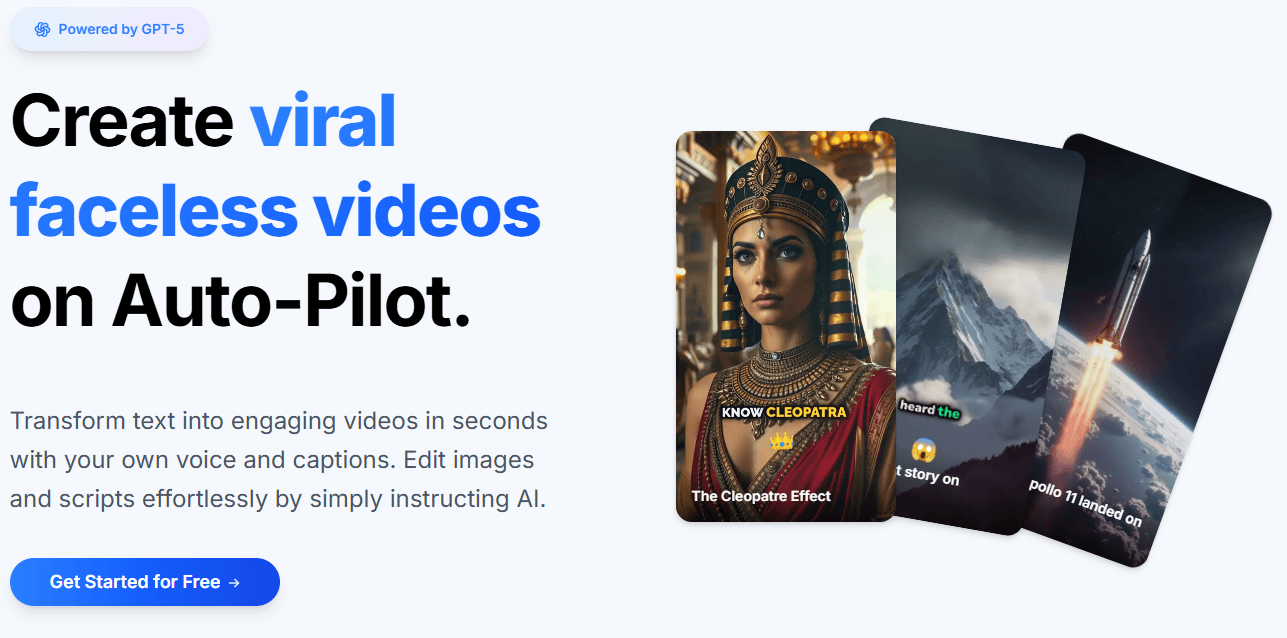
VideoDubber is a strong fit for YouTubers and creator-led channels. The product repeatedly frames itself around translating YouTube content, supporting multiple target languages per project, preserving speaker identity through cloning, and exporting audio tracks that can be used with YouTube’s multi-language audio feature. That is a very practical creator workflow.
It is also a good fit for courses, tutorials, and e-learning. The docs include a dedicated workflow for localizing entire courses, recommend setting up a brand dictionary first, and suggest cloning the instructor’s voice so lessons still sound like the same teacher in every language. That is exactly the kind of repeatable use case where the product’s deeper controls matter.
There is also a clear use case for podcasts and audio-only localization. The docs say you can upload MP3, WAV, or M4A, assign voices per host, and export translated audio as MP3 or WAV. So despite the product name, VideoDubber is not limited to video.
For larger teams, shared localization workspaces also exist. The docs describe shared workspaces, role-based access, and reusable brand dictionaries for collaborative programs, which suggests the product has at least some serious team usage in mind rather than only solo creators.
- Use the editor before blaming the translation model. VideoDubber’s docs make a strong point that many translation issues start upstream in transcription, so fixing the source transcript first is often the fastest way to improve the final dub.
- Set up the brand dictionary early if you localize recurring content. Product names, acronyms, jargon, and ambiguous terms are exactly where multilingual projects usually drift, and VideoDubber’s dictionary is built to solve that across the whole account, not one project at a time.
- Use lip-sync only when the visuals actually benefit from it. The product’s own guidance says it is best for visible speakers and less useful for off-screen narration or action-heavy clips. Leaving it off when you do not need it is not a compromise. It is usually the right workflow choice.
- For voice cloning, treat the sample as production input, not a quick throwaway upload. The docs recommend 30 to 90 seconds of clean, natural speech with no music, echo, or background noise, and they specifically say longer, more natural samples sound better than short scripted ones.
- The biggest trade-off is that VideoDubber depends heavily on source quality. Its own troubleshooting section says clean input audio is the single biggest lever you have, and many downstream issues come from noisy recordings, poor transcription, fast head movement, or lip-sync-unfriendly footage. That does not weaken the product, but it does mean the workflow is only as strong as the source media allows.
- The second trade-off is that some of the most attractive features are still conditional. Lip-sync is optional because it is not always the right fit, cloned voices need a clean sample to sound convincing, and unsupported language-to-voice combinations can still happen. VideoDubber’s docs are fairly transparent about these boundaries, which is good, but buyers should not assume every feature is equally valuable on every project.
- The third trade-off is that this is a workflow product more than a deeply exposed public platform. API access exists, but the docs say it is arranged by contacting the company for credentials and sandbox access rather than through a widely exposed self-serve developer surface. So VideoDubber looks strongest as an application first and an automation layer second.
VideoDubber looks strongest as a practical multilingual localization system for existing content. Its most useful qualities are the browser editor, brand dictionary, multi-speaker handling, optional voice cloning, optional lip-sync, background-audio controls, and the fact that it can output video, subtitles, or audio depending on what the project needs.
It is best for creators, educators, marketers, and teams that want to turn one source asset into many language versions without moving across several disconnected tools. The main caveat is that VideoDubber works best when the source material is already reasonably clean and when you actually use its editing and terminology controls, not just the one-click layer.
TAGS: Translation Text to Speech
Related Tools:
Provides natural-sounding dubbing and translation
Converts texts to podcasts

Offers variety of tools for document creation
Enables multilingual support for ChatGPT
Facilitates organization of scripts

Suite of productivity tools for macOS and iOS devices