
Share this tool:
 |
Description:
Quickads is an AI ad creation platform built for marketers, founders, e-commerce teams, and agencies that need more ad creative without building every image, script, caption, and video by hand. Its strongest idea is simple: combine ad inspiration, AI generation, product visuals, video creation, copy, and editing in one workflow so teams can move from idea to usable ad variations faster.

Quickads is most useful when the job is not “make one nice graphic.” It is better suited to the repeated work behind paid social: finding angles, creating variants, testing hooks, changing CTAs, resizing formats, and producing enough creative volume to support campaigns.
The platform’s own positioning leans heavily into performance creative. Its homepage describes Quickads as a creative engine powered by AI and data, with an ad library listed at 30M+ ads. That library matters because ad creation often starts with figuring out what kind of message, layout, offer, hook, or format is already working in a market.
For small teams, the appeal is speed. For agencies, the appeal is repeatability. For e-commerce brands, the appeal is the ability to keep producing product images, static ads, short videos, UGC-style assets, and campaign variations without waiting on a full production cycle.
| Feature | Practical Value |
|---|---|
| AI Image Ads | Creates static ad creatives for campaigns, social posts, and product promotion. |
| AI Video Ads | Builds video ads with hooks, scenes, CTAs, AI avatars, voices, and variations. |
| Product Photoshoots | Generates product images with different backgrounds and ad-ready visual styles. |
| Ad Inspiration Library | Helps users study winning ad examples before creating new assets. |
| Multi-Format Creation | Quickads’ tutorial page says it supports 31+ formats for resizing ads across common placements. |
| Editable Creative Workflow | Users can adjust text, style, weight, colors, and AI copy elements inside the ad editor. |
Quickads works best as a guided production system. A user can start from a product, a website link, an idea, or a creative need, then use the platform to generate ad assets. Its video editor page says users can type a prompt or product website link, then create videos with stock footage, music, subtitles, and editable elements ready for social platforms.
That is important because most ad tools fail in one of two ways. Some are too open-ended, so beginners stare at a blank canvas. Others are too rigid, so the output feels generic. Quickads sits between those two extremes. It gives enough automation to move quickly, but it still gives users editing control after the first draft.
The editing layer is one of the more practical parts of the platform. Quickads’ tutorial page mentions manual customization for ad text, including text content, color, style, and weight. It also notes that users can upload images and more than one logo into the dashboard. Those are small details, but they matter in real campaign work because every brand has layout rules, logo rules, color preferences, and copy tweaks.
The multi-format workflow also matters. Social ads rarely live in one size. A brand may need square feed ads, vertical stories, short-form video, YouTube-style formats, and display-style layouts. Quickads says its 31+ formats cover most common format needs, and the tool is designed to resize without breaking creative elements.
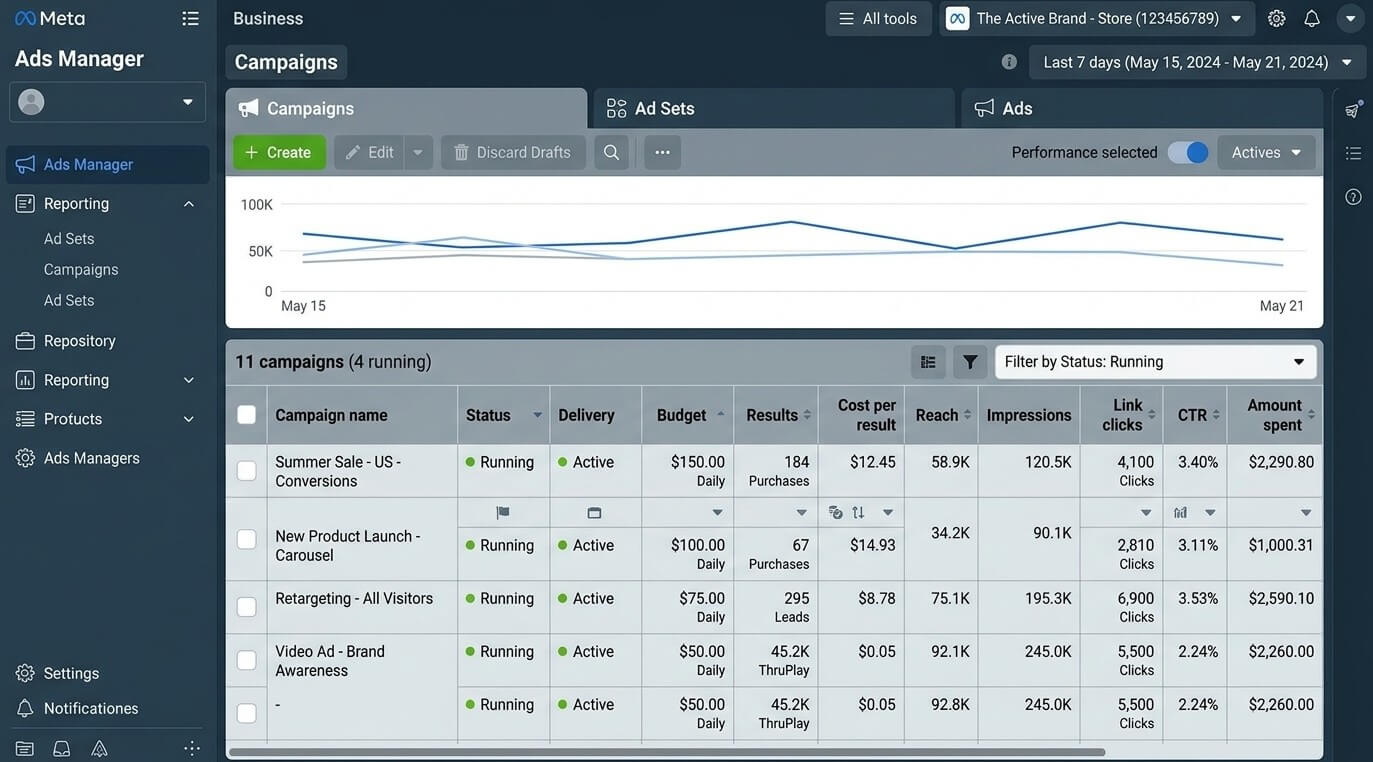
Quickads is not only a static ad maker. Its video ad page focuses on fast video production, modular ad elements, hook and CTA swapping, AI avatars and voices, auto-generated variations, and AI checks before launch.
This makes it stronger for performance marketers than a general design tool. A typical performance video is not just a pretty clip. It needs a sharp opening, a clear product or offer, a reason to keep watching, a CTA, and enough variations to test. Quickads seems built around that reality.
The strongest video workflows are likely product demos, short UGC-style ads, faceless promotional videos, simple explainers, and campaign variants. It is less suited to highly directed brand films, complex live-action storytelling, or video work where every camera movement, transition, and visual detail must be controlled like a traditional edit.
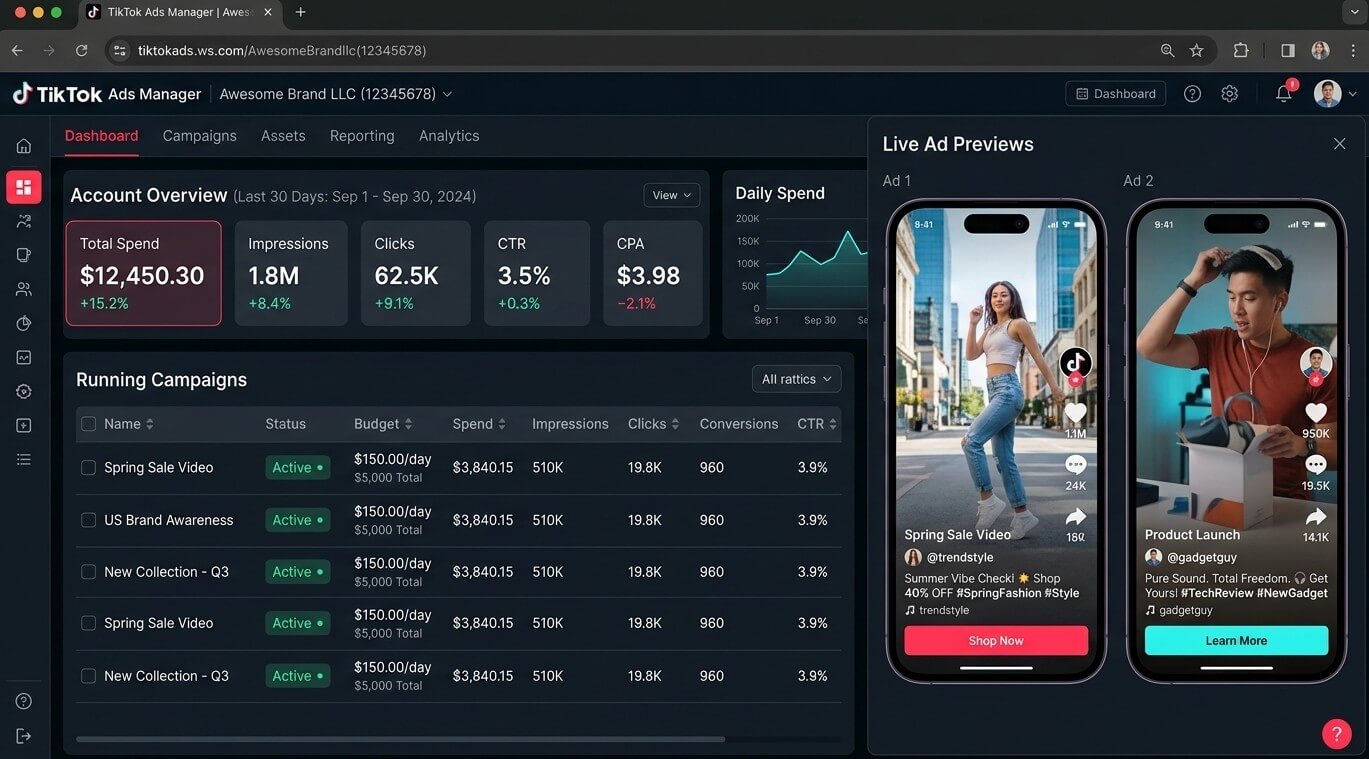
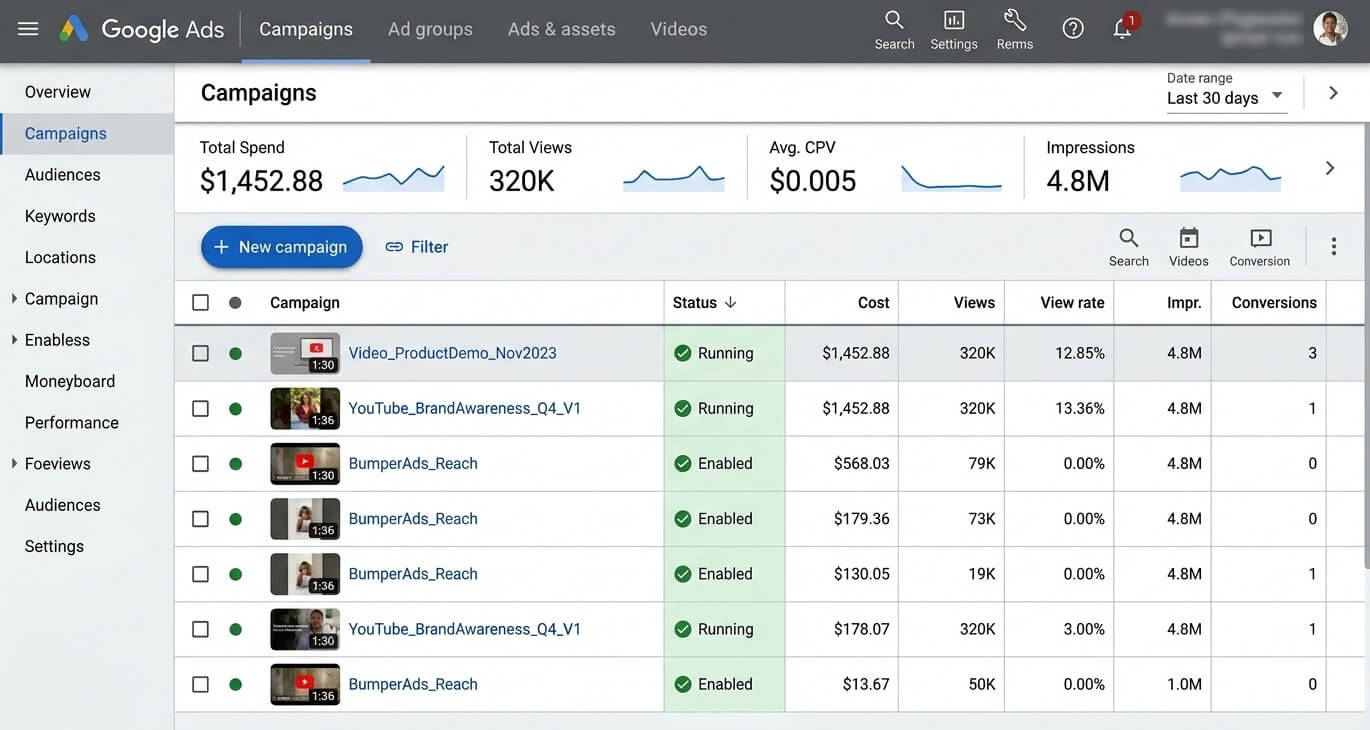
The AI product photoshoot feature is one of Quickads’ better use cases for e-commerce brands. The official product photoshoots page says users can generate hundreds of images with AI prompts, create ad visuals with varied backgrounds, and produce images optimized for ads, banners, or videos.
This is useful when a product team has plain product shots but needs more campaign context. For example, a supplement brand may need lifestyle-style backgrounds, a cosmetics brand may need clean studio visuals, or a home goods brand may need seasonal scenes. Quickads can help create those visual directions faster than arranging a shoot for every concept.
Still, AI product visuals need review. Reflections, product proportions, label readability, packaging edges, and material realism can drift in generated images. For ad concepts, that may be acceptable. For final e-commerce product listings or regulated categories, human review matters more.
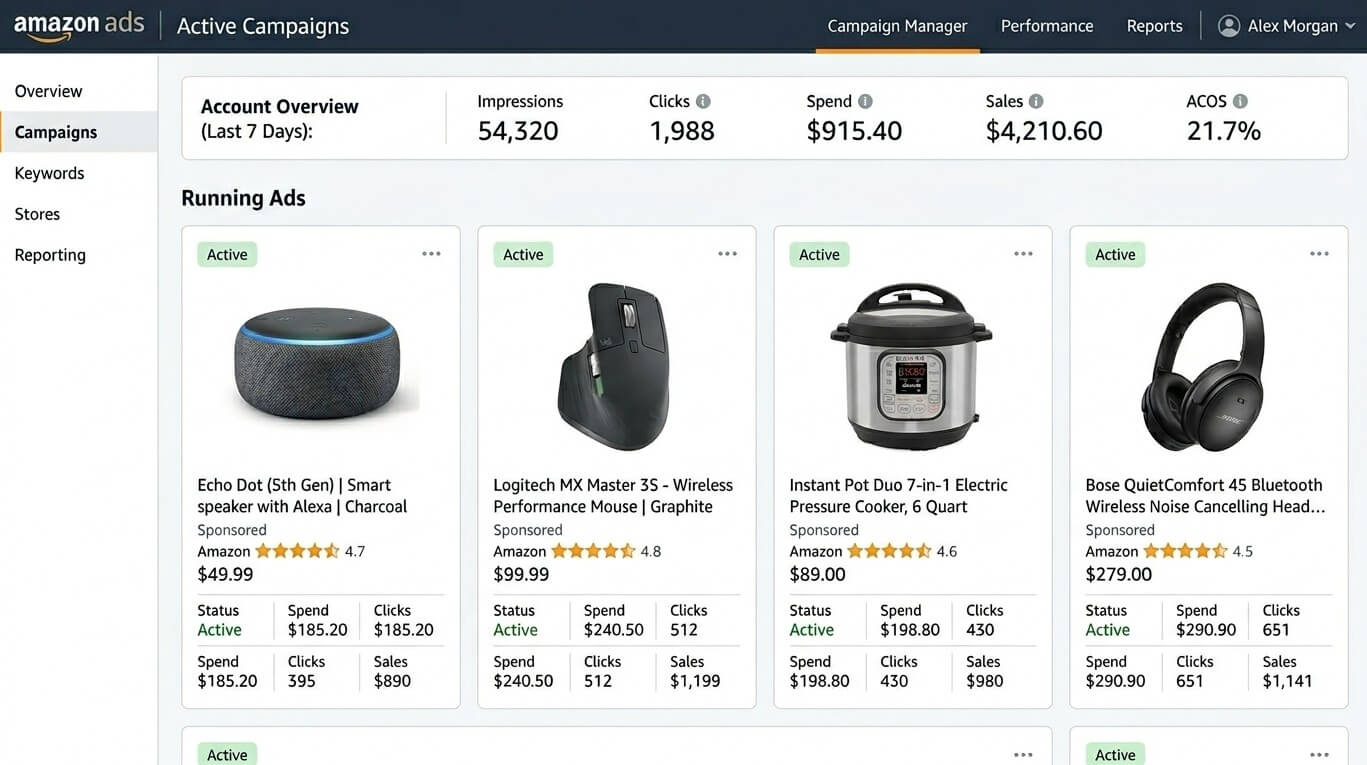
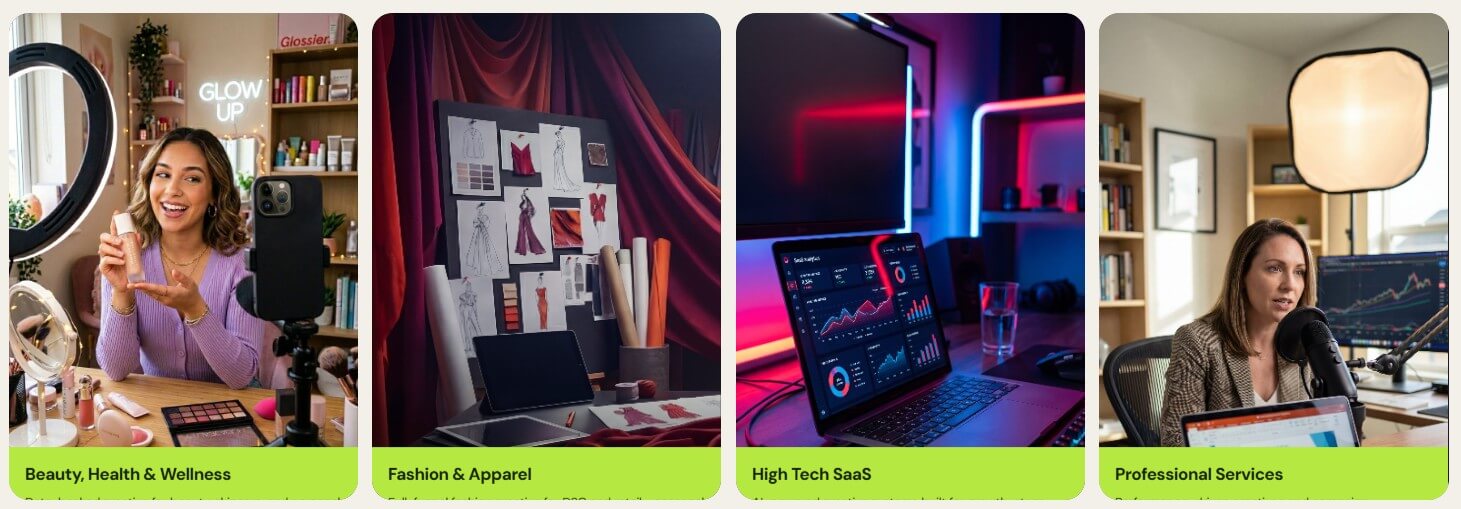
Quickads fits teams that need creative throughput. That includes D2C brands, small businesses, agencies, solo marketers, and growth teams running regular paid social campaigns. The official site lists use cases around e-commerce, lead generation, small business ads, UGC ads, AI videos, AI photoshoots, and ad creative.
It is also useful for early-stage campaign exploration. A team can use the ad library for direction, generate several creative routes, make rough cuts or static variations, then decide which angles deserve more polish.
For agencies, the value is volume and consistency. A small agency can build more first drafts, present more options, and produce more client-specific variations without starting every asset manually. For in-house teams, the value is speed. Quickads’ video page specifically calls out agencies and in-house teams as use cases for accessing ad inspiration, creating campaigns across platforms, and reducing creative development time.
- E-commerce product ads: Best for brands that need product shots, offer graphics, short videos, and platform-specific versions.
- Paid social testing: Strong for creating different hooks, CTAs, scenes, and layouts before deciding which direction to scale.
- Agency creative production: Useful when teams need a repeatable system for client ad drafts, quick variants, and social formats.
- UGC-style concepts: Good for producing ad ideas that look closer to social content than polished brand campaigns.
- Small business campaigns: Helpful for teams without a full-time designer, editor, copywriter, and media buyer working together.
- Creative research: The ad library gives users a starting point before they write copy or choose a visual direction.
- Start with the ad angle, not the asset type. “Show why this product saves time for busy parents” is more useful than “make an ad.”
- Use the ad library before generating. Look for patterns in hooks, pacing, offers, and visual layout, then adapt those ideas to your own brand.
- Create variants in batches. Change one major element at a time: hook, CTA, background, opening frame, or offer.
- Review every product image closely. Check packaging, label text, product shape, and brand colors before publishing.
- Use manual editing after generation. Quickads gives text and design controls, so do not treat the first version as the final version.
- Quickads can speed up production, but it does not remove the need for marketing judgment. The platform can generate many creatives, but it cannot guarantee that the offer, positioning, audience, landing page, or media strategy is strong.
- Generated ads may also need cleanup. Product visuals can drift, AI voice may not fit every brand, and UGC-style ads can feel generic if the script is weak. Text-heavy ads need careful review for readability and accuracy.
- Another trade-off is creative originality. Because Quickads is built for performance patterns, outputs may lean toward familiar ad structures. That is useful for speed and testing, but brands with a highly distinctive visual identity may need deeper design control.
Quickads is best for teams that need to produce more ad creative, faster, across static images, videos, product visuals, and social formats.
Its strongest value is the full workflow: ad inspiration, AI generation, product photoshoots, video ads, resizing, editing, and campaign-ready variants in one place.
The main caveat is that Quickads helps create and iterate ads, but it does not replace sharp positioning, careful review, or a strong media strategy.
TAGS: Marketing
Related Tools:
Helps quickly develop content marketing plans

Create 3D models using advanced NURBS-based techniques

Generates high-quality marketing assets
Transforms product images into animated marketing videos

Transforms basic product photos into high-quality images
Cleans, formats, and audits contact lists