

Share this tool:
 |
Description:
Mokker AI is an AI product photography tool that takes a simple product photo, removes the background, and places the product into more polished commercial scenes. It is designed for eCommerce sellers, small brands, marketers, and agencies that need product visuals for websites, online shops, social media, ads, and print materials without arranging a full photoshoot each time.
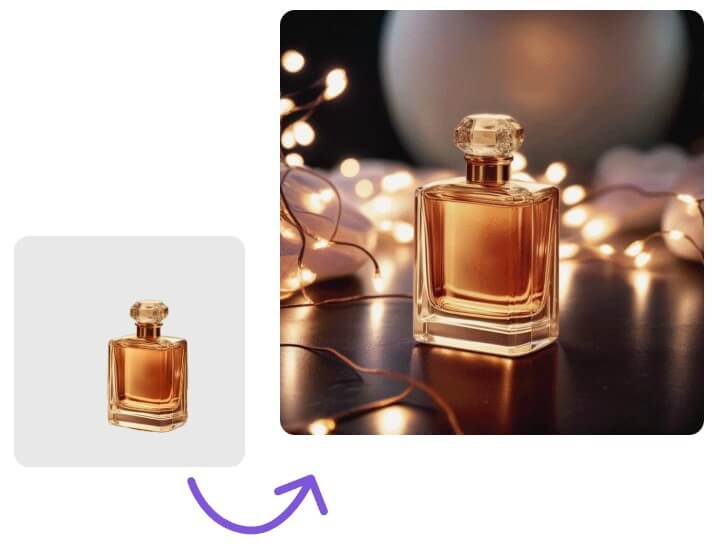
These before-and-after samples show how Mokker can take a plain product input and turn it into a more complete commercial image with background, lighting, context, and product staging.
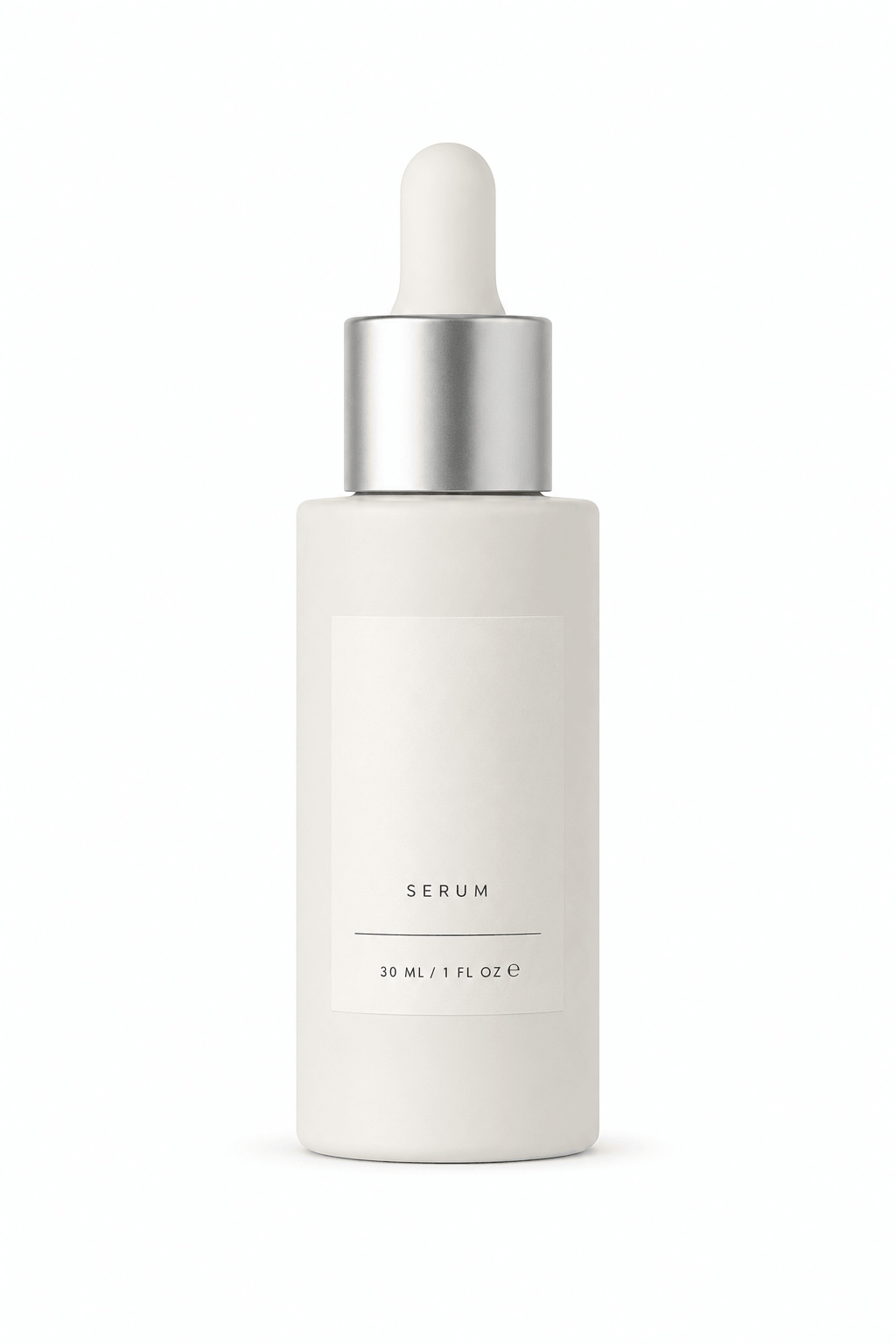
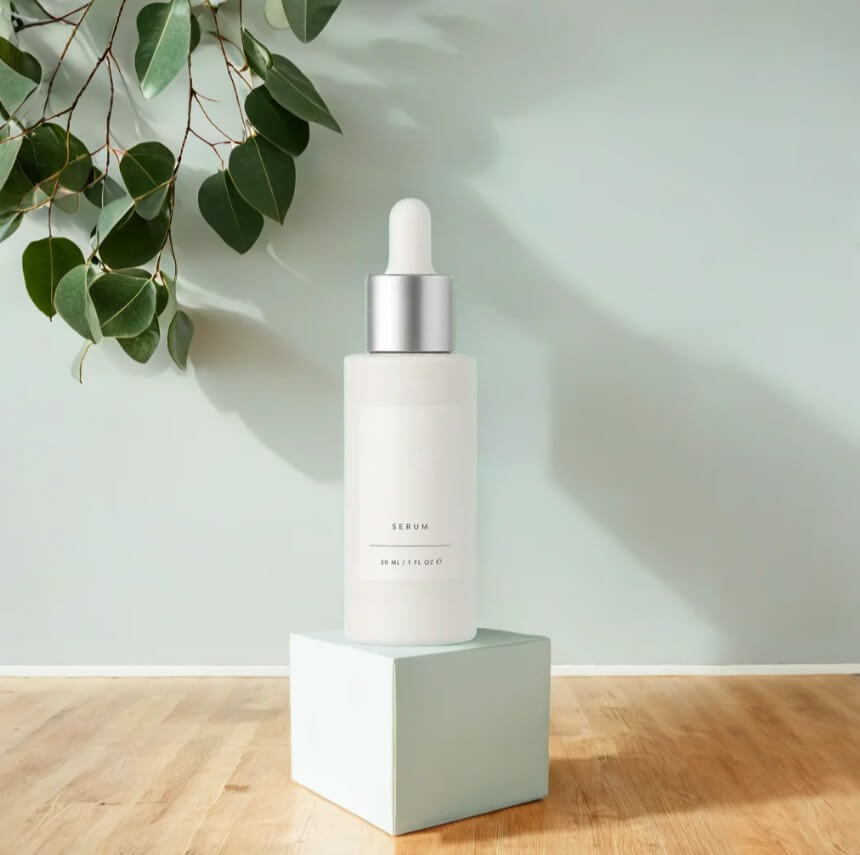
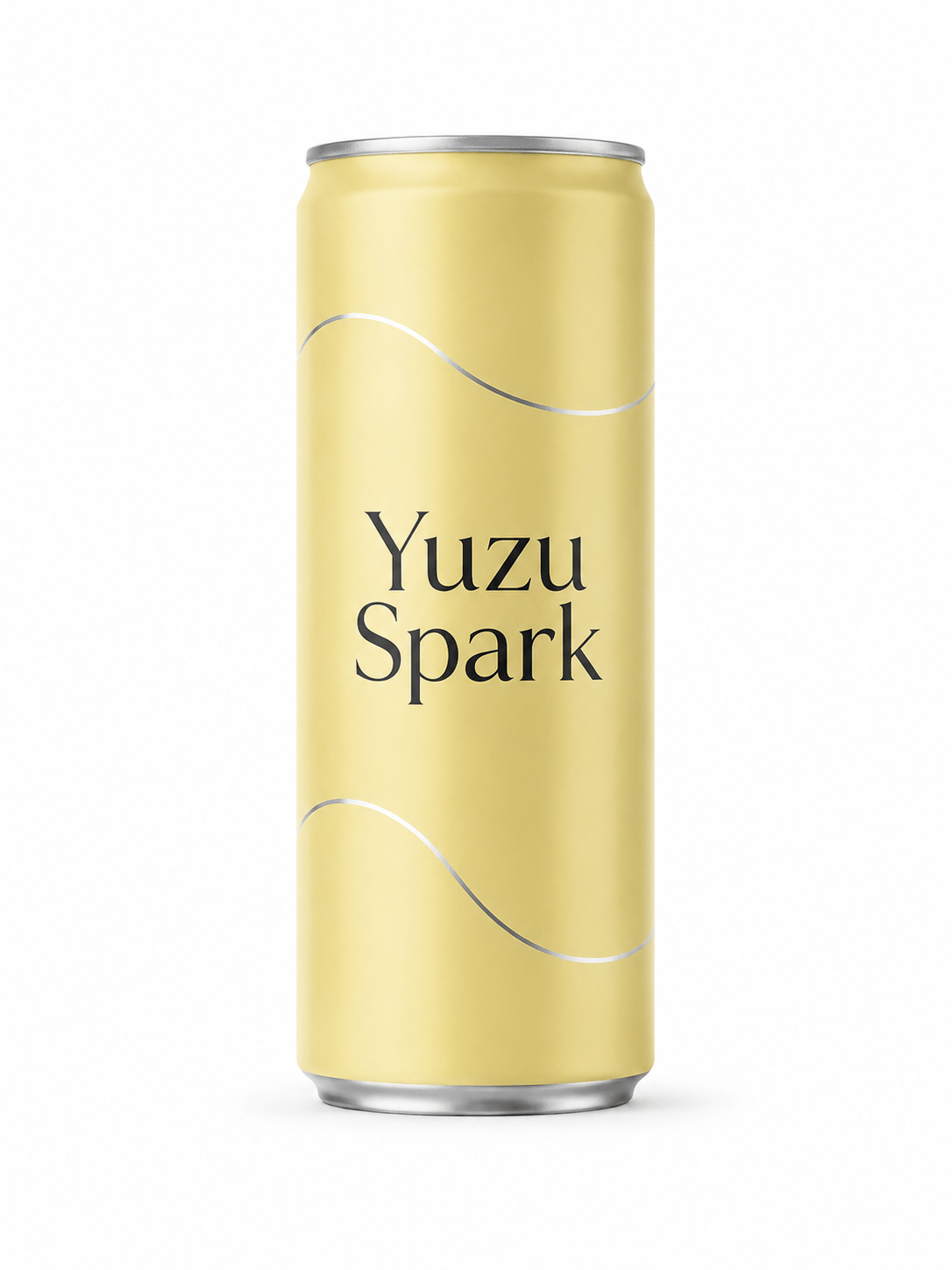
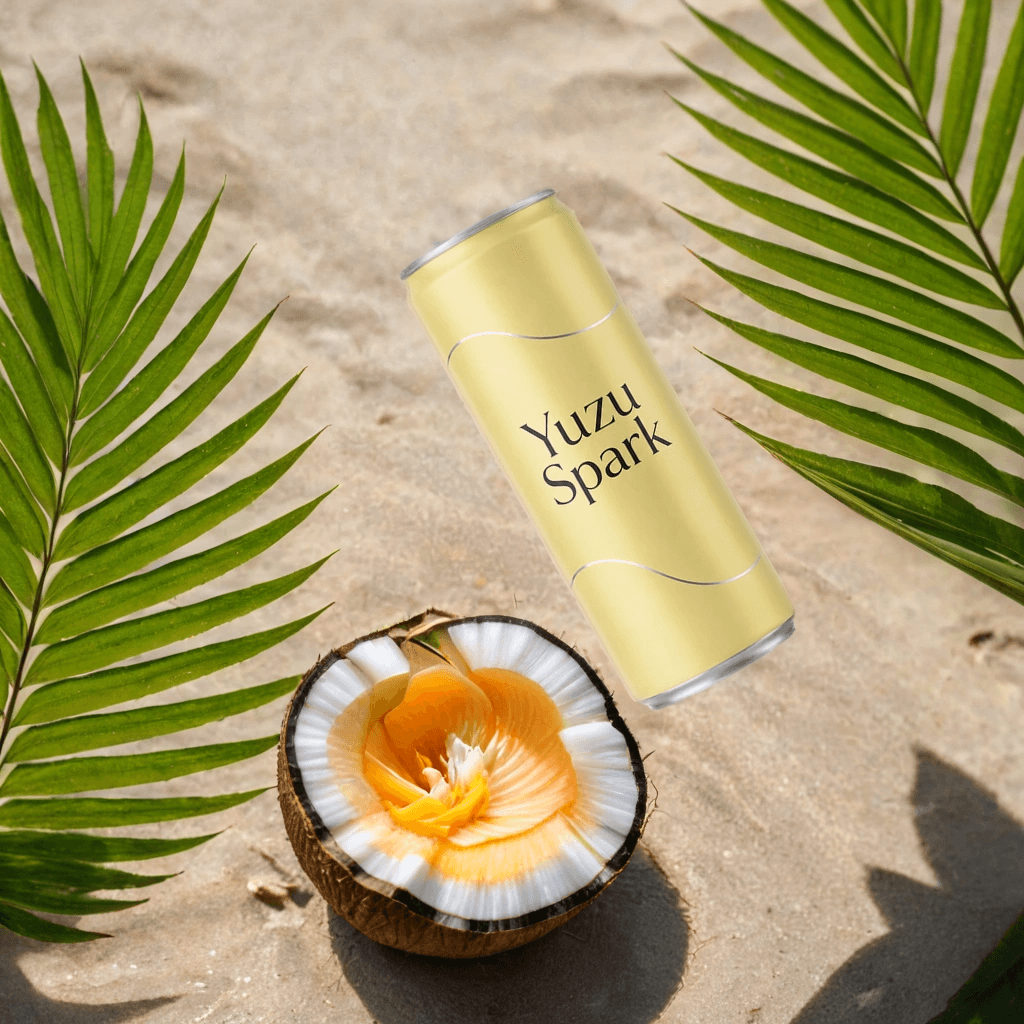
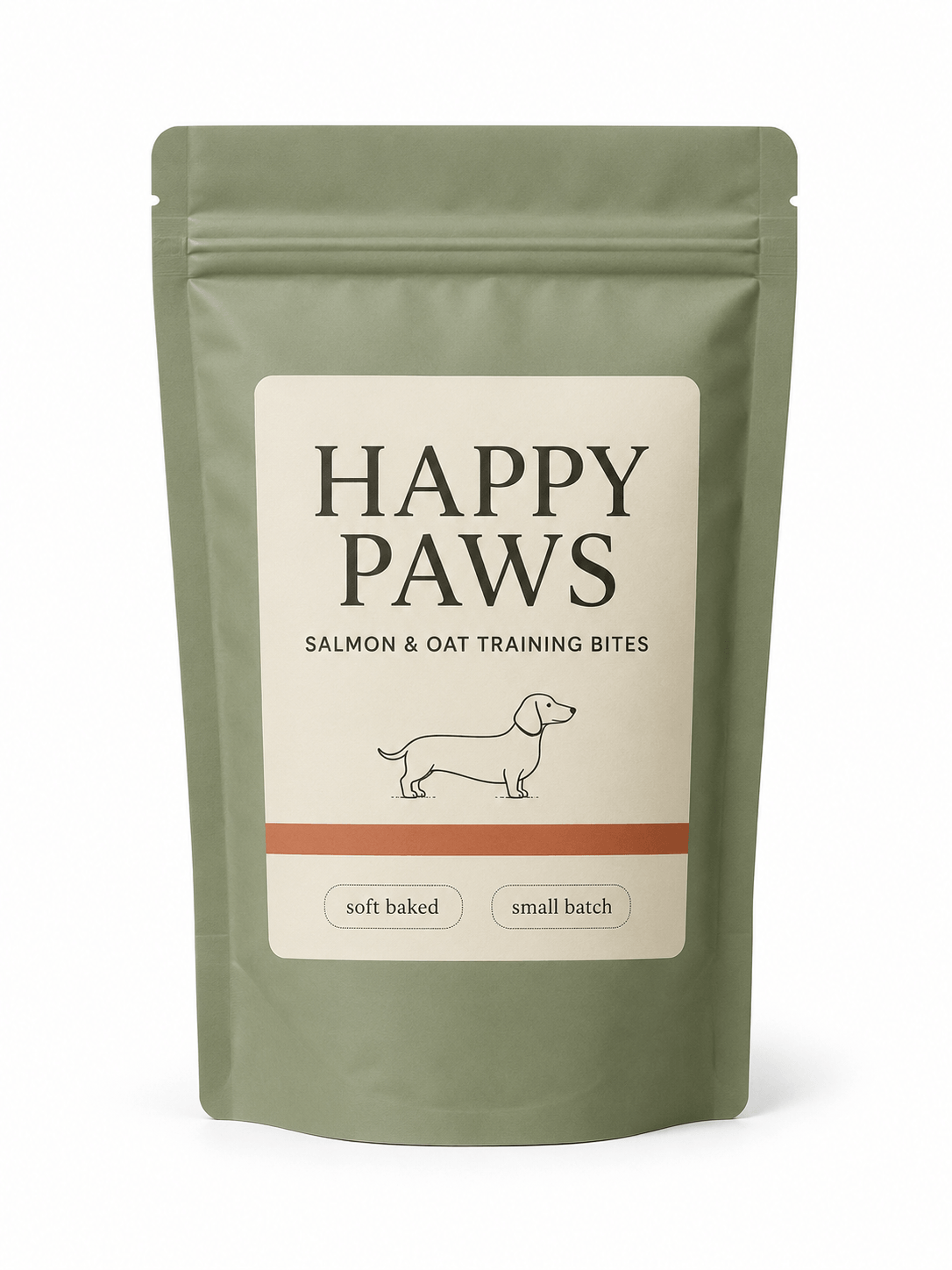
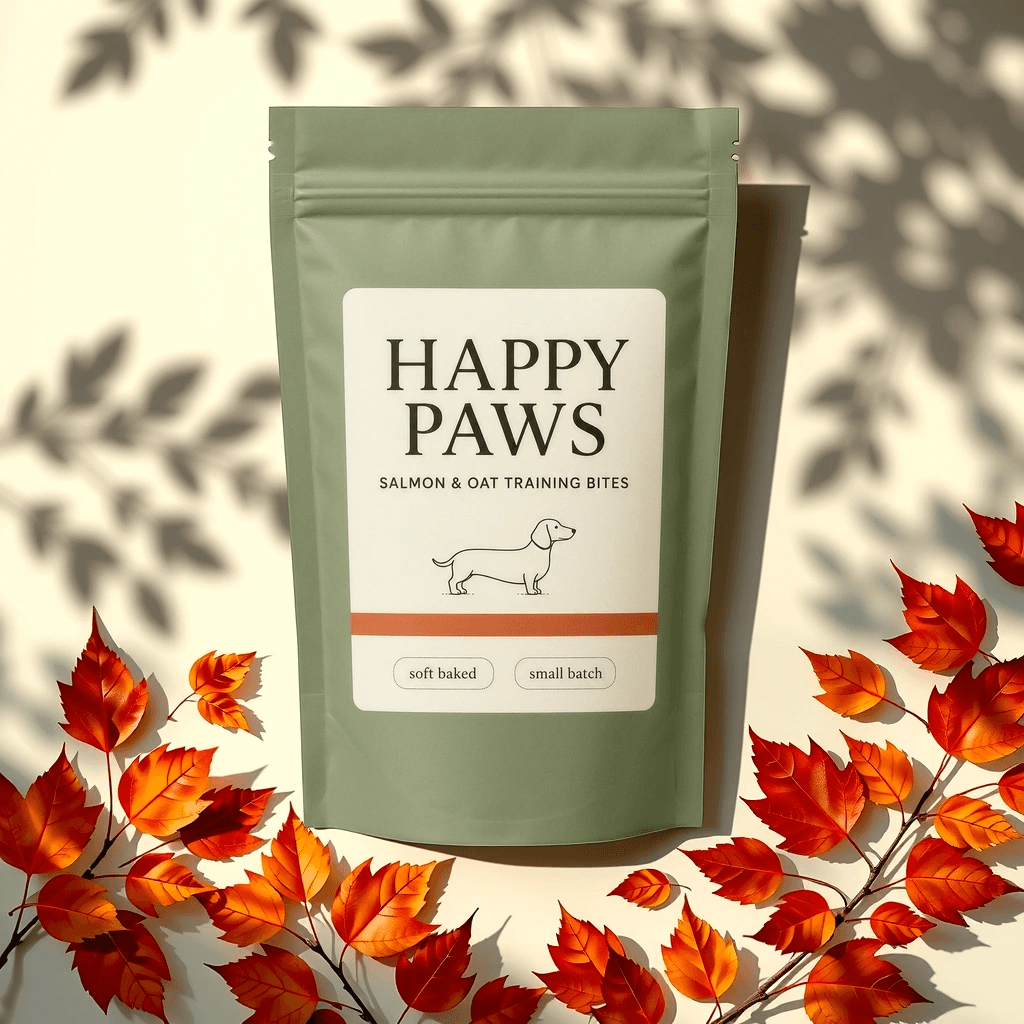
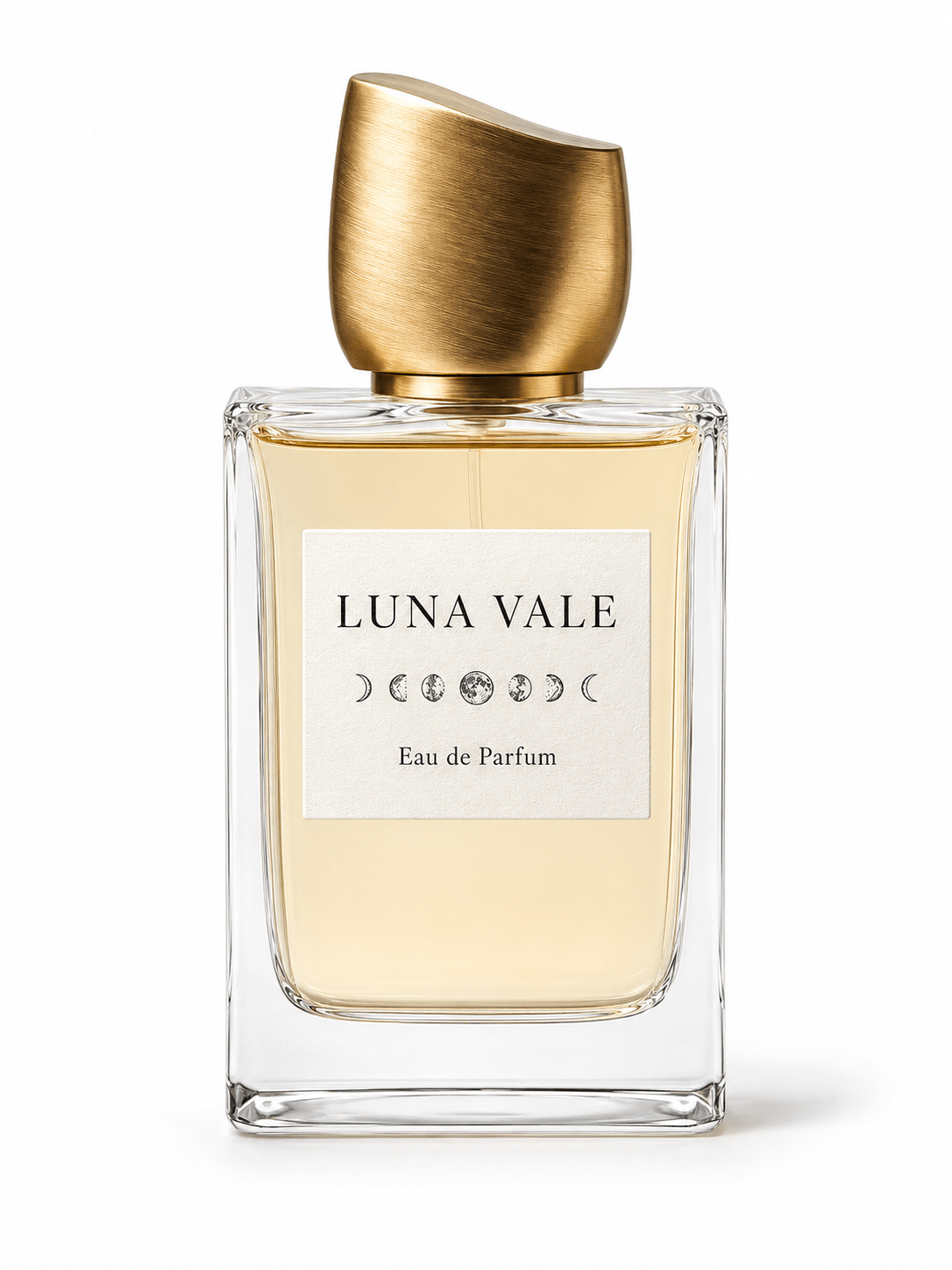
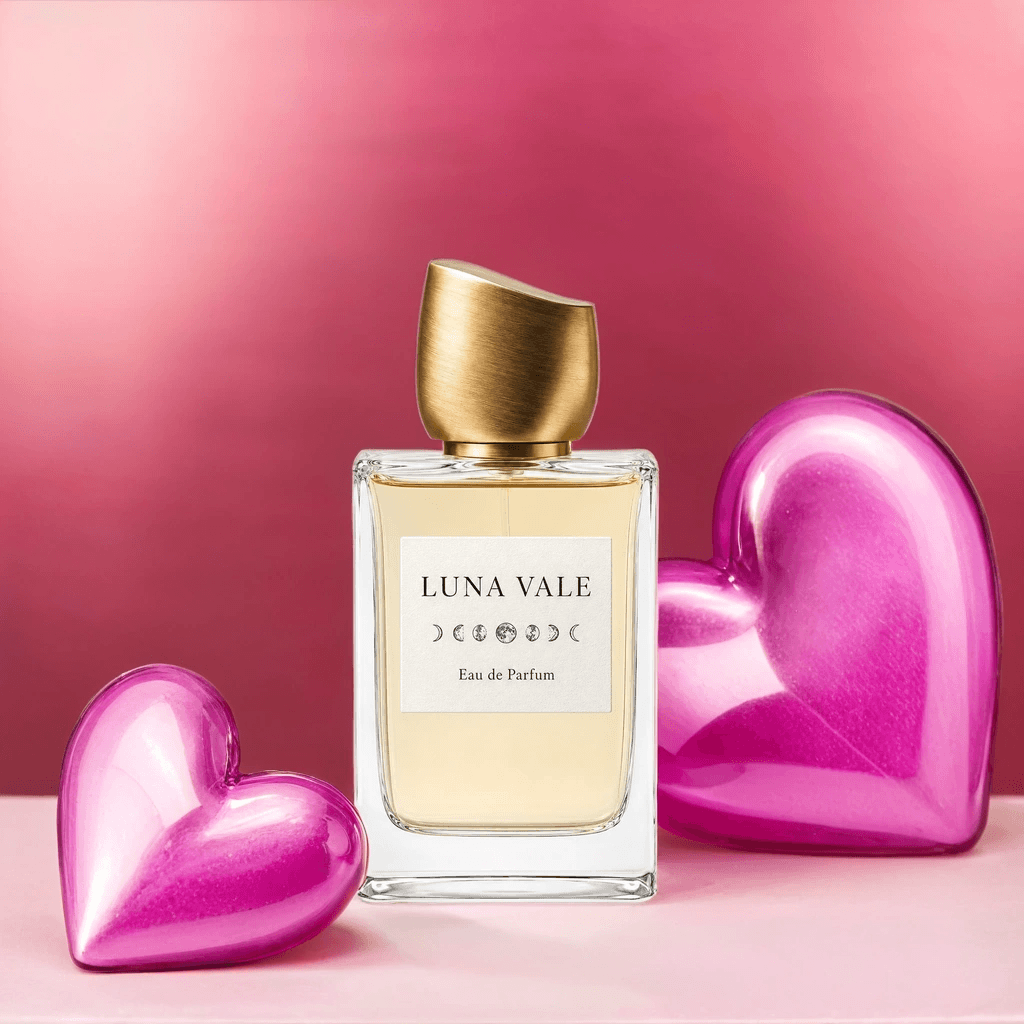
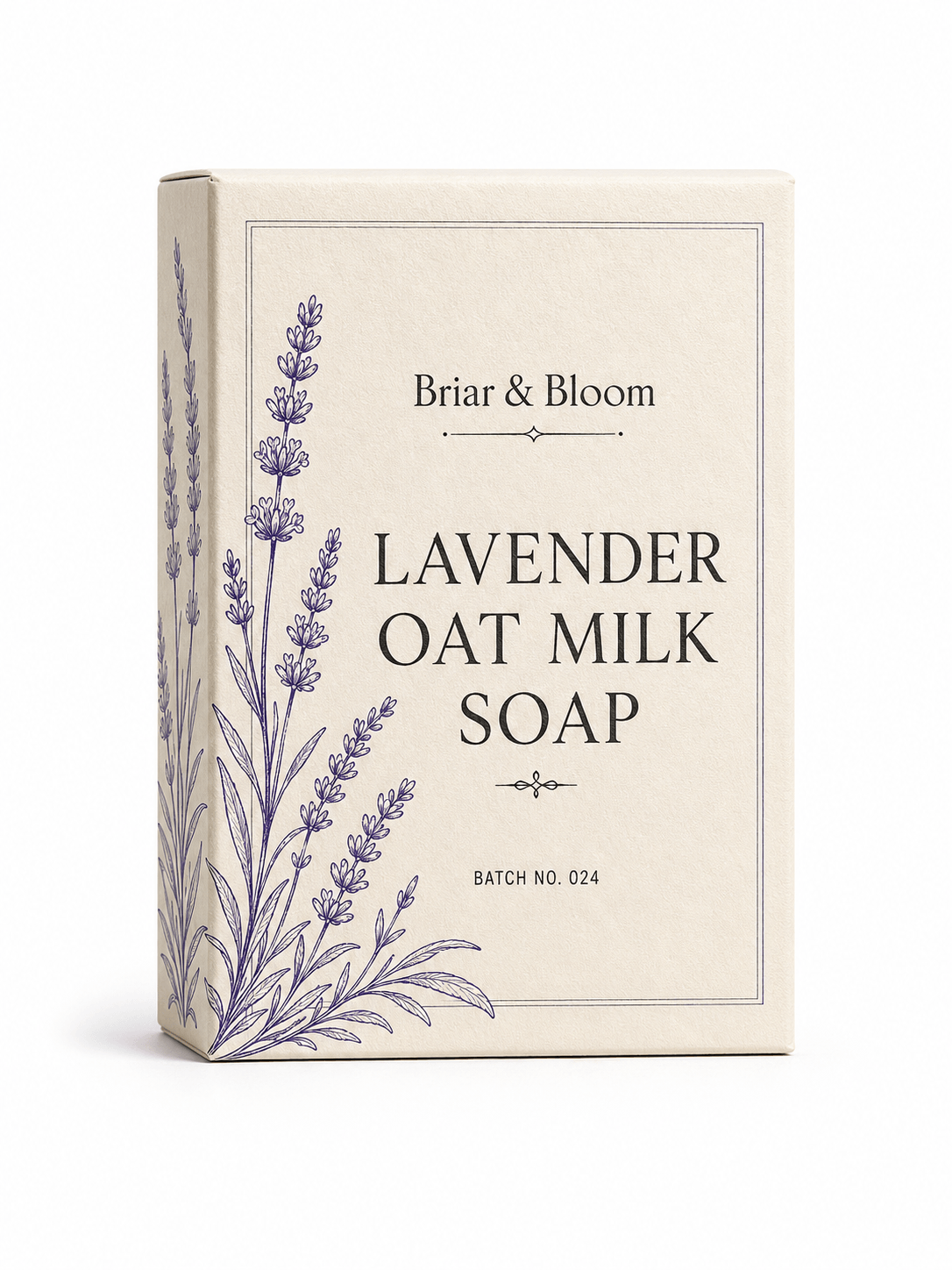

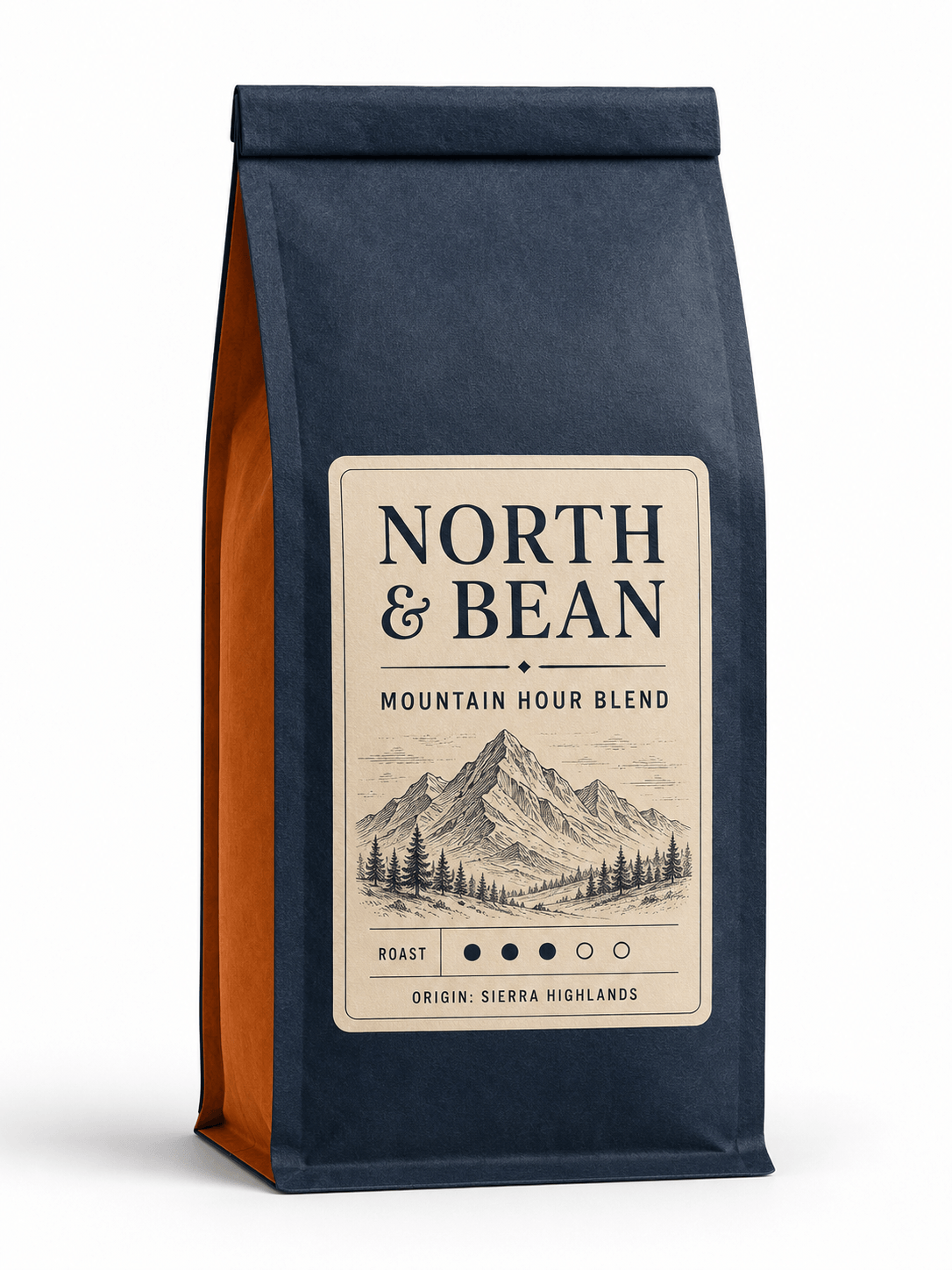
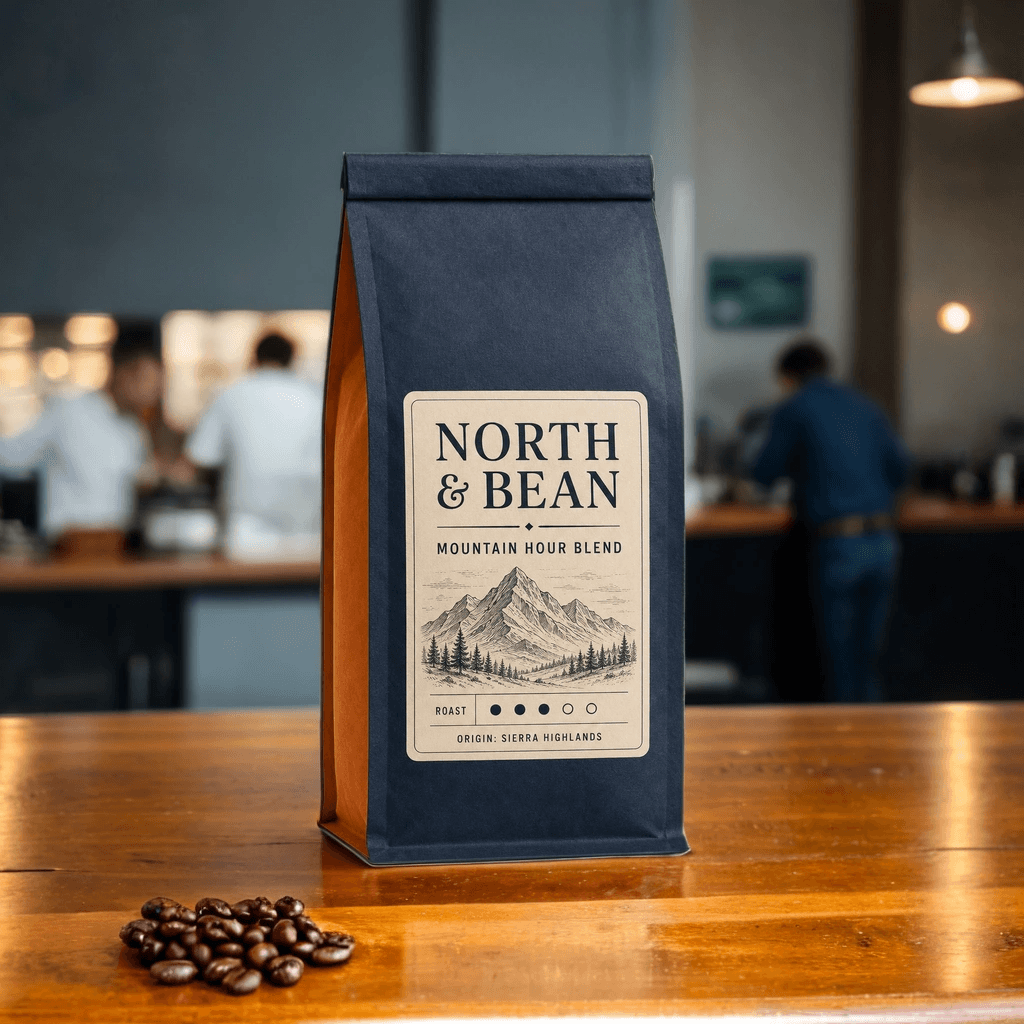
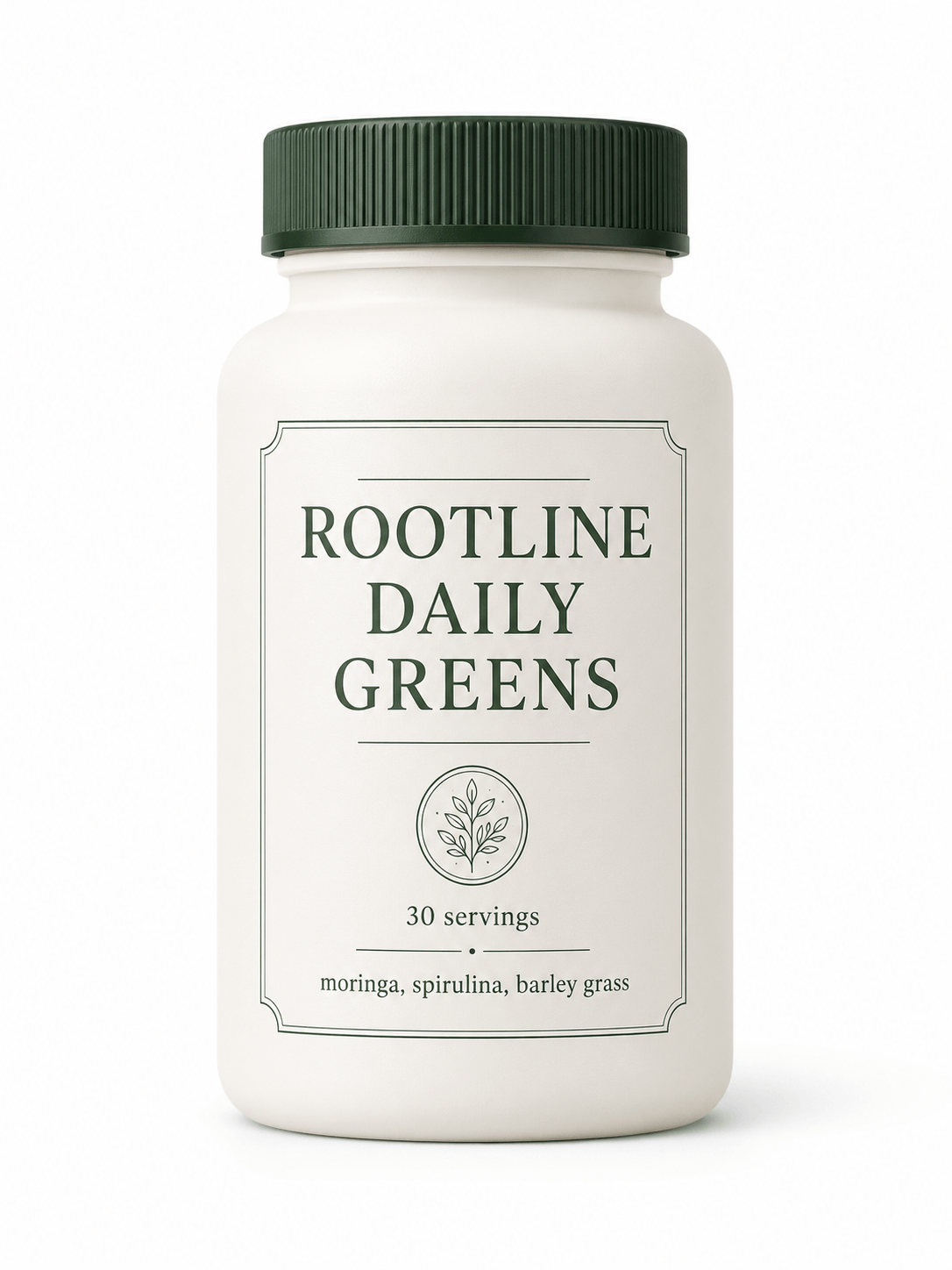

Mokker is strongest at one practical job: making basic product photos look more usable for marketing.
That sounds simple, but it solves a common problem. A small brand may have a product shot that is clear enough, but not attractive enough for a homepage, ad campaign, product page, or social post. Hiring a photographer, building a set, ordering props, and editing final images can be slow. Mokker gives users a faster route: upload the product, let the AI remove the background, choose from templates, and generate a new scene.
The tool is less about broad creative image generation and more about product presentation. That focus matters. A general image model can create beautiful scenes, but it may invent the product or change its shape. Mokker starts with your product image, which helps keep the workflow grounded in a real item.
Mokker also fits the way product content is actually used. Brands rarely need one image. They need a set: a clean product page image, a social post, a website banner, a marketplace visual, maybe a print-ready asset. Mokker’s AI photoshoot page specifically highlights social media imagery, website content, and high-resolution print-ready product images.
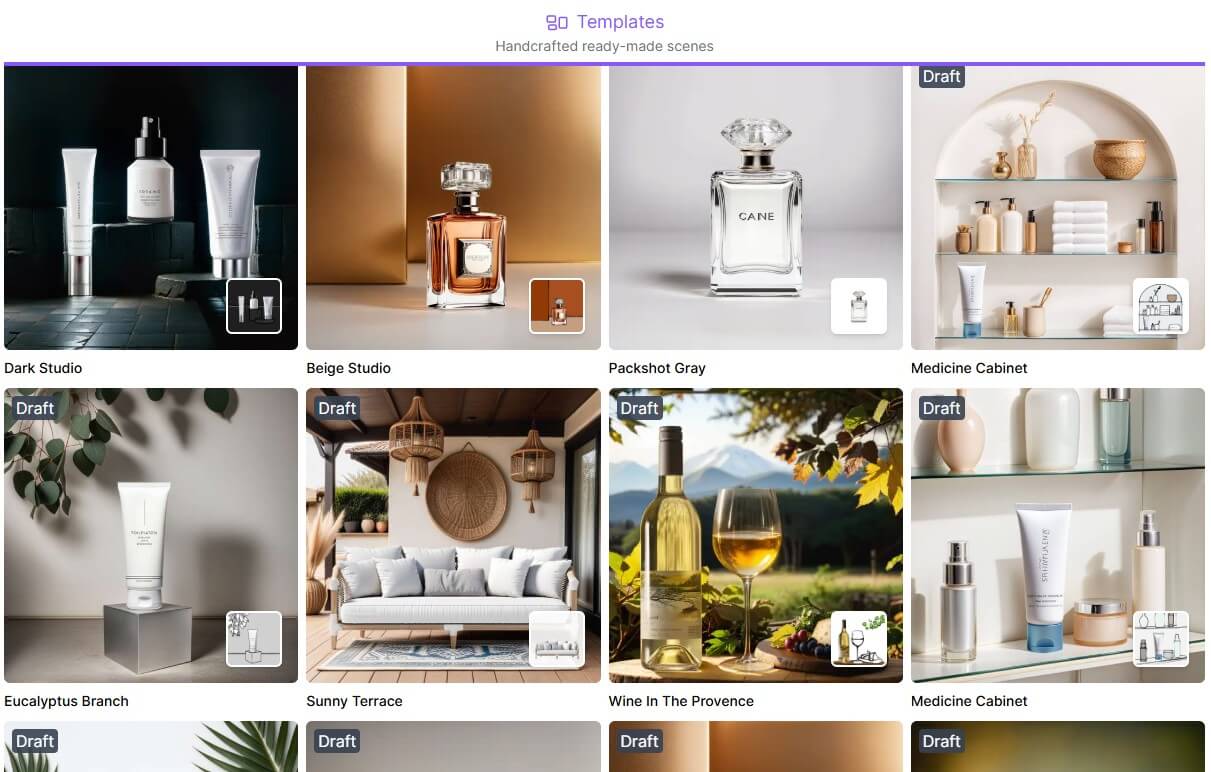
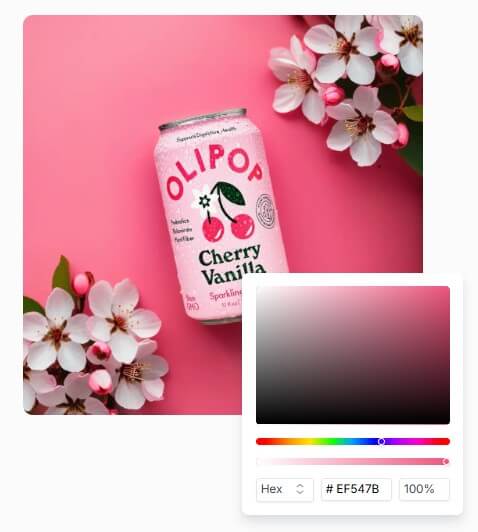
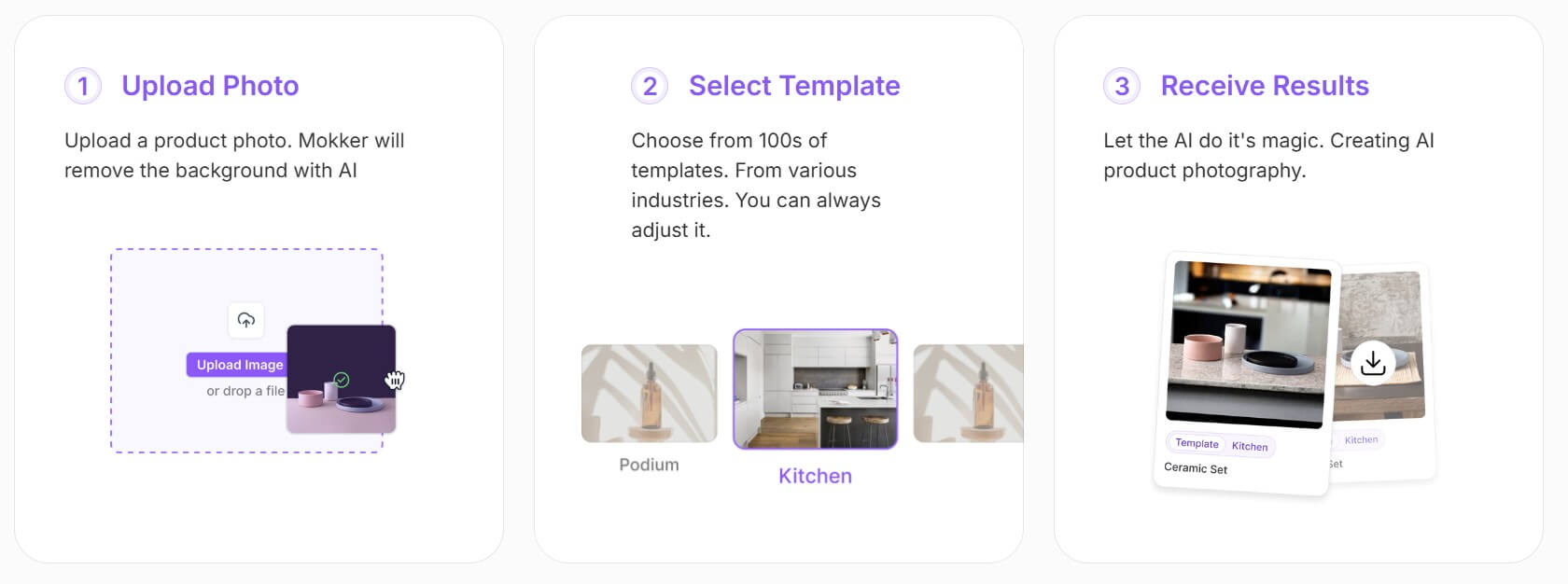
Mokker’s workflow is built for speed. The official process is clear: upload a product photo, select a template, and receive generated results. That makes it approachable for sellers who do not want to learn advanced photo editing or prompt engineering.
The template system is the most important part of the ease-of-use story. Many users do not know how to describe lighting, camera angle, material, depth of field, or visual hierarchy. Templates give them a starting point. They can choose a look that fits the product category, then adjust from there.
This also makes Mokker useful for non-designers. A solo seller can create better product visuals without understanding Photoshop. A marketer can make quick campaign variations. An agency can produce visual directions before investing in a full creative shoot.
The tool became part of a broader product-content ecosystem after soona acquired Mokker.ai. Soona said Mokker brings generative AI product photography tools into its software, combining human-created visual assets with AI props and backgrounds through a browser-based digital canvas. Existing Mokker customers were also said to keep access to their accounts at Mokker.ai.
Mokker’s output quality should be judged by two standards.
The first is visual polish. Does the image look good enough for a store, campaign, product page, or social post? Mokker is built to improve that layer quickly, especially when the original image is plain but usable.
The second standard is more important: product fidelity. Does the product still look real? Does the logo stay intact? Does the shape remain accurate? Are the color, scale, material, and label believable?
This is where user input matters. Mokker’s own guidance says good input photos are crucial. It recommends using a product image with a white background, full product visibility, good lighting, and the right size and quality. It also warns against cluttered images, objects blocking the product, or distorted product photos. That is a practical warning. AI background tools can do a lot, but they are not magic cleanup systems for bad source images. A clean upload gives Mokker a much better chance of producing commercial-looking results.

- eCommerce product pages: Mokker is useful for brands that need cleaner product visuals for online stores without shooting every product in a studio.
- Social media imagery: The tool is well suited for creating more engaging product scenes for Instagram, Pinterest, Facebook, TikTok covers, and other visual platforms.
- Website banners and campaign assets: The Resize feature helps adapt visuals into different formats, including banners and story-style layouts.
- Print-ready marketing images: Mokker positions its AI photoshoot outputs as high-resolution and print-ready, which can help with flyers, product inserts, catalog-style materials, and physical campaign assets.
- Product category visuals: Mokker’s showcase points to categories such as furniture, cosmetics, jewellery, and electronics, which are all visual product types where better staging can improve perceived value.
- Fast campaign variation: Mokker works well when a team needs several visual styles around the same product, such as minimal studio, lifestyle, seasonal, luxury, or colorful social content.
- Start with a clean product photo. Use a sharp image, plain background, good lighting, and full visibility of the item. Avoid hands, clutter, props, shadows, and other products unless they are meant to be part of the final image.
- Use templates first. They are the fastest way to understand Mokker’s visual range and find a direction that fits the product.
- Check product details before publishing. Look closely at logos, labels, shape, product scale, edge quality, and color accuracy.
- Create sets, not one-off images. Mokker is most valuable when you generate a family of assets for product pages, social posts, ads, and banners.
- Use reference photos when brand consistency matters. If your brand already has a style, reference images can help guide the output toward that look.
- Mokker’s main limitation is that output quality depends heavily on the source image. If the upload is weak, the generated result may still look off. A blurry, angled, cluttered, or poorly lit product photo gives the AI less reliable information to work with.
- The second limitation is product accuracy. Like most AI product photography tools, Mokker can create attractive images that still need careful review. This matters for jewellery, cosmetics, electronics, packaged goods, supplements, and any product with label text or small details.
- It also does not fully replace professional photography. For premium launches, regulated product categories, technical product shots, and campaigns where material accuracy matters, a real shoot or professional retouching may still be worth it.
Mokker AI is best for eCommerce sellers, small brands, marketers, and agencies that need better product visuals without building a full photoshoot process.
Its strongest value is speed: upload a product photo, remove the background, choose a template, and generate polished product images for stores, social media, ads, banners, and print materials.
The main caveat is source quality. Mokker can improve product presentation, but it still depends on clean input photos and careful human review before the images go live.
TAGS: Marketing Photo Editing
Related Tools:

Transforms fashion product photos into studio-quality images

Automates budgeting, provides debt payoff strategies

Shopping assistant for Shopify stores

Advanced accounting software for small-medium businesses

Automates digital marketing campaigns
Allows users to easily create and edit drawings