
Share this tool:
 |
Description:
Looka is an AI-assisted branding platform for entrepreneurs, small businesses, creators, and side projects that need a logo and basic brand identity without hiring a designer from day one. Its main value is not just generating logo options. It guides users from a business name and style preferences into logo concepts, brand colors, fonts, mockups, social assets, business cards, and other branded materials.
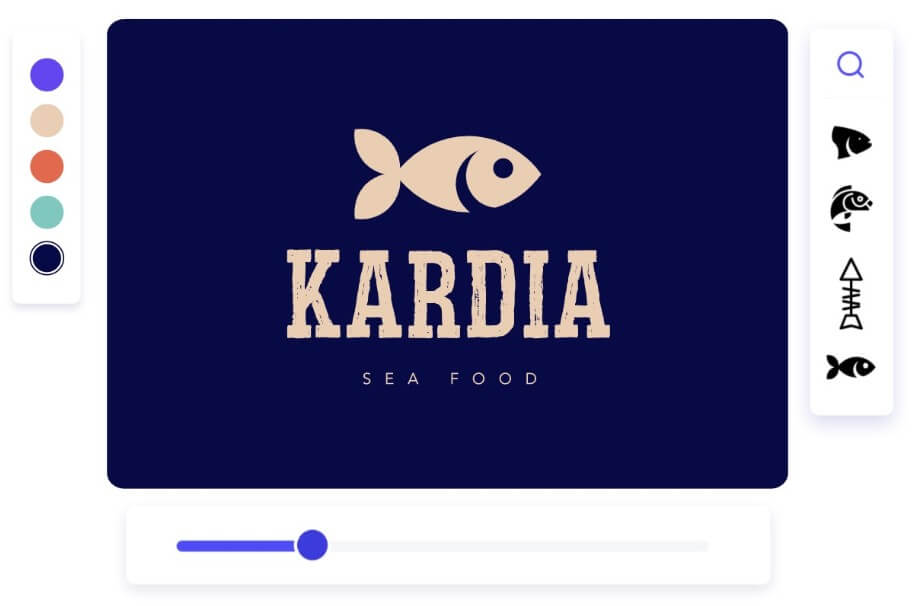
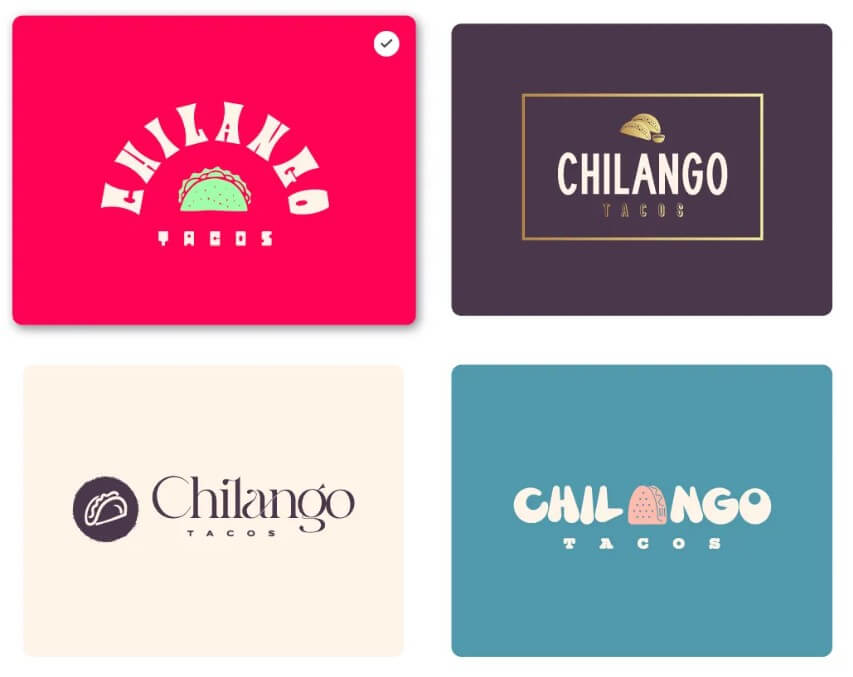
These sample results show the kind of logo directions Looka can generate from simple brand inputs, giving users multiple starting points before they refine colors, symbols, typography, and layout.
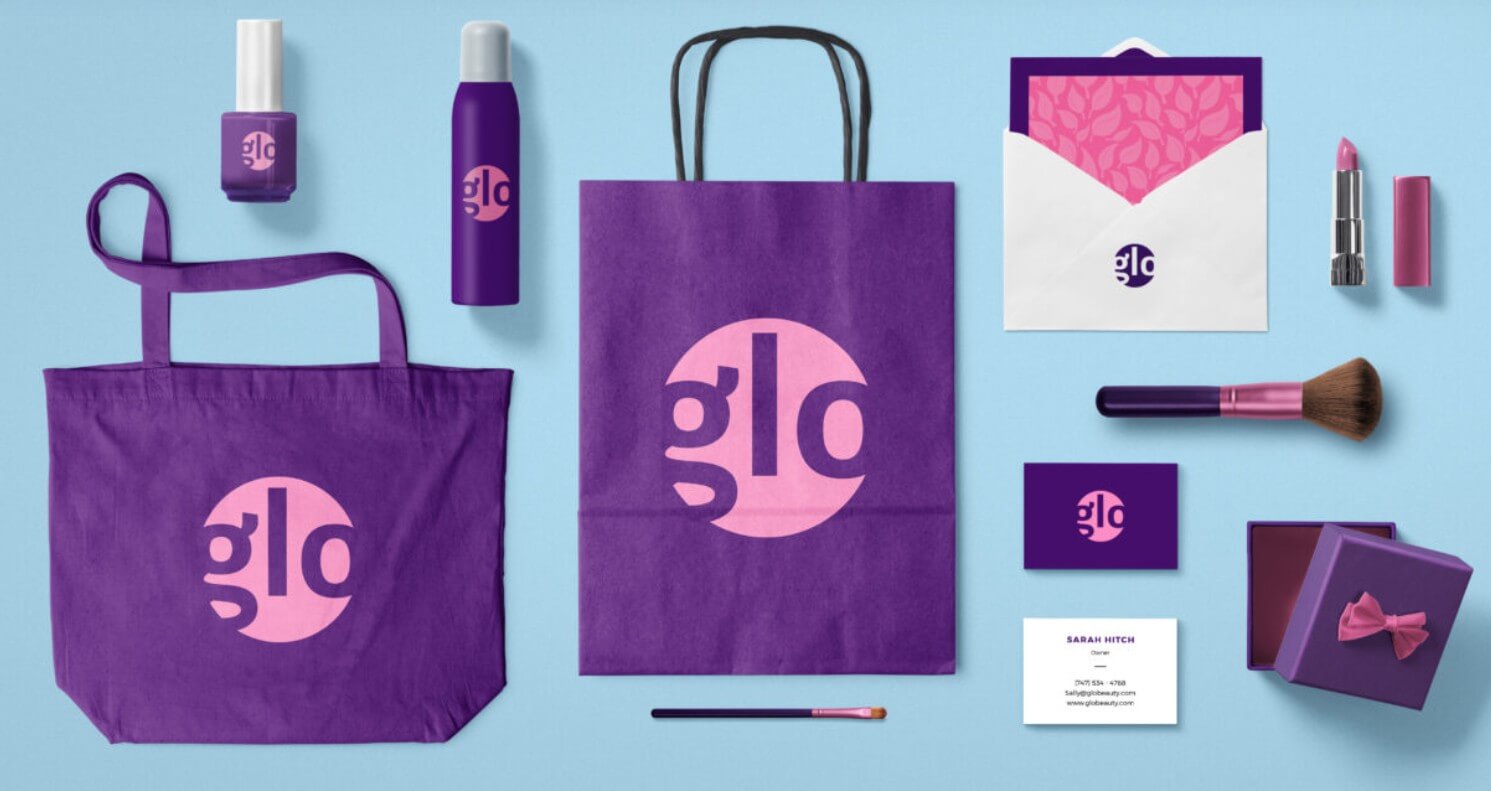
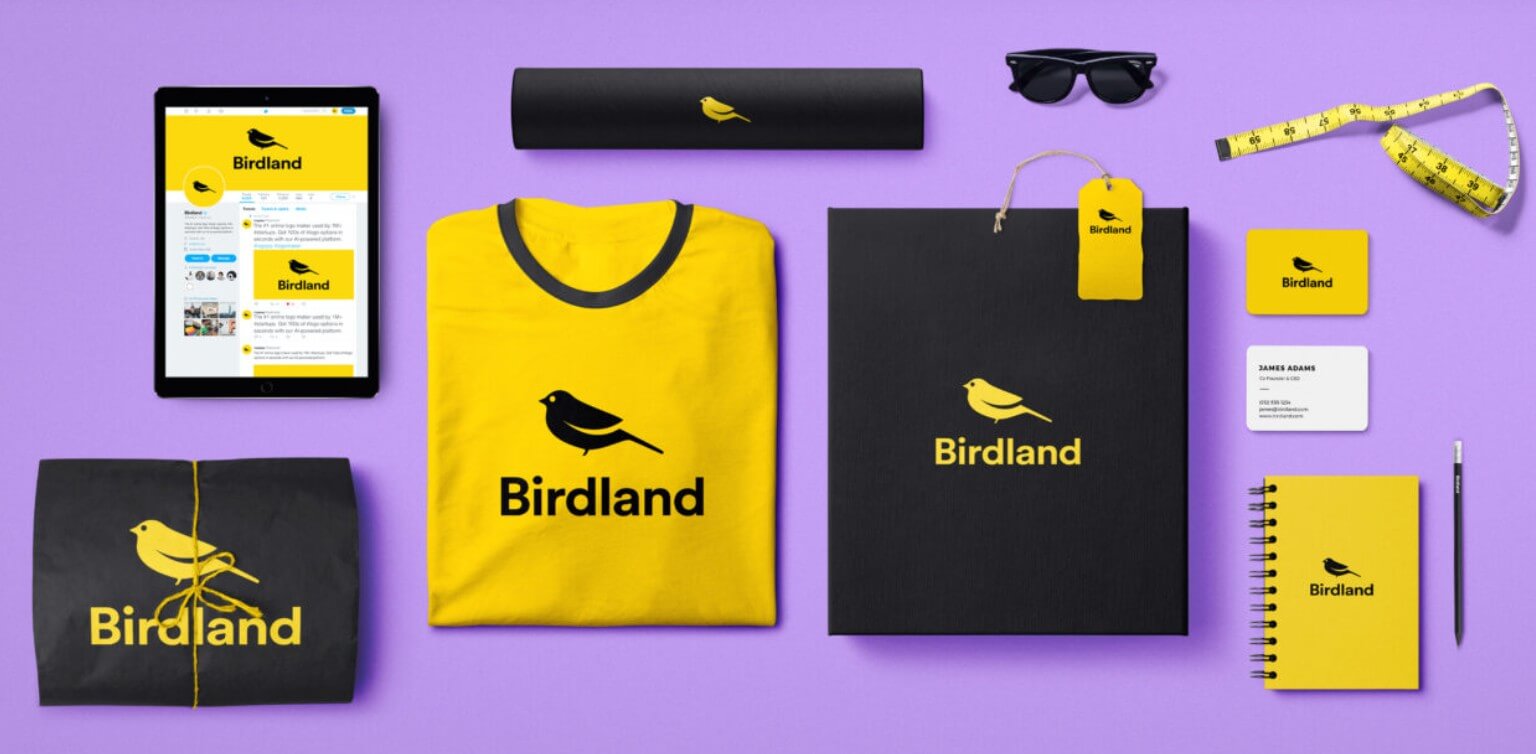
Looka is strongest when the user needs a practical brand starter kit, not a one-off art piece. The workflow is built around speed and consistency: enter a company name, choose an industry, pick preferred styles, colors, and symbols, then review generated logo options that can be edited further. Looka says its logo maker combines design preferences with AI and can generate custom logo designs from those inputs.
That makes it useful for people who know the general direction of their brand but do not know how to build a visual identity from scratch. Instead of opening a blank design canvas, you make guided choices. That is a major advantage for non-designers.
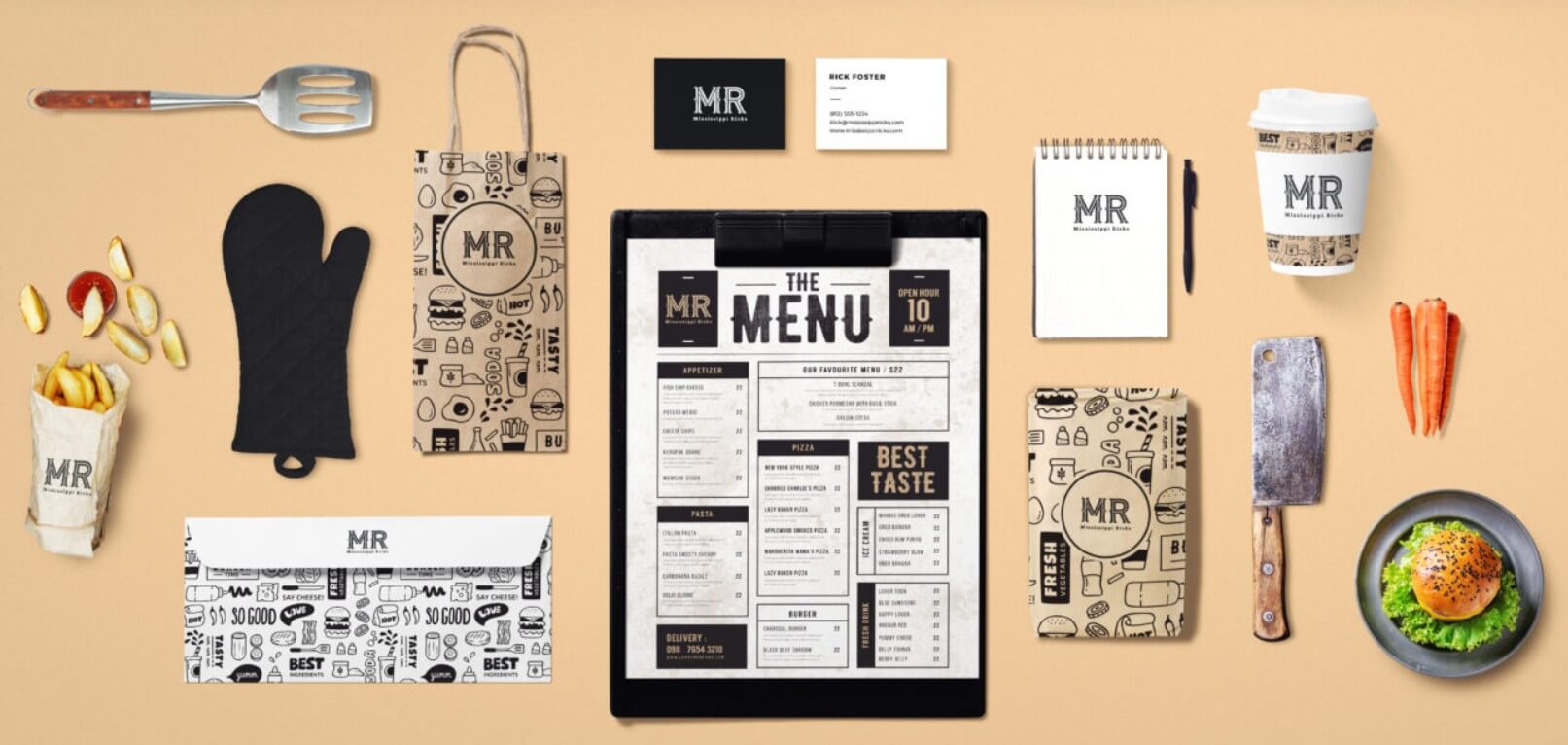
The best part is the handoff from logo to brand materials. Once the logo is created, Looka’s Brand Kit uses the logo, colors, fonts, stock photos, and industry-related content to generate branded templates. Official help documentation describes the Brand Kit as offering 300+ branded templates, with company information such as website and phone number automatically added to designs.
| Feature | Why It Matters |
|---|---|
| AI Logo Maker | Turns business details and style choices into multiple logo directions. |
| Logo Editor | Lets users adjust colors, symbols, sizing, and layout before finalizing. |
| Brand Kit | Builds matching branded assets from the chosen logo, colors, and fonts. |
| Social Media Assets | Helps create profile images, covers, posts, and stories with consistent branding. |
| Business Materials | Supports business cards, email signatures, letterheads, ads, flyers, presentations, and more. |
| Website Builder | Extends the brand identity into a simple website workflow inside Looka’s Brand Kit system. |
Looka’s workflow is simple in the right way. It does not ask users to think like designers before they start. The first steps are familiar: business name, industry, logo styles, colors, and symbols. From there, the platform generates options and gives users a visual menu of directions to explore.
This is useful because most new businesses do not start with a clear design brief. They start with taste: “modern,” “friendly,” “premium,” “bold,” “natural,” or “minimal.” Looka converts those preferences into draft identities quickly.
The editing experience is better suited to controlled customization than deep graphic design. Users can tweak visual elements, review mockups, and see how the logo behaves on real-world items. That matters because a logo can look good in isolation and still fail on a social icon, business card, shirt, or website header. Looka’s mockup-driven process helps catch some of those issues early.
The Brand Kit workflow is where Looka becomes more useful. Instead of forcing users to rebuild every asset manually, it carries the brand look across templates. For a solo founder, local service business, coach, creator, or small e-commerce project, that can save a lot of time.
Looka’s logo quality is strongest for clean, conventional brand identities: service businesses, consultants, wellness brands, local companies, podcasts, creators, small shops, SaaS-style startups, and personal brands. It works best when the desired logo is simple enough to be systematized: clear wordmark, icon, color palette, and matching layout.
It is less ideal when the brand needs custom illustration, unusual typography, deep symbolism, or a highly strategic identity system. Looka can help you get a polished starting point, but it is not the same as working with a skilled brand designer who can research competitors, define positioning, and create a custom visual language.
The practical control is good for the target user. You can change colors, symbols, sizing, and related design elements, and Looka provides logo files for different uses. Its official site says logo files can include high-resolution file types such as SVG, PNG, EPS, and PDF, plus black, white, color, and transparent background variations.
That file support matters. A logo is only useful if it can be placed cleanly across web pages, print materials, slides, invoices, and social profiles.
The Brand Kit is Looka’s strongest reason to consider it over a basic logo generator. A logo-only tool may help you create a mark, but then you still need business cards, social covers, posts, flyers, email signatures, and other assets. Looka connects those pieces into one brand system.
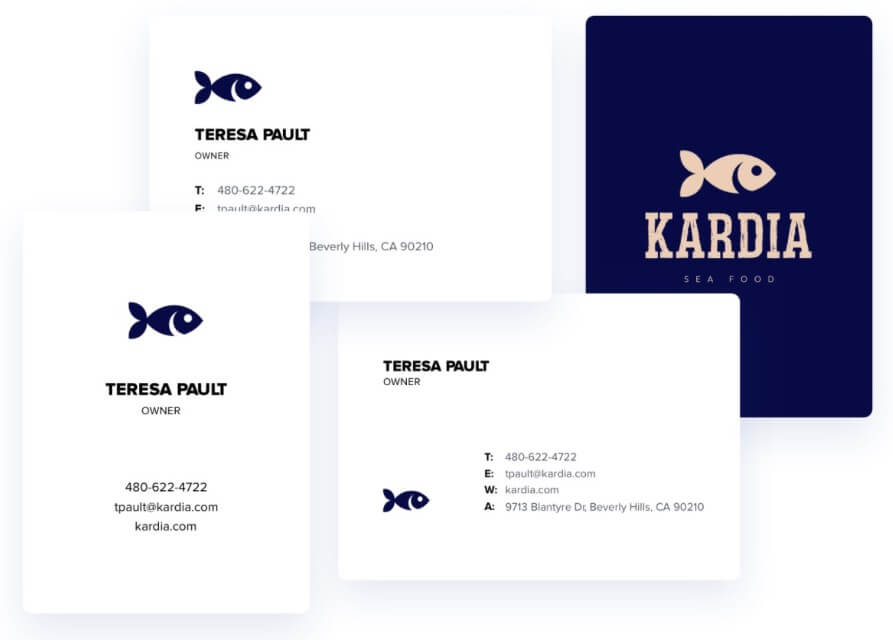
Official Looka pages describe the Brand Kit as a dashboard where users can customize and download new designs, with templates for business cards, websites, social covers, and more. The editor lets users change photos, text, colors, backgrounds, and other elements. It also supports stock photo search through Unsplash, according to Looka’s Brand Kit FAQ.
A useful extra is Bring Your Own Logo. Looka’s help documentation says users can upload a PNG logo, choose brand-kit fonts, colors, and company information, then generate marketing templates from that input. This makes Looka more flexible for users who already have a logo but still want fast branded materials.
- New business launch: Looka is a good fit when you need a logo, color palette, and basic marketing assets quickly.
- Solo founders and freelancers: It works well for consultants, coaches, local service providers, writers, and creators who need to look credible without building everything from scratch.
- Social media branding: The Brand Kit is useful for profile images, banners, posts, and stories that need to feel consistent across platforms.
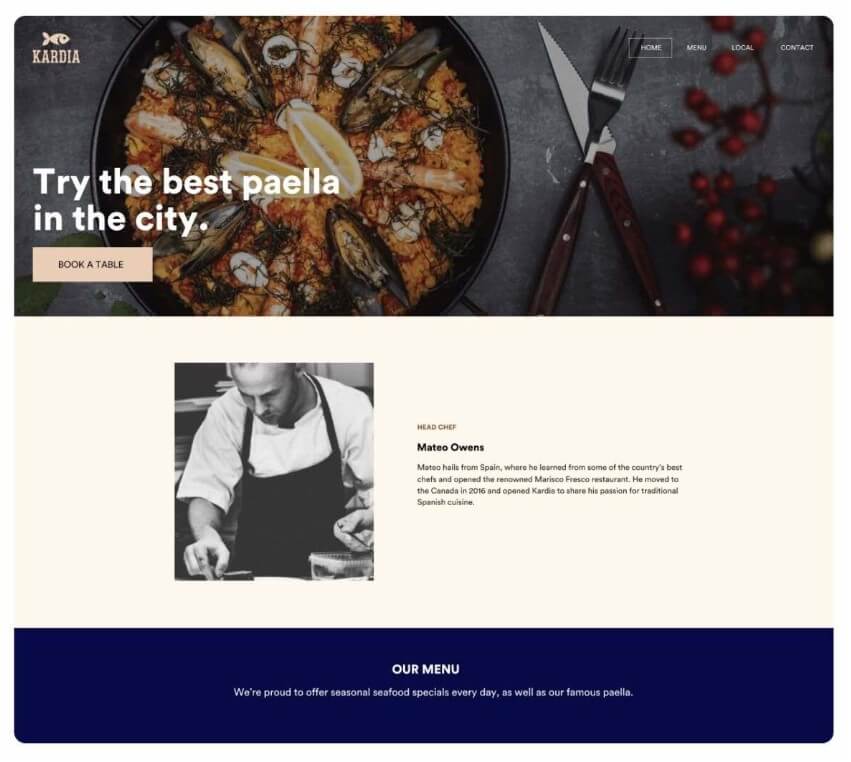
- Simple website presence: Looka can extend the brand into a website workflow, which is useful for basic launch pages, portfolios, and small business sites. Published websites can begin on a default Looka domain, with options to connect a custom domain.
- Brand refresh exploration: It can also help teams explore visual directions before hiring a designer for deeper refinement.
- Start with a specific industry and avoid choosing every style you like. The more focused your inputs are, the more coherent the logo options will feel.
- Check the logo in small sizes. A mark that looks strong on a large preview may become weak as a social avatar or favicon.
- Do not judge the logo alone. Review it on business cards, social covers, and website mockups before deciding.
- Keep the symbol simple. If the icon is too detailed, it may lose clarity across real-world uses.
- Before finalizing, double-check spelling and the exact company name. Looka’s help center notes that after purchase, company-name editing is limited and handled through a one-time name change service.
- Looka is fast, but speed comes with limits. Many logo outputs can feel familiar because the system is working from common logo patterns, icons, font pairings, and layout rules. That is not always a problem. For many small businesses, clean and usable matters more than unusual. But brands that need a distinctive identity may outgrow it.
- The platform also cannot replace strategy. It will not tell you whether your positioning is sharp, whether your logo resembles a competitor, or whether your visual identity fits a long-term brand architecture.
- The editor gives useful control, but not the full freedom of professional design tools. Users who want detailed typography control, custom illustration, advanced vector editing, or a deeply bespoke brand system will likely need a designer or software such as Illustrator, Figma, or Canva alongside Looka.
Looka is best for entrepreneurs, freelancers, creators, and small businesses that need a clean logo and matching brand materials without starting from a blank canvas.
Its strongest advantage is the full brand workflow: logo generation, editing, mockups, downloadable files, social assets, and Brand Kit templates in one place.
The main caveat is originality. Looka can help you launch a credible brand quickly, but businesses that need a more distinctive or strategy-heavy identity should treat it as a starting point, not the final word.
TAGS: Marketing Generative Art
Related Tools:

Turns text ideas into custom emojis and stickers
Create highly detailed 3D models and textures
Enables users to generate high-quality videos and image
Generates previews of hairstyles

Generates Pokémon characters from texts
Generates unique artworks from prompts