

Share this tool:
 |
Description:
- Introduction
- Strong Features and Capabilities
- What Followr AI Actually Is
- Workflow and Ease of Use
- The Part That Makes Followr More Interesting: Creative Studio and Studio
- Publishing, Integrations, and Channel Coverage
- Inbox Management, Collaboration, and Control
- Agency Fit, Whitelabel, and API Depth
- Best Use Cases
- Limitations and Trade-Offs
- Final Takeaway
Followr AI started as an AI social media management platform, but its current shape is broader than a normal scheduler. The official site positions it as an all-in-one system for creating content, automating your calendar, and improving efficiency with AI tools, while its newer updates add a Studio layer for images, carousels, avatars, short-form video, whitelabel workflows, API access, and inbox-style communication features. That broader shape is the most important thing to understand before judging it.
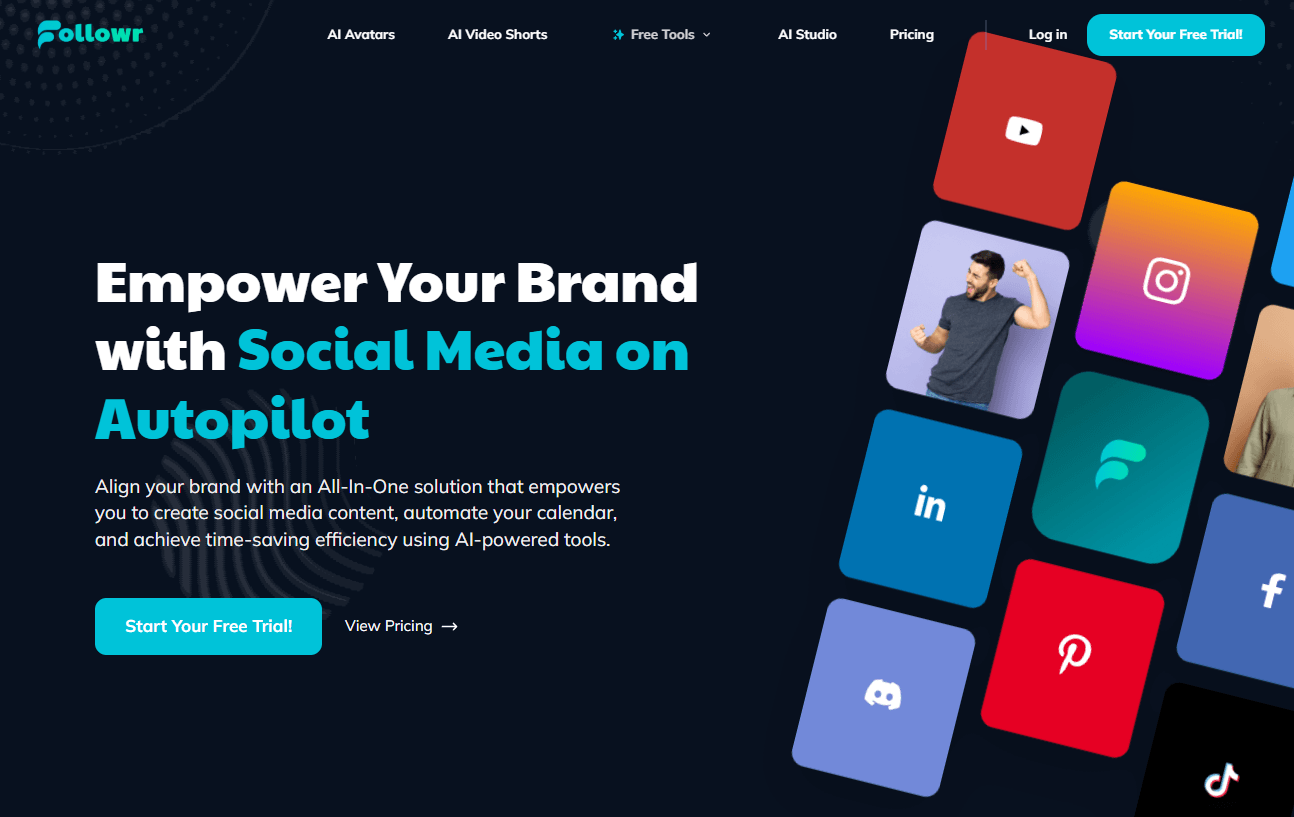
Followr includes guided AI writing and editor workflows for platform-specific post generation, tone control, CTA selection, and direct scheduling.
Creative Studio can generate single creatives or full carousels inside Followr, with style presets, AI edits, and direct handoff into posting.
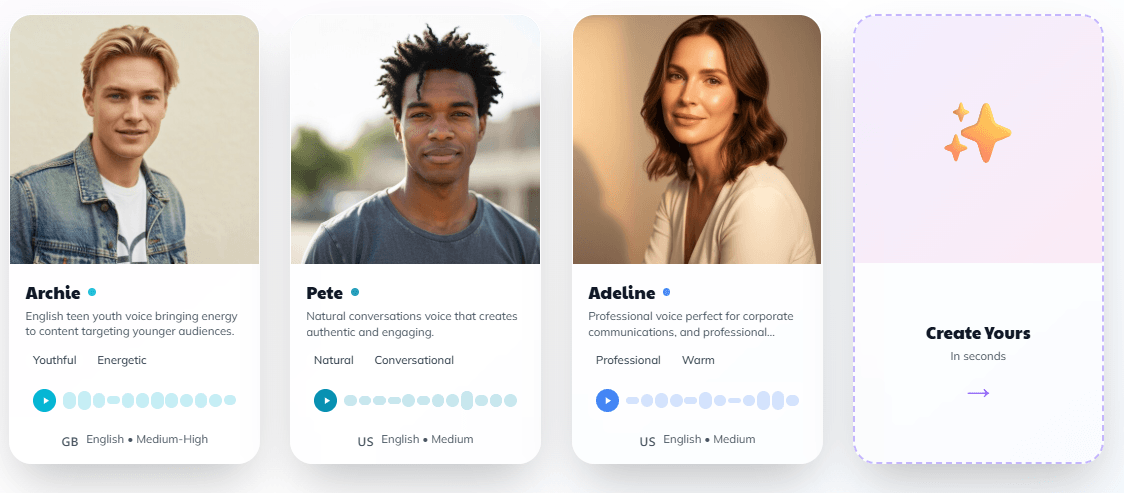
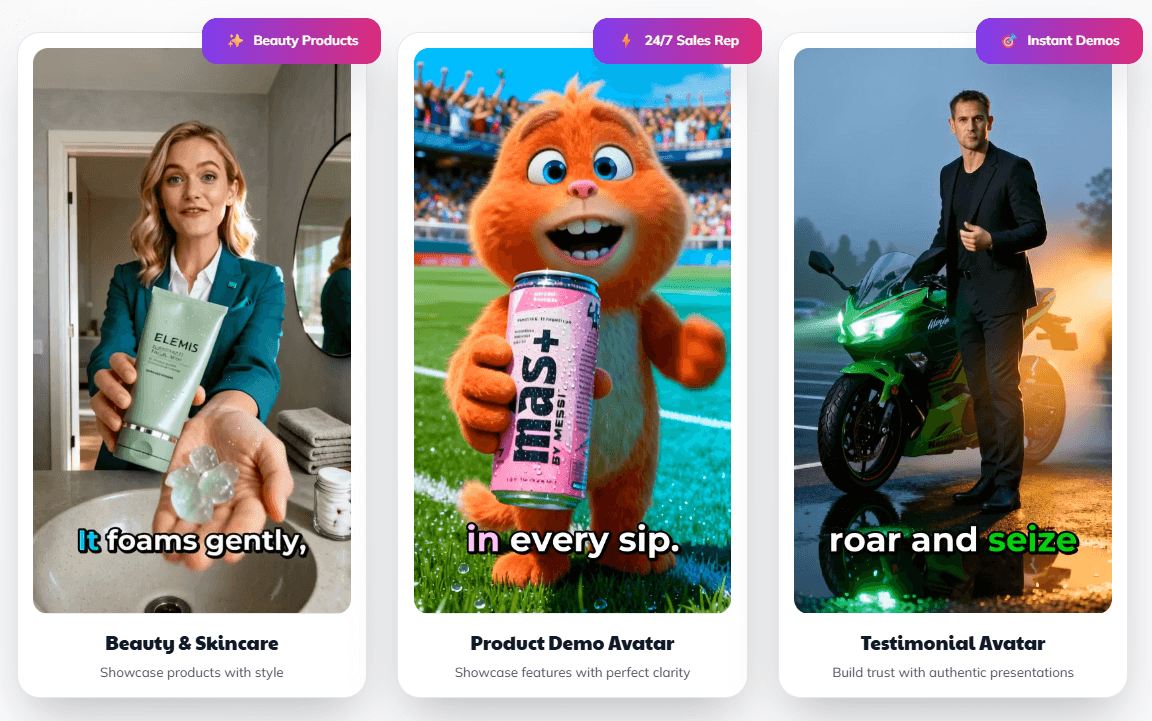
Followr Studio adds AI avatars, bulk short-form videos, viral templates, subtitles, multilingual output, and multiple AI video models.
Followr has expanded beyond the older core networks into newer integrations such as YouTube and BlueSky, alongside its established social scheduling flow.
Social Hub gives Followr a unified-inbox direction for messages and comments, especially across Instagram and Facebook.
Multi-company support, user invites, white-label positioning, and API access make it more operational than a simple creator tool.
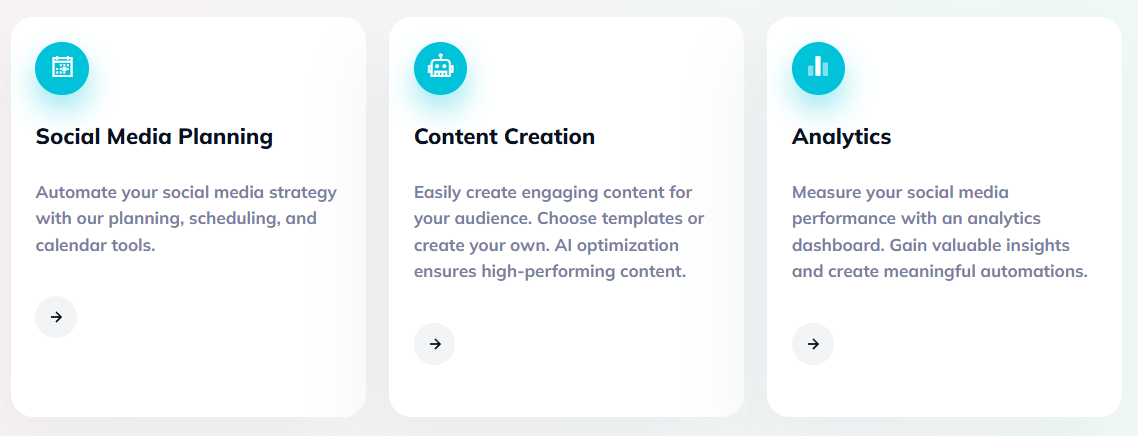
The clearest way to think about Followr is as a layered social media system. At the base level, it handles post creation, scheduling, and analytics. Above that, it adds AI-assisted creation tools such as “Ask AI to Write” and “Create from Images.” Then it pushes further into Studio-style production for images, carousels, avatars, and short-form video. Finally, for agencies and heavier workflows, it adds whitelabel and API infrastructure. That is a much broader stack than what you get from a basic queue-and-calendar product.
That matters because Followr is not really one buyer story anymore. A solo creator might use it as a scheduler plus AI caption helper. A small brand might treat it as a combined content studio and posting system. An agency might care more about whitelabel, multi-company structure, and API control. The product is trying to serve all three.
Followr’s content workflow is more guided than chat-centric. In the older but still useful “Ask AI to Write” flow, you choose the target social network first, define the topic, outline key points, set tone, format, and CTA, then generate multiple copies and move into an editor where you can refine, translate, shorten, or expand before publishing or scheduling. That is a practical workflow for marketing teams who want AI structure without having to invent the entire prompt stack themselves.
The same pattern shows up in “Create from Images.” You pick the platform, define tone and format, upload one or more images, review the generated copy, and then schedule it. Again, the product is trying to turn content creation into a workflow with controls rather than a raw blank prompt box.
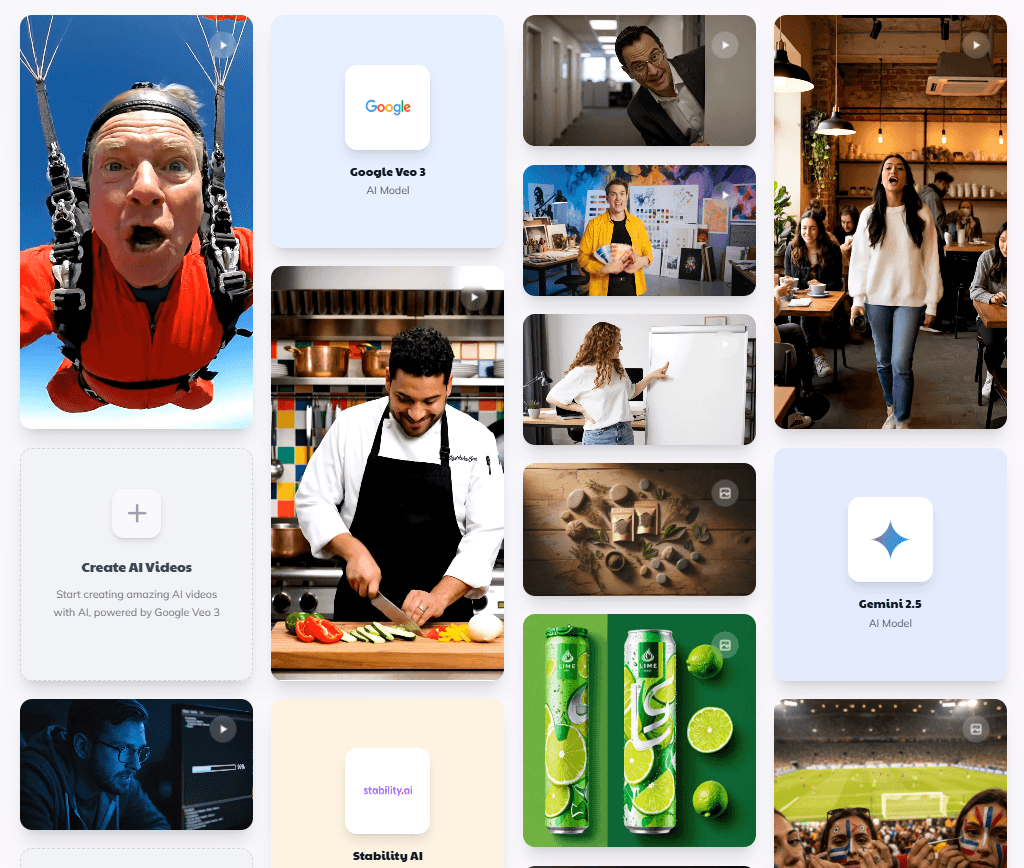
That is one of Followr’s real strengths. It appears designed for users who want AI help but do not want to become prompt engineers. The trade-off is that people who prefer completely open-ended creative control may find the structure a little opinionated. That is not a flaw by itself, but it does shape who the product feels natural for.
The newer Creative Studio pushes Followr beyond “AI captions plus scheduler.” According to the current help article and the April 2026 product update, Creative Studio is an AI-powered design workspace that can generate professional marketing creatives or full carousels directly inside Followr, with no external design tool required. The setup is fairly practical: describe the creative, optionally add a reference image, choose single creative or carousel, pick an aspect ratio, choose a visual style, and optionally add brand identity, logo, and colors.
That last part is important. Followr is not just generating isolated images. It is trying to create campaign-ready social assets. The style presets are fairly marketing-oriented, with options like Minimalist Clean, Bold Typography, Gradient/Vibrant, Bold Hook 3D, Bold Statement, and Glassmorphism. Generated assets can be saved to the media library, downloaded in bulk, or pushed straight into post creation. You can also edit individual images with natural-language instructions rather than regenerating the entire set.
That makes Followr more compelling for agencies and in-house teams than a typical caption scheduler. If you can go from idea to a finished carousel inside one interface, the tool starts replacing part of your design workflow too. It is still not a full design suite, but it is closer to an AI-native production layer than many social media managers offer.
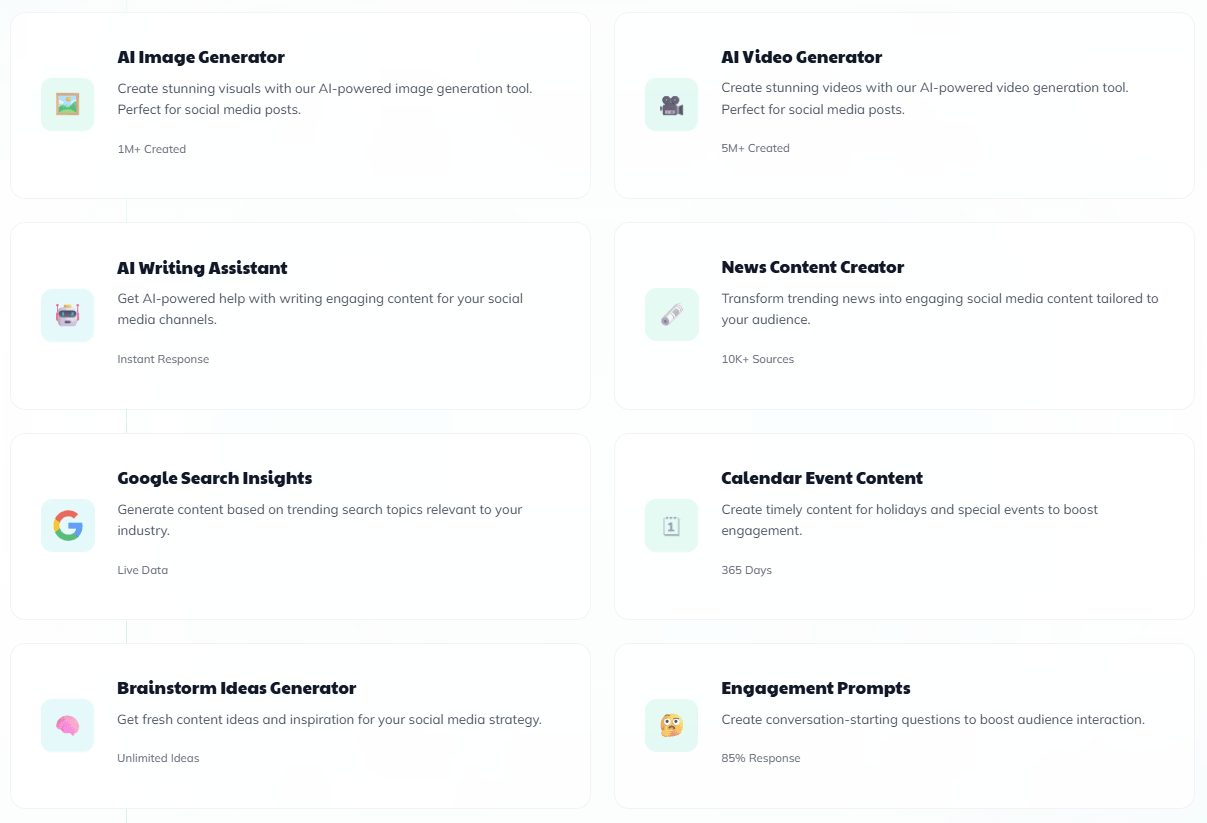
Then there is Followr Studio, which is the heavier video layer. Followr’s official December 2025 launch positioned Studio as a creation hub for AI avatars, bulk short-form videos, viral templates, multilingual subtitles, and high-volume short-form production. Its help center also documents multiple AI video models rather than one generic engine: Wan 2, Hailuo Standard, Hailuo Premium, SeeDance Light, SeeDance Pro, Veo 3 Fast, and Veo 3, with different durations, resolutions, and audio support.
That is a meaningful difference. Plenty of social platforms bolt on “AI video” as a vague extra. Followr at least exposes model-level variation, which is useful when output quality, resolution, and audio support matter. The downside is that this also makes the platform feel more sprawling. The more you use Followr as a creative suite, the less it feels like one simple product.
Followr’s publishing story has improved over time, but the documentation is a little uneven. An older FAQ lists Instagram, Facebook, Twitter/X, LinkedIn, TikTok, Pinterest, and Medium, and says YouTube is planned. That FAQ is clearly outdated now, because Followr later published official announcements for YouTube integration in September 2025 and BlueSky integration in February 2026. The YouTube rollout specifically emphasized direct publishing of videos and Shorts plus easier repurposing from TikTok and Instagram, while the BlueSky rollout added scheduling and cross-posting from the same dashboard.
That means the current platform is broader than some of its older help documentation suggests. It is a good reminder that Followr is shipping actively, but its documentation stack has not always stayed perfectly synchronized. For buyers, that creates one practical takeaway: trust the newest official updates more than the oldest FAQ pages.
Social Hub is one of the more useful additions because it nudges Followr toward actual community management rather than only content publishing. The product describes it as a place for messages, comments, and collaboration tools, and specifically highlights a unified inbox approach.
But this is also an area where the limits matter. The Social Hub limitations page makes clear that message and comment support is tied mainly to Facebook and Instagram, that only content newer than 90 days appears in some sections, and that Meta API restrictions limit things like initiating conversations, deleting comments, replying with certain media types, and handling audio or multimedia in some cases. In both Facebook and Instagram messaging, users have a 24-hour response window after a user initiates contact.
So yes, Followr does have an inbox/community layer now, but it is not a magical all-platform engagement command center. It is a useful operational feature with real platform-imposed constraints. That distinction matters.
This is where Followr separates itself from many creator-first tools. The official white-label page frames it as a complete rebrandable solution for agencies, and the company’s July 2025 API launch says the API is live for whitelabel workflows with access to core AI features and post automation. The API post also says agencies can create and delete companies programmatically, assign credits, add users with roles, and automate logos, colors, domains, and other whitelabel settings.
The platform also documents adding new companies and inviting users, which supports the idea that this is built for multi-client or multi-brand use rather than only one personal account. On top of that, Followr now supports external API key integration for providers such as OpenAI, Anthropic, Stability, Gemini, Fal Flux, Ideogram, Recraft, and Straico. That is a surprisingly flexible move for advanced users who want more control over the models or providers involved in their content pipeline.
This is probably the strongest argument for Followr in a crowded market: it can function as a social media manager, but it also has a real agency-operations angle.
- Small teams and brands: Followr is strongest for teams that want content creation and publishing in the same place.
- Agencies and multi-brand operators: Whitelabel, API access, user invites, and multi-company workflows make Followr more operational than many simple social tools.
- Social media managers: It is useful for users who need more than captions, especially if they care about carousels, reusable visual styles, or high-volume short-form production.
- Video-heavy social teams: Followr Studio is relevant for teams that want AI avatars, UGC-style clips, multilingual subtitles, and viral-template workflows.
- Users who dislike blank prompts: Followr’s guided content flows are helpful for people who want AI help without building every prompt from scratch.
- The biggest trade-off is product sprawl. Followr now touches scheduling, AI writing, image generation, carousel design, video creation, avatars, inbox management, whitelabel, and API automation. That breadth is attractive, but it also means the platform can feel like several products living under one roof rather than one perfectly unified system.
- The second issue is documentation clarity. Some official help content is clearly older, including FAQ entries that still describe YouTube as “planned,” while newer official posts say the YouTube integration is already live. That does not mean the product is weak. It means the documentation sometimes lags behind the shipping cadence.
- The third trade-off is that some of the strongest features rely on external platform or provider constraints. Social Hub is limited by Meta APIs, X-specific features depend on your X Premium status, and external model integrations may require you to manage your own provider credits or keys. That is not unusual, but it does make Followr less plug-and-forget than its top-level marketing may imply.
- It is a weaker fit for users who only need a lightweight scheduler. Followr is more compelling when you actually use the creation, Studio, agency, or automation layers.
Followr AI is best viewed as an ambitious all-in-one social media platform with three real strengths: AI-assisted content creation, integrated creative production, and agency-ready infrastructure.
It is most compelling for social teams, agencies, and multi-brand users who want carousels, short-form video, scheduling, inbox features, and automation in one ecosystem.
The main caveat is that the product has grown fast, so the documentation and feature surface can feel more complex and less tidy than a simpler scheduler-first competitor.
TAGS: Social Media Tools
Related Tools:
Streamlines social media strategies
Automates Instagram engagement growth

Distributes content across social media
Analyzes YouTube channels to uncover insights

Simplifies social media content creation
Automatically transforms long videos into engaging short clips