
Share this tool:
 |
Description:
ClipMaker is a focused repurposing tool built around one narrow idea: take an existing YouTube video, split it into shorter clips with AI, add subtitles, apply a reusable visual template, and schedule the results to short-form social channels. That narrowness is important, because ClipMaker is not presenting itself as a full video editor or a modern all-in-one content suite. It is much closer to a YouTube-to-social distribution tool with some AI trimming and packaging layered on top.
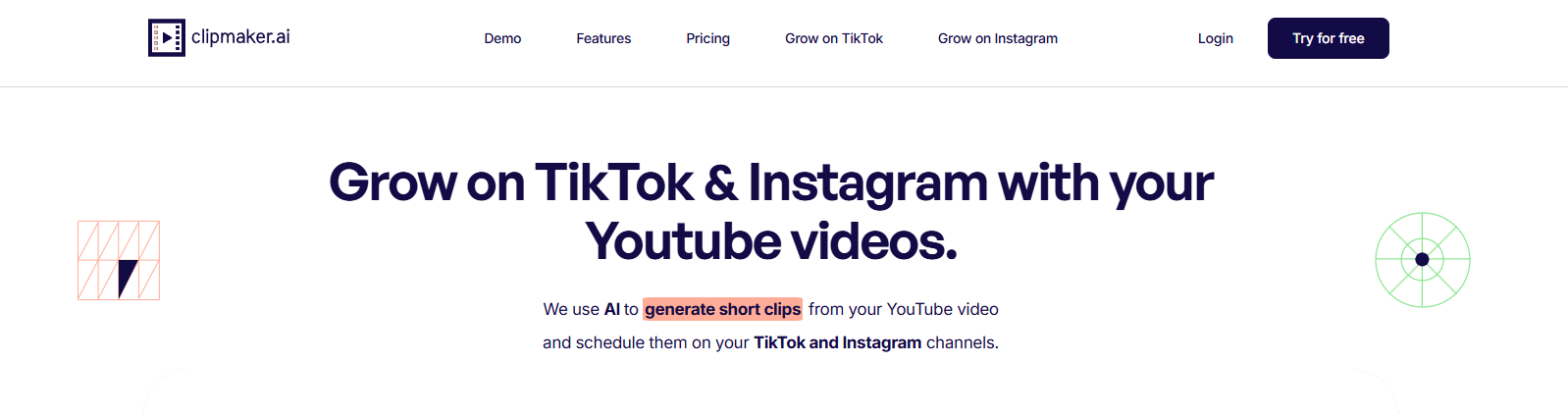
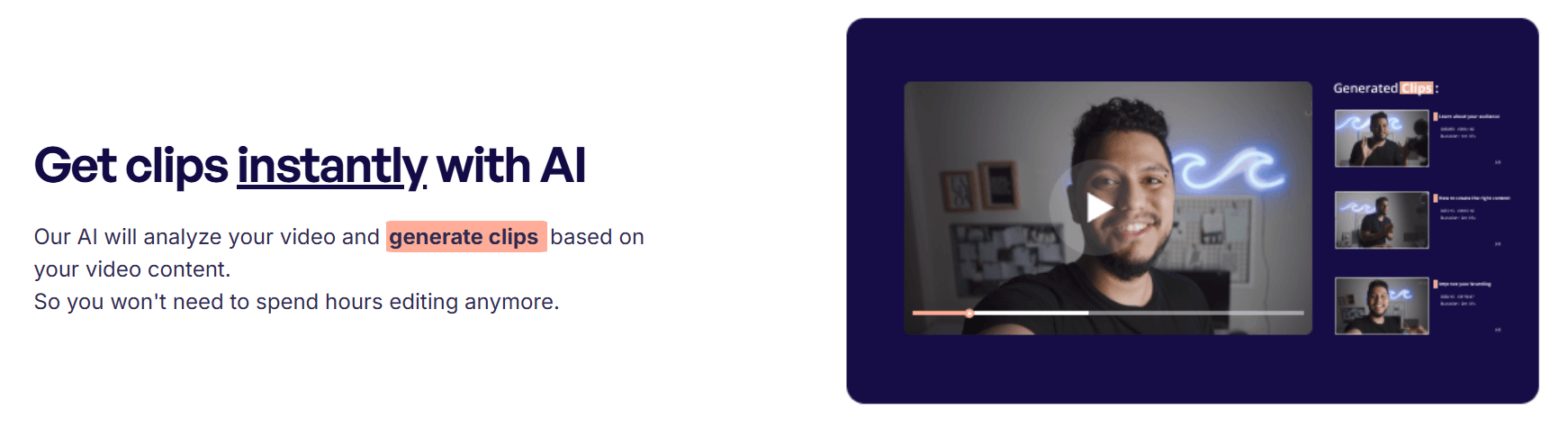
ClipMaker says it analyzes your video and generates clips based on the video content, and its platform pages describe this as extracting chapters from the source video.
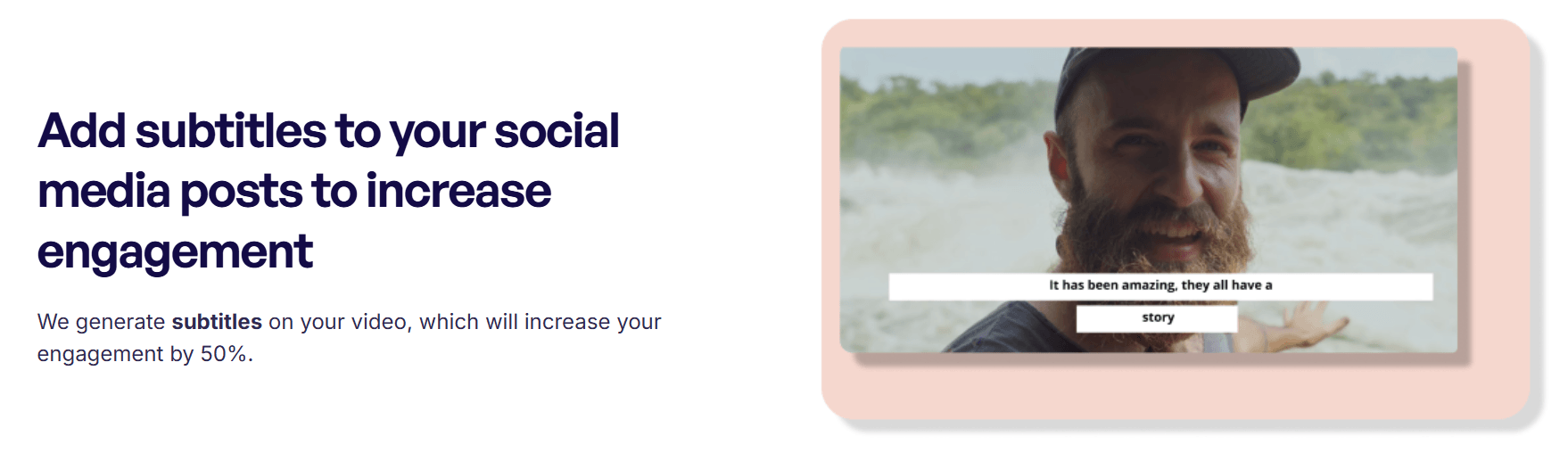
The product repeatedly emphasizes subtitle generation as a core part of the workflow, not an optional extra.
You can use ClipMaker’s templates or make your own, then reuse them to keep branding consistent across multiple clips.
The main site pitches automatic posting to TikTok and Instagram, while paid tiers also reference scheduling support in broader workflows.
The workflow starts from an uploaded YouTube video or a connected YouTube channel, which makes it more useful for creators with an existing video backlog.
The pricing page suggests both self-serve AI plans and higher-touch service-style plans, which is unusual and materially affects buyer expectations.
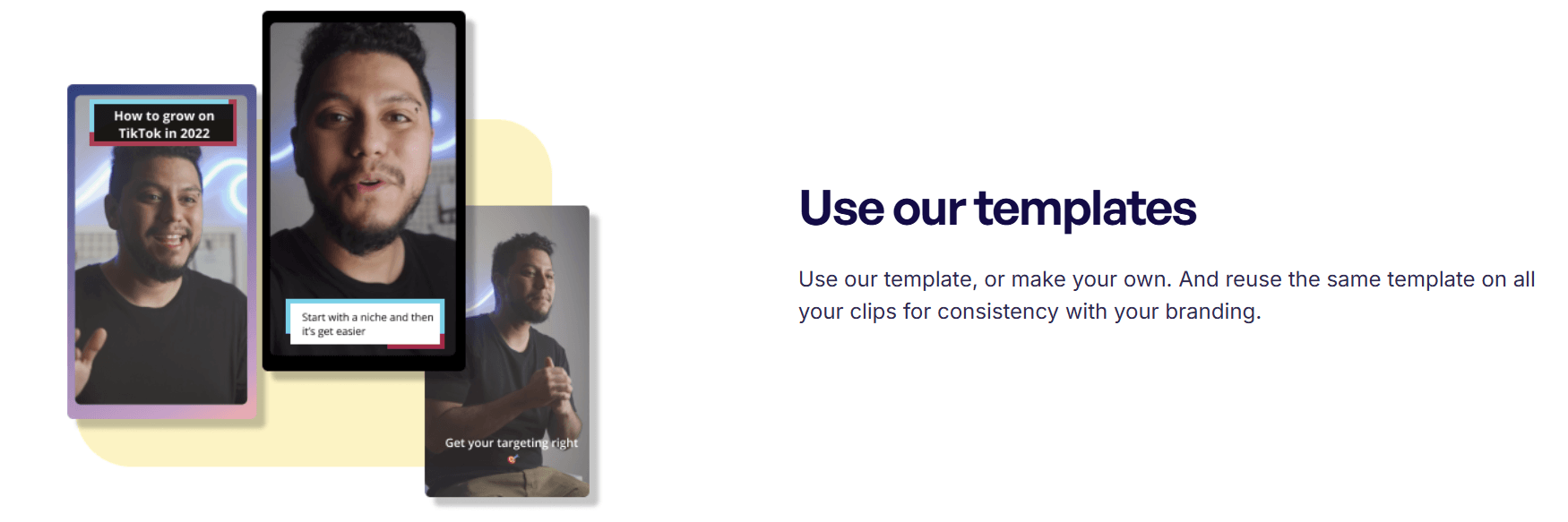
The clearest way to think about ClipMaker is as a specialized repurposing system for creators who already publish on YouTube and want more mileage from the same content. The public product story is not “make any video with AI.” It is “use your existing YouTube videos to grow on TikTok and Instagram.” That focus makes the tool easier to understand, but it also makes it narrower than newer clipping platforms that try to handle everything from editing to analytics to social publishing from one dashboard.
That narrowness is not necessarily a weakness. In fact, it is one of the more honest things about the product. If you are a YouTube creator, educator, coach, podcaster, or interview-based channel owner sitting on lots of long-form content, ClipMaker’s value proposition is simple and recognizable. If you are not already working from YouTube, the product becomes much less compelling, because the whole public workflow starts there.
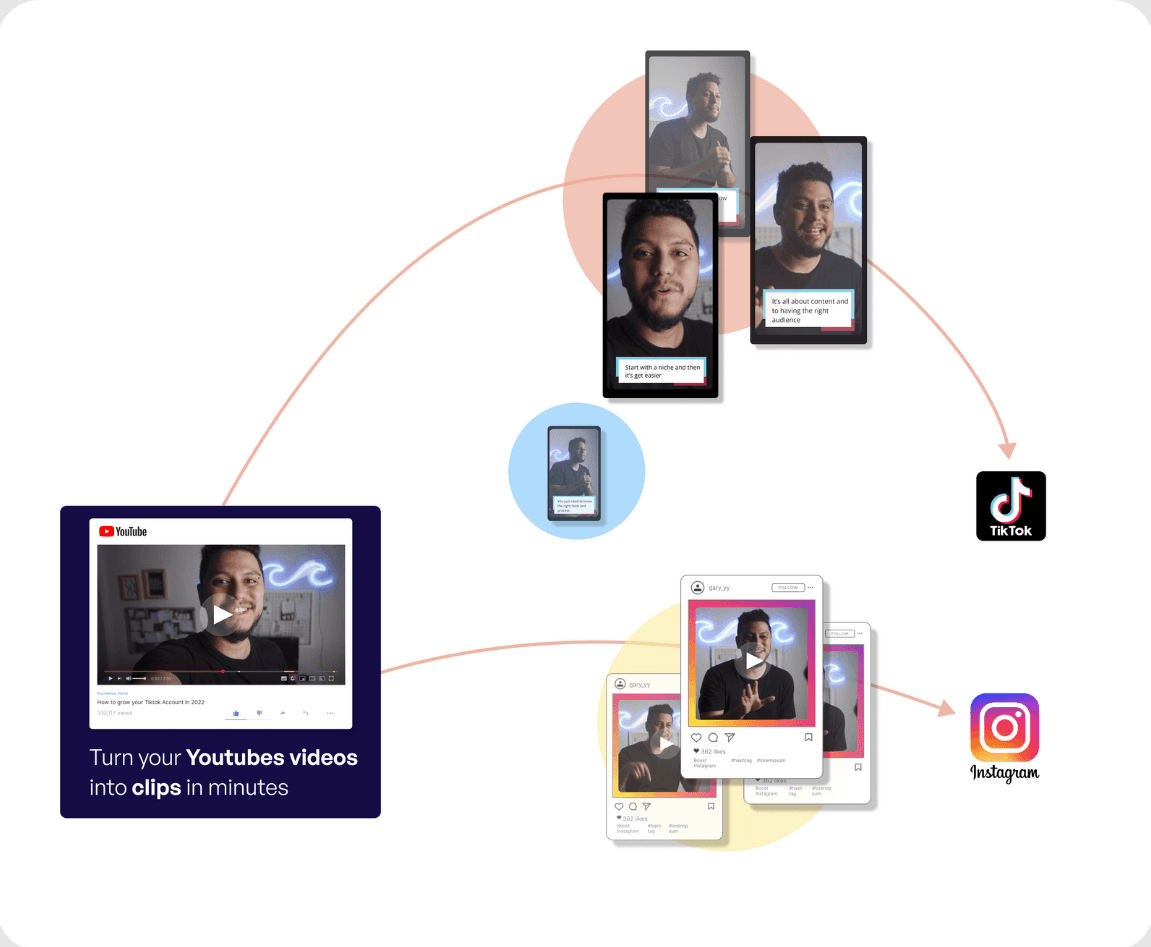
The official workflow is straightforward. You either upload a YouTube video or connect your YouTube channel, ClipMaker extracts chapters from the source video, turns those into clips, generates subtitles, lets you choose a template, and then schedules the resulting assets to TikTok or Instagram based on your time preferences. On the homepage, ClipMaker also says it can automatically create clips for each new YouTube video you publish and schedule them without further manual work.
That is a clean workflow on paper, and it is easy to understand. The more important question is how much control you get after the AI has made its choices. Publicly, ClipMaker talks a lot about clip generation, templates, captions, and scheduling, but it says very little about deeper editing controls, manual transcript cleanup, speaker tracking, silence removal, virality scoring, or fine-grained highlight selection. That absence does not prove those features do not exist somewhere in the app, but it does mean the public product story is still much more automation-first than editor-first.
There is also one revealing detail on the homepage: the free trial form says the team is “still working on the beta” and will send clips by email. That makes the onboarding story feel less polished than the “get clips instantly with AI” headline suggests. It implies that at least part of the product experience may still be more assisted or semi-manual than users expect from modern self-serve SaaS tools.
ClipMaker’s clipping logic appears to be chapter-based rather than built around a more aggressive “find the most viral moments” pitch. The official pages say it uses classification algorithms to extract chapters from the source video and turn each chapter into a clip. That suggests it will likely perform best on structured, speech-led content where topic changes are clean and segment boundaries are easy to infer. Podcasts, interviews, tutorials, explainers, and talking-head videos fit that pattern well. That last sentence is an inference from the documented workflow.
The strongest practical quality controls visible on the public site are templates and subtitles. Templates matter because they let you keep a repeatable branded look, and subtitles matter because short-form clips are often watched muted or semi-muted. ClipMaker leans heavily on both in its messaging, which is sensible. But again, the public positioning is much lighter on creative editing depth than on packaging and distribution.
This means ClipMaker looks most useful when the source content is already good and the main job is repurposing, not rescuing weak footage. If your workflow depends on heavy manual refinement, aggressive clip polishing, or choosing emotionally sharp moments from messy raw recordings, the public product story does not yet show enough evidence that ClipMaker is built for that level of control. That is an inference based on what the official site emphasizes and what it does not.
ClipMaker’s pricing page presents two quite different products at once. One is a higher-touch service model with Creator at $399 per month, Startup at $899 per month, and Business at $1,899 per month, framed around “assets at a time,” revisions, turnaround windows, and response times. The other is a self-serve credit model with Starter, Pro, and Premium plans, where usage is measured in minutes of video processing and the Premium self-serve tier adds auto-scheduling.
That split is not just a pricing detail. It changes what kind of product ClipMaker is. If you look only at the homepage, it feels like a lightweight AI repurposing app. If you look at the upper pricing tiers, it starts to look like a productized content service with human support and turnaround guarantees. If both are truly active offers, that can be useful. It can also be confusing, because buyers may not immediately know whether they are signing up for software, assisted production, or a mix of both.
The same thing happens with platform scope. The homepage centers TikTok and Instagram, but the service-style pricing tiers also mention clip generation for LinkedIn, Facebook, and YouTube Shorts. So the product may be broader than the homepage implies, but the messaging is not especially tidy about that.
ClipMaker is strongest for YouTube-first creators who want to turn existing long-form content into a steady stream of short clips for TikTok and Instagram without building a full post-production workflow from scratch. That includes educators, podcasters, interview channels, business creators, and talking-head brands with clear segmented content.
It also makes sense for small teams that care more about repurposing efficiency than creative experimentation. Reusable templates, auto captions, and scheduling are exactly the kind of features that help when the goal is consistency and output volume rather than handcrafted editing.
It looks weaker for creators who need a powerful editor, marketers who want broad multi-format campaign production, or teams that are not already sitting on useful YouTube source material. The reason is simple: ClipMaker’s whole workflow assumes that your best raw material already exists on YouTube and mainly needs to be broken down and redistributed.
- Use it on videos with clear sections, topic changes, or chapter-like structure. Since ClipMaker explicitly says it extracts chapters and turns each one into a clip, it is reasonable to expect better results from organized source videos than from chaotic recordings. That is an inference from the official description.
- Set up one strong template and reuse it aggressively. Template reuse is one of the clearest public control layers ClipMaker offers, and it is the easiest way to make automated output feel more like your brand and less like generic repurposed content.
- Check which plan family you are actually considering before you buy. The managed service tiers and the self-serve credit tiers solve different problems, and the site does not make that distinction obvious enough.
The biggest limitation is scope. ClipMaker is not trying to be a general-purpose AI video platform. It is a YouTube repurposing tool first, and that means its value falls quickly if your workflow starts somewhere else or depends on deeper editing control.
The second limitation is product clarity. The site mixes “instant AI clips,” “still working on the beta,” self-serve minute-based plans, and expensive turnaround-based service plans on the same public surface. That does not make the product unusable, but it does make it harder than usual to understand exactly what ClipMaker is today.
The third limitation is trust friction from dated marketing language. Some public pages still talk about TikTok being the most popular platform “in 2022,” which makes parts of the site feel older than they should. When a product is asking users to trust it with an automated growth workflow, that kind of stale copy does not help.
ClipMaker looks best as a practical repurposing tool for YouTube creators who want AI-generated clips, captions, templates, and auto-scheduling more than they want a sophisticated editing studio.
It is best for people with a back catalog of structured long-form content and a clear need to feed TikTok or Instagram consistently. The main caveat is that the public product story still feels split between beta-style self-serve software and a higher-touch service model, so buyers need to read the pricing and workflow claims more carefully than they should.
TAGS: Social Media Tools
Related Tools:

Streamlines social media strategies
Transforms YouTube videos into engaging, social media-friendly shorts

Transforms texts into short-form videos

Creates digital ads for social media

Generates engaging and personalized comments

Helps plan, create, and manage social media content