
Share this tool:
 |
Description:
Minvo is an AI content studio that turns video into clips, captions, translated variants, written assets, quote images, and scheduled social posts, with a workflow aimed at podcasts, live streams, sermons, interviews, entrepreneurs, and agencies rather than casual one-off editing.
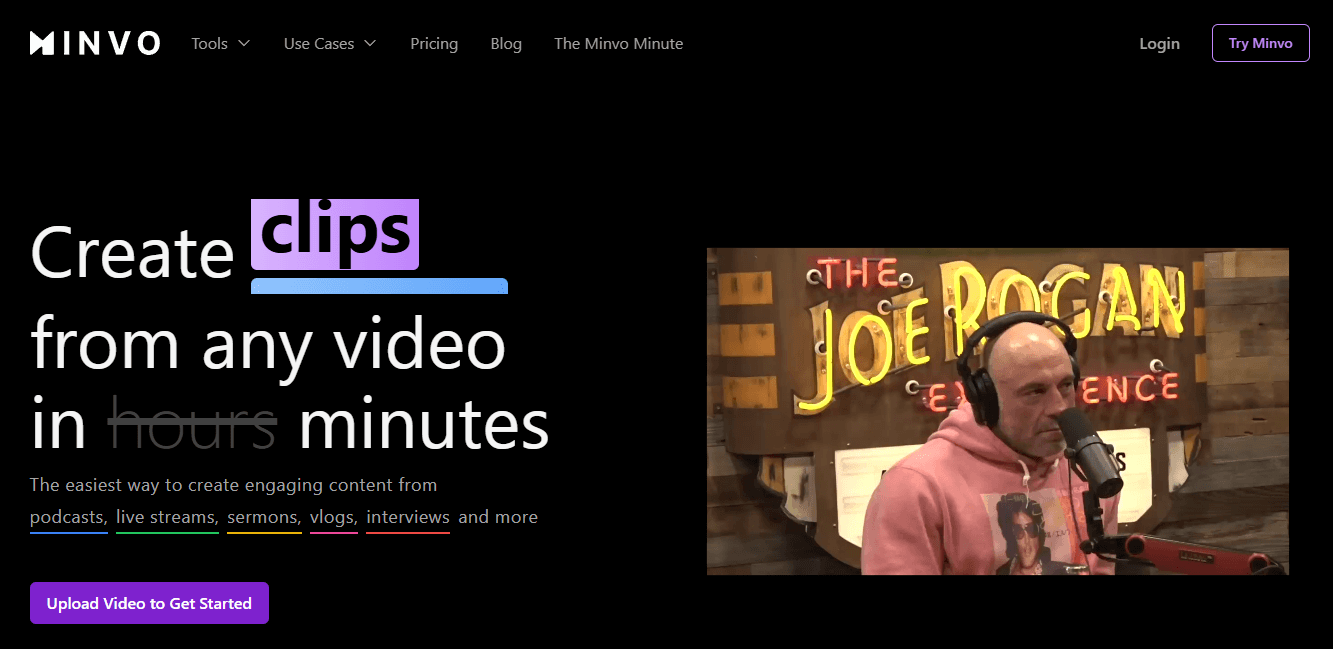
Finds and packages short clips from longer videos, with Minvo framing it as “1 long video, 10 viral clips” and a faster clip creation layer for multi-platform output.
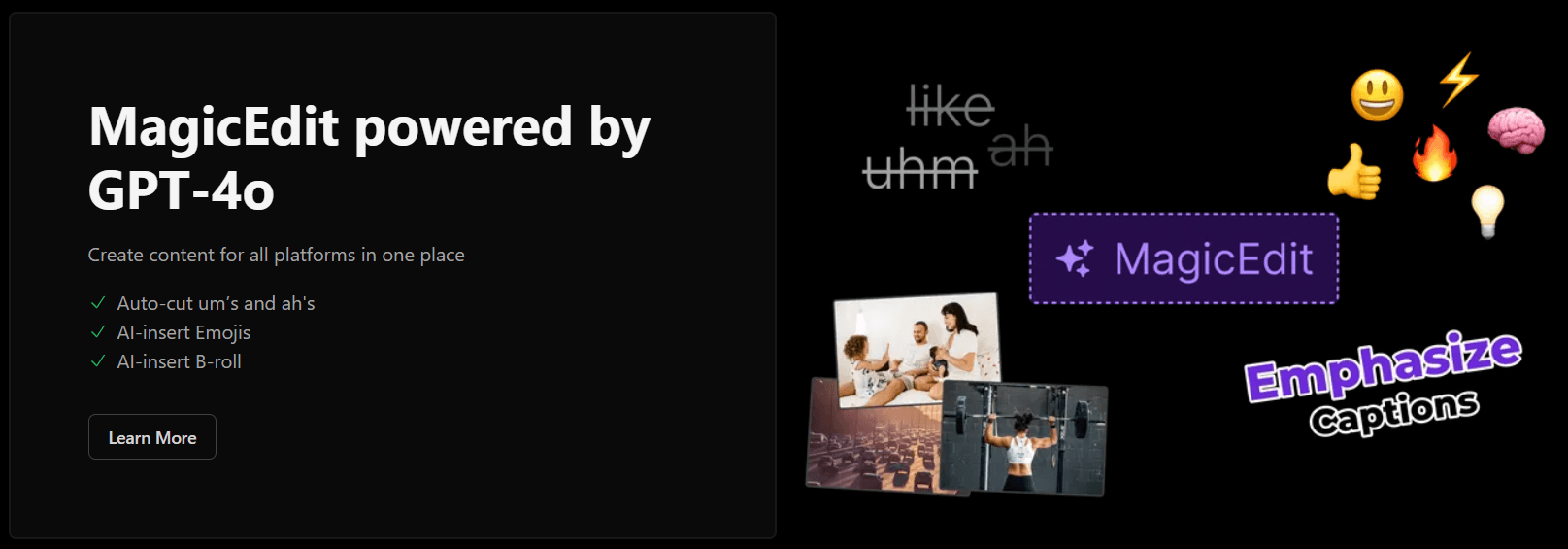
Adds AI cleanup and polish, including filler-word cutting, emoji insertion, B-roll insertion, highlight-to-cut editing, and timeline editing.
Offers animated subtitles with customizable colors, fonts, and styles, and Minvo says captions are available in 20+ languages on its pricing page.
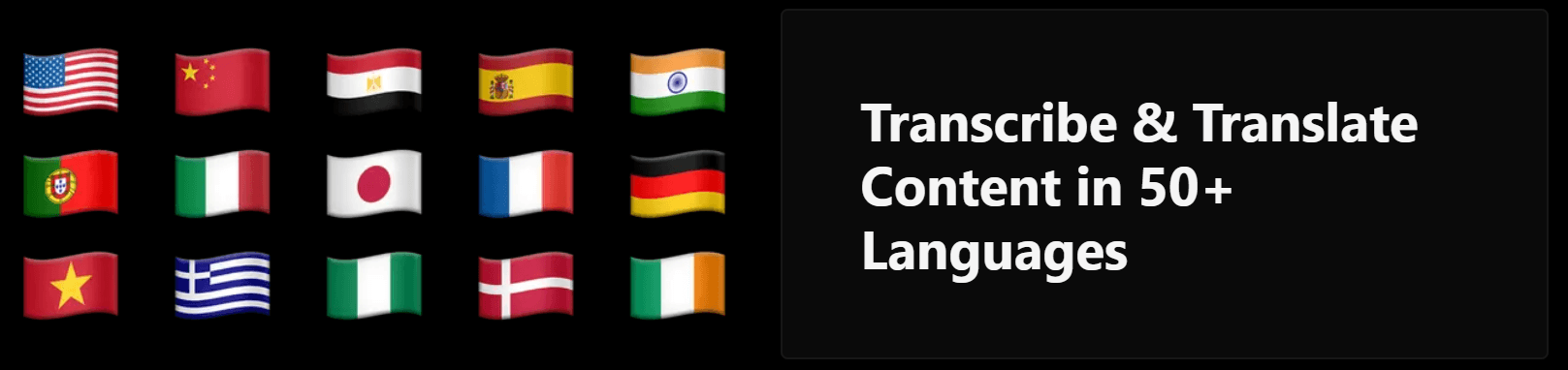
Public pages list subtitle translation in 50+ languages, while pricing also lists AI voice dubbing in 50+ languages.
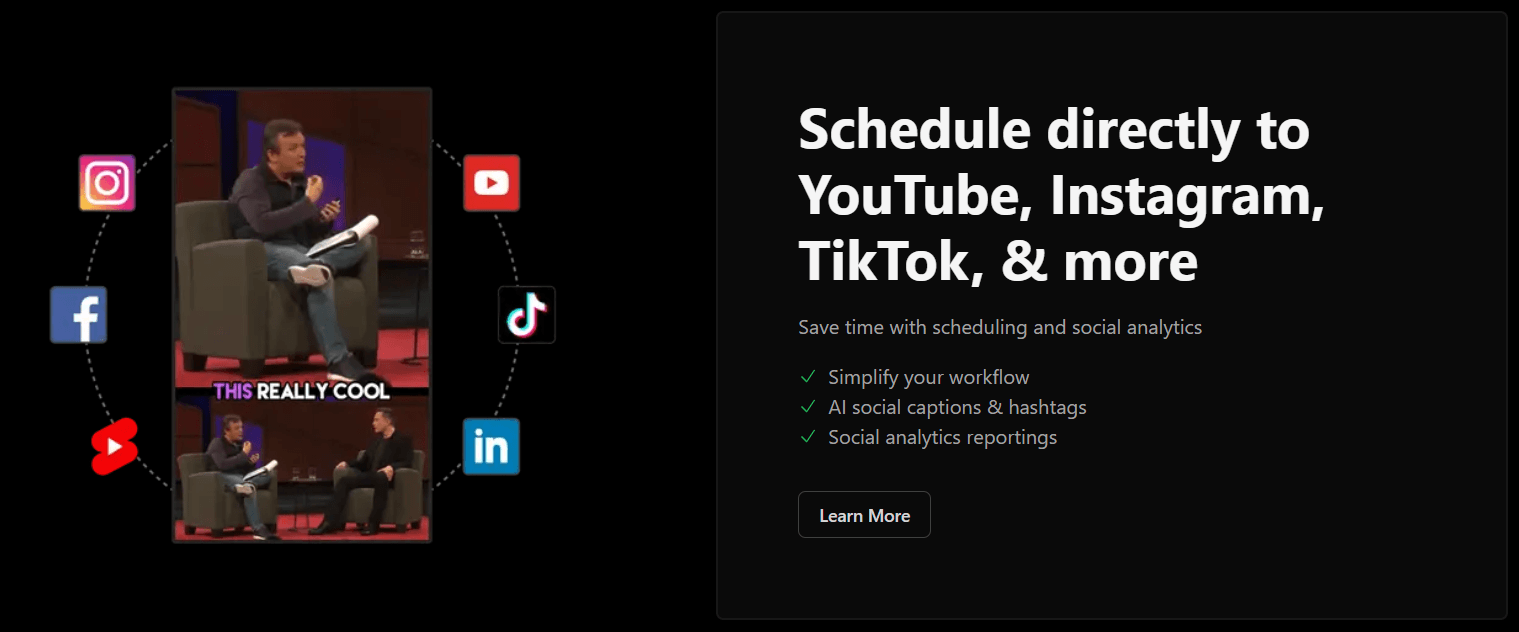
Supports direct posting to YouTube, Instagram, TikTok, Facebook, and LinkedIn, plus analytics and multi-brand account management.
Pricing pages list blog generation, titles, descriptions, X posts, threads, Q&A articles, newsletters, coaching ideas, and shareable quote images as part of the product.
Minvo looks strongest when you already have a steady long-form content engine and need a faster way to multiply outputs from it. The official pages keep circling the same use case: take one source video, cut it into social clips, style captions, clean it up with AI edits, translate it if needed, and then post it across platforms without bouncing between separate tools.
That makes Minvo more interesting than a basic clip finder. A lot of tools can identify short segments. Minvo’s public value is that it wraps clip extraction inside a broader repurposing stack: editing, subtitles, templates, social captions, analytics, and even text outputs like blogs and newsletters. That is the reason to look at it seriously.
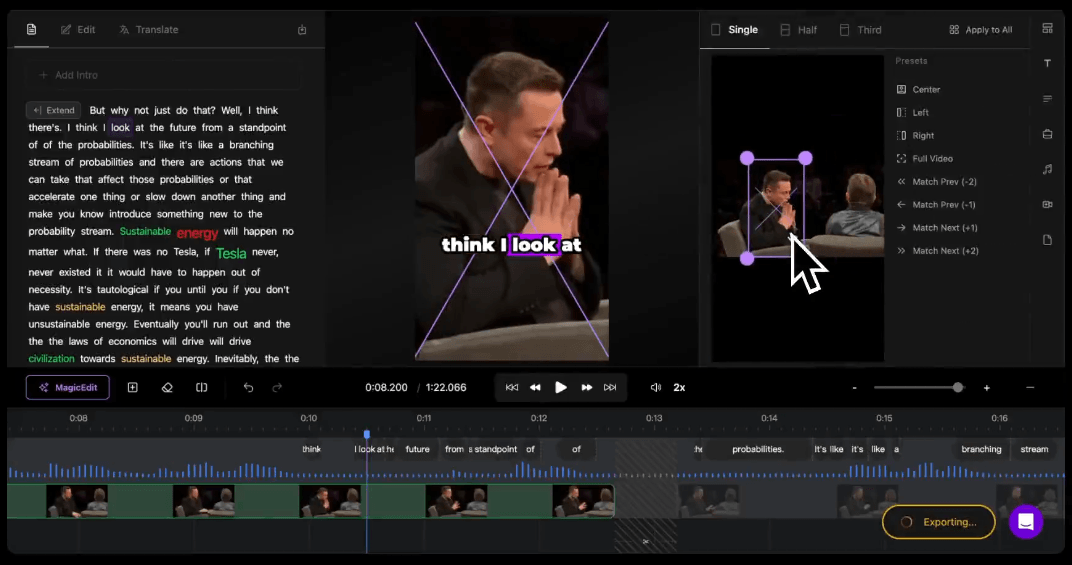
The public workflow is fairly clear. You start with a source video, let MagicMoment create clips, use MagicEdit to refine them, style the captions, optionally translate the result, and then schedule or publish from Minvo’s social layer. The homepage also shows AI edits such as face framing, B-roll, silence removal, filler removal, and audio enhancement alongside transcript and timeline editing.
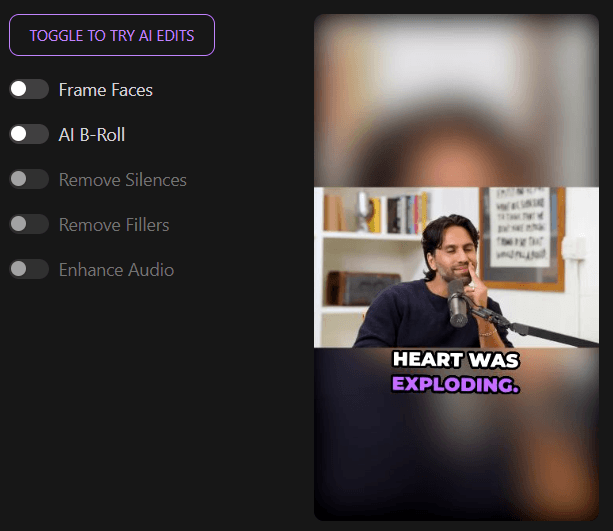
That is a good middle ground between full automation and full manual editing. Minvo is not pretending to be a high-end traditional editor first. It is trying to get you most of the way there with AI, then give you just enough control to fix the result without leaving the platform. The emphasis on transcript editing, highlight-to-cut, and timeline editing supports that reading.
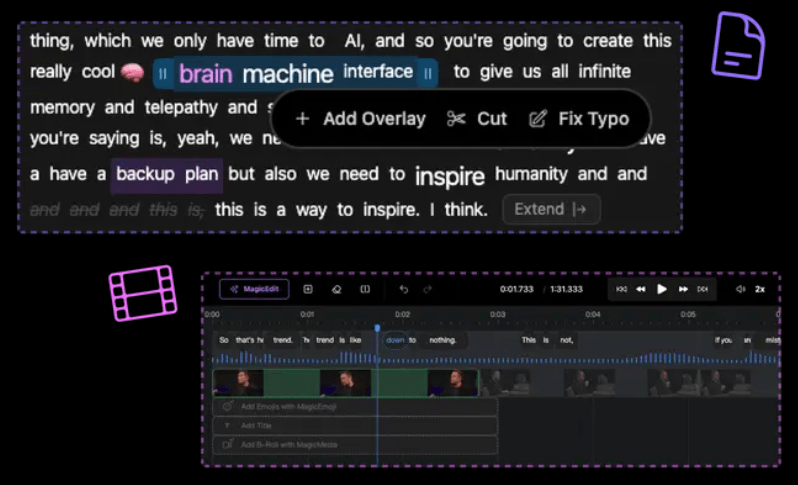
The strongest part of the workflow is probably how many adjacent tasks Minvo tries to absorb. If you are clipping in one app, styling captions in another, scheduling in another, and drafting social copy somewhere else, Minvo’s all-in-one pitch is genuinely practical. That is where it has the clearest operational appeal.
Minvo’s public product story suggests its output quality is built around three things: decent clip selection, strong caption styling, and enough edit controls to make auto-generated results usable. The official pages lean hard on clip scoring, animated captions, auto-cut fillers, silence removal, face framing, B-roll, audio enhancement, and timeline editing.
The caption layer is one of the more convincing parts of the product. Minvo repeatedly highlights “100s” of animated caption styles, customizable fonts and colors, automatic syncing, and use across YouTube, TikTok, and other platforms. For short-form video, that matters more than a lot of inflated AI marketing language because captions are one of the few features viewers actually notice immediately.
Control looks respectable, but not unlimited. You do get transcript and timeline editing, plus highlight-based cutting and a stack of AI polish tools. What Minvo does not publicly emphasize is deep traditional post-production work like complex multi-track editing, advanced compositing, or detailed motion design. That suggests it is optimized more for speed and throughput than for editor-grade craft. That is an inference, but it is a fair one based on the official pages.
Minvo looks like a strong fit for podcasters, educators, interview-based creators, live-streamers, churches, agencies, and founder-led brands that already produce long talking-head or speech-led content. Those are the use cases Minvo itself highlights, and they line up well with its transcript-first editing, captioning, clipping, and distribution workflow.
It also makes sense for teams that care about output volume and consistency more than handcrafted editing. The combination of brand templates, social posting, analytics, AI writing, and quote images makes Minvo feel more like a repurposing operation system than a single-purpose clipper.
It is a weaker fit for people who want a real replacement for Premiere Pro, Resolve, or a high-control finishing workflow. Minvo’s public emphasis is on creation speed, platform-ready packaging, and content multiplication, not advanced editorial depth.
- Use Minvo where the spoken content itself carries the value. Its public strengths are transcript editing, subtitles, short-form clipping, and translation, so the product should make the most sense on podcasts, interviews, educational content, sermons, and similar formats.
- Build one strong caption and branding setup early. Minvo’s templates and animated subtitle styles look like a major part of the product’s practical value, and reusable on-brand presets are likely to matter more in real use than tweaking every clip from scratch.
- Watch the plan caps more carefully than the headline pricing. The monthly hours, max upload length, storage duration, file size, and user count are the real constraints, especially on Creator.
- Treat the social scheduler as something to verify in the live app before buying around it. Minvo clearly supports multi-platform scheduling and analytics, but its public pages do not explain the free-versus-paid boundary as cleanly as they should.
The biggest trade-off is focus. Minvo looks strongest as a repurposing engine, not as a broad professional video editor. If your main job is rapidly turning one long video into many usable outputs, that is fine. If your main job is precision editing and finishing, the public product story is much less compelling.
The second trade-off is public-message consistency. On the MagicEdit page, Minvo refers to MagicEdit as “Powered by GPT-4” and also “powered by GPT-4o” on the same page, which makes the model naming feel a bit messy. Its scheduling pages also create some ambiguity about what is free versus plan-based. Neither issue makes the product unusable, but both slightly reduce trust in the public positioning.
The third trade-off is that Minvo’s “all-in-one” pitch is both a strength and a blur. It covers clipping, captions, editing, translation, dubbing, AI writing, image generation, scheduling, and analytics, but that breadth also means buyers should assume some layers will be more mature than others. From the public materials, clipping, captions, transcript editing, and scheduling look like the clearest core strengths.
Minvo looks like a strong choice for creators and small teams who want one system for turning long-form video into short clips, captioned edits, translated variants, written assets, and scheduled social posts.
Its best public case is not one flashy AI feature. It is the fact that Minvo tries to compress the entire repurposing loop into one place. The main caveat is that you should buy it for speed, volume, and packaging efficiency rather than for high-end editing depth, and you should double-check its live pricing and scheduling boundaries before committing.
TAGS: Social Media Tools Video Editing
Related Tools:

Create, schedule, and optimize social media content
Streamlines social media strategies

Video editing tool that turns written prompts into rough-cut edits

AI-powered video editor

Smplifies video editing and collaboration with AI tools

Helps users grow on Reddit by finding the best subreddits