

Share this tool:
 |
Description:
Listnr is better understood as a broad audio creation platform than as a single text-to-speech widget. Its current public product stack spans text to speech, AI voice generation, voice cloning, speech to text, translation, AI dubbing, podcast hosting, and a developer API. That matters because the main value here is convenience: you can move from script to voiceover, and in some cases to localization or podcast distribution, without immediately needing a separate tool for every step.

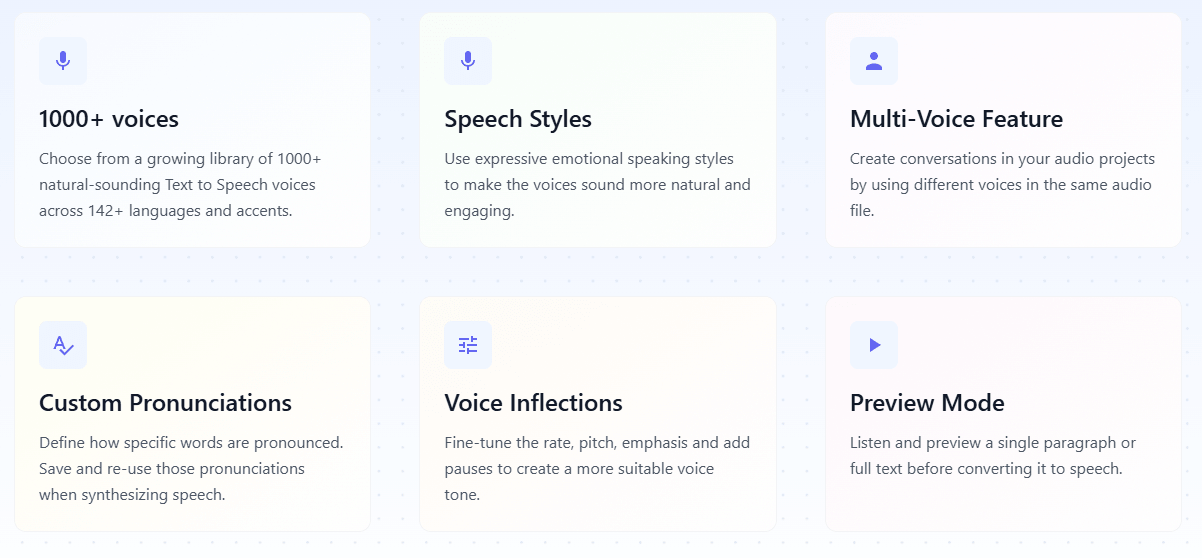
Listnr’s main TTS pages advertise 1,000+ voices across 142+ languages and accents.
The editor supports speech styles, custom pronunciations, SSML, pitch, rate, emphasis, pauses, and previewing before full conversion.
Listnr can generate different voices in the same audio file, which is useful for conversational narration and dialogue-style content.
Voice cloning is positioned as a 30-second workflow, and dubbing supports multilingual localization, speaker detection, and lip-sync-style timing.
Listnr publicly positions itself as more than TTS, with podcast creation and hosting for platforms like Spotify and Apple Podcasts.
There is a TTS API, plus public integration references for Zapier and Pabbly.
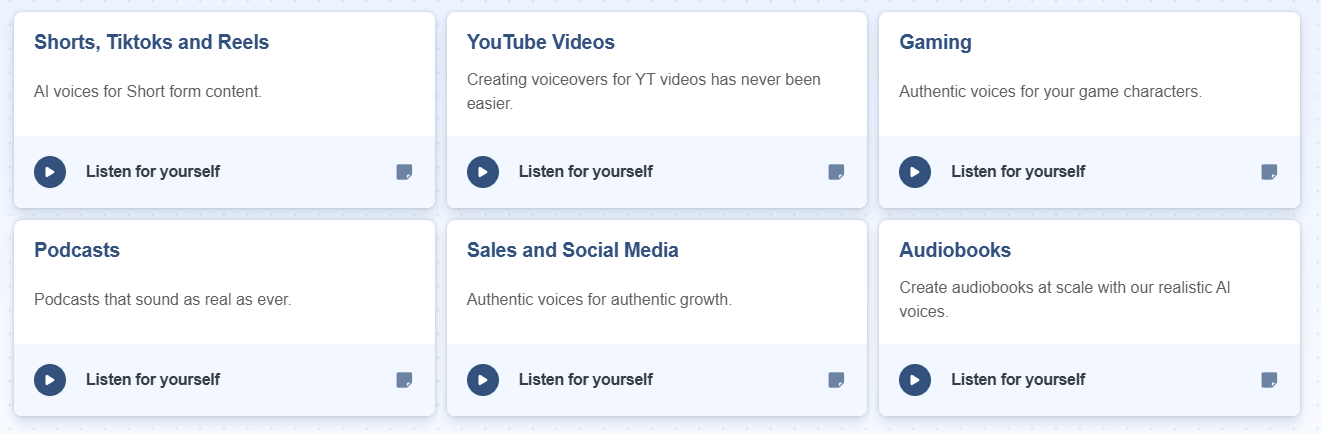
Listnr is strongest when you want one tool to cover the common creator path instead of the absolute deepest specialist path in one category. The public site repeatedly frames it around YouTube videos, audiobooks, podcasts, short-form content, e-learning, conversational AI, and marketing voiceovers, and that feels like the right lens. This is the kind of platform that makes sense for creators, small teams, agencies, and educators who care more about speed, language coverage, and usable control than about squeezing out the last bit of studio-level nuance.
The biggest practical advantage is breadth. A lot of TTS tools stop at “paste text, choose voice, export mp3.” Listnr goes further. Its core editor lets you shape delivery in detail, the cloning layer makes custom voice identity possible, the translator can feed text directly into voice generation, the dubbing product handles multilingual video localization, and the platform also keeps one foot in podcast hosting and distribution. That wider coverage is the clearest reason to choose it.
The core Listnr workflow looks straightforward. Officially, you type, paste, or import text into the online text-to-speech editor, then enhance the output with speech styles, pronunciations, SSML tags, rate and pitch changes, pauses, and preview mode before exporting. That is a good balance. It is more controllable than the simplest voice generators, but it does not appear to demand the kind of setup or engineering mindset that heavier enterprise voice platforms often do.
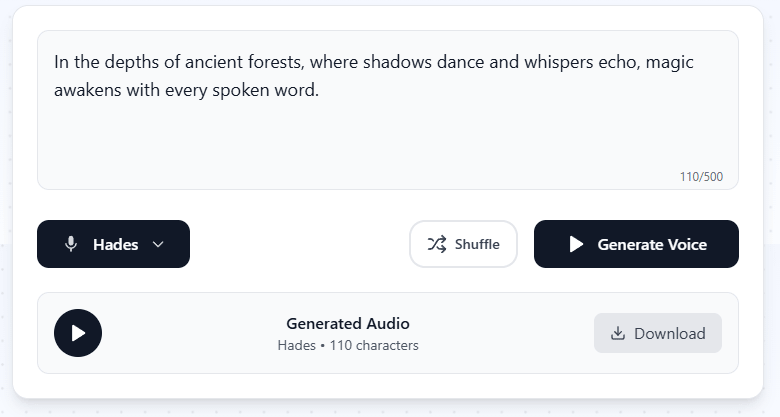
The multi-voice feature is especially important. Publicly, Listnr describes it as a way to create conversations inside a single audio file. In real use, that means you can produce podcast-style back-and-forth, narrated explainers with quoted sections, dialogue-heavy lessons, or lightweight character reads without stitching together separate renders manually. That is one of the features that makes the platform feel like a workflow tool rather than just a voice picker.
The cloning workflow is also intentionally simple. Listnr says you can upload a 5–15 second sample, paste your script, and generate cloned audio, with cloning positioned as something that can happen in about 30 seconds. That low-friction setup is attractive for creators and brand teams that want repeatable voice identity without a long onboarding process.
Listnr’s public pages lean hard into naturalness, and the platform does expose the right kinds of controls to make that claim more believable. The editor supports expressive speech styles, saved custom pronunciations, voice inflections like rate and pitch, emphasis, pauses, and paragraph-level previewing. Those are the kinds of controls that matter in actual narration work because they help you correct the “flat AI voice” problem without rewriting the whole script.
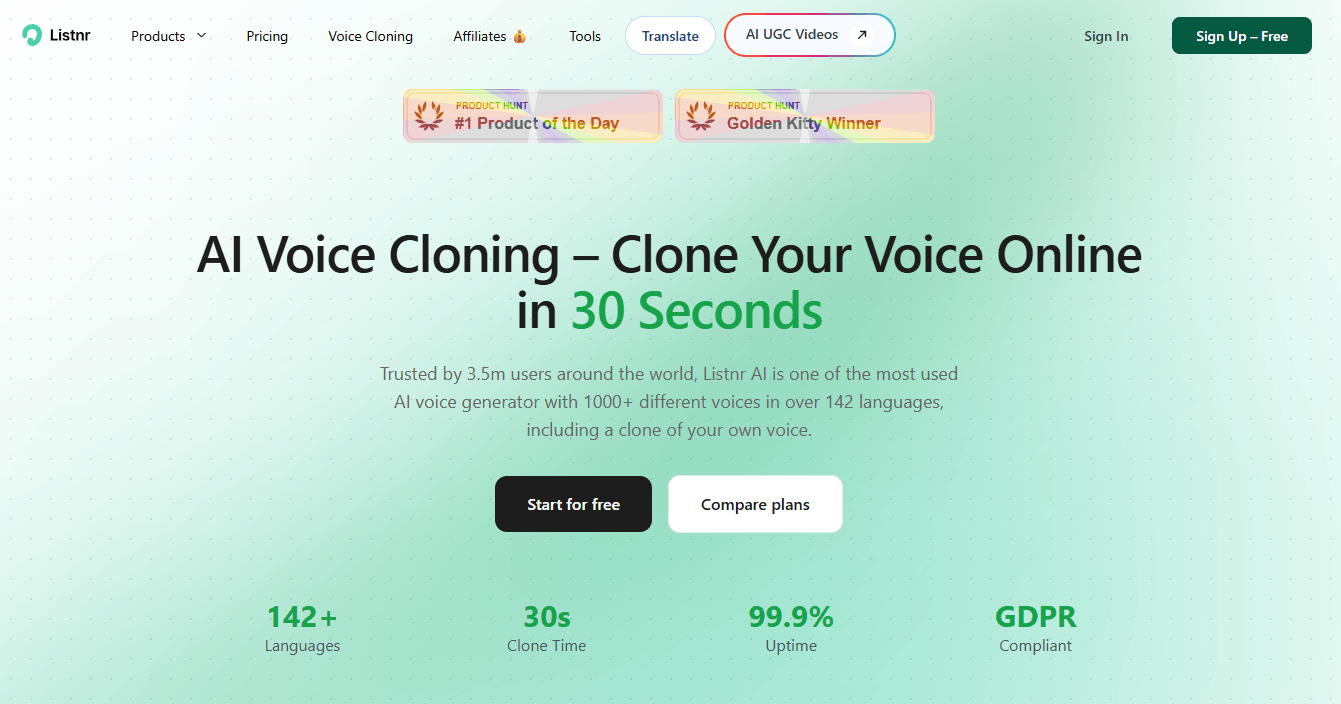
The voice library also looks broad enough to matter. The value is not only that there are many voices, but that the catalog supports a wide mix of languages, accents, and use cases. For creators producing content across regions or formats, that range is often more useful than having one or two ultra-polished voices with limited flexibility.
Where the workflow gets more ambitious is localization. The translator page says you can translate long paragraphs and then send the output straight into Text to Speech, while the dubbing workflow adds transcript/translation, target-language assignment, voice reuse, lip-sync-style timing, speaker detection, transcript editing, and caption export. That is materially more useful than a basic TTS product trying to cosplay as a dubbing tool.
The podcast and publishing layer is also part of Listnr’s broader value. Instead of treating audio generation as the end of the workflow, Listnr publicly connects voice creation with podcast hosting and distribution. That makes it more useful for creators who want to generate narration, package audio, and publish it without immediately stitching together multiple services.
Listnr is a strong fit for creators, marketers, educators, podcasters, and small teams that need voiceovers across many formats. It makes sense for YouTube videos, e-learning lessons, ads, product explainers, audiobook-style narration, podcast intros, internal training, and short-form content where speed and language range matter.
It is also a sensible fit for teams that want one tool to cover several related jobs: TTS, cloning, dubbing, translation, transcription, podcasting, and API-based generation. That does not mean Listnr is automatically the deepest tool in every lane, but it does make the platform easier to justify when you need range more than one narrow best-in-class feature.
It is less compelling for users who only need a single simple narrator or who already have a professional audio stack for voice direction, editing, mixing, and localization. In those cases, Listnr may feel broader than necessary.
- Use the preview tools before converting a full script, especially when you are tuning pitch, rate, pauses, or emotional delivery.
- Use multi-speaker projects for dialogue, quoted passages, podcast-style back-and-forth, and lessons with multiple roles.
- Save custom pronunciations early for brand names, technical terms, names, and words the AI voice may misread repeatedly.
- Treat voice cloning as a quality-input problem. A clean short sample will usually matter more than expecting the cloning workflow to fix bad audio.
- Use the translation and dubbing layers when you need localization, not just a translated transcript.
- The biggest trade-off is breadth versus specialist depth. Listnr covers TTS, cloning, dubbing, podcasting, transcription, translation, and API access, but users who need advanced studio editing or high-end localization review may still prefer dedicated tools.
- The second limitation is that voice quality still depends heavily on the selected voice and the way the script is prepared. Delivery controls help, but they do not remove the need to test pacing, pronunciation, and tone before publishing.
- The third limitation is workflow complexity at the edges. Basic TTS is easy, but dubbing, cloned voices, multilingual output, and podcast publishing require more deliberate setup than a simple paste-and-export workflow.
- Finally, Listnr’s broad product positioning can make the platform feel less focused than a pure TTS tool. That is useful if you need the full audio workflow, but less useful if all you want is one quick voiceover export.
Listnr is best understood as a creator-focused audio workflow platform, not just a text-to-speech generator. Its strongest value is the way it combines multilingual voices, delivery controls, voice cloning, dubbing, translation, podcast publishing, and API access under one roof.
It is most useful for creators, marketers, educators, podcasters, and small teams that need usable voice content quickly across multiple formats. The main caveat is that its strength is breadth and convenience, not necessarily maximum specialist depth in every individual audio category.
TAGS: Text to Speech
Related Tools:
Creates realistic and customizable voiceovers

Converts text into natural-sounding voiceovers
Offers speech-to-text and text-to-speech

Simplifies PDF editing and conversion

Word processing tool for creating and editing documents
Converts text to realistic speech