

Share this tool:
 |
Description:
Voxify is a focused AI voice generator rather than a broad audio platform. Its public product pages center on realistic text-to-speech, a large voice catalog, multilingual coverage, emotional delivery, segment-based editing, and downloadable voiceovers for creators, educators, podcasters, marketers, and small teams. That gives it a fairly clear identity: this is a tool for turning scripts into usable narration quickly, not a giant studio stack with every possible audio feature layered on top.
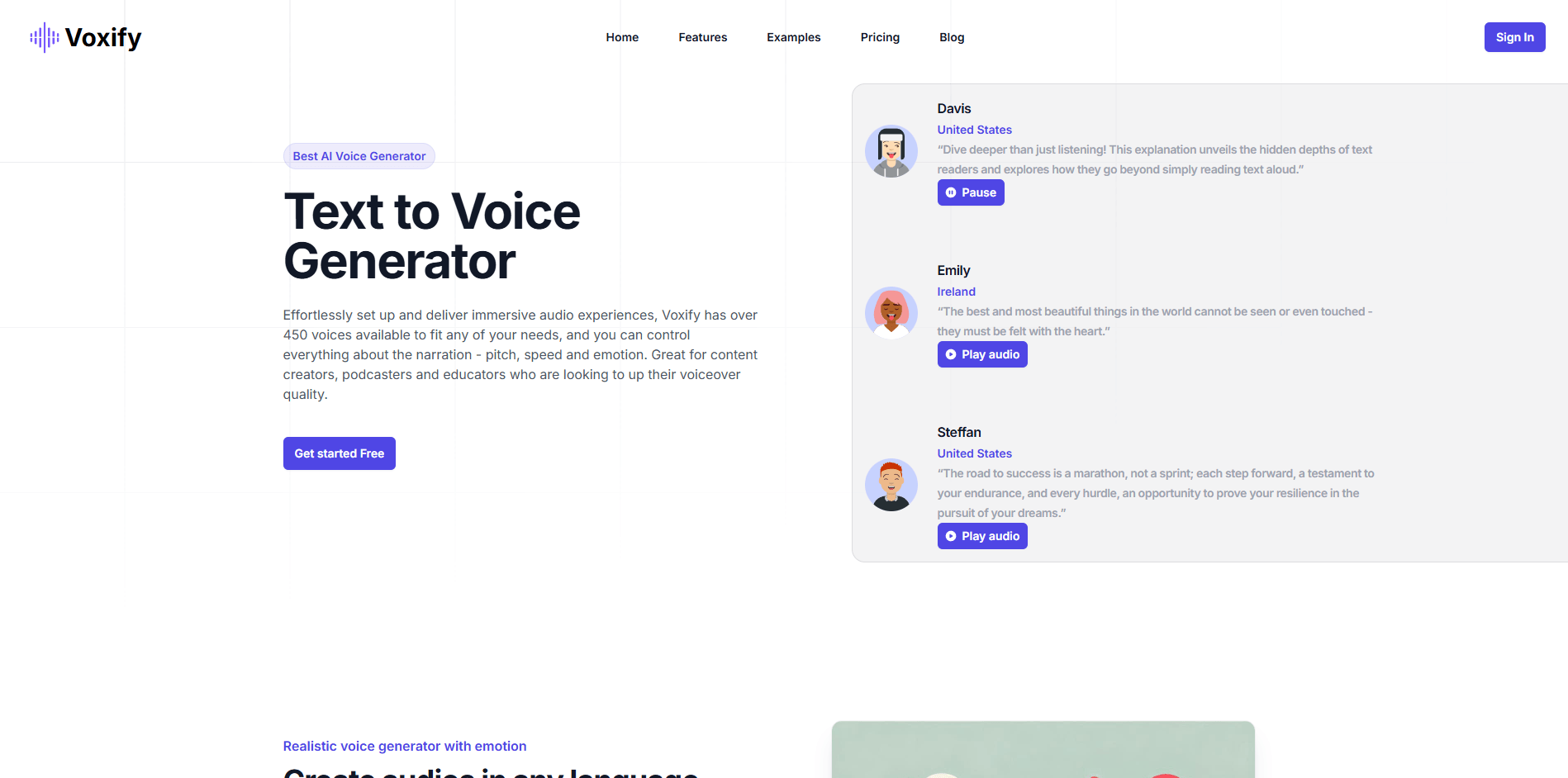
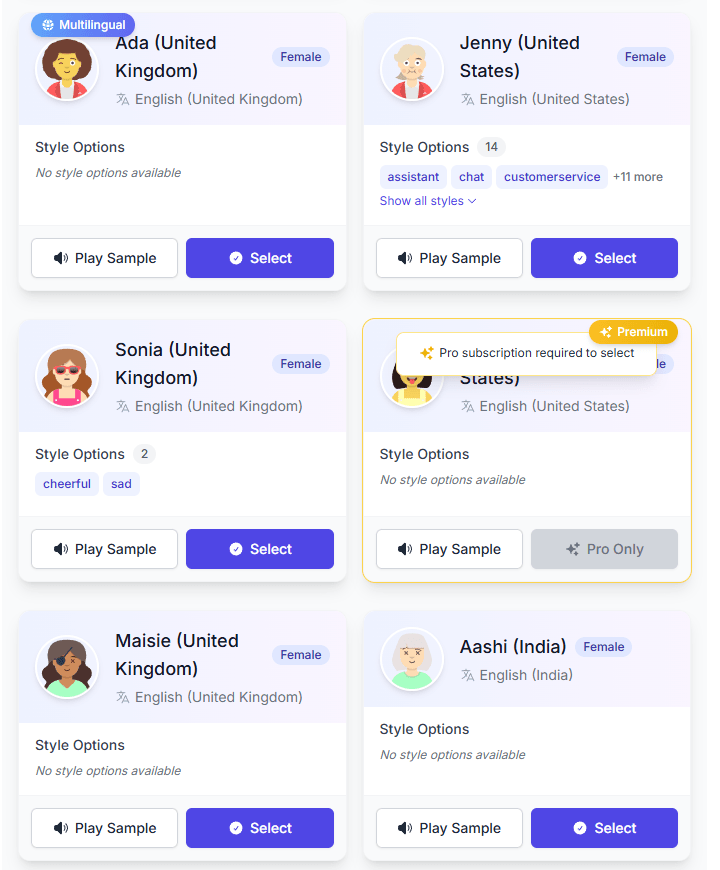
The easiest way to think about Voxify is as a lightweight web voiceover workspace built around speed and range. The official site emphasizes over 450 AI voices, more than 140 languages and regional variants on its pricing and features pages, plus controls for pitch, speed, and emotional delivery. It also highlights the ability to assign different voices to different segments in the same script, which matters more than it sounds. That turns Voxify from a one-voice narrator into something you can use for explainers, dialogue-style reads, lessons, or multi-part content without rebuilding the whole project in another tool.
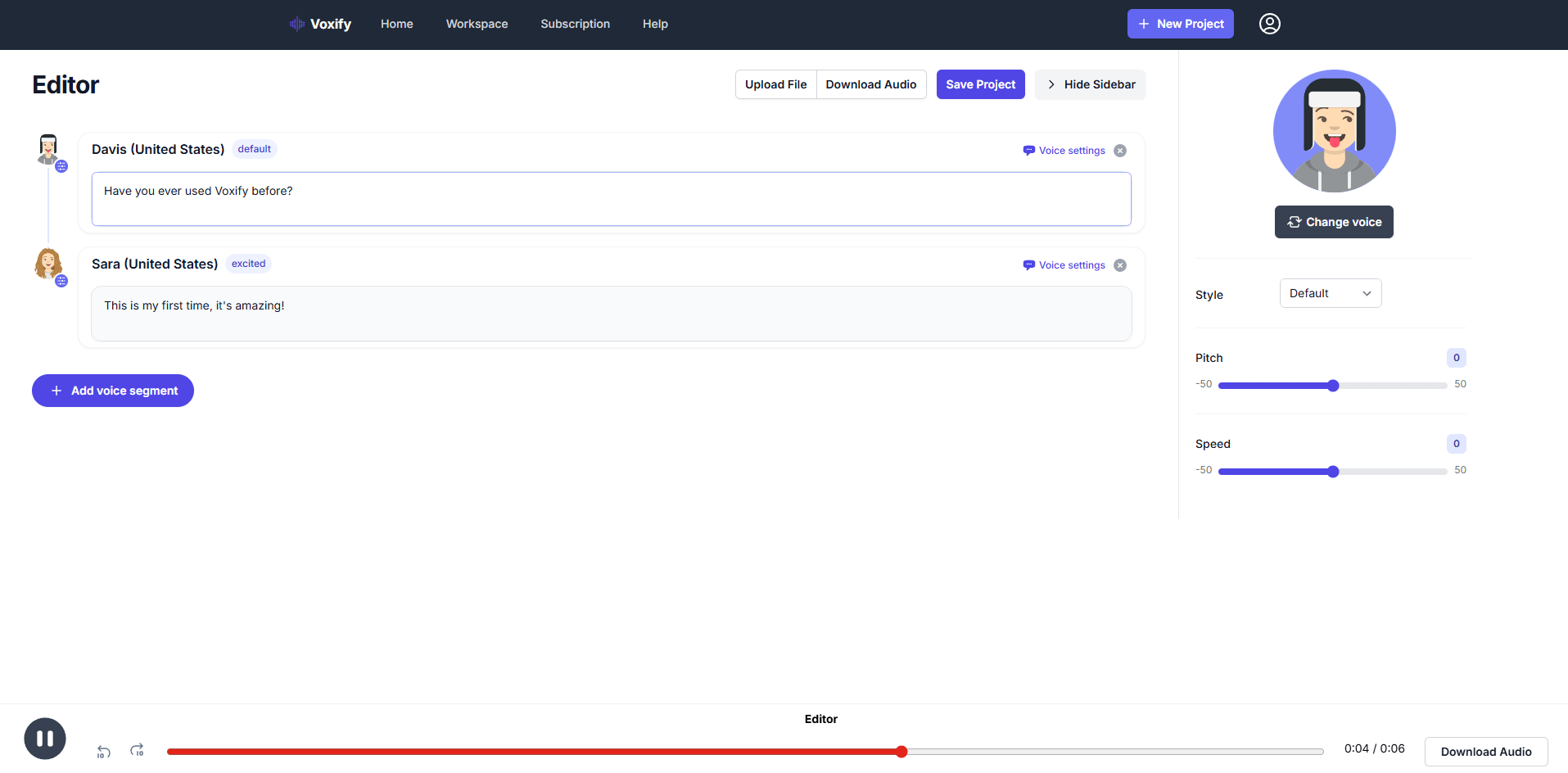
That focus is also its biggest strength. Voxify does not publicly present itself as a dubbing suite, a voice cloning platform, or an enterprise speech infrastructure layer. The public-facing product is much simpler: choose a voice, adjust delivery, preview quickly, and export audio for videos, lessons, podcasts, ads, demos, or internal content. For a lot of buyers, that simplicity is an advantage rather than a weakness.
Voxify’s public pages advertise more than 450 voices, with the homepage sometimes describing 500+ voices depending on the page.
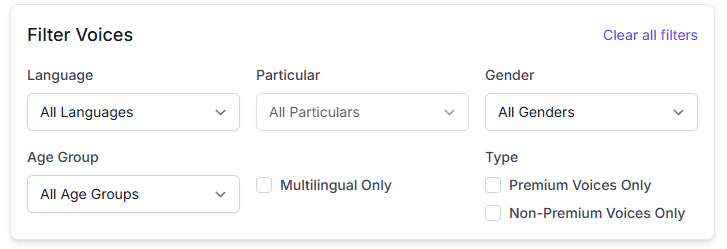
Pricing and features pages position Voxify around 140+ languages and regional variants for multilingual voiceover work.
The product pages highlight pitch, speed, emotion, and style controls rather than a flat one-click narrator preset.
You can swap voices by segment, which is especially useful for dialogue, lessons, interviews, and multi-part narration.
Voxify emphasizes quick browser previews and downloadable audio, which suits fast draft-and-approve work.
Both listed paid tiers include commercial usage, which matters for client work, publishing, and recurring creator output.
Voxify looks strongest when the goal is “make this script sound better than default TTS, without spending much time learning a complicated platform.” Its public pages repeatedly lean on the same themes: beginner-friendly setup, fast generation, emotional style control, multilingual reach, and a big enough voice library to let you audition different directions before committing. That makes it a practical fit for YouTube voiceovers, product explainers, lesson narration, podcast intros, ads, and social clips.
The examples page helps here because it shows what Voxify thinks its own strengths are. The demo library is built around accent comparison, narration tone, whisper delivery, tired delivery, and educational or documentary reads. That is useful because it signals the real product pitch: not just “we have voices,” but “you can compare delivery styles before you build.” Many lighter TTS tools skip that part and force users to guess.
This is where Voxify becomes easier to like. The product messaging is consistently aimed at people who do not want a learning curve. The pricing page explicitly frames Standard as a plan for solo creators, teachers, and anyone who wants affordable AI voice generation “without a learning curve,” while the homepage and feature page both stress a beginner-friendly interface and quick generation.
The actual workflow, based on the public feature descriptions, seems straightforward. You write or paste your script, choose a voice, set language or accent, adjust speed, pitch, and emotional delivery, then preview and download. The more useful layer is the segment-based editor: instead of being locked into one voice for the entire script, you can assign voices per section. That matters in real projects because it lets one tool handle a narrator, a second speaker, a quote, a lesson callout, or a character line without bouncing into separate renders.
The examples page also adds practical value. It gives buyers a way to hear British explainers, Indian English travel narration, whisper tones, tired delivery, upbeat facts, and documentary-style reads before opening the editor. That is a small thing, but it reduces the usual TTS friction of signing up first and auditioning blindly later.
Voice quality is obviously the main buying question, and Voxify’s public positioning is clear: it wants to sit above basic flat TTS by offering more expressive reads. The homepage and features page both emphasize realistic voices with emotion, plus control over pitch, speed, tone, and pacing. The examples page reinforces that by showcasing accents and delivery styles rather than just dumping a generic voice list.
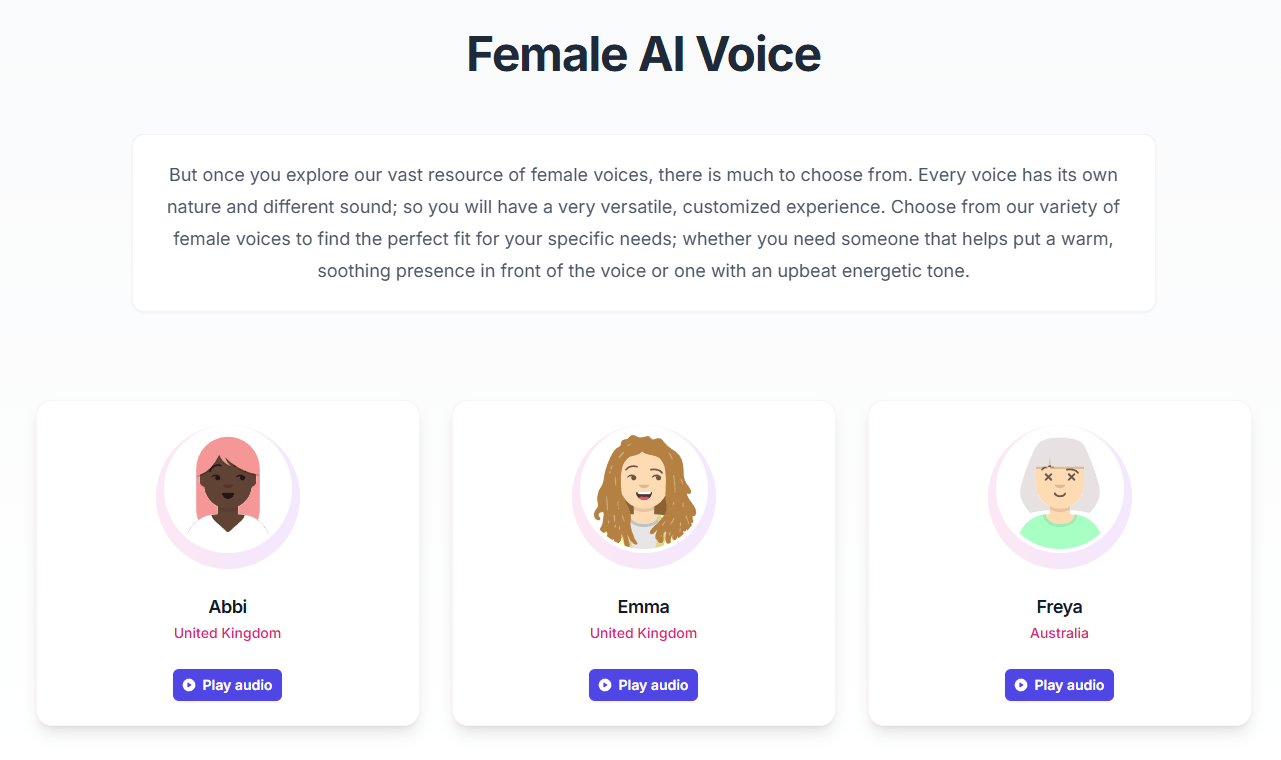
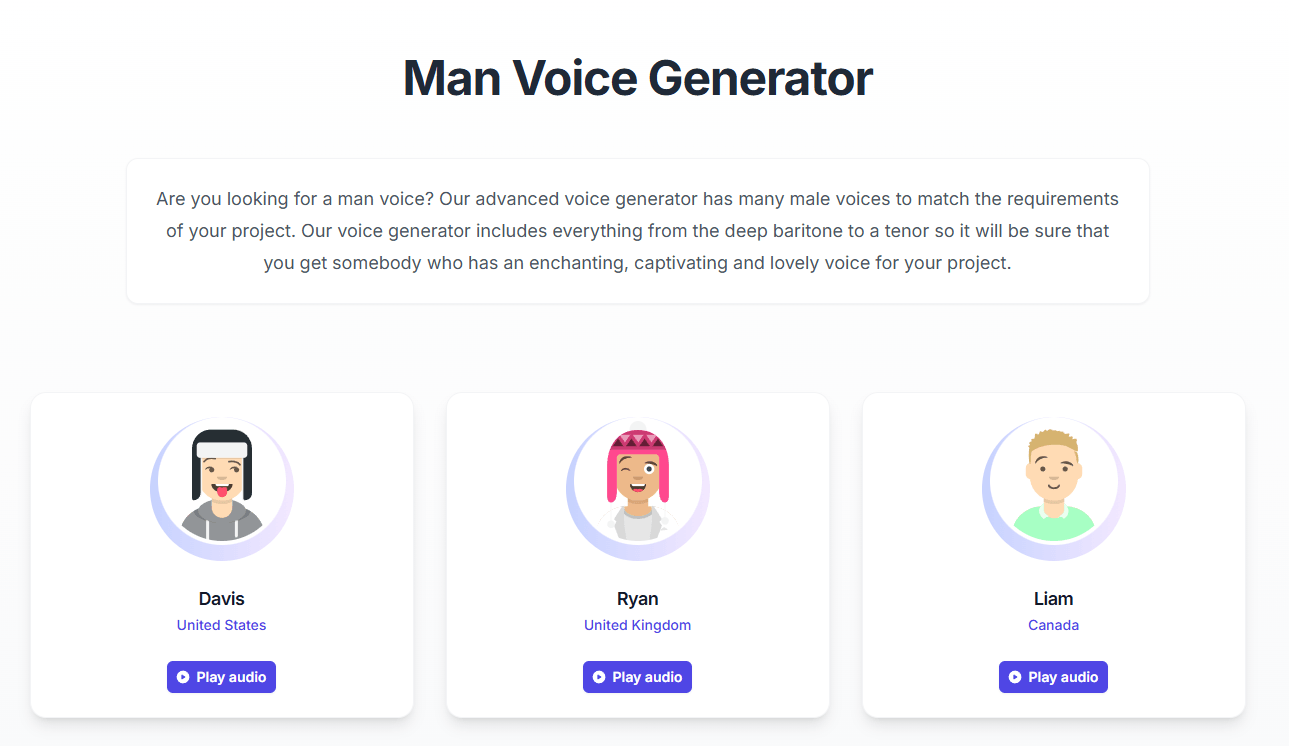
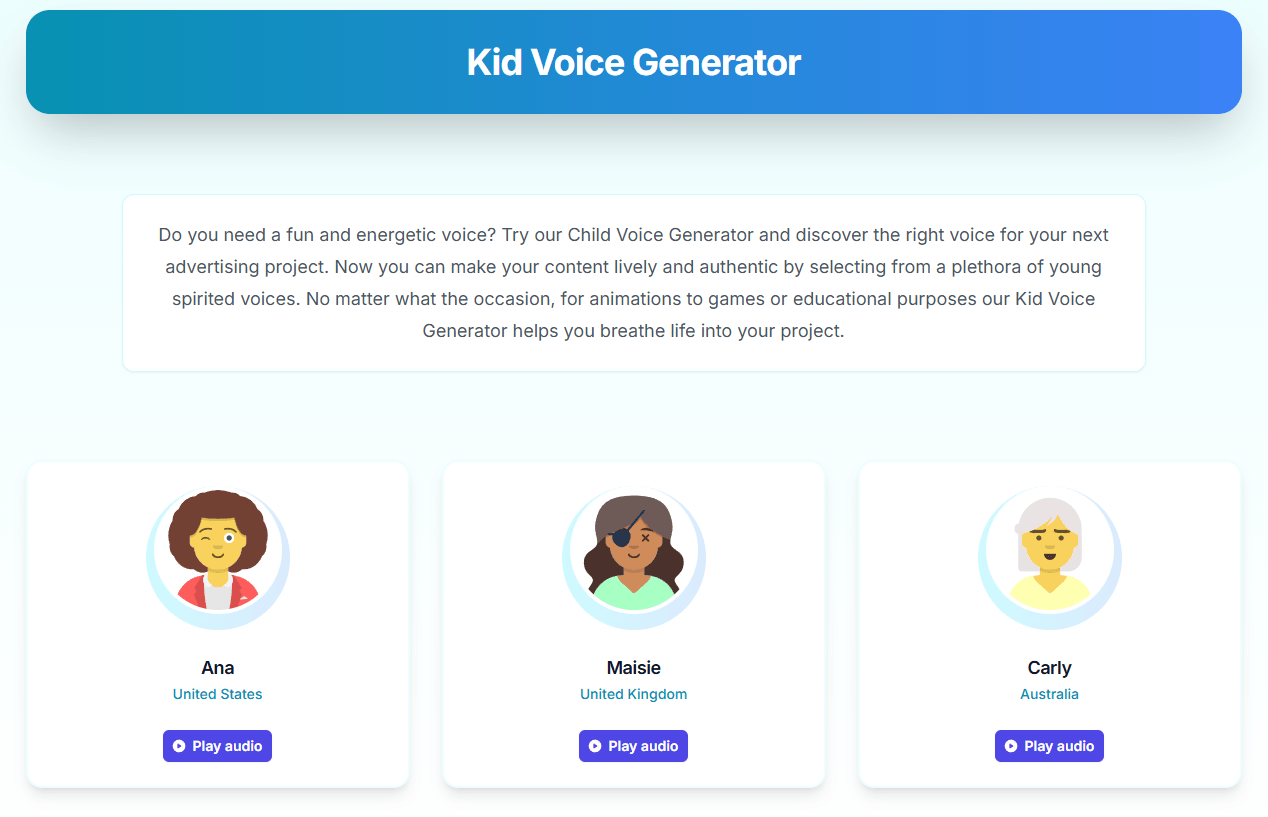
In practical terms, that means Voxify looks strongest for content that benefits from a little performance rather than pure utility reading. A product demo, a course module, a branded intro, a sports-style read, or an emotional narration all benefit from even moderate control over pacing and mood. Voxify appears designed for that middle ground: more flexible than a stripped-down TTS widget, but not as heavy as a full studio-style voice platform.
That middle ground is also why the tool will probably feel better for some workloads than others. If you mainly need quick multilingual narration with lighter editing, Voxify makes sense. If you need deeper post-production, advanced dubbing workflows, cloned brand voices, or developer-heavy infrastructure, the public product pages do not currently position Voxify as that kind of platform.
Voxify is best for people who need usable voiceovers quickly and repeatedly, without turning audio production into its own separate project. The official site repeatedly names creators, educators, podcasters, marketers, and teams as the core audience, and that looks accurate. If you publish narrated videos, lessons, internal explainers, product walkthroughs, ads, podcast intros, or multilingual support content, Voxify lines up well with those jobs.
It is also a sensible fit for buyers who care about range more than deep specialization. The voice catalog, accent coverage, and emotional demos suggest that Voxify’s real edge is breadth at a low-friction price. You can test a British explainer voice, a whisper tone, a tired narration style, an upbeat educational read, or a regional accent without switching tools. That kind of catalog breadth is useful for agencies, small content teams, and solo creators who work across different content styles.
Where it looks less compelling is in specialist workflows. If your team needs cloning, advanced dubbing, editable transcript localization, API-first documentation, or deep collaborative production controls, Voxify’s public materials do not show much evidence that those are core product layers today. That does not make it weak. It just makes it narrower and more focused.
- Start with the examples page before writing a long script. Voxify’s demo library is one of the easiest ways to hear how it handles accents, whispering, tired reads, educational pacing, and documentary-style narration. That gives you a faster way to choose a voice direction before you spend time refining copy.
- Use segment-based editing whenever the script contains more than one role or tone. Voxify explicitly supports changing voices by segment, and that is one of the clearest ways to make the tool feel more professional than basic TTS. It is especially useful for explainers with quoted dialogue, training content with multiple speakers, or story-like reads that need tonal shifts.
- Choose Standard only if your monthly output is modest. Once voice becomes a regular part of your publishing workflow, Pro looks like the more realistic fit because the extra character allowance is significant and all the core controls are already included in both tiers.
- The biggest limitation is depth. Voxify looks good as a focused TTS tool, but the public product pages do not present it as a broader audio creation platform. You are not seeing a prominently marketed cloning layer, dubbing suite, or heavy studio environment on the main product pages. That keeps the tool accessible, but it also means more advanced buyers may hit the ceiling sooner.
- The second limitation is messaging consistency. Voxify’s public pages are not fully aligned on basic product numbers. The pricing and features pages say 450+ voices and 140+ languages, the homepage mixes 450+, 500+, 120+, and 70+ in different places, and the examples page says 475+ voices and 120+ languages. That does not necessarily mean the product is weak, but it does make the site feel less polished than it should.
- There is also a smaller but telling clarity issue around controls. The feature page says emotional and style controls are available, but one homepage section still marks customizable voiceovers as “Soon” while also describing tone, style, and pacing adjustment elsewhere on the same site. For a buyer trying to understand exactly what is already live, that kind of mixed messaging creates unnecessary doubt.
Voxify is a good lightweight AI voice generator for people who want fast, affordable, multilingual voiceovers with more expressive control than basic text-to-speech. Its strongest points are its low-friction workflow, segment-based editing, emotional delivery controls, and creator-friendly pricing.
It is best for creators, educators, marketers, podcasters, and small teams that need practical narration more than deep audio infrastructure. The main caveat is that Voxify’s public product messaging is inconsistent, and the platform looks strongest as a focused TTS tool rather than a fully developed all-in-one voice production suite.
TAGS: Text to Speech
Related Tools:

Turns written content into natural-sounding audio

Collaborative document editing and project management tool

Generates realistic synthetic voices

Offers advanced document automation tools

Comprehensive document preparation system
Cloud-based document editing and collaboration tool