

Share this tool:
 |
Description:
Voicepal is one of the more narrowly focused AI writing tools in this category, and that is mostly a good thing. Its official positioning is not “universal AI assistant.” It is “a ghostwriter in your pocket”: a mobile-first tool built to capture spoken or typed thoughts, organize them around topics, ask follow-up questions, and turn that material into a usable first draft. The public app listings describe it for things like video scripts, newsletters, blog posts, emails, memos, and similar creator or knowledge-work outputs.
That focus matters because Voicepal is not really competing with ChatGPT as a blank chat box, and it is not primarily a meeting transcription suite either. The current public product pages emphasize getting ideas out of your head while walking, commuting, or generally being away from your desk, then shaping those ideas into cleaner written drafts that still preserve more of your own tone.
The easiest way to understand Voicepal is as a four-step writing workflow. First, it captures input by voice or text. Second, it organizes that material into topic-based “streams.” Third, it uses a built-in “shadow reader” to push your thinking further with follow-up questions. Fourth, it generates a first draft using customizable presets meant to reflect your style and voice. That is the product in practical terms.
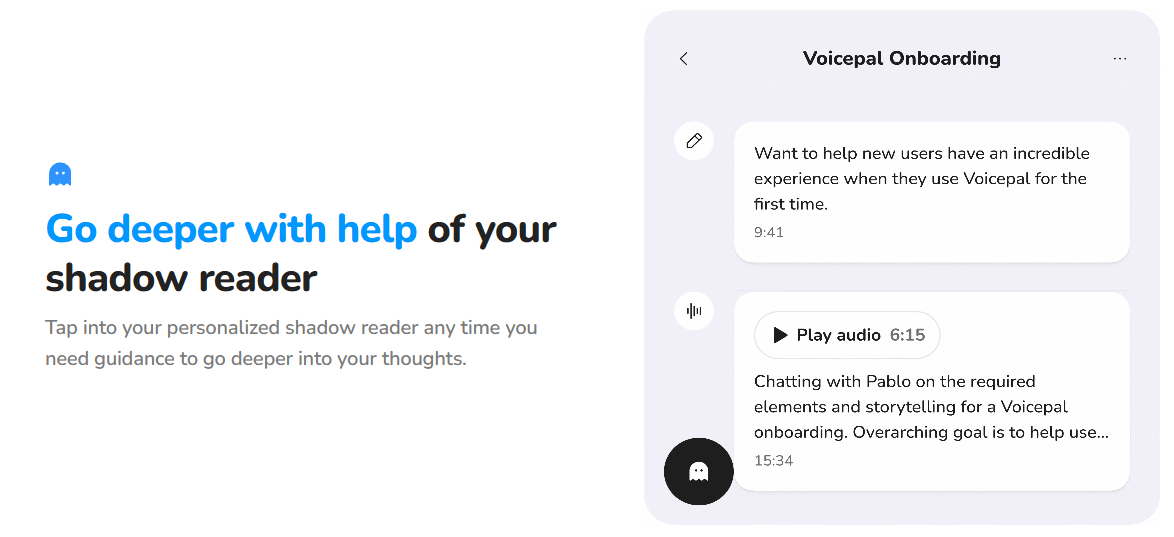
That structure gives Voicepal a clearer identity than a lot of AI writing apps. Many tools can transcribe audio. Many tools can also generate text. Voicepal’s specific pitch is that the messy middle matters: the part where your idea is half-formed, not yet worth typing properly, and still needs a few smart questions before it becomes real writing. The “shadow reader” concept is one of its clearest differentiators because it suggests the tool is trying to be a thinking partner before it becomes a draft generator.
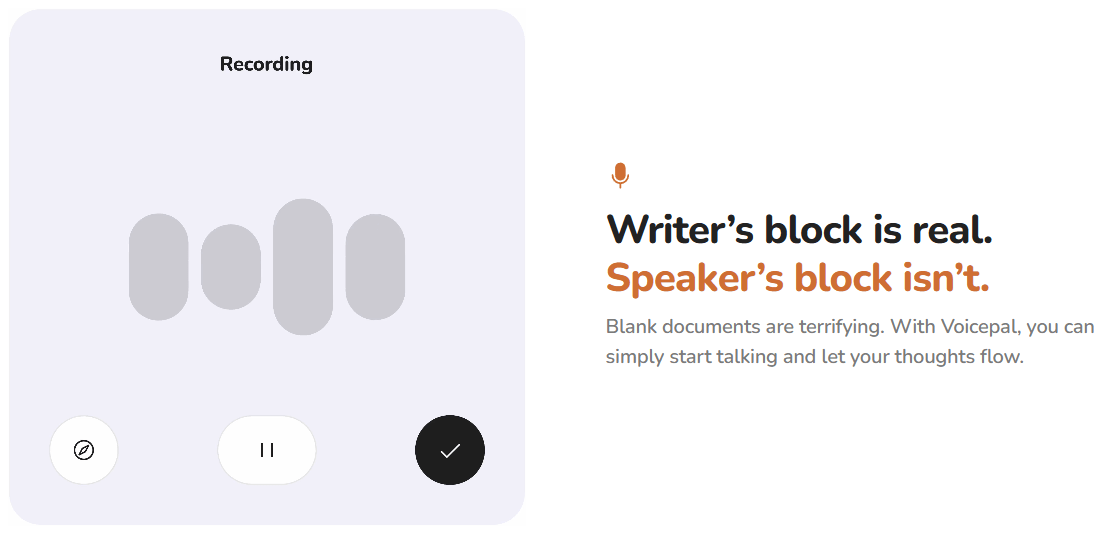
Voicepal looks strongest when the raw material already exists in your head and the main bottleneck is getting it out. If you are the kind of person who thinks better while talking than while staring at a cursor, the product design makes immediate sense. The official site leans hard into this exact pain point with lines like “Writer’s block is real. Speaker’s block isn’t,” and the mobile listings describe the app as a way to capture ideas instantly and turn them into organized transcripts and fast first drafts.
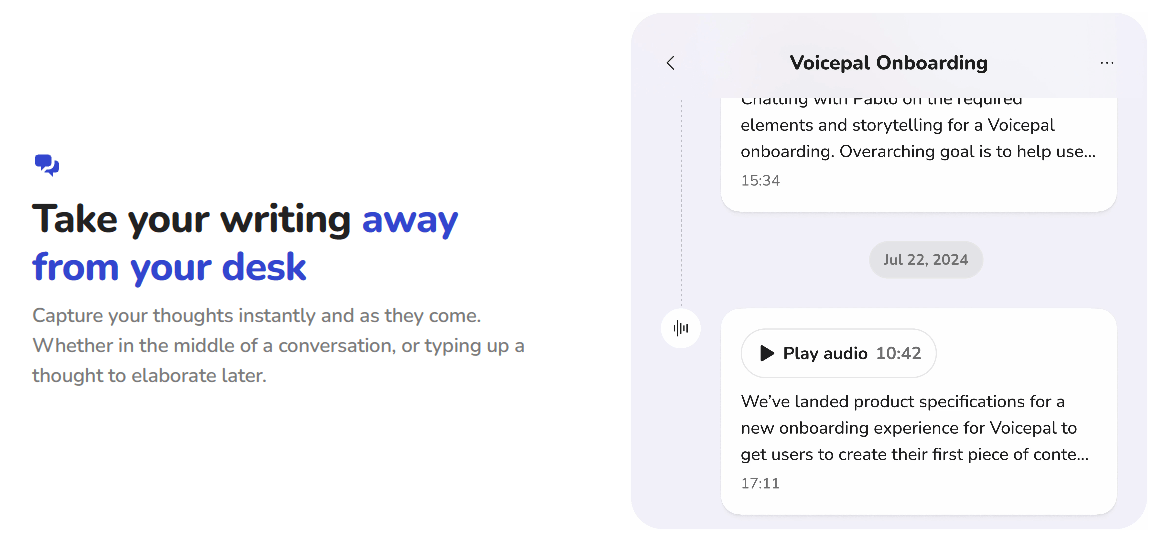
It also seems well aimed at solo creators and one-person businesses. The examples surfaced on the site and forms revolve around content ideas, newsletters, blog posts, emails, memos, and creator-style output rather than collaborative publishing systems or enterprise documentation. That makes Voicepal feel less like a general writing platform and more like a voice-first drafting engine for people who publish regularly and want to reduce friction.
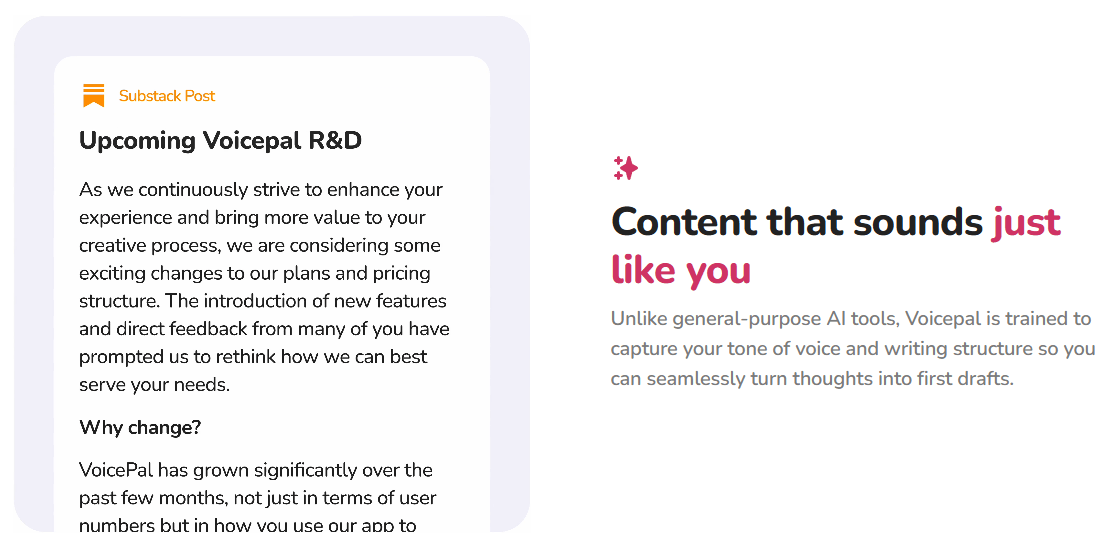
A third strength is that it appears to care about preserving author voice rather than just summarizing thoughts into generic AI prose. The official language repeatedly emphasizes content that “sounds just like you,” along with presets and style capture. That is an ambitious promise, but it is the right promise for this kind of product. People using voice-first drafting tools usually do not want polished corporate filler. They want speed without losing identity.
You can start with speech or typing, which matters because good capture tools should not force one input mode.
Ideas can be organized around topics or concepts instead of living as one giant pile of voice notes.
The app can ask follow-up questions to help deepen or sharpen an idea before drafting.
Public listings say you can apply customizable presets so generated drafts reflect your tone and writing structure more closely.
The product is explicitly framed around moving from idea to first draft in minutes or seconds, not around full editorial finishing.
The iOS version history shows frequent updates, including recent bug fixes plus specific improvements to preset creation and the interviewer flow.
The workflow appears intentionally simple at the front and more structured as you go deeper. At the entry level, Voicepal is about lowering the activation energy to almost nothing: open the app, talk, get a transcript, keep going. That is the right design choice for its audience. If the first screen asked you to choose templates, style systems, or complex generation settings before you spoke, the whole point would collapse.
The more interesting part is what happens after capture. Streams give the product some long-term organizational logic, which is important because a pure voice memo workflow tends to become a graveyard of forgotten thoughts. The shadow reader layer then adds structure without requiring the user to manually interrogate their own rambling notes. In practice, that means Voicepal is trying to sit somewhere between dictation app, journal prompt tool, and first-draft writer. That combination is more useful than a plain transcriber, but also more opinionated.
The product also looks clearly mobile-first. The official site pushes iOS and Android downloads, and the public web app surface I could verify is primarily a login page rather than a richly explained desktop workspace. That is not necessarily a flaw. In fact, it may be a big part of the appeal. But it does tell you what kind of tool this is: capture on the move first, refine later.
The most important quality judgment here is that Voicepal is selling first-draft quality, not final-copy quality. That distinction is built into the official language: “idea to first draft in minutes,” “first draft in seconds,” and “turn thoughts into first drafts.” That is a smart positioning choice, because it sets a more believable expectation than pretending the app will replace real editing.
That also means the best way to evaluate Voicepal is not “Can it write a perfect article for me?” It is “Can it turn messy spoken thinking into a draft that is dramatically easier to edit than starting from zero?” On paper, the combination of voice capture, topic streams, follow-up questioning, and presets gives it a good shot at that. The voice-preservation claim is especially promising for creators who hate the sterile feel of generic AI copy. But this is still the kind of tool that will likely work best when you already have a point of view and need help structuring it, not when you need deep original research or high-stakes final wording.
- Solo creators: Voicepal makes sense for people who regularly need to turn rough thoughts into scripts, newsletters, blog posts, emails, memos, and similar first drafts.
- Newsletter writers and bloggers: The tool is useful when the idea already exists but the blank page is slowing the user down.
- YouTubers and podcasters: Voicepal fits creators who want to talk through scripts, outlines, episode angles, or content ideas before drafting.
- Coaches, consultants, and founders: It can help turn spoken insights, client reflections, memo ideas, and founder thoughts into clearer written material.
- Reflective writing and idea development: Streams plus follow-up questioning can support journaling, personal thinking, and shaping rough arguments before they become outward-facing content.
- The biggest limitation is that Voicepal is a first-draft tool, not a finished publishing system. It can help you get words onto the page, but final editing, fact-checking, structure, examples, and polish still matter.
- The second limitation is that it is strongest for individual creators. The public positioning emphasizes mobile capture and personal drafting rather than team collaboration, editorial approvals, source management, or enterprise documentation workflows.
- The third trade-off is mobile-first design. That is useful for capture on the move, but users who prefer a deep desktop writing environment may find the public web experience less central than the mobile app.
- The fourth limitation is that voice preservation is hard. Presets and style capture can help, but users should still review drafts carefully so the final version actually sounds like them and does not drift into generic AI prose.
Voicepal is best understood as a mobile-first ghostwriting assistant for people who think better out loud than they type.
Its strongest qualities are voice capture, topic streams, follow-up questions through the shadow reader, customizable style presets, and fast first-draft generation. It is especially useful for creators, writers, founders, coaches, consultants, and solo operators who already have ideas but need a smoother bridge from thought to draft.
The main caveat is that Voicepal should be treated as a first-draft accelerator, not a replacement for editing or judgment. For users who want to capture ideas on the move and turn them into writing that still feels personal, it is a focused and practical tool to test.
TAGS: Speech to Text
Related Tools:

Captures, summarizes, and organizes your notes and recordings

Generates and translates accurate subtitles

AI-driven translation across multiple languages

Specializes in dubbing videos into multiple languages

Transcribe virtual meetings, providing clear summaries

Transforms voice recordings into organized notes