
Share this tool:
 |
Description:
Dubverse.ai is an AI video localization platform for turning existing videos, scripts, and audio into multilingual versions using AI dubbing, subtitles, text-to-speech, transcription, voice cloning, and studio-style editing controls. Its strongest fit is not just “generate a voiceover.” It is helping creators, educators, marketers, and businesses take one piece of content and adapt it across languages with enough editing control to make the output usable before publishing.
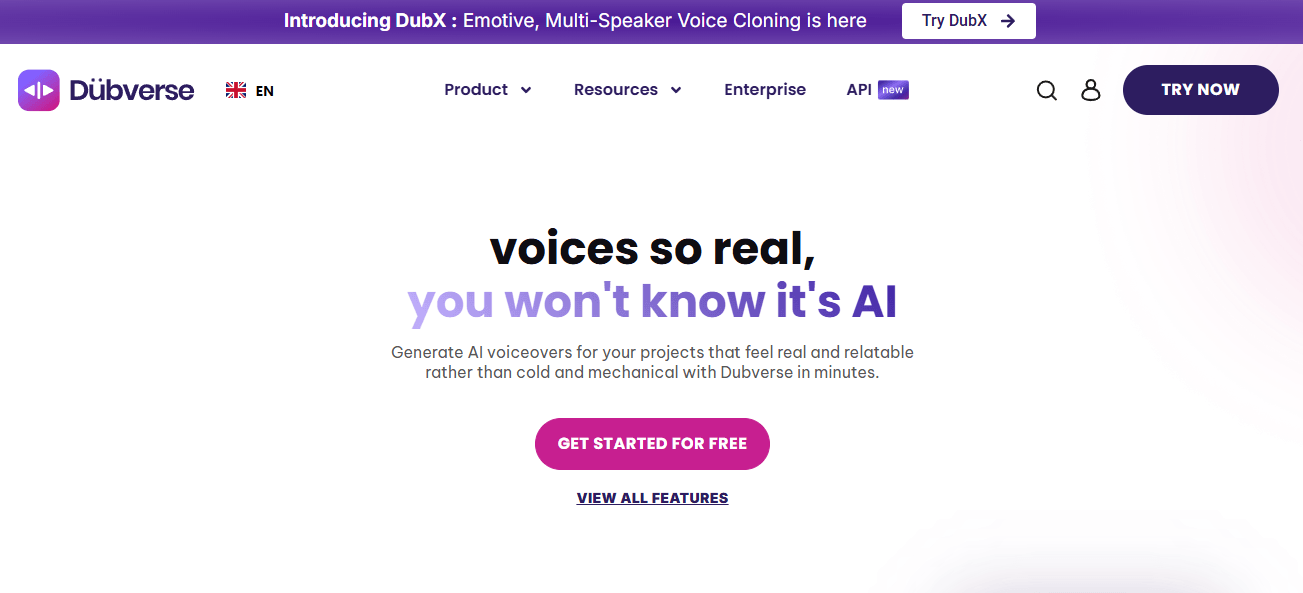
Dubverse is built around three connected jobs: dubbing videos, generating subtitles, and creating AI voiceovers. The main product menu includes AI Video Dubbing, AI Subtitles, Text to Speech, Transcript Generator, Video Translator, pricing, languages, speakers, enterprise, and API access, which makes the platform broader than a single dubbing button.
The dubbing workflow is the heart of the product. Dubverse describes its video translator as a way to turn videos multilingual with subtitles and human-like voiceovers, and its dubbing page says the platform uses TTS, machine translation, and generative AI to deliver ready-to-publish videos faster than manual dubbing. That is the core value proposition: less manual translation, recording, syncing, and post-production work.
The second layer is the editor. Dubverse includes a self-servable script editor, real-time translation, find and replace, transliteration, segment-aware playback, glossary support, multi-pronunciation options, redo by range, repeat segments, and transcript customization. This matters because AI dubbing almost always needs correction. The practical value is not just first-pass output. It is the ability to fix the words, pronunciation, tone, and subtitles without rebuilding the whole project.
The third layer is scale. Dubverse supports collaboration, link sharing, project management, bulk actions, review services, API access, and enterprise localization workflows. That makes it more useful for teams with recurring content libraries than for someone who only needs one translated clip.
One important current detail: Dubverse announced on April 8, 2026, that its founders and technical team had joined Exotel as part of a team acquisition, but the company also stated that Dubverse will continue to operate as an independent product with no changes to subscription, pricing, platform access, or ongoing services. That is worth knowing because buyers may see Exotel news and wonder whether the product is being shut down or folded into something else. Based on Dubverse’s own announcement, the public position is continuity.
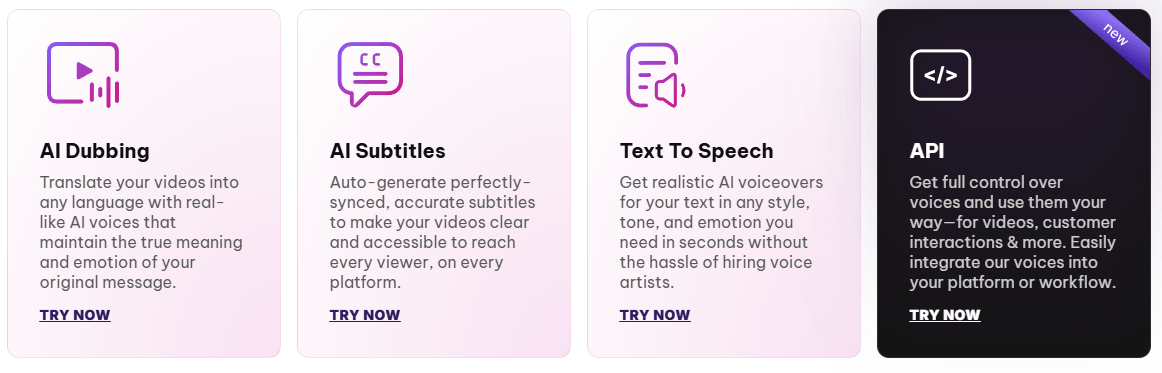
Translates and dubs videos into multiple languages using AI voices, machine translation, and generative AI.
Generates time-coded subtitles and supports multilingual subtitle tracks, with Dubverse claiming auto-subtitles can be created in many languages from one video.
Turns text, pasted scripts, or uploaded documents into AI voiceovers with language and speaker selection.
Gives users editing controls such as redo by range, repeated segments, transcript customization, find and replace, transliteration, and more download options.
Supreme and Enterprise-level workflows add voice cloning, while DubX is positioned around emotive, multi-speaker voice cloning, native-style delivery, and support for 72+ languages.
Dubverse provides a TTS API with streaming or non-streaming output, speaker selection, customizable parameters, and an official endpoint documented for developers.
Dubverse is built around workflow compression. Instead of manually translating a script, recording a new voiceover, syncing audio, generating subtitles, and exporting separate versions, the platform brings those steps into one AI-assisted workspace.
The simplest Dubverse workflow starts with existing content, then moves through translation, voice generation, subtitle creation, and review inside the editor. The strongest part of that workflow is not just the first AI output. It is the ability to revise the project before publishing.
The editor is one of the most important parts of Dubverse because AI dubbing almost always needs correction. A first-pass dub can be useful, but real publishing workflows usually need fixes for names, tone, pronunciation, timing, repeated phrases, and terminology.
Dubverse’s self-servable script editor, real-time translation, find and replace, transliteration, segment-aware playback, glossary support, multi-pronunciation options, redo by range, repeat segments, and transcript customization give users practical ways to clean up output without starting the whole project over.
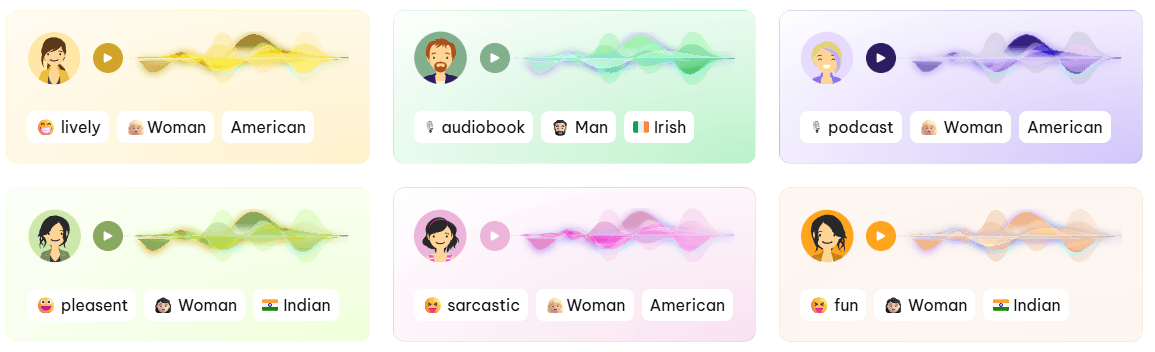
This is where Dubverse feels more like a localization workspace than a simple AI voice generator.
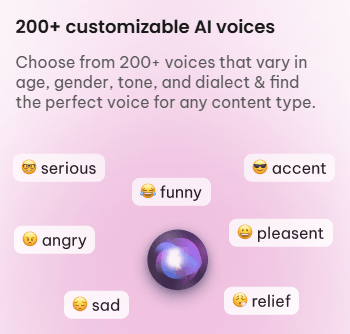
Voice cloning is one of the more important layers in Dubverse because localized content often feels weaker when the translated voice sounds disconnected from the original speaker. Dubverse’s higher-level workflows add custom voice cloning, while DubX is positioned around emotive, multi-speaker voice cloning, native-style delivery, and support for 72+ languages.
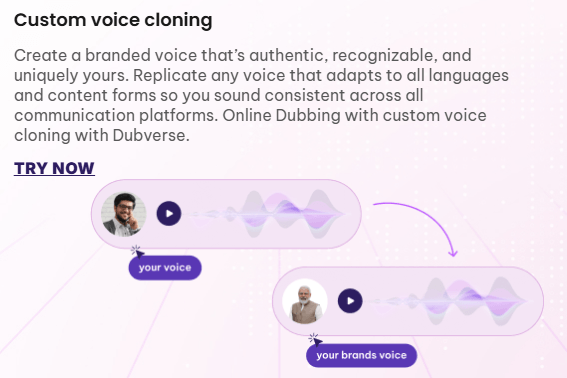
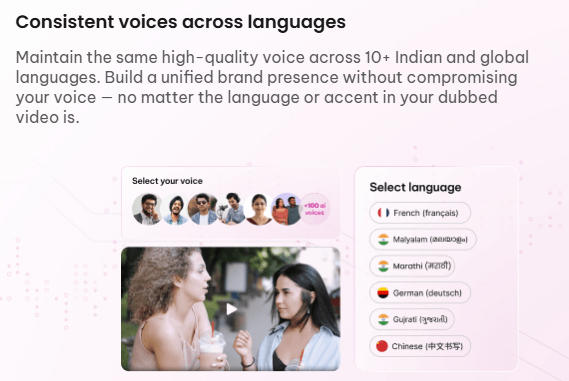
That matters most for educators, creators, founders, coaches, and brands where the speaker’s identity is part of the content. A translated video that keeps a consistent voice can feel more natural than one that uses a generic narrator.
Dubverse also has a scale layer. Collaboration, link sharing, project management, bulk actions, review services, API access, and enterprise localization workflows make the product more relevant for recurring content libraries.
The API and developer access also matter because not every team wants to process videos manually in a browser. Dubverse provides a TTS API with streaming or non-streaming output, speaker selection, customizable parameters, and an official endpoint documented for developers.
That gives Dubverse a stronger fit for teams that want localization workflows connected to larger production systems, rather than creators who only need occasional one-off dubbing.
Dubverse.ai is best understood as an AI localization workspace for teams and creators that want to turn existing videos, scripts, and audio into multilingual versions with AI dubbing, subtitles, text-to-speech, transcription, voice cloning, and studio-style editing controls.
Its strongest value is not simply generating a voiceover. It is compressing the localization workflow while still giving users enough control to correct scripts, pronunciation, subtitles, and voices before publishing.
The main caveat is that the attached article text switched into unrelated Rask AI content partway through, so this HTML uses the coherent Dubverse.ai portion only.
TAGS: Speech to Text Text to Video
Related Tools:

Enhances sales force automation
Transforms text or product links into engaging videos

Creates cinematic videos from text and images
Transforms text and documents into polished, shareable videos
Enables users to produce high-quality videos from text and images
Convert audio and video into accurate and editable text
Related Videos:
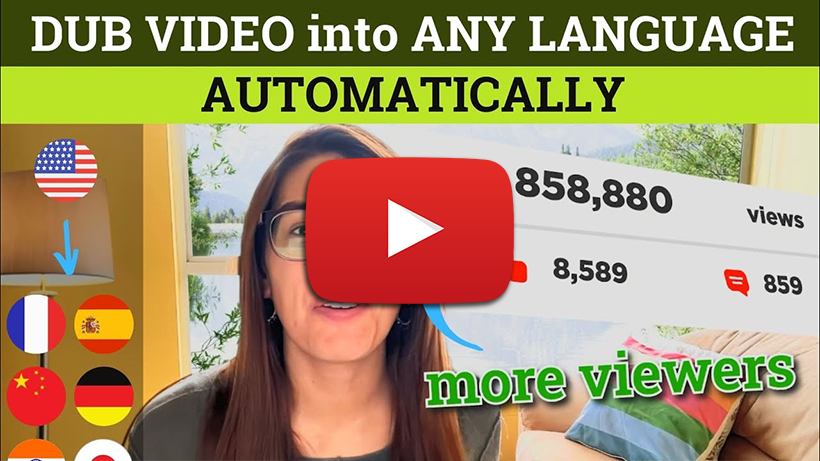
Dubbing Your Video into Multiple Languages with AI - Eleven Labs vs Dubverse vs Speechify
Expand Your Reach with AI Video Dubbing! In this video, we explore three powerful AI tools that allow you to dub your videos into multiple languages, helping you reach a wider global audience.