
Share this tool:
 |
Description:
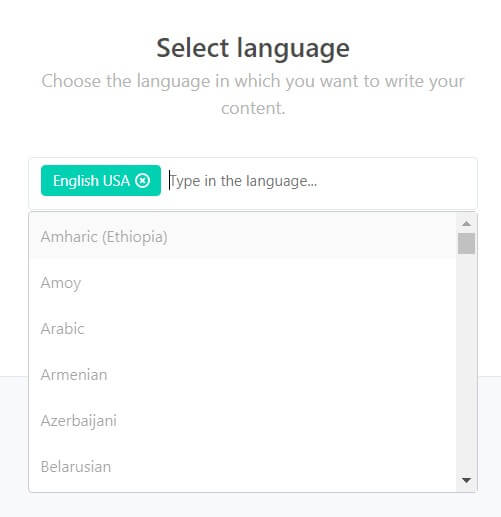
Copymate is an AI SEO content generator built for one main job: producing many search-focused articles quickly, then helping users move those articles into publishing workflows. Its public site highlights bulk generation, WordPress integration, multilingual content, OpenAI language models, and multisite management, which makes it more of a content production system than a general AI writing assistant.
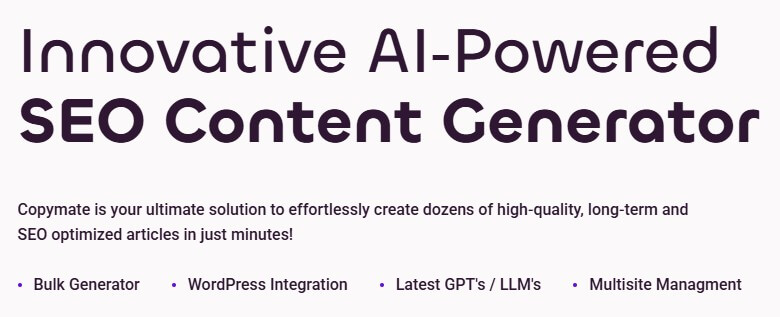
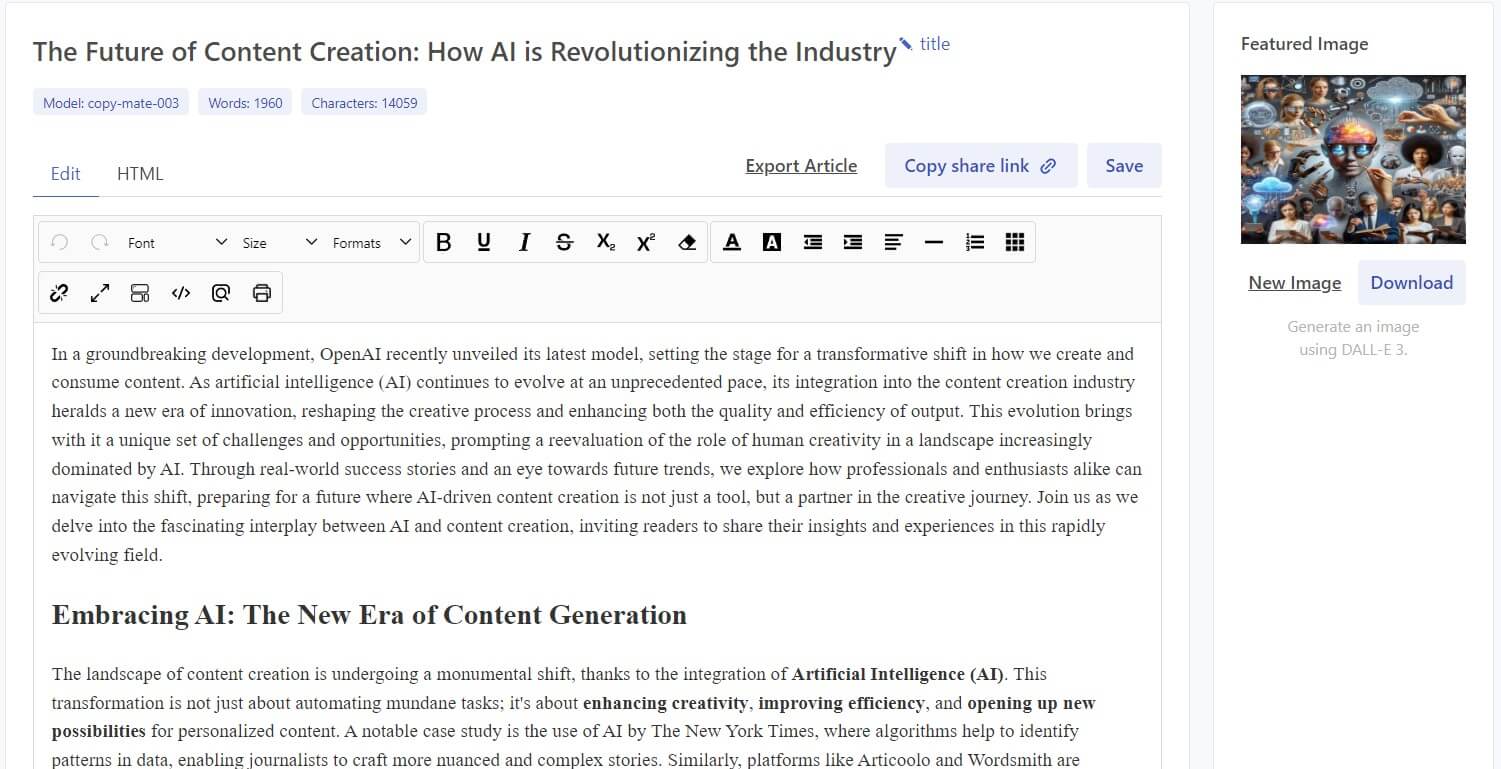
The easiest way to understand Copymate is as a scale-first blog and SEO article generator. You give it topics or keywords, and the system creates SEO-oriented articles, blog posts, and other written content. Copymate’s own SEO AI Writer page says the tool uses GPT-4 to generate articles, blog posts, and reports, while the Blog Generator page describes the process as entering a topic or keyword and letting the AI generate a structured article.
That matters because Copymate is not positioned like a blank chatbot. The value is not “ask anything.” The value is: build a repeatable content pipeline for websites that need many articles, especially if those sites run on WordPress. For agencies, affiliate publishers, niche site operators, and SEO teams, that workflow is more useful than opening a chat tool and manually copying drafts into a CMS.
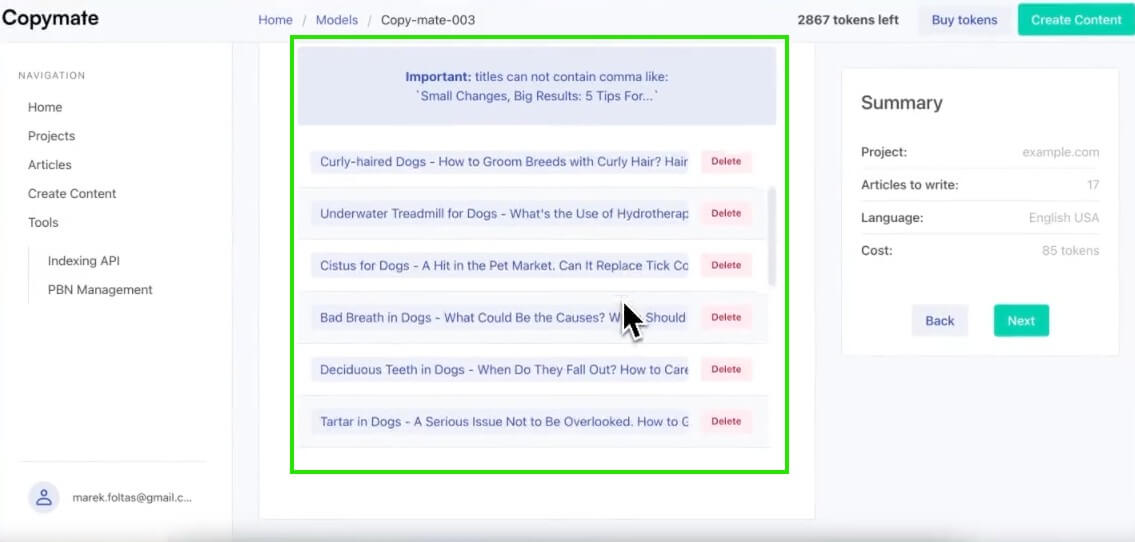
Copymate is strongest when the content plan is already structured. If you have a keyword list, topic cluster, product category, location page strategy, or multilingual expansion plan, the tool makes sense. Its Bulk Generator page says users can create many articles at the same time, including through CSV uploads for managing topics at scale.
That is the core benefit. Copymate reduces the operational drag around SEO publishing: generating drafts one by one, formatting them, moving them to WordPress, and repeating the same steps across multiple sites. It is not a substitute for content strategy, but it can speed up the production layer once the strategy is clear.
| Feature | What it does | Why it matters |
|---|---|---|
| Bulk Generator | Creates many articles at once, with CSV uploads for adding topics in volume | Supports large content campaigns without generating each draft manually |
| WordPress Integration | Lets users publish AI-generated articles directly to WordPress and push updates from inside Copymate | Reduces copy-paste work between the writer and CMS |
| SEO Optimization | Uses NeuronWriter integration for research, topic direction, keyword use, and content structure support | Helps drafts follow search-focused structure and topic coverage |
| Multilingual Content | Supports generating content in multiple languages | Helps teams reach different markets without writing every article manually in each language |
| Multisite Management | Gives users a centralized dashboard for handling content across multiple websites | Useful for agencies, portfolio publishers, and SEO teams managing more than one site |
| OpenAI Model Layer | Public pages refer to GPT-4, “latest GPTs / LLMs,” and a GPT-4 & GPT-5 feature page | Gives the product an AI writing engine, though users should judge output quality more than model labels |
Copymate’s workflow is built around speed: choose a topic or keyword, generate content, optimize it, and publish it. The Blog Generator page describes a straightforward flow where users input an idea, then receive an SEO-optimized article ready for publication.
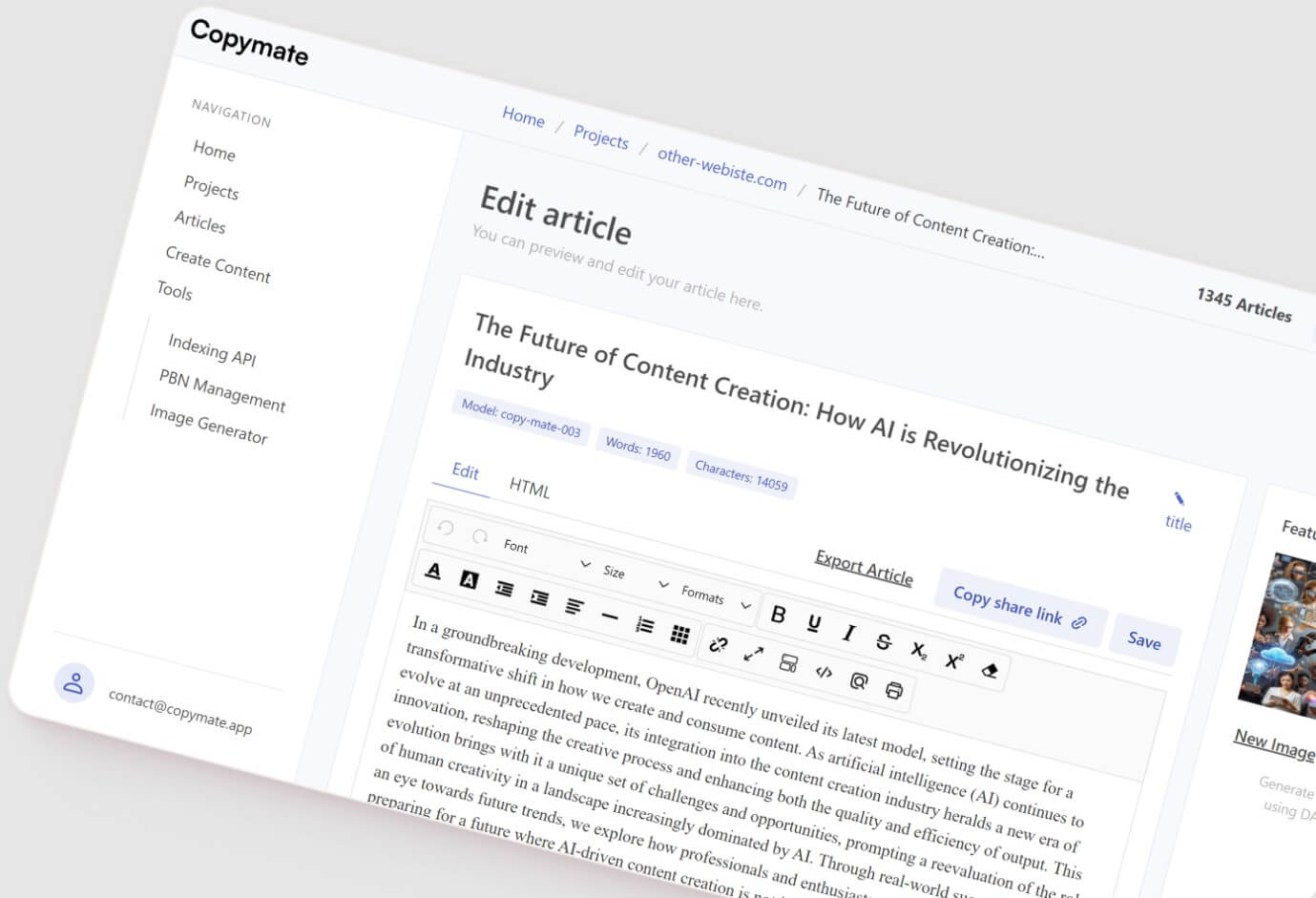
The WordPress integration is one of the most practical parts of the product. Copymate says users can publish articles directly from the platform and make edits or updates without logging into WordPress separately. For content teams managing many posts, that can remove a lot of low-value admin work.
The multisite layer also matters. Copymate says users can manage multiple websites from one dashboard, including editing, adding posts, checking stats, and coordinating work across projects. That makes the tool more appealing for agencies and portfolio publishers than for someone running one small personal blog.
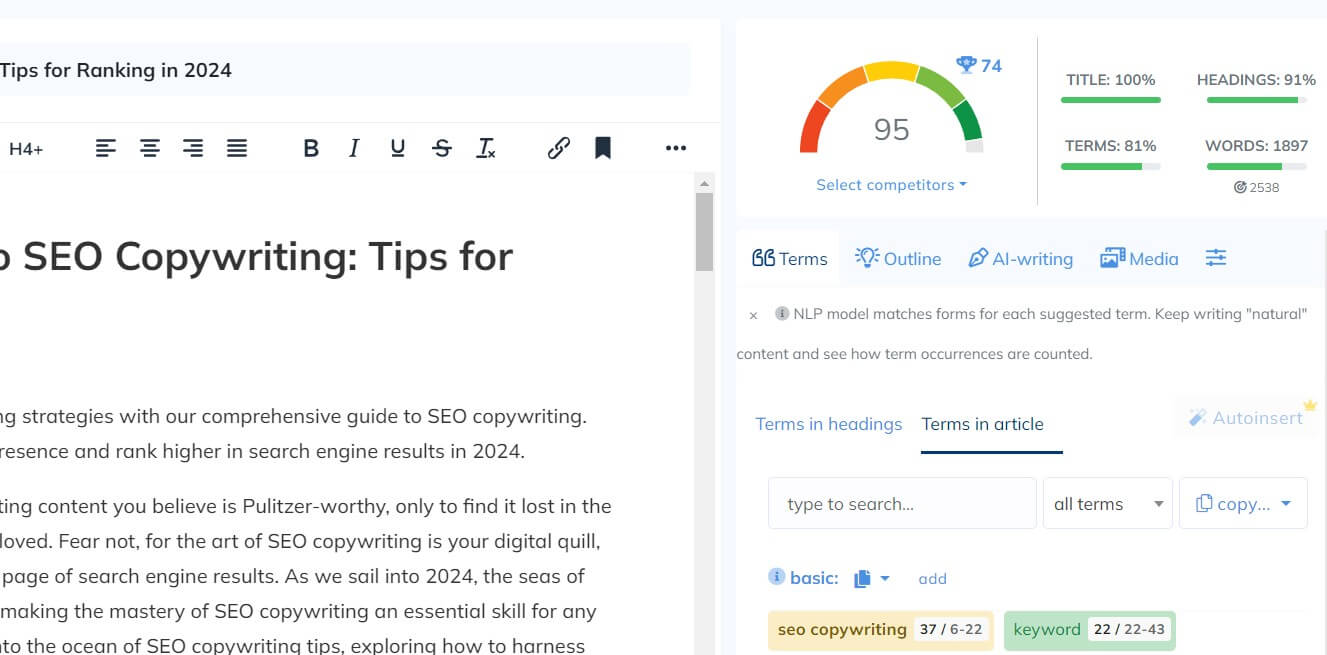
Copymate’s SEO angle is not just “write with keywords.” Its SEO Optimized page points to NeuronWriter integration, which is meant to guide topic selection, keyword inclusion, content structure, and competitor-aware planning.
That is useful, but it should not be overread. SEO content still needs judgment. Google’s own guidance says generative AI can help with research and structure, but generating many pages without adding value may violate its scaled content abuse policy. Google also emphasizes helpful, reliable, people-first content rather than content made mainly to manipulate rankings.
So the right way to use Copymate is not to publish everything untouched. Use it to create first drafts, outlines, topic coverage, and scalable article sets. Then add original insight, examples, expert review, images, internal links, product knowledge, and local or industry-specific details.
Copymate’s public model messaging is a little messy. The homepage mentions “Latest GPT’s / LLM’s,” while feature pages refer to GPT-4 and a “GPT-4 & GPT-5” page.
That does not make the tool unusable, but it does mean users should judge Copymate by workflow and output quality rather than by model labels alone. The important questions are practical: Are the articles accurate? Do they match search intent? Are headings useful? Does the draft need heavy rewriting? Can the tool support the publishing volume you need?
Copymate is best for SEO teams building topic clusters, agencies managing multiple client blogs, affiliate site operators producing informational content, ecommerce teams creating category support articles, and publishers expanding into multilingual content. Its strongest fit is high-volume article production where the topics are clear and the editorial process is already defined.
It is less ideal for thought leadership, expert-heavy content, investigative writing, brand storytelling, or content that depends on interviews, proprietary data, strong opinions, or deep subject-matter nuance. In those cases, Copymate can still help with drafts, but the human layer matters more than the automation.
- Start with a clean keyword map. Copymate’s bulk workflow is only as good as the topic list behind it.
- Use CSV uploads for large campaigns, but group topics by intent first. A messy upload can create overlapping posts that compete with each other.
- Review every article before publishing. Check facts, remove generic sections, add examples, and make sure the article answers the query better than existing pages.
- Use WordPress publishing for speed, not as an excuse to skip editing. Direct publishing is useful, but instant publishing can become risky if quality control is weak.
- For multilingual content, have native or market-aware review for important pages. Translation-like fluency is not the same as local relevance.
The biggest trade-off is the same one that affects most bulk AI writing tools: scale can hide weak content. If users publish hundreds of similar articles without strong editing, the site may look active but not necessarily helpful.
The second limitation is control. Copymate appears designed around automated article production, not deep line-by-line editorial shaping. Writers who want detailed voice control, complex argument structure, or heavy creative direction may prefer a writing editor or general AI assistant.
The third limitation is model clarity. Copymate references several model labels across its pages, so buyers should avoid assuming one fixed model experience unless the app itself makes that clear at generation time.
Copymate is a strong fit for SEO-driven teams that need to generate and publish many articles faster, especially across WordPress and multiple websites. Its best features are bulk generation, WordPress publishing, NeuronWriter-backed SEO support, multilingual output, and multisite management. The main caveat is quality control: Copymate can speed up content production, but users still need strategy, editing, fact-checking, and original value if they want the content to help rather than just fill pages.
TAGS: Content Creation
Related Tools:

Automates content creation and improves writing
AI-enhanced copywriting tool

Creates marketing copy and content from short prompts

Helps quickly develop content marketing plans

Enhances video editing efficiency

Provides personalized assistance for writing