
Share this tool:
 |
Description:
BrandWiz is an AI-powered social media moderation tool built to detect and remove toxic, spammy, offensive, or unwanted comments from creator and brand pages. Its main promise is simple: connect your social accounts, set moderation rules, and let the AI clean up harmful comments in real time so you don’t have to monitor every post manually. The site positions it for influencers, creators, influencer managers, brands, and agencies that want a cleaner comment section with less daily cleanup.
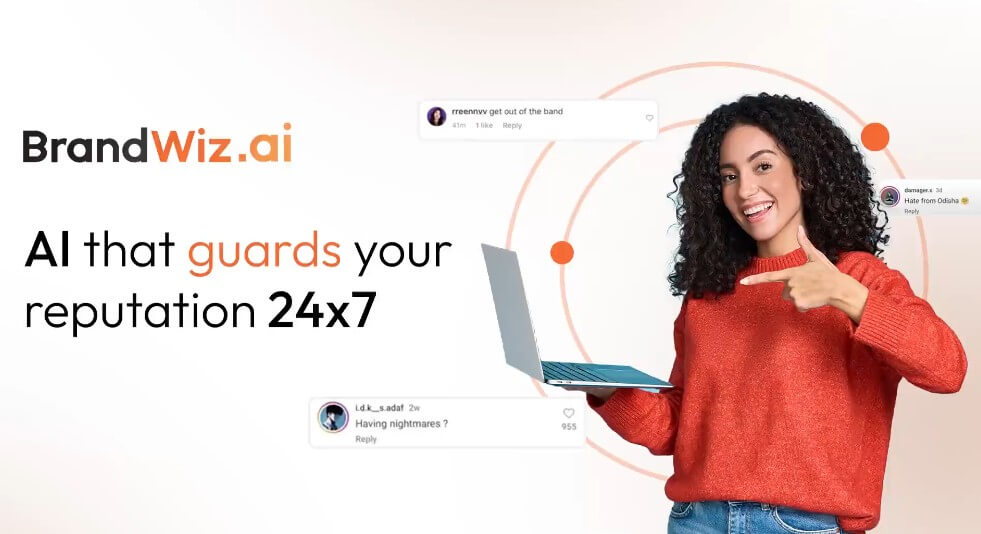
BrandWiz is strongest when the problem is comment overload. For creators and brands that post often, the comment section can become a mix of real audience feedback, spam links, scams, harassment, fake profiles, and low-effort negativity. BrandWiz tries to remove the worst parts of that mix before they distract the creator or damage the page experience.
The core value is not content creation. It is brand protection. BrandWiz does not appear to be trying to replace a full community manager or social listening platform. Instead, it focuses on one painful workflow: keeping comments clean without asking someone to babysit every post.
That narrow focus is a strength. Many social tools try to do scheduling, analytics, inbox management, creator discovery, campaign tracking, and reporting all at once. BrandWiz is easier to understand because the job is specific: remove bad comments, apply custom rules, and reduce moderation work.
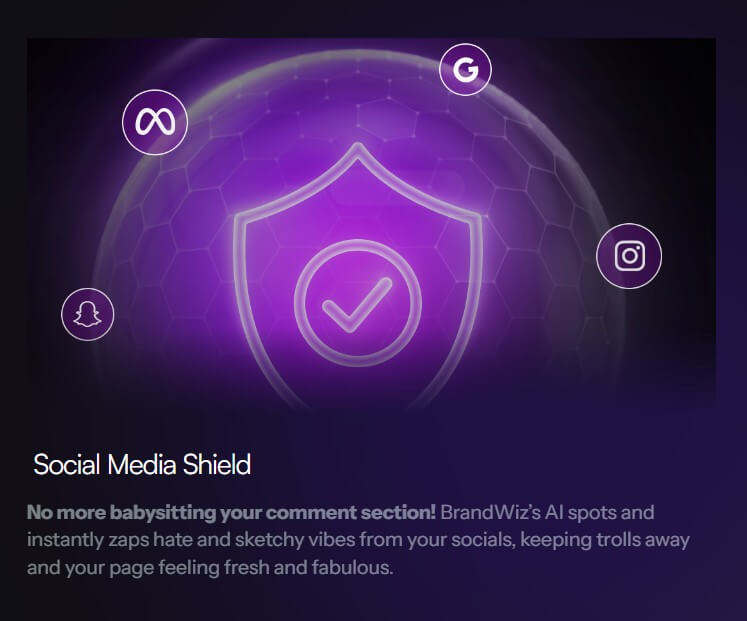
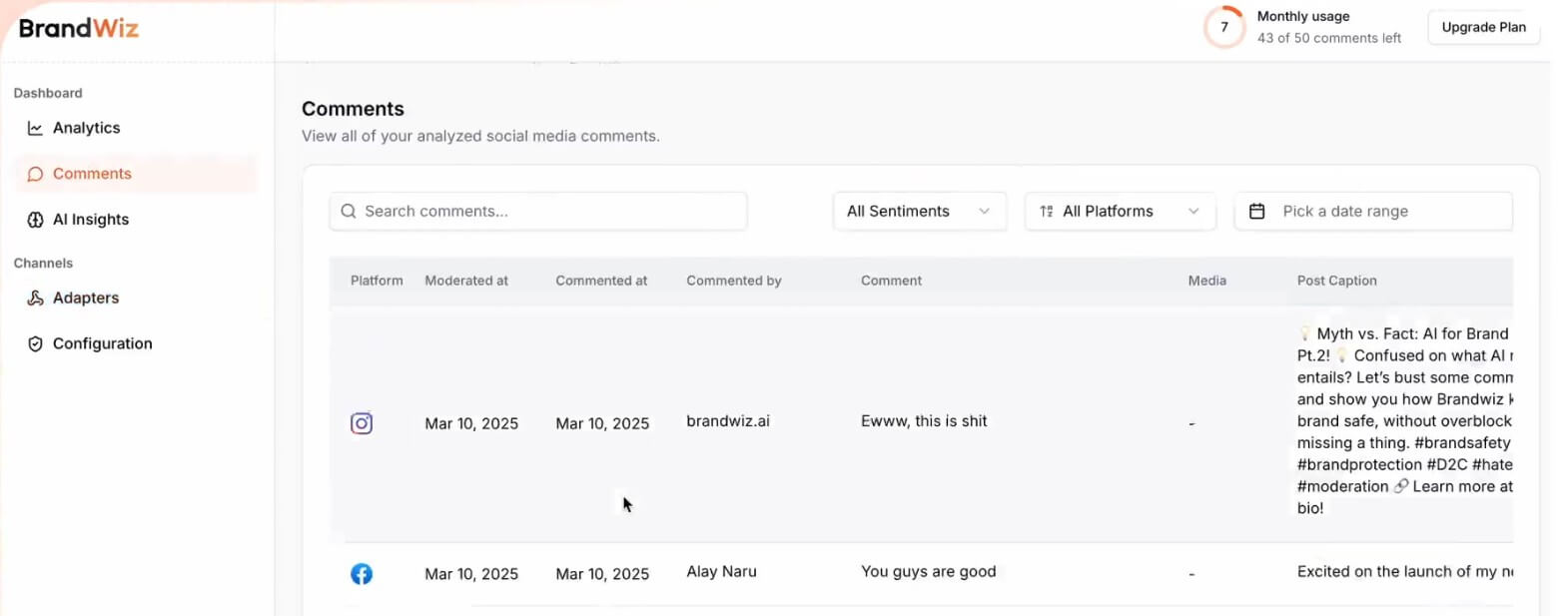
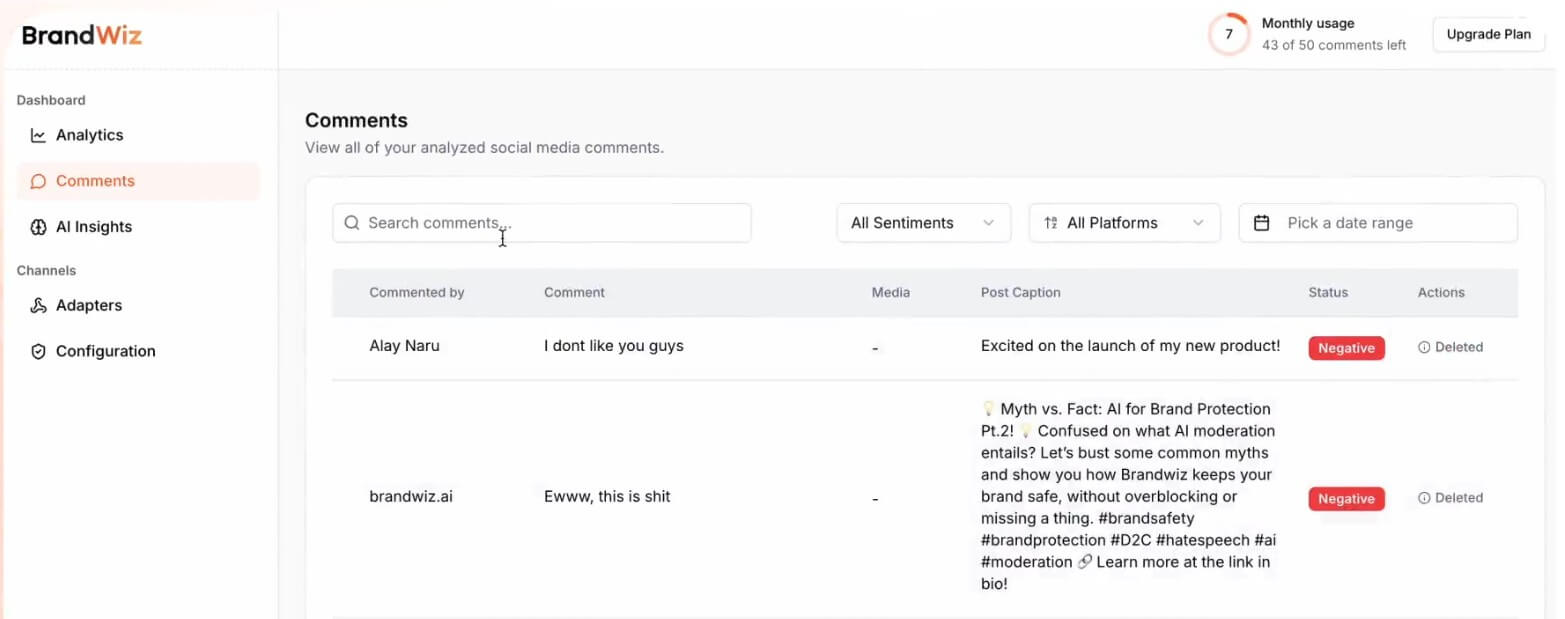
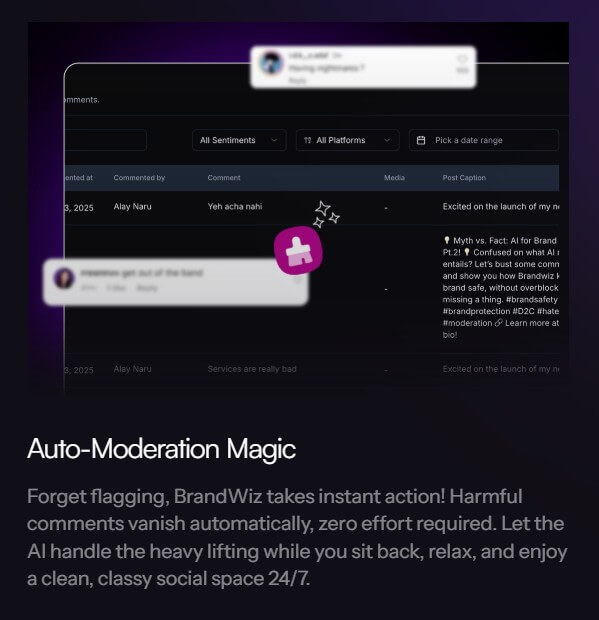
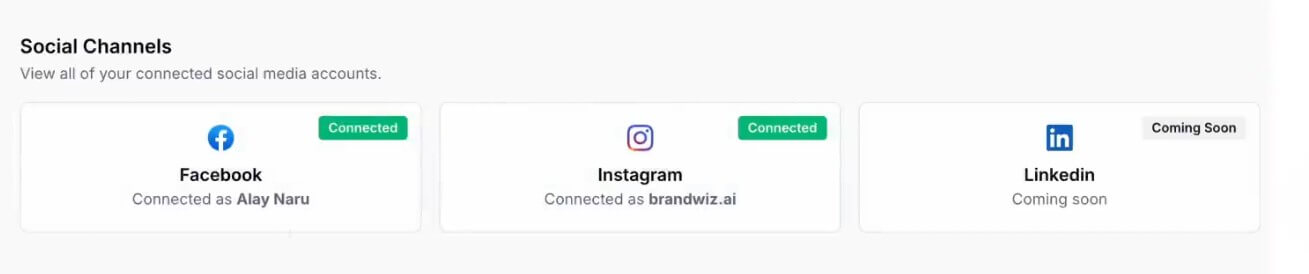
The workflow is simple enough for non-technical users. BrandWiz says users can create an account, connect Facebook and Instagram pages, define moderation rules, and then activate AI auto-protection. Once active, the AI scans comments and removes harmful, offensive, or spam content in real time.
| Step | What Happens | Why It Matters |
|---|---|---|
| Connect pages | Users link their social accounts | Keeps moderation tied to active public pages |
| Set rules | Users choose keywords, phrases, emojis, misspellings, and approval preferences | Helps match moderation to the brand’s tolerance level |
| Enable AI protection | BrandWiz scans and removes unwanted comments automatically | Reduces manual cleanup |
| Monitor results | The user can adjust rules over time | Helps avoid over-filtering or missed toxic comments |
This is the right structure for a moderation product. Comment moderation should not require a complex setup. The more steps it takes, the less likely creators are to use it consistently.
BrandWiz fits best when the comment section has become a time sink. If a creator is spending too much time deleting spam, hiding hate comments, or checking posts after every upload, the tool has a clear job.
It also fits teams that manage public-facing talent. Influencer managers and agencies often need to protect creators from abuse while also keeping brand pages presentable. Manual moderation can work for small accounts, but it becomes harder when there are many posts, many clients, or sudden spikes in attention.
Another strong use case is brand safety. A comment section full of scams, offensive replies, fake giveaways, or misleading claims can make a page look poorly managed. BrandWiz is useful when the comment area itself affects trust.
- Influencers with active comment sections: BrandWiz is a good fit for creators who receive frequent spam, harassment, creepy comments, or low-quality replies.
- Brands that need clean public pages: It can help reduce harmful or misleading comments that make a brand profile look unsafe or unmanaged.
- Agencies managing multiple social clients: The custom rules and automation angle are useful when moderation has to scale across accounts.
- Influencer managers protecting talent: It can reduce the emotional and operational burden of reading harmful comments manually.
- Creators running ads or viral campaigns: When reach spikes, comment quality can drop fast. Automated filtering is most useful during those traffic surges.
- Small teams without dedicated moderators: BrandWiz can cover a basic moderation layer when there is no full-time community manager.
Before relying on BrandWiz fully, users should test three things.
First, test how strict the moderation feels. A good moderation tool should remove clear spam and abuse without deleting fair criticism or normal audience discussion.
Second, test custom filters with real examples from past comments. This is where the tool will prove whether it can handle your audience’s language, recurring spam patterns, and brand-specific concerns.
Third, check how it behaves on high-engagement posts. Some tools work fine on normal posts but struggle when comments arrive quickly. BrandWiz’s promise depends on real-time action, so speed matters.
- The main limitation is that automated moderation can make mistakes. It may remove comments that are critical but fair, or it may miss harmful comments that use indirect wording. That is not unique to BrandWiz. It is a common challenge with AI moderation.
- Another limitation is scope. Based on the official site, BrandWiz appears focused on comment protection rather than broader social media management. Users looking for scheduling, social inbox management, analytics, influencer campaign tracking, or deep sentiment reporting may still need other tools.
- There is also a control trade-off. Auto-deleting comments is useful, but it requires trust. Some brands may prefer a review queue before removal, especially in industries where public feedback matters. BrandWiz’s custom rules help, but users should still monitor early results and adjust settings carefully.
BrandWiz is best for creators, brands, and agencies that want less manual comment cleanup and stronger protection against spam, hate, scams, and toxic replies.
Its strongest value is the combination of real-time AI moderation and custom rule control.
The main caveat is that users should tune it carefully, because comment moderation needs balance. Remove the harmful noise, but don’t erase useful criticism or real community discussion.
TAGS: Marketing
Related Tools:

Helps businesses find investors
Enables users to create 3D designs
Automates messaging and customer interactions

Allows users to design 3D real-world objects

Creates and optimizes Google Ads campaigns

Creates and optimizes multi-channel ad campaigns