
Share this tool:
 |
Description:
Creatify AI is an ad creation platform built around one practical promise: give it a product link or product assets, and it helps turn them into video ads, avatar-led UGC-style clips, image ads, and campaign variations. It is not a general video editor first. It is closer to an AI creative production system for brands and marketers who need more ad concepts faster.
The strongest part of Creatify is its URL-to-video workflow. Instead of starting with a blank canvas, users can paste a product URL, let the system pull product details and media, then generate ad creatives around that product. Creatify’s own help center describes AI Video Ads, also called URL to Ad Maker, as a tool that turns product URLs into personalized video ads; users without a URL can upload assets and enter product information manually.
That makes Creatify most useful for performance marketing, ecommerce, dropshipping, app promotion, social ads, and creator-style product videos. The platform is designed less for one polished brand film and more for making many testable ad variations. Creatify’s homepage also points to built-in A/B testing, social channel launching, and platform-specific optimization as part of the broader ad workflow.
The main thing to know: Creatify is built for speed and volume. If your team needs to test hooks, spokespeople, scripts, formats, and creative angles, it fits the job well.
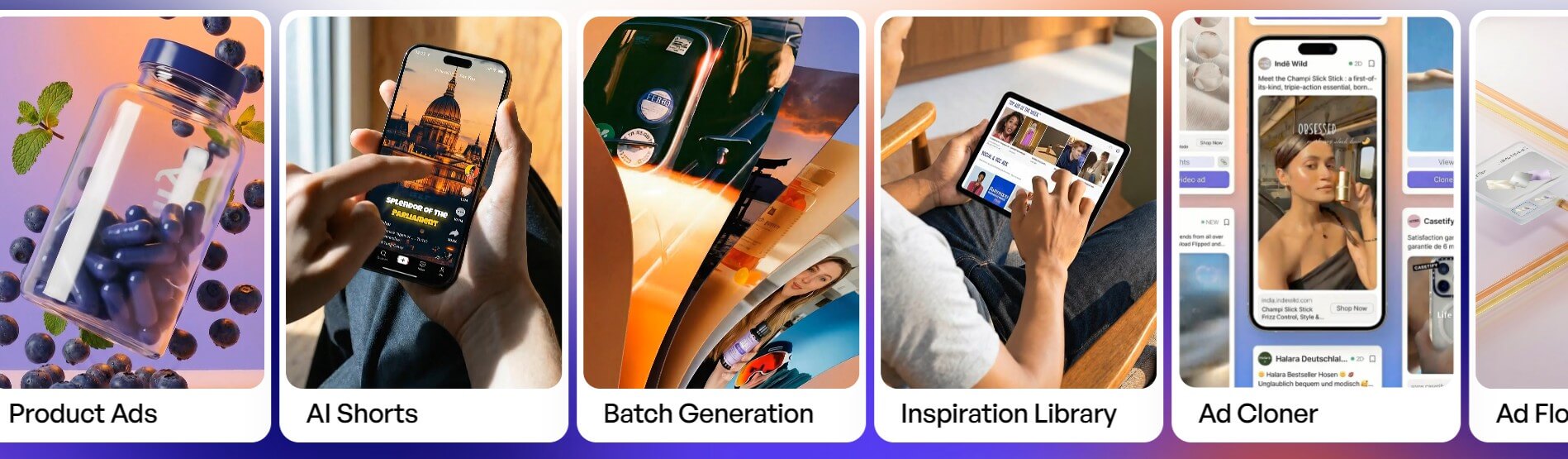
Creatify’s workflow is built around reducing the steps between product information and usable ad creatives. In a typical flow, a user starts with a product URL, selects or reviews generated scripts, chooses visual templates and avatars, then exports variations for testing. Batch Mode follows a similar path, but it is aimed at creating many versions in one run rather than one ad at a time.
This is where Creatify feels more practical than a blank video generator. Most marketers don’t start with “make a video.” They start with a product page, an offer, a target audience, and a need to find which angle works. Creatify’s structure matches that reality.
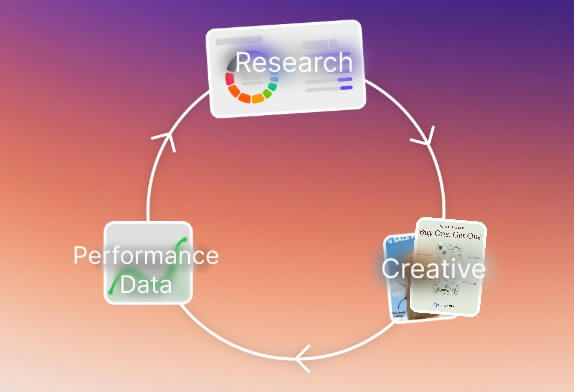
The platform also appears to be expanding beyond creation into creative operations. Creatify 4.0 is described in the help center as a move from a simple video generation tool into a broader platform for ad creative production, creative testing, and data insights. That matters because ad teams usually need more than video output. They need asset reuse, competitor research, performance learning, and faster iteration.


Creatify’s output quality will depend on three things: the product page quality, the assets you provide, and how well the selected avatar, script, and template match the brand. The tool can move fast, but speed does not remove the need for review.
The avatar system is one of the main quality drivers. Creatify says its AI avatar generator includes more than 1,500 presenters, custom avatar options, 75+ language support, lip-sync, natural expressions, and full-body motion. This is useful for UGC-style videos, explainers, testimonials, app demos, and product pitches where a talking presenter makes the ad feel more direct.
The risk is sameness. AI avatar ads can start to feel generic if every video uses a familiar structure: hook, problem, product, benefit, call to action. Creatify helps with variation, but marketers still need judgment. The best results will come from testing different hooks, offers, pain points, avatar styles, and pacing, not from exporting the first generated clip and calling it finished.
- Ecommerce product ads: Creatify is a strong fit for turning product pages into short videos for TikTok, Instagram, YouTube, Facebook, and other paid social channels. Its URL-to-video workflow is built for this kind of campaign creation.
- UGC-style ad testing: The AI avatar library makes it easier to create spokesperson-style ads without booking creators, actors, or filming time. This is useful when a team wants to test several presenter styles before investing in higher-cost production.
- Creative variation at scale: Batch Mode is useful for teams that need many ad versions for A/B testing, different audiences, or different angles around the same product.
- Agency production workflows: Agencies can use Creatify to draft first-pass concepts quickly, organize reusable assets, and give clients more creative options during campaign planning.
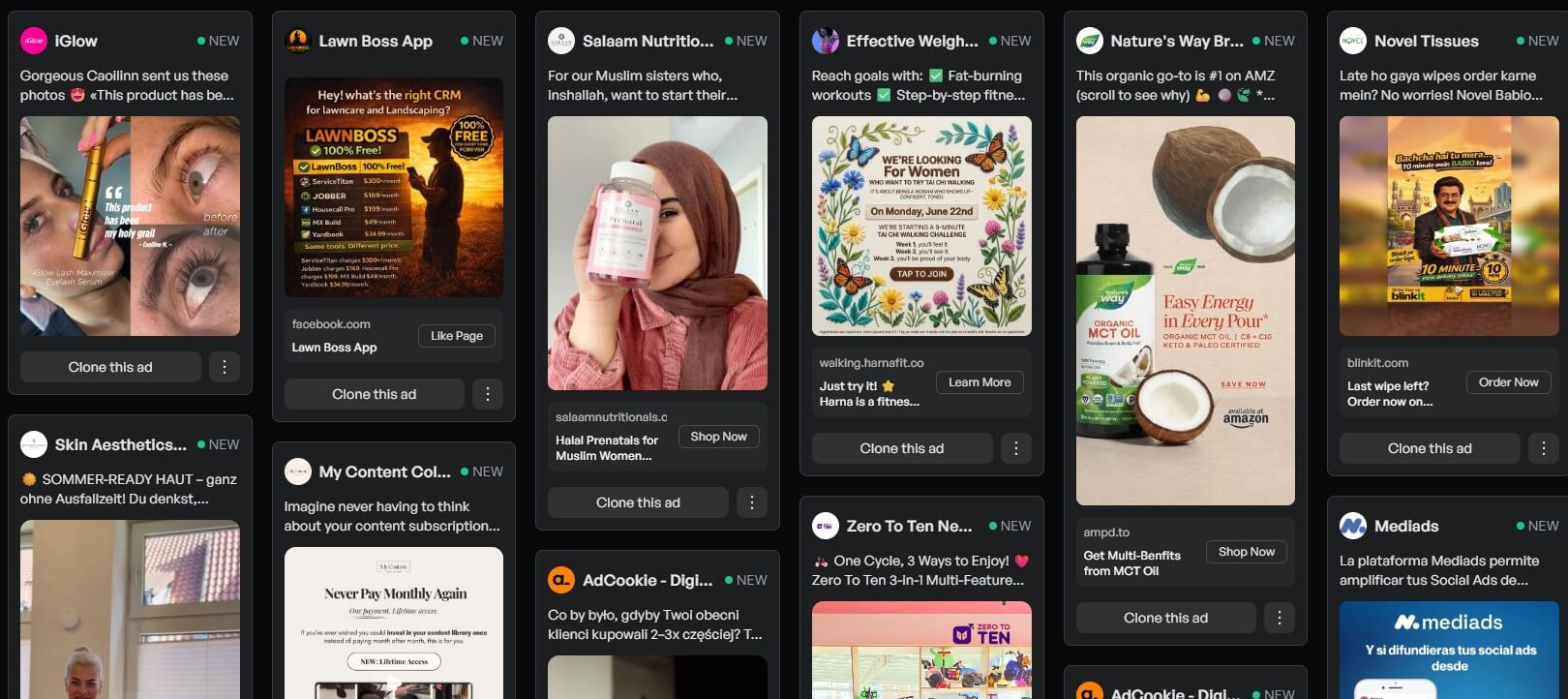
- Competitive creative research: Competitor Tracker and Winning Ads are useful when teams need inspiration, format analysis, hook ideas, or a clearer view of what competitors are running.
- Start with a clean product page. If the page has weak images, vague benefits, or messy copy, the generated ad will inherit some of that weakness.
- Create more variations than you think you need. Creatify’s value is not just making one ad; it is helping you test different angles quickly.
- Review scripts before export. AI can produce usable ad copy, but product claims, compliance wording, guarantees, and audience promises need human review.
- Use Smart Assets for repeat campaigns. Reusing approved logos, product shots, and brand visuals can help keep ads more consistent across batches.
- Don’t rely on avatar realism alone. A polished avatar will not save a weak offer or dull hook.
- Creatify is strongest for ad production, not deep video editing. Users who need detailed timeline control, cinematic grading, complex motion graphics, or long-form editing may still need a dedicated editor.
- The platform can also produce formulaic ads if users depend too much on default scripts and templates. That is not unique to Creatify, but it matters. AI ad tools are best when they speed up creative testing, not when they replace campaign thinking.
- Another limitation is context. A product URL can tell the system what the product is, but it may not fully understand brand positioning, legal restrictions, customer objections, or what claims the company can safely make. Sensitive categories need careful review.
Creatify AI is best for marketers, ecommerce teams, agencies, and growth teams that need fast video ad production, avatar-led UGC-style clips, and many creative variations for testing.
Its strongest value is the full workflow: URL-to-video, avatars, batch generation, asset reuse, competitor research, and API access.
The main caveat is that it still needs human direction. Creatify can produce ad variations quickly, but strong campaign judgment decides which ones are worth running.
TAGS: Marketing Generative Video
Related Tools:
Enhances lead management and campaign effectiveness

Analyzes websites to increase conversions and sales

Provides customizable email templates

Allows content creators to quickly produce engaging videos
Manages and optimizes Google Ads campaigns

Comprehensive 3D modeling and animation software