

Share this tool:
 |
Description:
Vinteo AI is an AI product photography and visualization tool made for retailers, manufacturers, online stores, and home-goods brands that need product images without organizing full photoshoots. Its strongest fit is furniture and interior-related products: chairs, sofas, tables, decor, flooring, garden items, and similar catalog visuals. The platform takes a product image, places it into a styled scene, then lets teams adjust the result for catalog pages, marketplaces, ads, and social content.
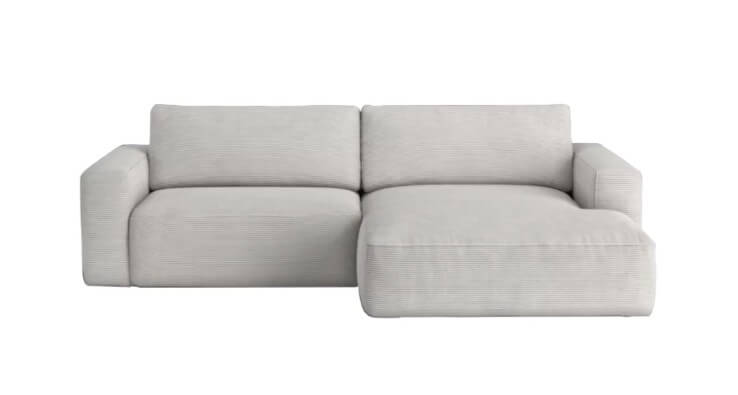
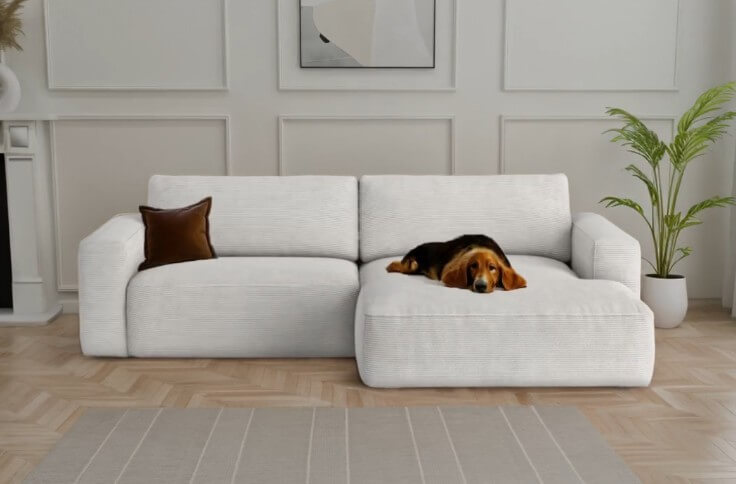
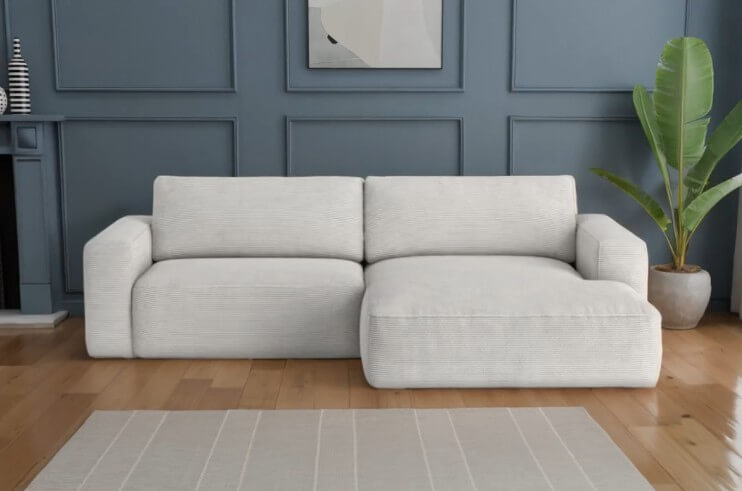
The most useful thing about Vinteo AI is not that it “generates images.” Many tools do that. Its value is more specific: it helps product teams turn plain product shots into selling images that show the item in context.
That matters for e-commerce because a white-background product image does not always answer the buyer’s real question: “How would this look in a room, garden, catalog banner, or marketplace listing?” Vinteo is built around that gap.
Its workflow is practical. You upload a product image, choose or describe the desired scene, make adjustments, and download finished visuals. Vinteo AI Lite presents this in a direct way: upload a furniture image, describe the interior, then edit and download the result. It also supports common upload formats such as JPEG and PNG.
| Workflow Stage | What It Does | Why It Matters |
|---|---|---|
| Product upload | Starts from an existing item image | Keeps the focus on a real product, not a generic AI object |
| Scene creation | Places the item into custom or ready-made environments | Helps shoppers imagine scale, use, and style |
| AI editing | Adjusts color, lighting, layout, background, and related visual details | Makes images more usable for brand and channel needs |
| Export | Produces high-resolution visuals, with Vinteo noting export up to 4K | Useful for catalogs, web pages, ads, and some print needs |
This makes Vinteo more of a product-content tool than a general image generator. It is not mainly for fantasy art, character design, or open-ended illustration. It is for product presentation.
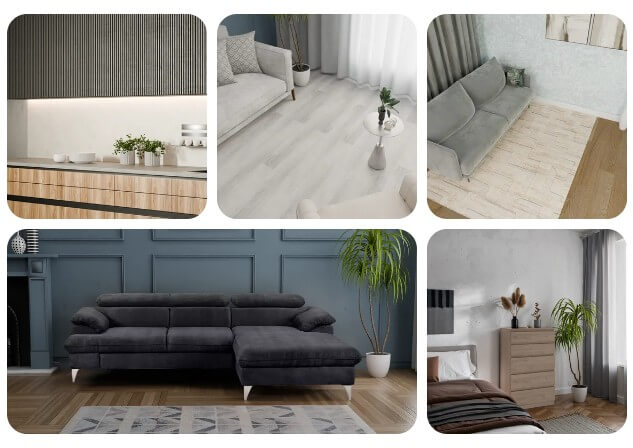
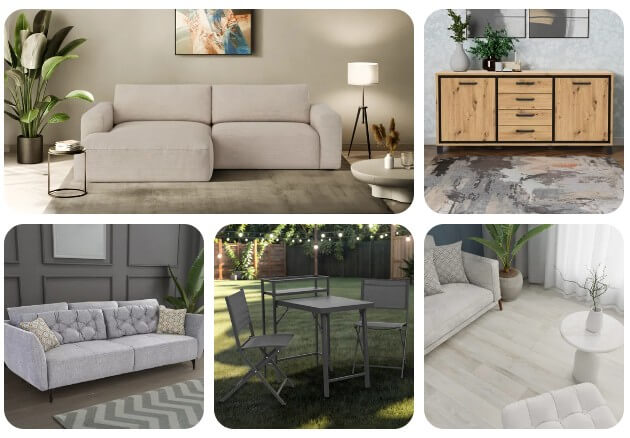
This is useful when a product needs several versions for different audiences. A furniture retailer may want the same chair shown in a bright Scandinavian room, a warmer family-home setting, and a modern apartment scene. The product stays central, while the visual story changes.
That gives teams more control after generation. It also makes the tool more useful for catalog work, where consistency matters. A single dramatic image may look good on social media, but product pages need clean, repeatable visuals.
For home and furniture brands, the room is part of the sale. A sofa shown in a flat cutout may not communicate comfort or size. A sofa shown in a styled living room can suggest placement, mood, and design fit.
Marketplace listings, PDP images, banners, and catalog layouts all need files that can hold up after resizing and cropping.
A small store may only need a handful of images. A furniture marketplace or distributor may need thousands of product visuals across categories, styles, and channels.
These are Vinteo product category samples.
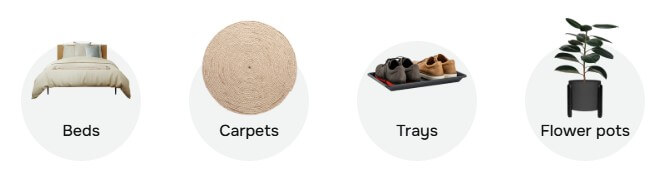
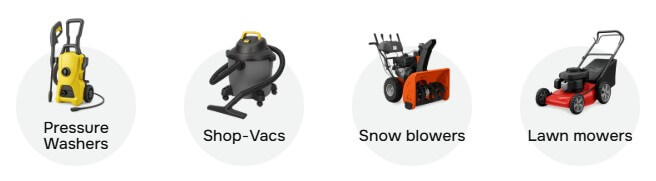
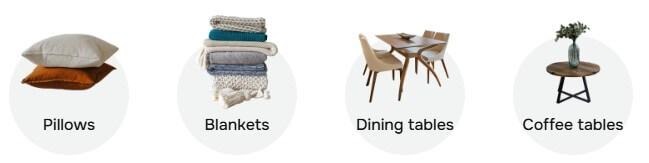
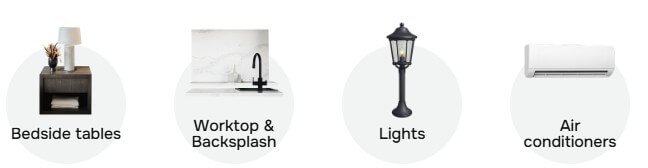
- Furniture product pages: Vinteo is a strong fit for sofas, chairs, tables, shelves, beds, and decor items that benefit from room context.
- Marketplace listings: Sellers on channels such as Amazon, eBay, Shopify, and Etsy are mentioned in Vinteo’s target-user section, especially for home goods and marketplace visuals.
- Catalog refreshes: Brands with old or plain product images can create more consistent lifestyle visuals without rebuilding the full content pipeline.
- Ad creatives and banners: The tool is useful when the same product needs several visual angles: a cozy room, a premium interior, a garden scene, or a seasonal campaign setting.
- Flooring and surface visualization: Vinteo lists flooring and surface distributors as a target group, including tiles, carpets, laminate, and hardwood. This is a good match because buyers often need to see how a material works inside a real space.
Vinteo’s main strength is focus. It does not try to be every kind of AI image tool. It is designed around product visualization, especially for furniture, home goods, outdoor products, surfaces, and interior-style assets.
The second strength is workflow clarity. Uploading a product, choosing or describing a scene, editing, and downloading is easier for non-technical teams than learning a full creative suite. Vinteo says users do not need technical expertise, and the workflow is built around simple product upload and scene selection.
The third strength is production usefulness. Many AI image tools are good at making a single impressive image. Vinteo is more relevant when a business needs many images that feel consistent enough for a store, catalog, or campaign.
- The main limitation is scope. Vinteo AI is best suited to product visualization, especially furniture and home-related categories. It may not be the best choice for users who want full creative freedom, cinematic image generation, character work, or complex illustrative art.
- Another limitation is accuracy control. Any AI-generated product image should be checked before publishing. Scale, materials, shadows, surface texture, product edges, and color can all affect buyer expectations. This is especially important for premium materials, where customers may care about exact wood grain, fabric texture, leather quality, or finish.
- Vinteo also depends on the quality of the input image. A clean product photo will likely give the AI a better starting point than a blurry, angled, low-light shot. The Lite page says even phone or factory images can be used, but better source images should still make review and cleanup easier.
- Use clean product images whenever possible. Keep the product unobstructed, well lit, and easy to separate from the background.
- Give scene instructions that match your buyer. A budget desk, luxury sofa, outdoor chair, and nursery shelf should not use the same room style.
- Check product truth before publishing. The image should not make the item look larger, softer, glossier, or more premium than it is.
- Create sets, not one-offs. Vinteo is more useful when you build a consistent family of images for a product line, category page, or seasonal campaign.
Vinteo AI is best for e-commerce teams that need product lifestyle images at scale, especially in furniture, home goods, flooring, decor, and outdoor categories.
Its strongest value is the practical workflow: upload a real product, place it into styled scenes, refine the image, and prepare visuals for selling channels.
The main caveat is that AI product imagery still needs careful review for accuracy, especially when materials, size, color, and buyer trust matter.
TAGS: Marketing Photo Editing
Related Tools:

Simplifies investing by rounding up everyday purchases

Creates personalized popups to enhance user engagement
Enables users to create 3D designs

Automates phone calls for businesses using voice agents

Streamlines the creation of educational content

Enhances customer discovery and market research