
Share this tool:
 |
Description:
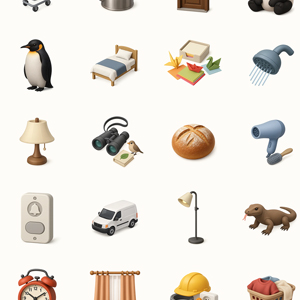
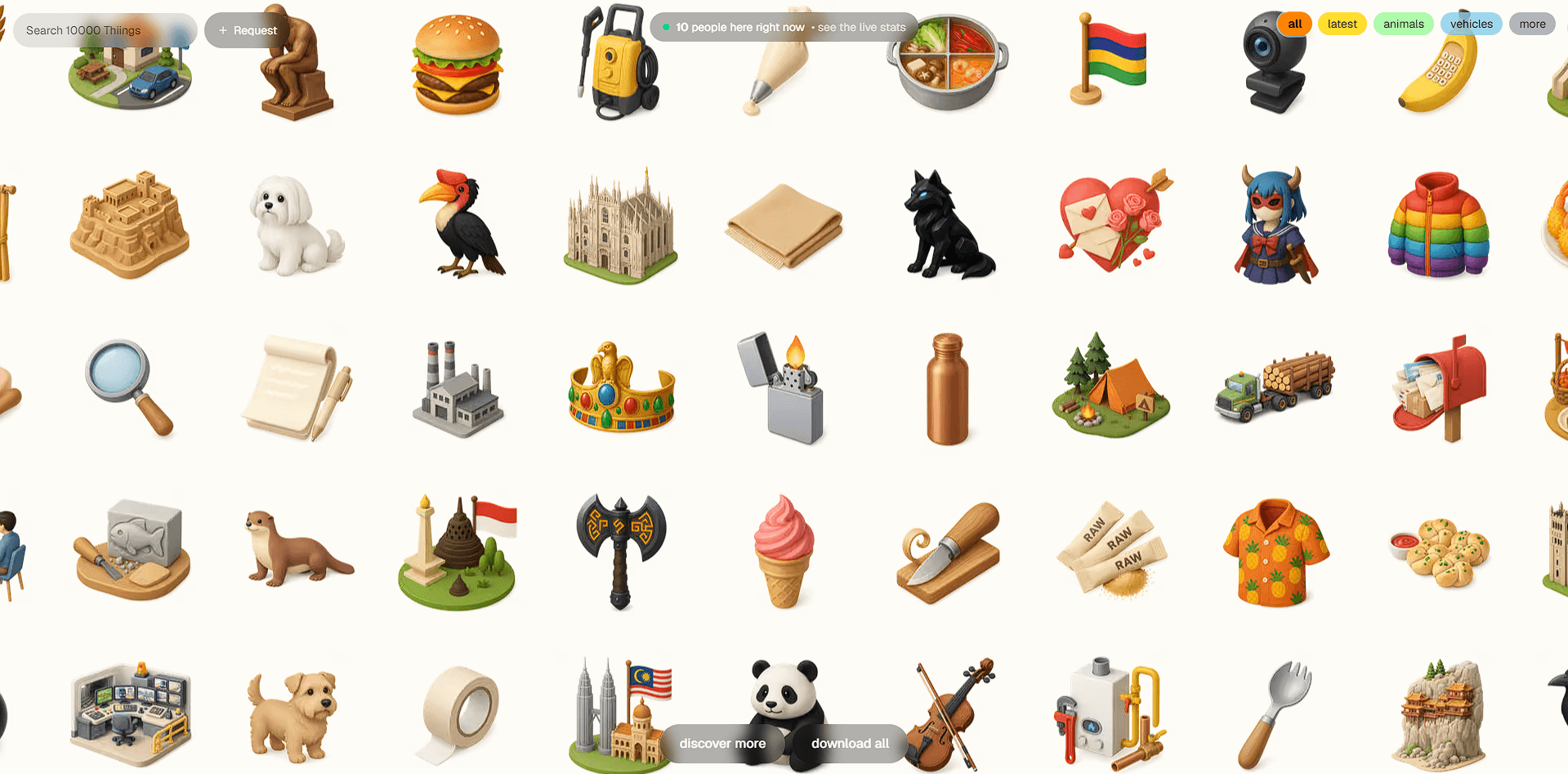
Thiings is an icon platform built around a collection of more than 10,000 generated 3D icons. Instead of opening an image generator and writing a prompt every time you need a small visual asset, you can search an existing library, find an object that fits, and download it. Thiings also extends that idea with My:Thiings, a custom-generation workspace for creating icon collections around a defined visual style.
That combination is what makes the platform interesting. The public collection handles speed and discovery, while the custom tool is aimed at teams that need icons to look like they belong to the same product or brand.
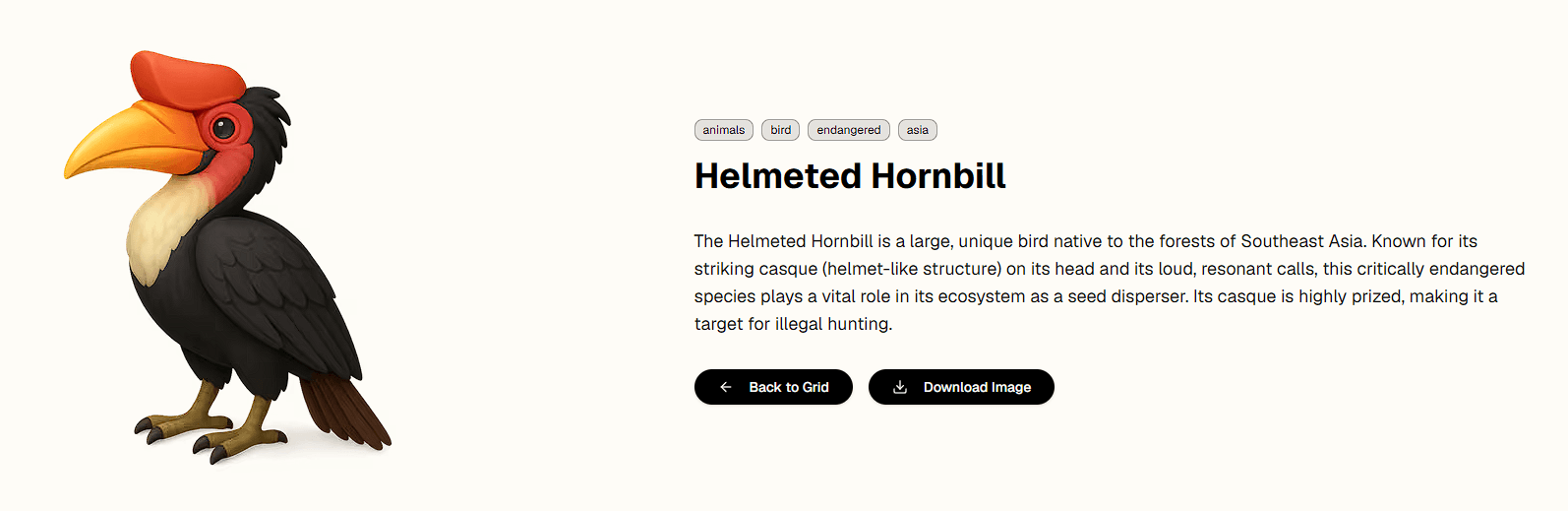
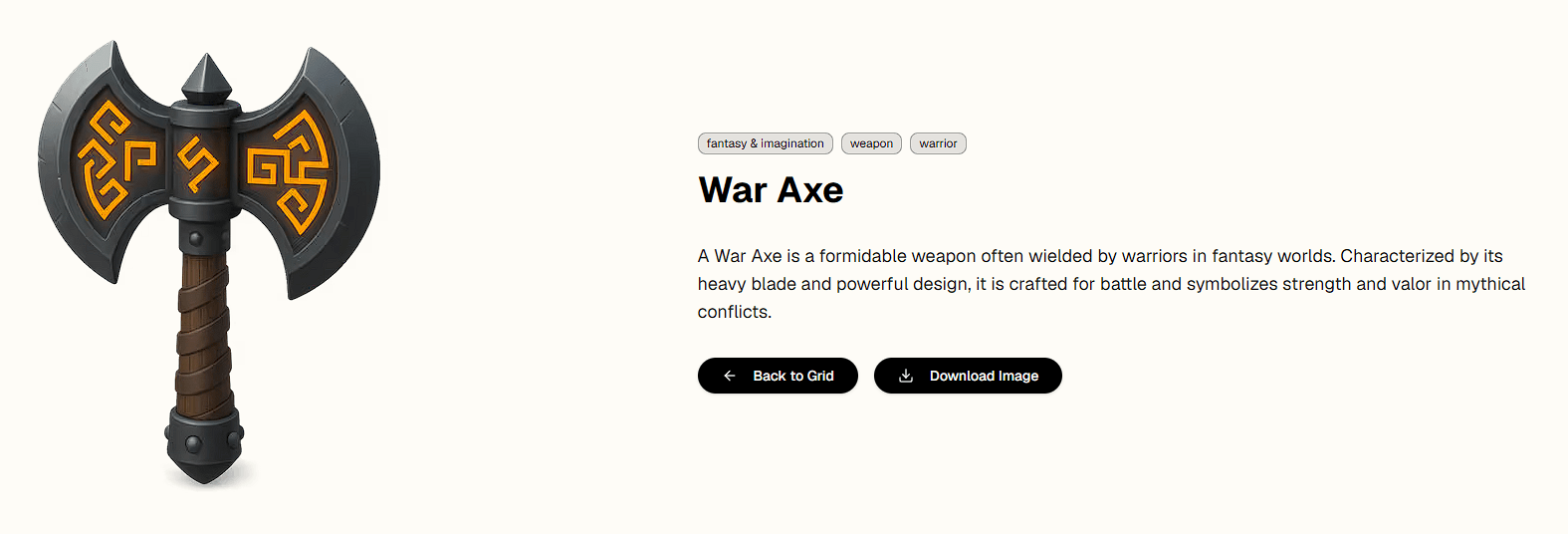
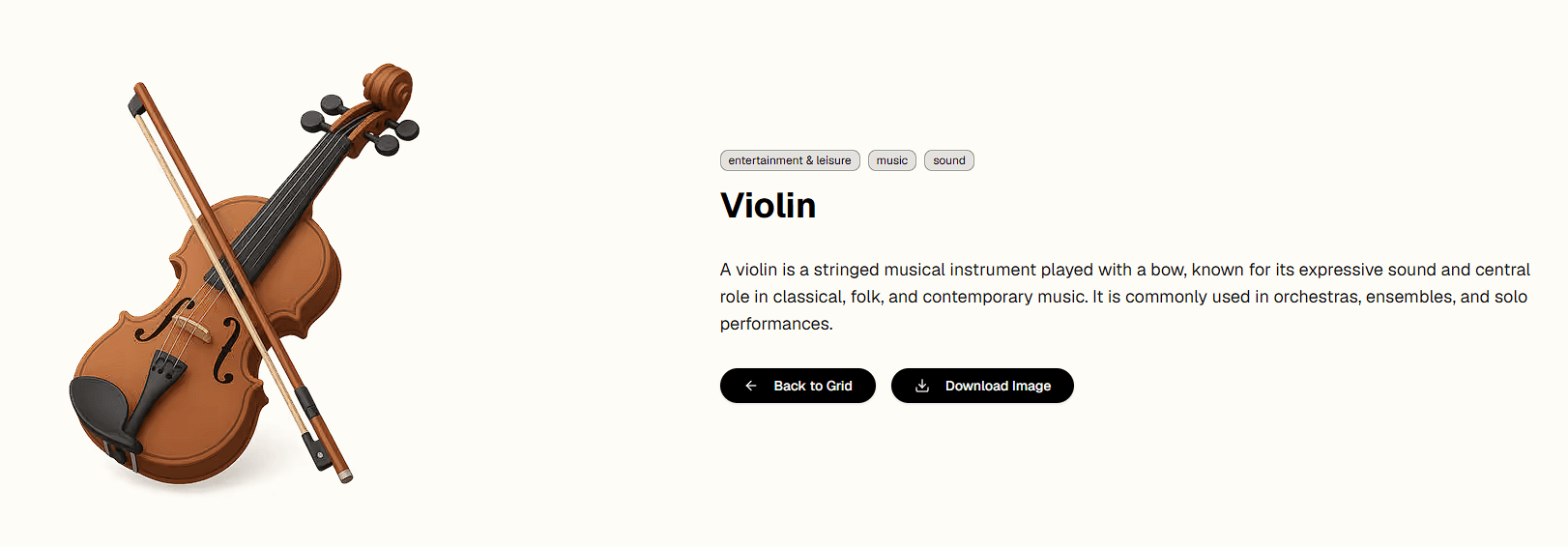
The main Thiings experience is an enormous searchable grid of AI-generated 3D objects. The subject range is unusually broad. Current listings stretch from everyday objects and food to animals, technology, landmarks, clothing, symbols, medical subjects, and fairly obscure items.
Search is central to the experience. Instead of navigating a traditional stock library through layers of categories, you can enter the object you need and scan matching visuals. Individual asset pages also provide related icons, which is useful when one search result is close but not quite right.
The visual identity is another strength. These aren't conventional flat UI glyphs. Thiings focuses heavily on dimensional, object-like imagery, making the collection better suited to landing pages, onboarding screens, presentations, feature cards, social graphics, and playful interfaces where a plain line icon would feel too restrained.
The more ambitious part of the platform is My:Thiings. Rather than giving you unrelated AI generations, it is designed around style collections.
You start by defining an aesthetic using reference images and written instructions. That becomes a style guide. From there, you can request new icons by subject while keeping them tied to the same visual direction. Thiings highlights aesthetics such as detailed 3D, monochromatic, clay, minimalist, hand-drawn, isometric, and glass-like styles, but the system isn't restricted to those examples.
This addresses one of the more frustrating problems with generic image generation: consistency. Making a nice 3D calendar icon is easy enough. Making a calendar, camera, microphone, folder, cloud, and 30 other objects that all look like members of one design system is much harder.
Thiings builds its workflow around that second problem.
The process is more structured than a typical prompt box. First, you establish the style with references and instructions. Then you generate individual objects and refine details such as color or composition.
A particularly useful idea is the ability to add successful generations back into the style guide. Good outputs can therefore become references for subsequent icons. The collection can gradually develop a stronger visual identity instead of forcing you to explain the same look from scratch for every generation.
Finished icons can be organized into collections and exported in multiple sizes and formats. Collections can also be kept private or shared publicly.
| Use case | Why it fits |
|---|---|
| App and web design | Quick access to polished visual objects for interfaces and feature sections |
| Brand icon systems | Custom style guides help multiple icons retain a shared aesthetic |
| Presentations | 3D objects can make otherwise plain slides easier to scan |
| Landing pages | Useful for benefits, categories, product features, and decorative visuals |
| Prototyping | Designers can source many concepts without illustrating each asset manually |
| Creative campaigns | Custom collections can carry the same visual language across multiple assets |
The strongest use case isn't necessarily generating one icon. Generic image models can already do that. Thiings becomes more valuable when you need many related icons and don't want visual consistency to become a manual art-direction job.
Thiings trades breadth for focus. A general image model can create photographs, illustrations, posters, scenes, characters, and icons. Thiings concentrates on the icon problem and wraps generation in a collection-oriented workflow.
That focus removes some friction. You aren't repeatedly specifying transparent-looking asset compositions, icon proportions, stylistic references, and consistency requirements. The platform already assumes you're building an icon library.
There is also immediate value before generating anything. With more than 10,000 existing assets, searching the collection may be faster than creating a new image at all.
Thiings' specialization is also its main limitation. If you need full illustrations, photorealistic scenes, advertising compositions, or complex graphic design, this isn't meant to replace a broader image-generation platform.
The existing collection also has a recognizable 3D-oriented character. That's appealing for playful interfaces and visual-heavy projects, but it won't suit every design system. Minimal enterprise dashboards or brands built around strict flat iconography may get more value from custom collections than the public library.
Licensing deserves attention as well. Thiings' current public information says free downloads require attribution and are intended for non-commercial use, while commercial usage follows separate licensing terms. Assets also can't be redistributed or resold as standalone icon collections. Check the current terms before using them in client or commercial work.
Thiings takes a narrower approach to AI imagery, and that focus works in its favor. The existing collection is very useful if you need a 3D asset quickly, while My:Thiings focuses on producing a whole family of icons that shares the same visual language.
It is great for designers, developers, product teams, and brands that regularly need icon-sized visual assets, especially when consistency across dozens of objects matters. The main limitation is that this is just an icon-focused system, not an all-purpose AI design studio.
TAGS: Generative Art
Related Tools:
Generate and edit Images

Twitter (X) management tool

Advanced Image Generation and Editing
Creates unique digital artworks

Creates YouTube thumbnails from text prompts
Transforms sketches to images and videos