
Share this tool:
 |
Description:
TextFX is not a standard AI writing assistant. It is a set of focused language tools for exploring words, phrases, images, perspectives, sounds, and associations. Google describes it as a generative AI experiment for lyricists, wordsmiths, and anyone who wants to explore creative possibilities with text and language. TextFX is better for loosening up your thinking than for writing a finished article, email, poem, or song on its own.
These sample inputs work best when you treat TextFX as a creative warmup tool rather than a finished writing generator.
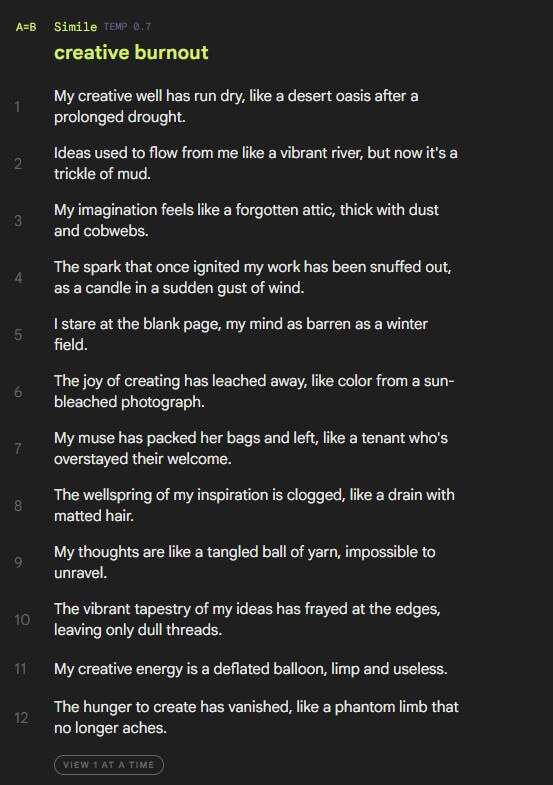
Sample input: Enter “creative burnout” to get unusual comparisons you can reshape into a line or hook.
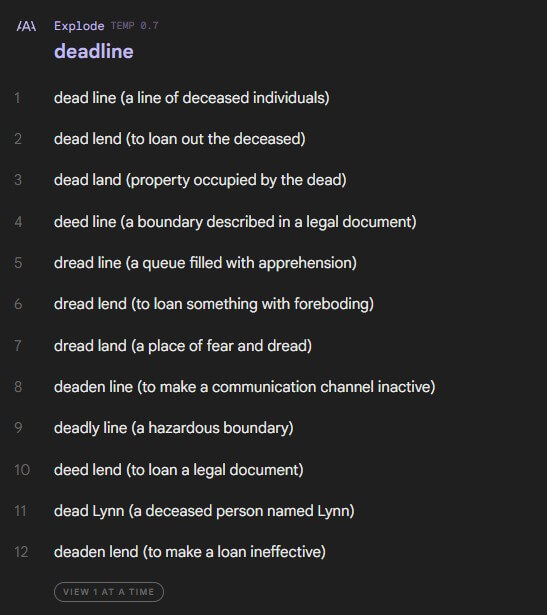
Sample input: Enter “deadline” to break the word into same-sounding phrases and phonetic detours.
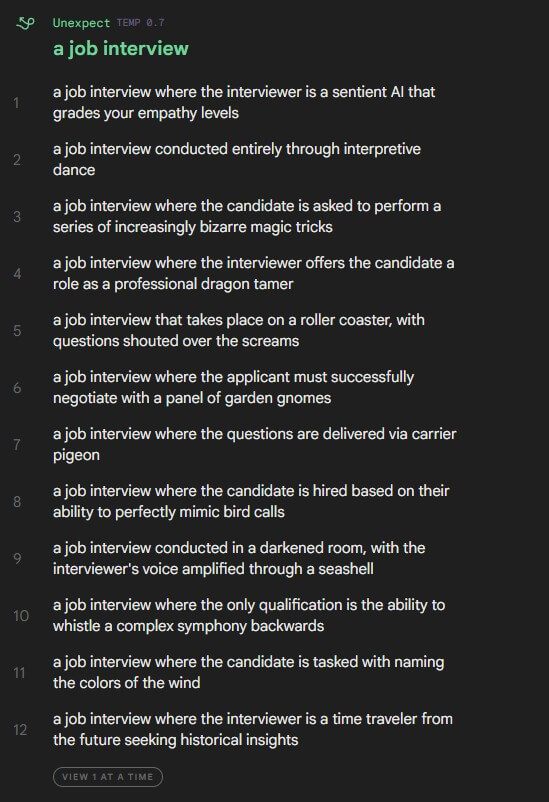
Sample input: Enter “a job interview” to add a strange twist that makes a scene less predictable.
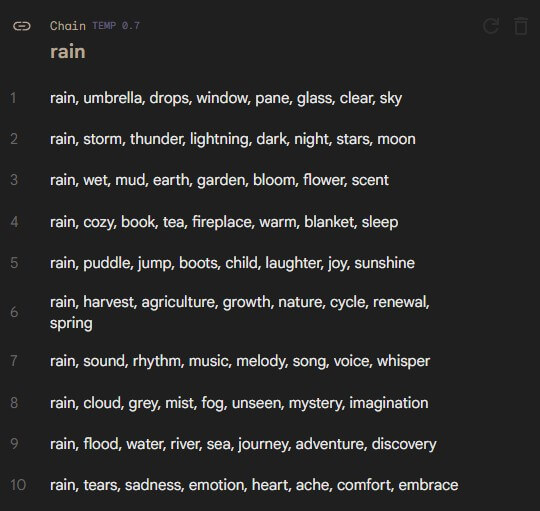
Sample input: Enter “rain” to build a semantic chain that moves from one idea to the next.
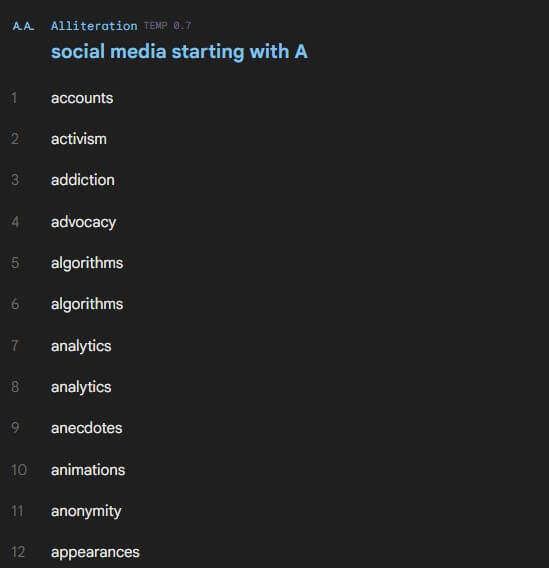
Sample input: Enter “social media” to generate topic-specific words that start with a chosen letter.
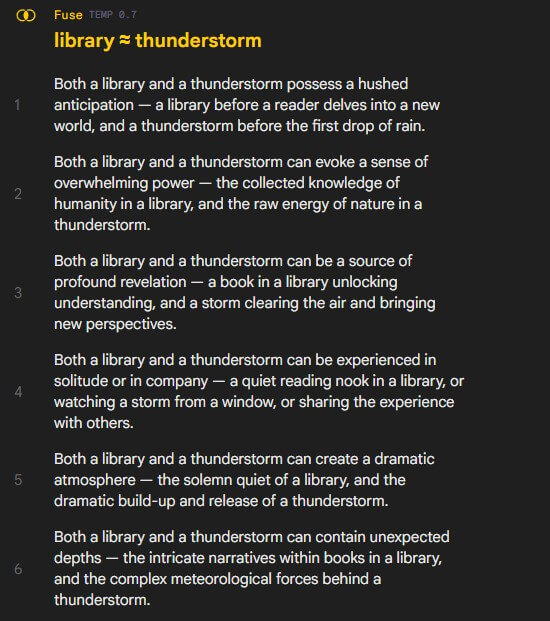
Sample input: Enter “library” and “thunderstorm” to find a creative link between unrelated ideas.
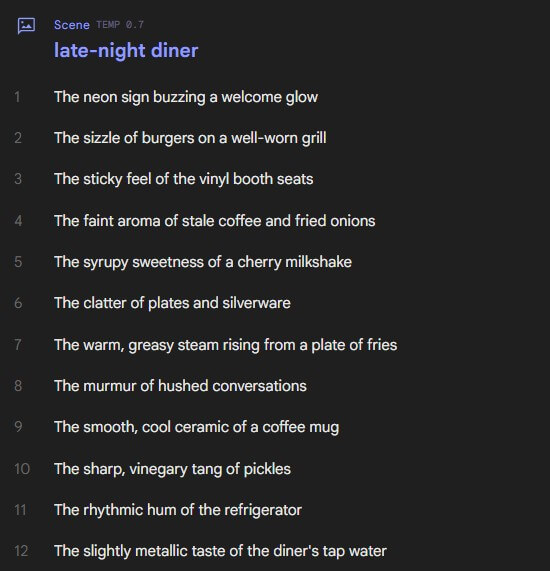
Sample input: Enter “late-night diner” to get sensory details that ground a setting.
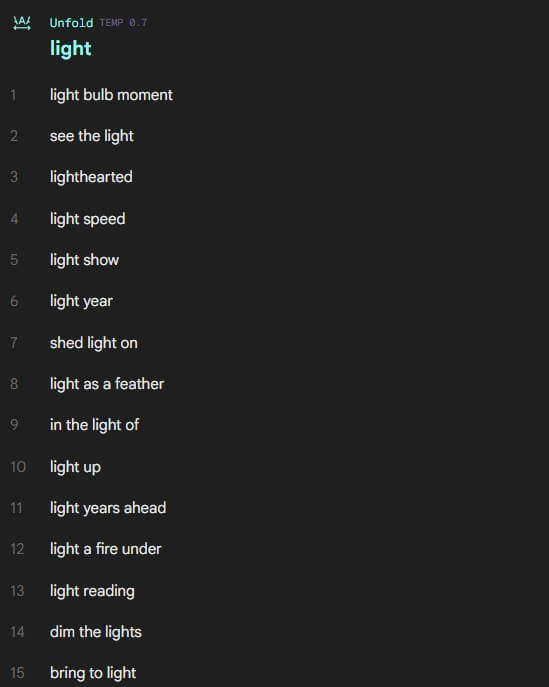
Sample input: Enter “light” to find phrases, idioms, and words that contain or use the term.
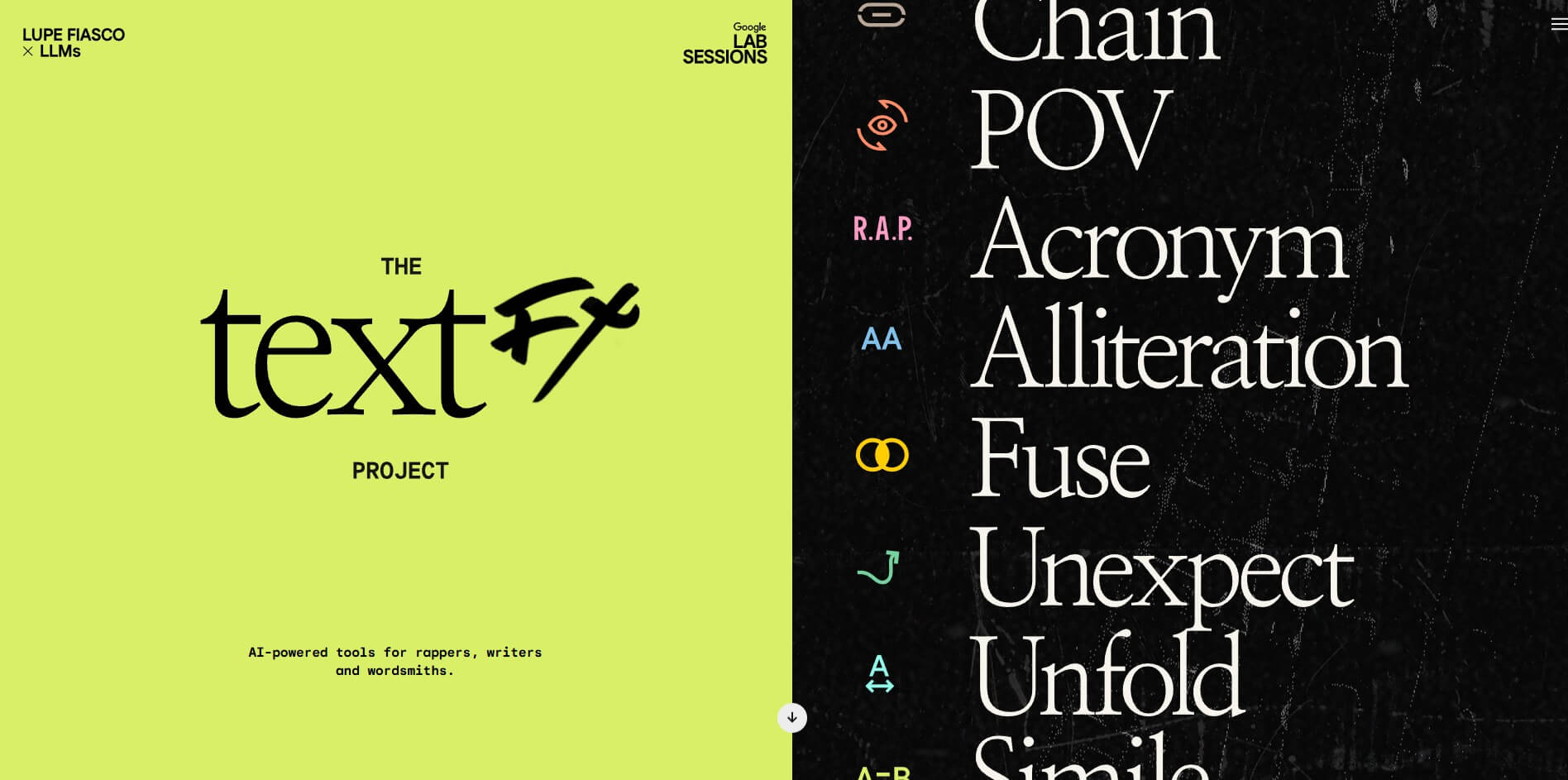
TextFX contains ten AI-powered tools, each designed to apply a different “effect” to an input word, phrase, thing, or scene. Google’s developer write-up lists Simile, Explode, Unexpect, Chain, POV, Alliteration, Acronym, Fuse, Scene, and Unfold as the core tools. The project came from studying Lupe Fiasco’s writing process, especially the habit of taking language apart and rebuilding it.
That origin matters because TextFX is not built like a blank chatbot. You are not meant to ask it to “write me a verse” and accept the result. You use it like a creative gym. Each tool gives you a different angle on language: sound, meaning, association, perspective, detail, or structure.
TextFX is strongest at getting you past the obvious first idea. Simile can produce fresh comparison material. Explode is useful for rappers, poets, brand writers, and anyone who likes phonetic play. Scene helps writers add concrete detail instead of vague mood words. Fuse is useful because it forces a relationship between two things that do not naturally belong together.
This is where TextFX feels different from larger writing assistants. A general chatbot often tries to complete the task. TextFX tries to disturb the task in a useful way. It gives you fragments, sparks, odd angles, and raw material.
The workflow is simple: choose a tool, enter a word or phrase, adjust the creativity setting, and review the outputs. Google’s developer blog explains that users can adjust model temperature, which roughly controls how creative the outputs are. Lower creativity is better when you need usable ideas quickly. Higher creativity is better when you want stranger material.
A good workflow is to start with Chain or Unfold to map associations, move to Simile or Scene for imagery, then use Unexpect or Fuse when the writing feels too safe.
TextFX outputs should be treated as ingredients, not final copy. Some results will be sharp. Some will be awkward, literal, or too clever. That is normal for this type of tool.
The best results come when your input is specific but not over-explained. “grief at a wedding” will usually lead to better material than “sadness.” “luxury hotel lobby at 2 a.m.” gives Scene more to work with than “hotel.” TextFX rewards concrete inputs.
Its open-source code also shows the tool was built around prepared prompts for each language task. The product’s strength is not only the model; it is the task design.
TextFX works best for lyric writing, poetry, fiction brainstorming, ad concepts, naming warmups, social hooks, metaphor development, scene detail, rap bars, creative exercises, and workshop prompts. It can also help brand writers who need less generic language around a familiar topic.
It is less useful for long-form drafting, SEO writing, factual research, professional editing, or structured business documents. You can use its outputs inside those workflows, but TextFX itself is not built to manage them.
The main limitation is scope. TextFX is intentionally narrow. It does not provide document management, full drafts, editing tracks, research citations, collaboration tools, or publishing workflows.
The second limitation is consistency. Because the tools are designed for creative exploration, outputs can swing from useful to silly. That is part of the appeal, but the writer still has to choose, cut, and rewrite.
The third caveat is product status. TextFX is a Google Creative Lab experiment, not a conventional writing product with a broad app platform around it.
TextFX is best for writers who want better raw material, not automated finished writing. Its strongest tools help with metaphor, sound play, perspective, sensory detail, and strange connections. Lyricists, poets, fiction writers, and creative marketers will get the most from it. TextFX gives you sparks, not the finished fire.
TAGS: Content Creation
Related Tools:

Offers screen recording and video editing features

Simplifies the creation of high-quality blog content

Generates relevant keywords for content creation

Generates and optimizes marketing content

Simplifies the creation of professional-quality video

Video editor that offers precision trimming and real-time effects