

Share this tool:
 |
Description:
Simplified is trying to solve a very specific problem: modern marketing work is usually scattered across too many tools. Its current product stack puts AI Writer, AI Design, AI Video, Social Media, Projects, and an AI Chatbot inside the same platform, with collaboration features, brand controls, and direct publishing layered on top. That breadth is the main reason to care about it.
Simplified is less interesting as “another AI app” and more interesting as a bundled content-and-distribution workspace for small teams, creators, agencies, and in-house marketers who want fewer handoffs between ideation, creation, approval, and publishing.
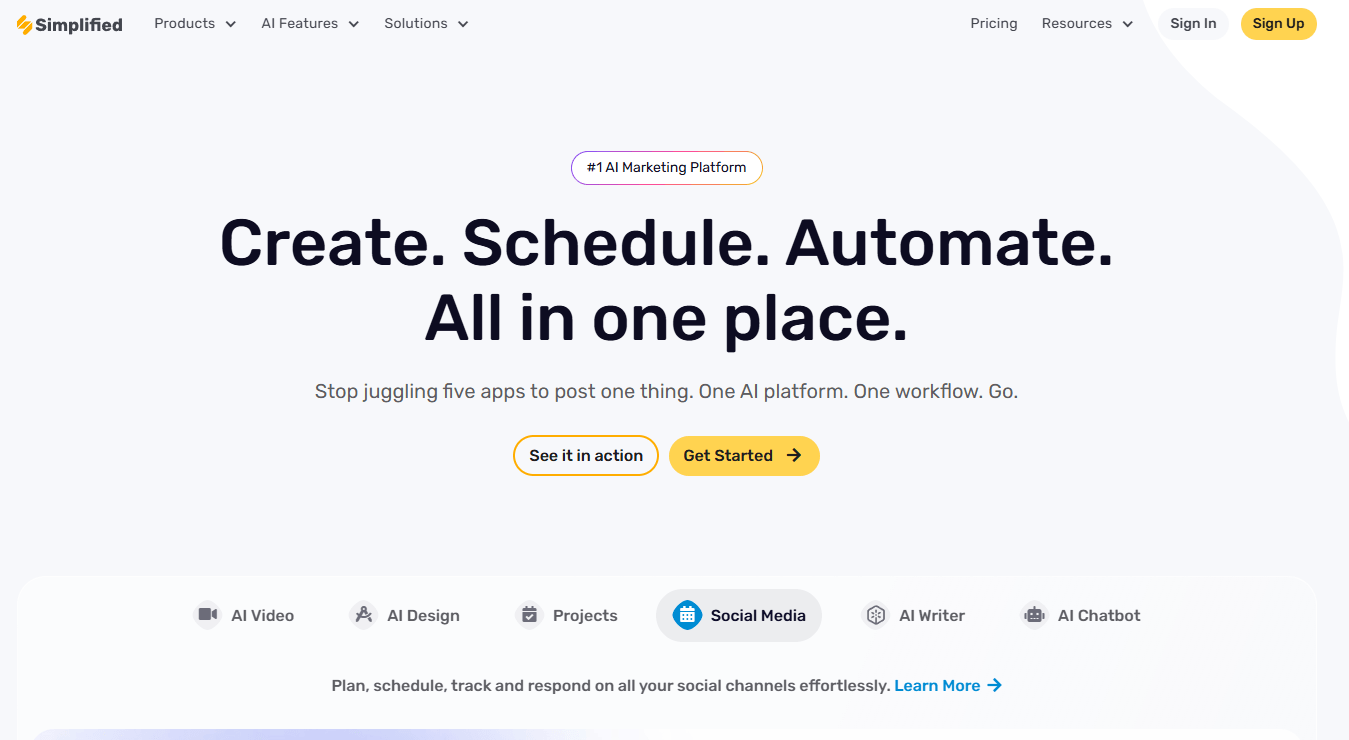
Simplified is strongest when one person or one lean team needs to do many adjacent marketing jobs without constantly switching software. That includes writing blog posts and ads, making social graphics, cutting short videos, scheduling posts, responding from a social inbox, and keeping basic brand assets in one place.
The platform’s real strength is not that each individual feature is the most advanced in its category. It is that Simplified tries to keep the whole loop connected. The writer can feed the social scheduler. The design tool can publish directly to social. The video tools sit next to subtitles, clipping, and translation. Projects and collaboration sit alongside the creative tools instead of outside them.
That makes Simplified especially appealing for teams that do not want a specialist stack for every category. If your current workflow looks like “write in one tool, design in another, schedule somewhere else, and track approvals in chat,” Simplified’s pitch is coherent. The homepage is not exaggerating when it frames the product as “Create. Schedule. Automate. All in one place.”
The easiest way to understand Simplified is to break it into six practical layers.
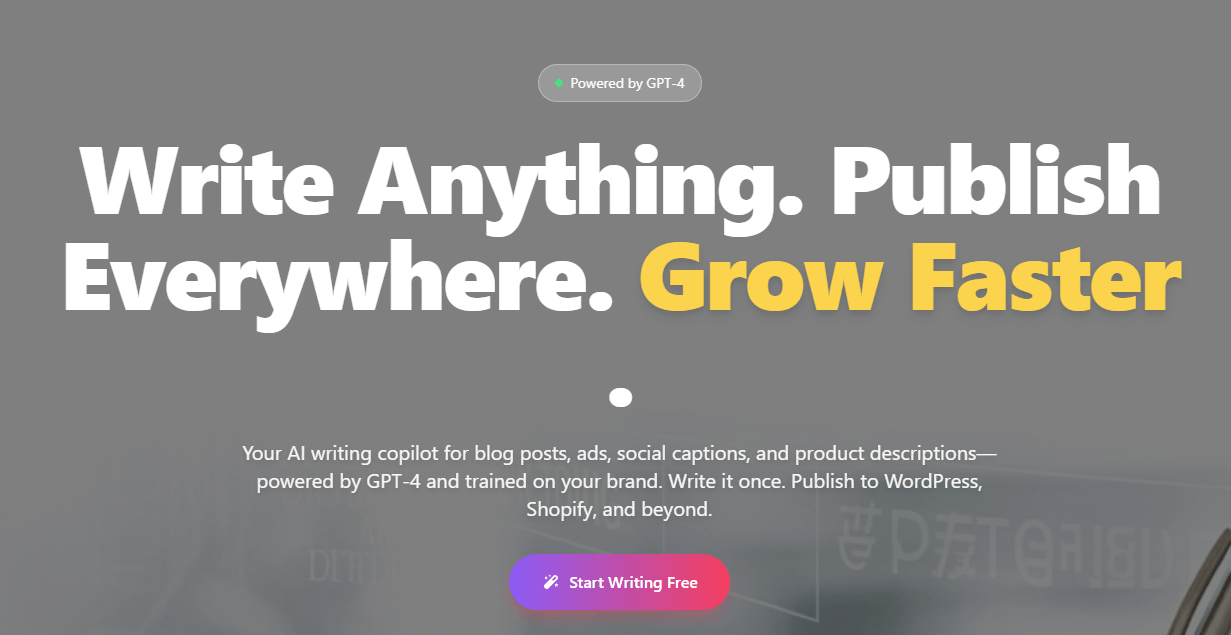
GPT-4-powered writing for blog posts, ads, social captions, product descriptions, email sequences, and more, with 50+ templates, support for 20+ languages, brand training from PDFs, docs, URLs, and past content, plus direct publishing to WordPress, Shopify, and social channels.
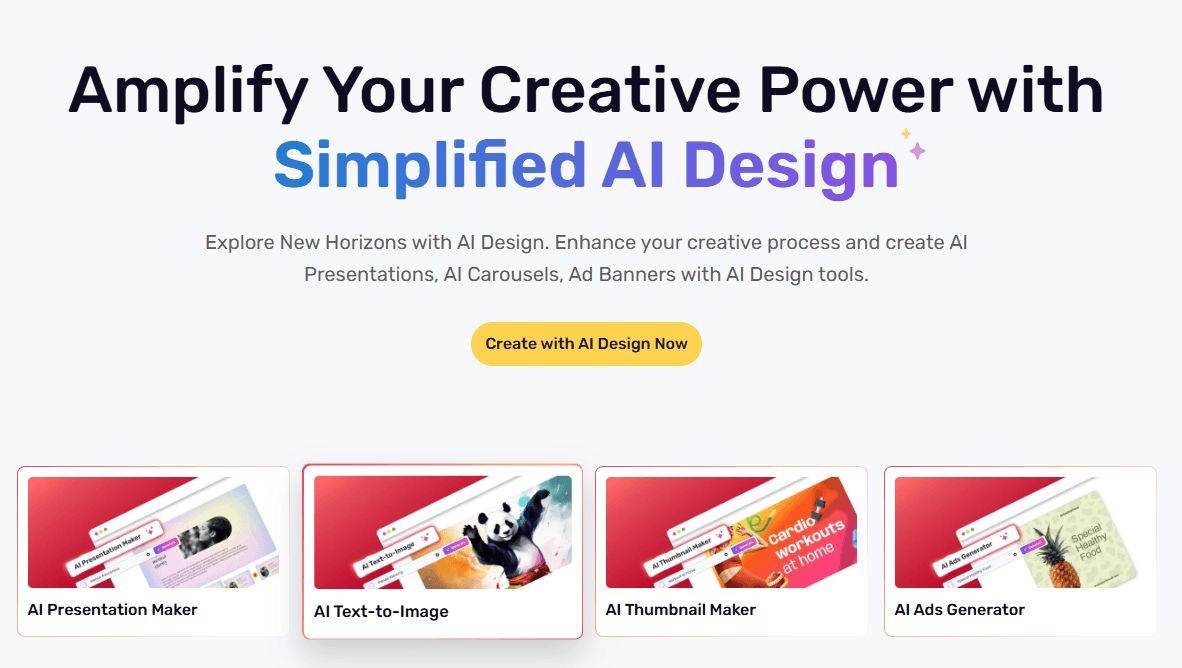
AI-assisted creation for presentations, carousels, ad banners, thumbnails, images, and light photo editing, with brand-book support and direct collaboration/publishing hooks.
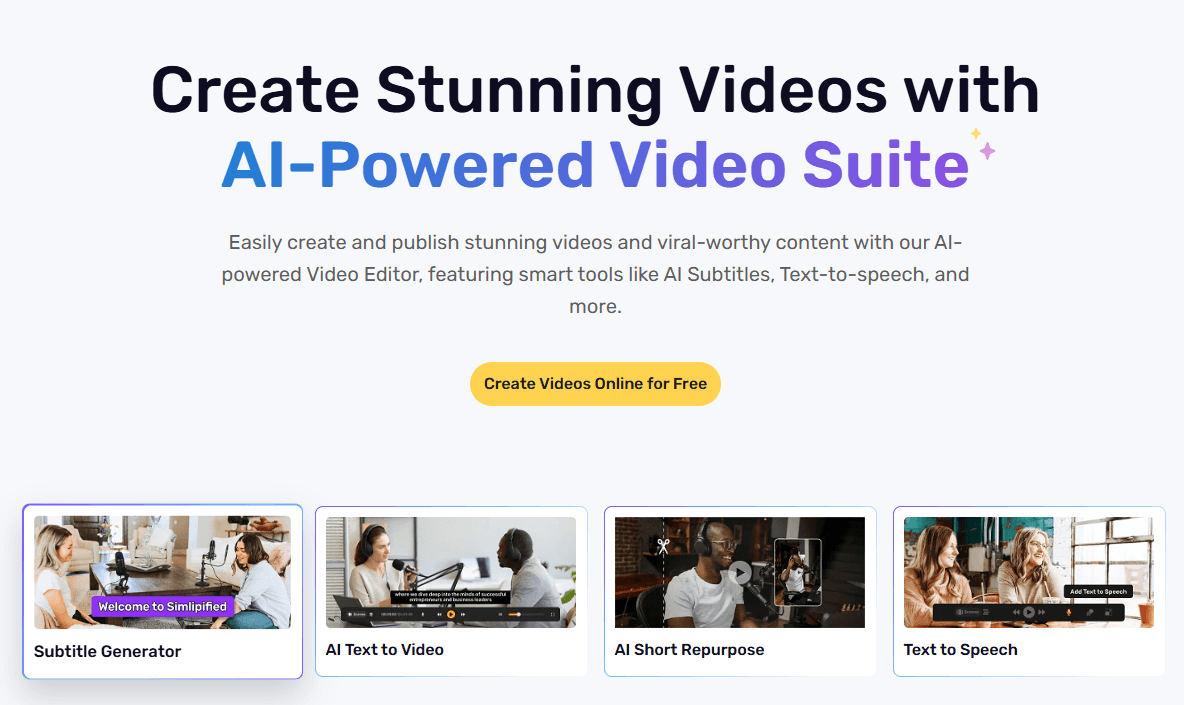
A broad toolkit that includes script-to-video, image-to-video, subtitle generation and translation, voice cloning, transcription, text-to-animation, background removal, and clip-focused tools for short-form content.
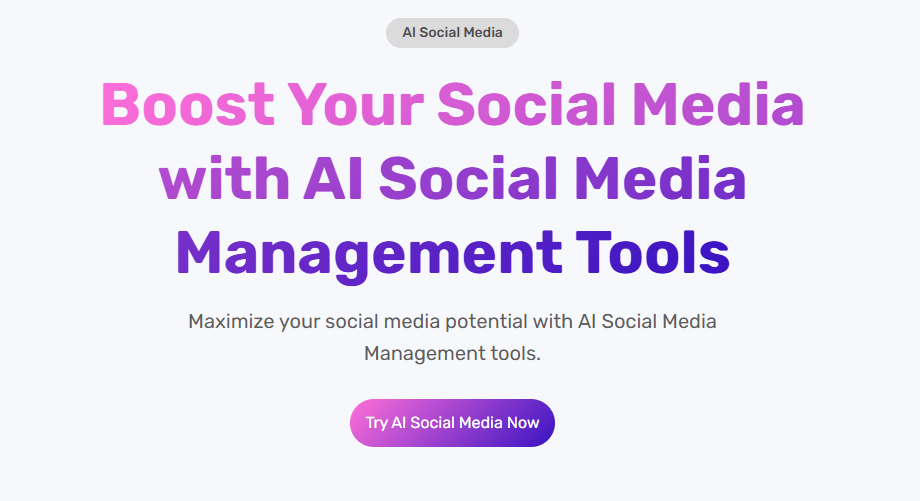
Scheduler, analytics, inbox, link-in-bio, AI caption help, and publishing support across YouTube, Instagram Business, Instagram Personal, Facebook, LinkedIn, Twitter, TikTok, Google Profile, and Pinterest.
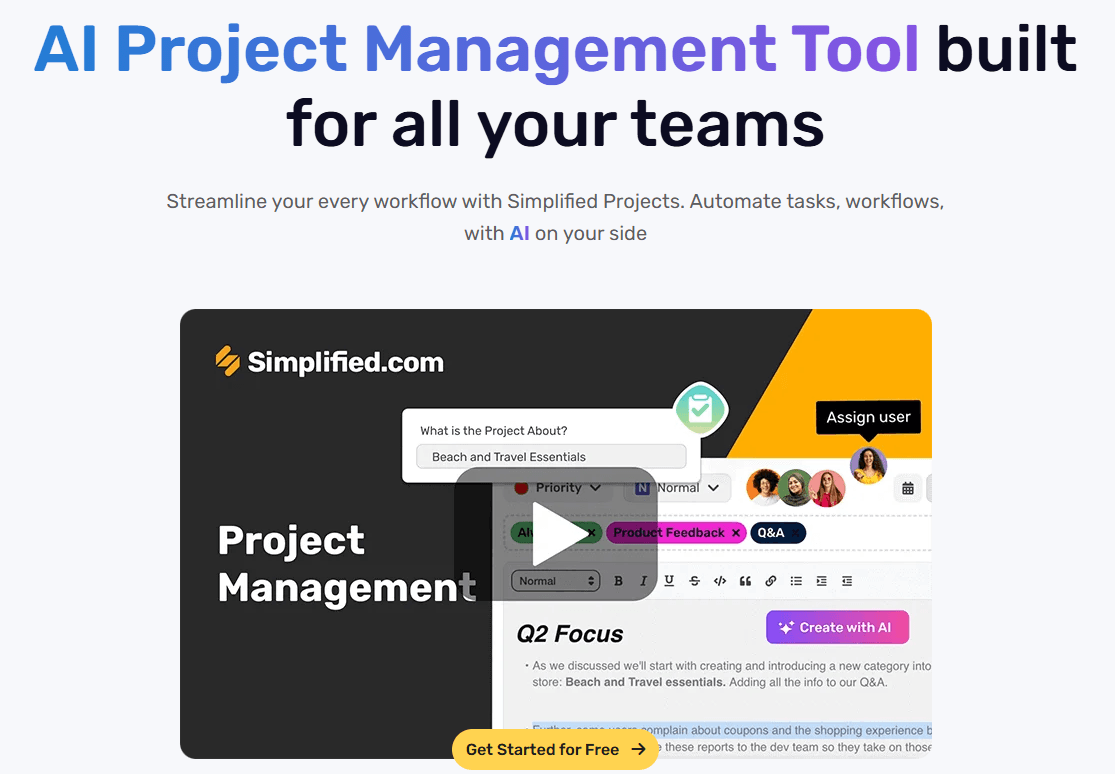
AI project creation, subtasks, summaries, updates, Kanban/List/Calendar views, tagging, commenting, preview links, workspaces, and team communication inside the app.
A no-code website chatbot builder that can be trained on uploaded files or website URLs, customized for tone and behavior, and deployed as an embedded chat bubble or site embed.
That is a lot of surface area. It is also why Simplified is best judged as a platform rather than as a single tool.
The strongest part of Simplified’s workflow is the handoff between content creation and publishing. The AI Writer page makes this unusually explicit: the product is built not only to draft content, but also to publish directly to WordPress, Shopify, and social channels. That matters because many “AI writer” tools still end with copy-paste. Simplified is trying to remove that last mile.
The second genuinely strong area is branded content production at modest scale. Simplified’s Brand Book and broader brand-support messaging show up across writing, design, and social pages: set brand colors, fonts, logos, tone, and messaging once, then reuse them across output types. For agencies, freelancers, and in-house social teams, that kind of lightweight consistency system is often more useful than one more generic prompt box.
The third strong area is small-team collaboration. Real-time comments, tagging, preview links, workspaces, folders, and in-app communication are not flashy features, but they are the kind of things that make an all-in-one tool actually usable beyond solo work. Simplified is clearly trying to keep approvals and revisions close to the content instead of pushing them into email threads or separate PM tools.
The trade-off is depth. Simplified covers a lot, but the more categories a platform tries to absorb, the more likely it is that power users in one category will eventually hit a ceiling.
That is most obvious in design and video. Simplified’s design suite looks useful for fast marketing collateral, social assets, carousels, ad creatives, and lightweight on-brand visuals. Its video tooling is broad and practical for captions, clips, and repurposing. But nothing in the public product structure suggests that it is trying to replace a high-end dedicated creative stack for serious designers, motion teams, or editors working on complex production workflows. It feels optimized for speed, convenience, and cross-function marketing output, not for maximum craft depth in any one medium.
The same applies to Projects. The AI Project Builder, task generation, automations, and multiple views are useful additions, especially for marketing teams that want lightweight organization in the same workspace. But this reads more like “embedded project coordination for content teams” than a full replacement for a mature dedicated project-management platform.
- Solo marketers and creators who need to write, design, publish, and schedule without managing a larger stack.
- Agencies and freelancers producing branded social content for multiple clients, especially if approvals and previews matter.
- Small e-commerce teams that want product descriptions, social posts, visuals, and Shopify/WordPress publishing in a tighter loop.
- In-house content teams that need social scheduling, analytics, inbox management, and lightweight project organization in one place.
- Businesses that want a quick no-code chatbot trained on site URLs or uploaded files, without standing up a separate support stack first.
- Start by deciding whether you want breadth or depth. Simplified is usually a better buy when you want one connected workspace, not when you want the deepest specialist tool in a single category.
- Set up the Brand Book early. It is one of the clearest leverage points across writing, design, and social consistency.
- Use Simplified hardest where it has the clearest workflow advantage: draft ? design ? approve ? schedule/publish. That is where the all-in-one model saves the most time.
- Check the current plan page carefully before upgrading. The feature matrix and plan naming are not as clean as they should be, so verify the exact quotas and access you need.
- If mobile matters, note that Simplified currently offers iOS, Android, and a Chrome extension.
- The biggest limitation is product sprawl. Simplified covers writing, design, video, social media, chatbots, collaboration, and projects. That is useful, but it also means the platform can feel more like a growing marketing suite than a tightly focused tool. Some users will love that. Others will feel like they are paying for categories they barely touch.
- The second limitation is depth versus convenience. Simplified appears strongest for marketers who value speed and cross-tool continuity. The more specialized your workflow becomes, the more likely you are to prefer dedicated tools for design, video editing, advanced social analytics, or project management.
- The third limitation is pricing and packaging clarity. Because Simplified spans so many product areas, the plan matrix matters more than usual. Users should verify which tools, quotas, exports, seats, and publishing features are actually included before choosing a tier.
- The fourth limitation is that all-in-one workflows still require setup. Brand assets, team permissions, publishing connections, templates, and approval habits need to be configured before the platform can really replace a scattered stack.
Simplified is best understood as an all-in-one marketing workspace rather than a single AI writing, design, video, or social tool. Its strongest value is the connected workflow: write content, create visuals, make videos, collaborate with a team, manage projects, and publish or schedule across channels from one place.
The main caveat is that Simplified trades specialist depth for convenience and breadth. For creators, small teams, agencies, and marketers who want fewer tools and faster handoffs, that trade-off can make a lot of sense.
TAGS: Social Media Tools Copywriting Video Editing Content Creation Generative Art
Related Tools:

Easily produce engaging videos using templates

Generates marketing copy from simple prompts

Transforms long videos into engaging clips

Automates editing tasks like silence removal and camera switching

Enhances social media engagement

Offers advanced color editing and layered adjustments