

Share this tool:
 |
Description:
Screvi is a highlights manager, read-it-later app, and digital commonplace book for people who want to remember and reuse what they read. It collects highlights, bookmarks, notes, articles, transcripts, PDFs, and physical book passages into one library, then helps users review, search, organize, and export that material.
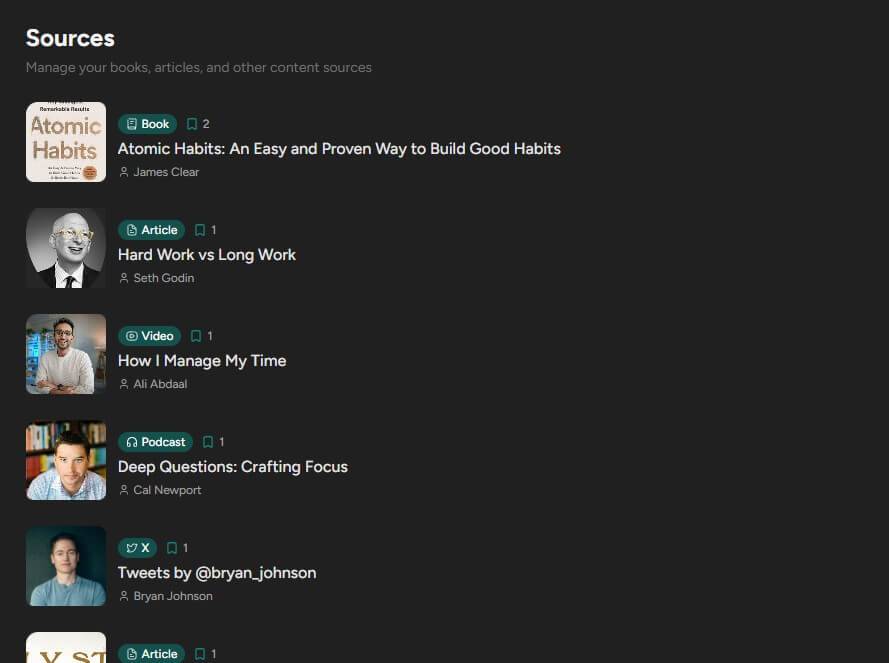
Screvi’s AI features are practical rather than flashy. Semantic search is the most important one. Instead of searching only for exact words, it uses embeddings to match meaning. So a search like “ideas about better decisions” can surface relevant passages even if the saved highlight does not use those exact words.
Topic Discovery is also useful for larger libraries. Screvi analyzes highlights and groups them into thematic clusters, then labels those clusters so users can see patterns across books, articles, and other sources. This is helpful for writers, researchers, and students because the best connections are often spread across unrelated material.
The AI cleanup feature is more modest but still valuable. Imported highlights can have broken spacing, bad line breaks, OCR artifacts, and small formatting issues. Screvi can clean those up while preserving the original meaning, and it shows a diff before users accept the change.
| Feature | Practical Value |
|---|---|
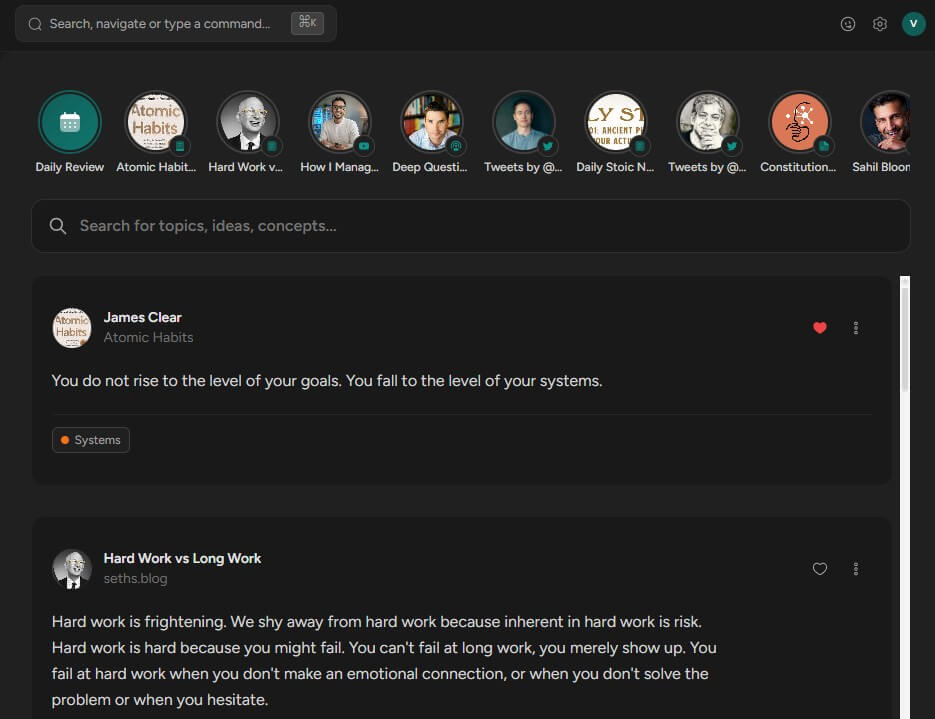
| Multi-source imports | Collects highlights from Kindle, Kobo, Apple Books, PDFs, web articles, X/Twitter, YouTube, physical books, and more. |
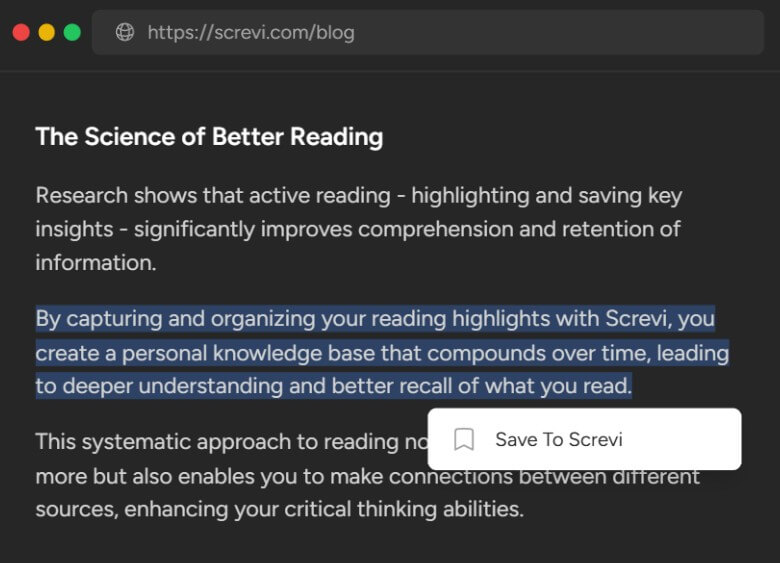
| Browser extension | Saves articles, highlighted web text, Kindle highlights, X bookmarks, and YouTube transcripts from the browser. |
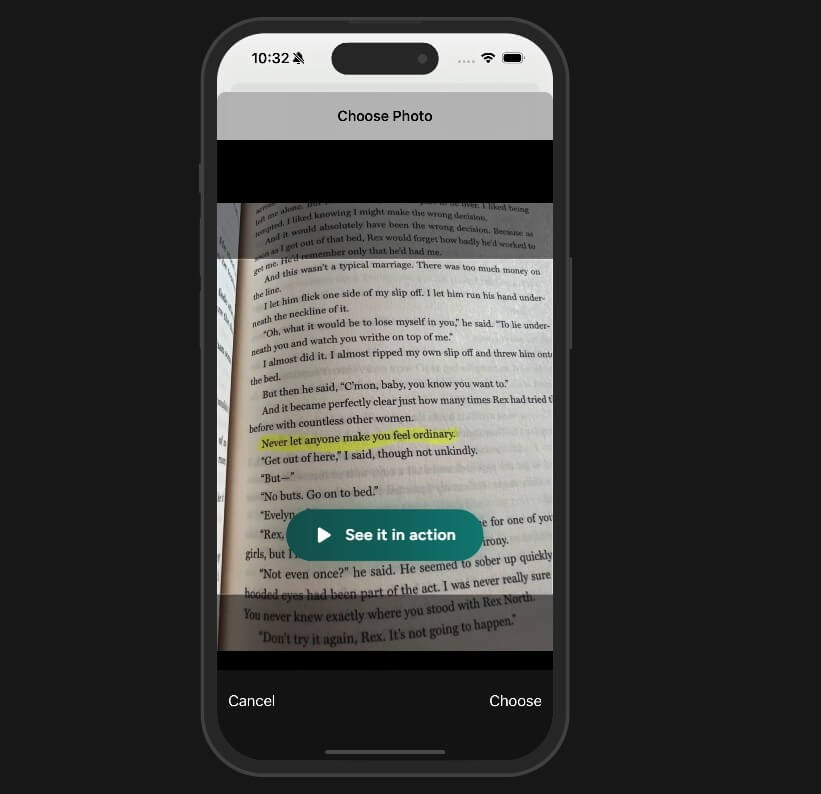
| Physical book scanning | Uses the mobile app camera and AI extraction to turn printed highlights or underlined passages into editable digital notes. |
| AI semantic search | Finds highlights by meaning, not just exact keywords. |
| Spaced repetition | Resurfaces highlights at intervals so users review ideas instead of letting them disappear. |
| Export and integrations | Supports Markdown and HTML export, with options that work well for tools like Obsidian, Notion, Bear, and Apple Notes. |
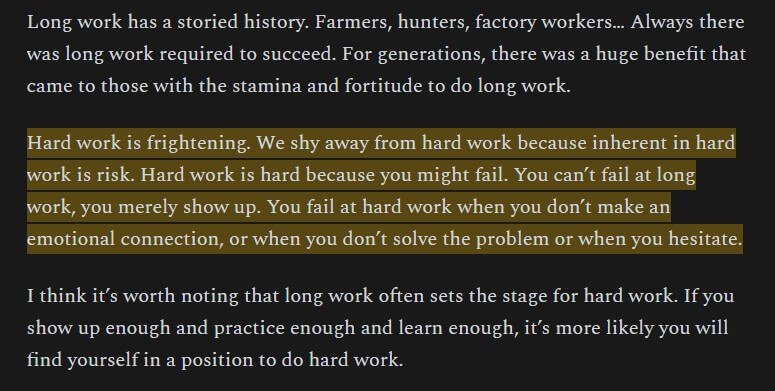
Screvi is strongest at solving a common reading problem: highlights are easy to make but easy to forget. Kindle passages stay in Kindle. Web article highlights stay in a browser. Physical book highlights stay on paper. Good tweets, YouTube ideas, PDFs, and notes end up scattered across apps.
Screvi’s real value is not just importing that material. It gives the highlights a second life. You can browse them in a feed, search them by meaning, review them with spaced repetition, discover topic clusters, and export them when you need to write or study. That makes it more useful than a basic clipping tool.
It is a better fit for readers who want their reading to compound over time. If you highlight books for a reason, research for work, collect ideas for writing, or want quotes and notes to be easier to find later, Screvi has a clear purpose. It is less useful for people who read casually and rarely return to saved ideas.
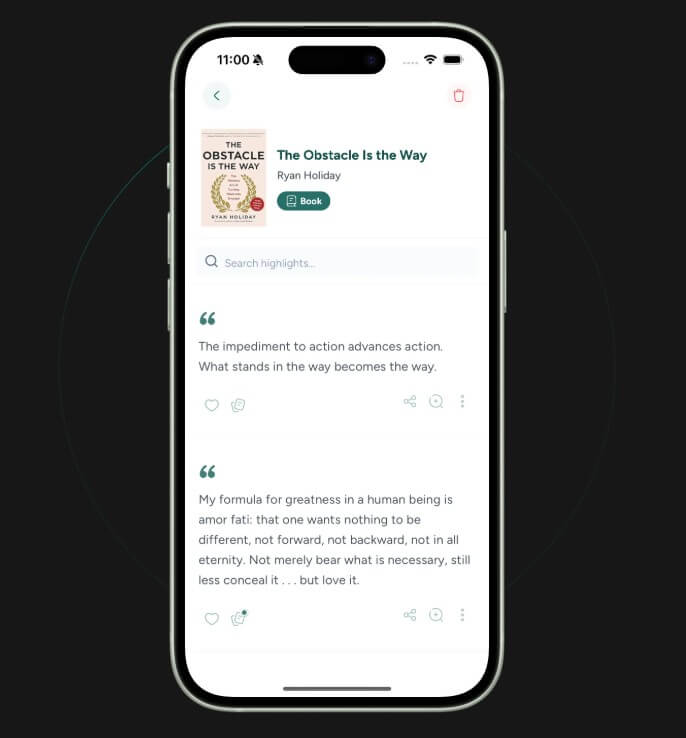

The workflow is simple: import what you read, review it, search it, then reuse it. Screvi works best when it becomes part of the reading routine rather than a place you clean up once a month.
The browser extension is one of the most useful parts of the system. It can save a full article, capture selected text as a highlight, import Kindle highlights from Amazon’s notebook page, bring in X bookmarks, and add YouTube videos with transcripts.
The mobile workflow matters too, especially for physical books. Screvi lets users take a photo of a book page, mark the passage they want, extract the text with AI, then edit and save it with a source, page number, tag, or note. That is a strong fit for readers who still prefer paper books but want digital recall later.
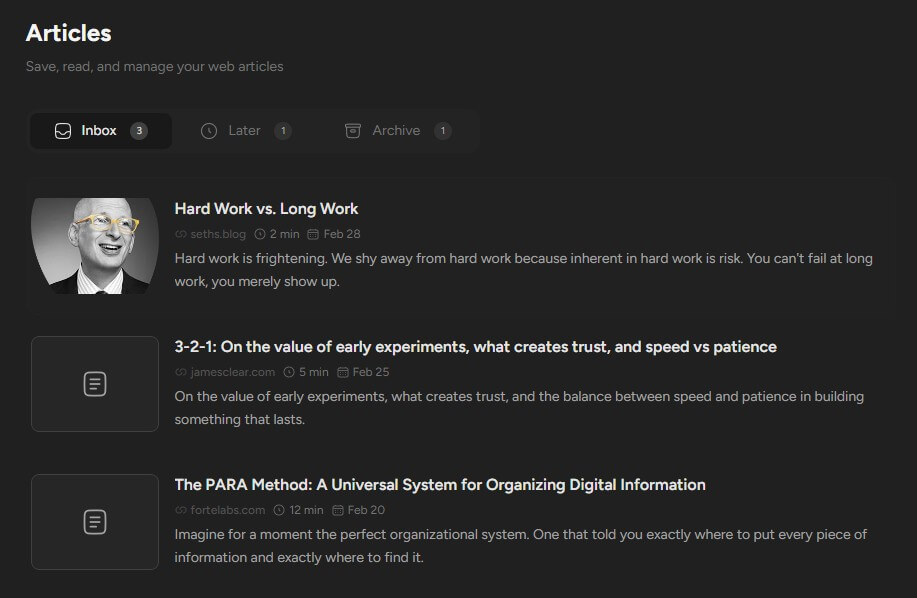
- Nonfiction readers: Screvi is a good fit for people who highlight books on psychology, business, philosophy, history, health, or productivity and want those ideas to stay useful.
- Writers and creators: The semantic search and Markdown export make it easier to find supporting quotes, source ideas, and old notes while drafting essays, newsletters, scripts, or articles.
- Students and researchers: The tool works well when reading across books, PDFs, articles, and videos. Topic clusters can help reveal patterns across a research library.
- Kindle and paper book users: Screvi is useful for mixed reading habits because it supports both digital imports and camera-based physical book capture.
- Obsidian and Notion users: Screvi can act as the capture and review layer before exporting or syncing highlights into a larger knowledge system.
- Screvi is not a full writing app: It helps collect, search, and review source material, but users still need a separate place to draft polished work.
- It also depends on consistent capture: If you rarely save highlights or never review them, the app will feel less useful. The strongest results come when users build a real library over time.
- Physical book scanning is useful, but not magic: The documentation notes that good lighting, flat pages, and clear marking improve results, and handwritten margin notes may not always be recognized well.
- The AI features work best when there is enough material to search and cluster: A small library may not show the full value of semantic search or topic discovery.
Screvi is best for readers who want their highlights to become a usable knowledge base, not a forgotten archive.
Its strongest value is the combination of multi-source capture, AI semantic search, spaced repetition, physical book scanning, and clean export options.
The main caveat is that Screvi rewards consistent use. The more seriously you save and review what you read, the more useful it becomes.
TAGS: Self Improvement
Related Tools:

Records and organizes your ideas, notes, and memories
Captures, organizes, and reviews your reading highlights

Helps prepare for job interviews through practice sessions

Helps families plan meals and organize household needs

Provides feedback and analysis to improve communication skills

AI-based language learning application