
Share this tool:
 |
Description:
RobinReach is an all-in-one social media management platform with a bigger scope than a basic scheduler. Its public product story combines multi-platform publishing, recurring posts, content repurposing, RSS and ecommerce automation, team collaboration, analytics, media storage, API access, and an AI layer built around RobinGen and RobinPixel. It also now pushes Claude integration via MCP as a differentiator on higher plans.
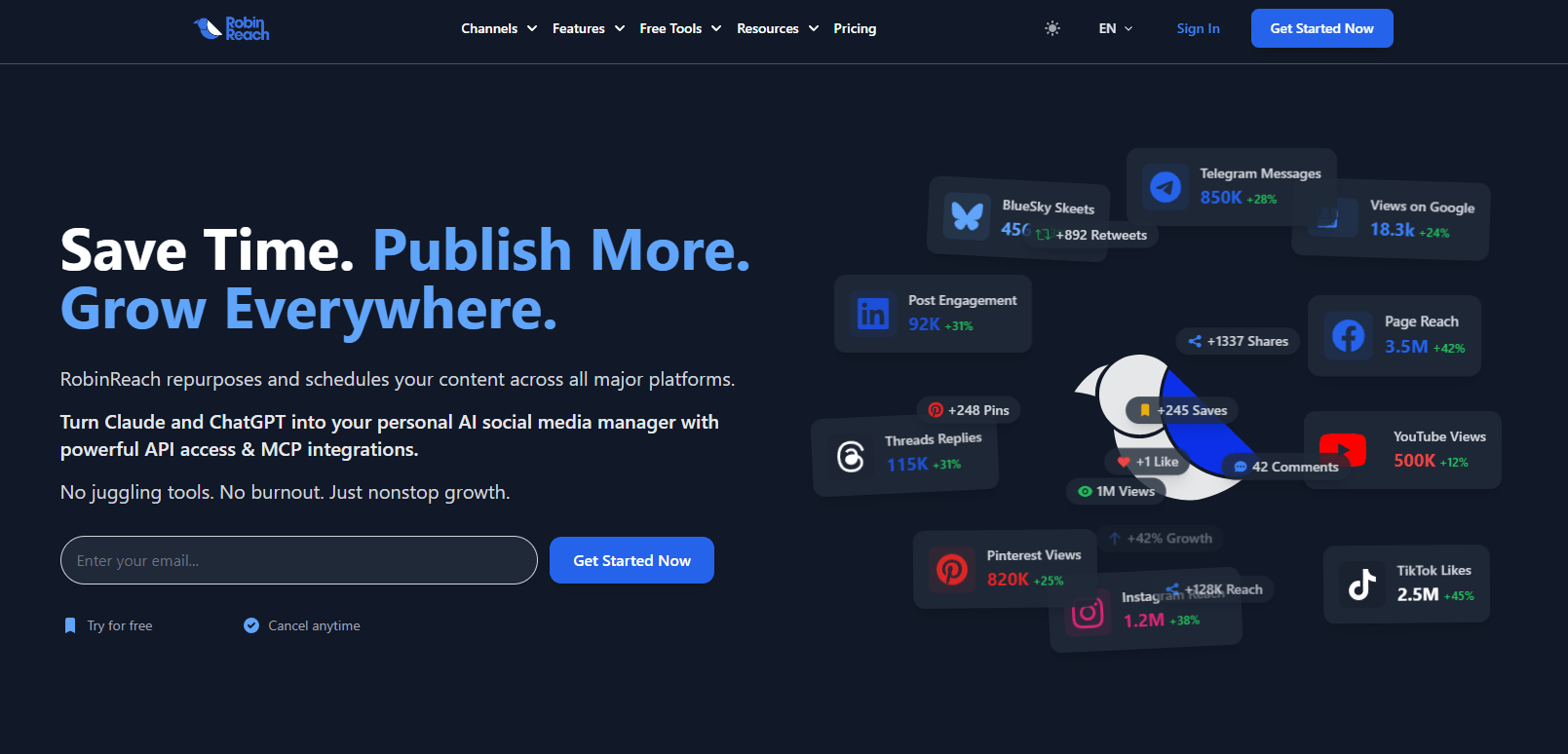
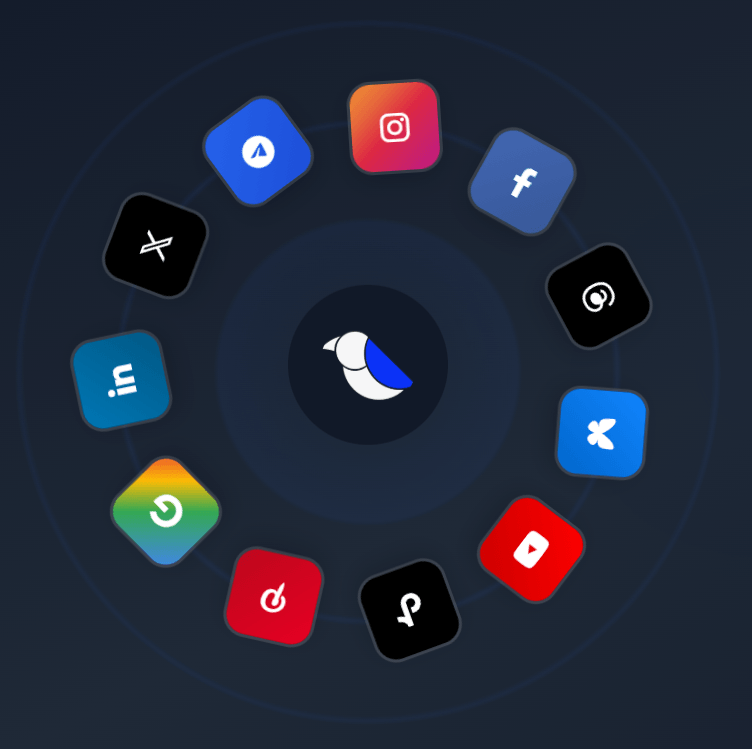
RobinReach supports scheduling and publishing across major channels including Instagram, Threads, Bluesky, X, YouTube, TikTok, Facebook, LinkedIn, Pinterest, Google Business Profile, and more.
RobinGen generates posts, captions, comments, and ideas, while RobinPixel adds built-in AI image generation for social visuals.
RobinReach can import existing TikTok, Facebook, and Instagram content in bulk, then adapt it for other connected platforms.
RSS, WordPress, Shopify, Etsy, and WooCommerce workflows are part of the platform’s automation layer, with AI optimization built into feed-based posting.
The platform includes role-based collaboration, approval flows, and profile assignments rather than only solo scheduling.
Bloom and Thrive include API and MCP access, and RobinReach also offers a unified API plus an n8n community node.
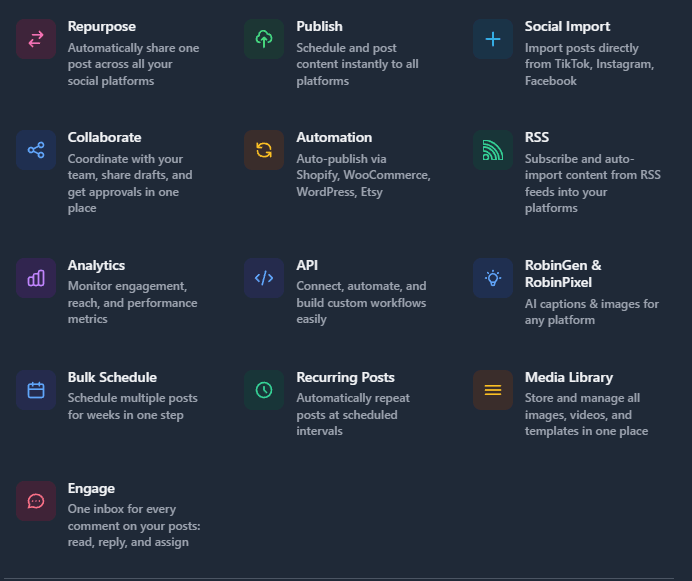
RobinReach looks strongest when your problem is not just “I need to queue posts,” but “I need one place to run most of my social workflow.” The official site keeps pointing to the same broader bundle: publishing, repurposing, AI creation, recurring content, analytics, team workflows, and automation from blog or store content. That makes RobinReach more ambitious than the lightweight scheduler class.
The most practical strength is workflow compression. Instead of bouncing between a scheduler, a caption generator, Canva, an image generator, a repurposing tool, and an RSS or ecommerce connector, RobinReach tries to keep those layers in one system. Its integrations page explicitly highlights Canva, OpenAI, Unsplash, Shopify, Etsy, WooCommerce, WordPress, Bitly, and Switchy alongside its own publishing and AI stack.
That matters most for small businesses, agencies, and multi-brand operators. The pricing structure is built around brands, members, social profiles, RSS integrations, and repurposing tasks, which tells you the product is meant for ongoing operational use rather than occasional post creation.
The public workflow looks straightforward. You connect your profiles, create or import content, adapt it per platform, schedule it, and then monitor results. RobinReach also supports recurring posts, bulk scheduling, and content recycling, which makes it more usable for people batching weeks of content at a time rather than posting manually every day.
Where it gets more interesting is the “pull content in” side. Social Import lets you bulk import posts from TikTok, Facebook, and Instagram, choose date ranges, and automatically repurpose those assets to connected platforms such as LinkedIn, X, Pinterest, YouTube, Threads, and Bluesky. For creators or brands with content trapped inside one ecosystem, that is one of the clearest real-world advantages on the site.
The automation layer also goes beyond normal queueing. The RSS and blog automation page lets you connect any RSS feed, set check intervals, choose max posts per sync, add hashtags, pick target profiles, and let AI optimize the result for social distribution. The same page also highlights WordPress, Shopify, Etsy, and WooCommerce automation, which pushes RobinReach closer to a social operations tool than a pure scheduler.
Team workflow looks solid on paper too. RobinReach’s collaboration page includes email invites, approval flows, role-based permissions, and profile assignments, which are exactly the kinds of controls agencies and multi-person teams need once publishing stops being a one-person job.
RobinReach markets RobinGen and RobinPixel as core parts of the platform, and that framing is fair. RobinGen is built for text-based posts, captions, comments, and ideation across platforms, while RobinPixel covers image generation and branded visuals. The support guide and feature pages also position these AI layers as integrated into the main workflow rather than separate side tools.
That said, the AI is best understood as workflow support, not the whole value proposition. RobinReach’s stronger case is still that it combines AI creation with scheduling, analytics, repurposing, and automation. Plenty of platforms can now generate captions and images. Fewer try to connect that to feeds, approvals, API access, recurring posts, and multi-brand management in one place. That is the product’s more interesting angle.
A newer differentiator is Claude integration via MCP. RobinReach’s April 30, 2026 article says Bloom and Thrive users can connect Claude through a personal integration URL, after which Claude can plan content, see schedules, and manage social tasks through RobinReach. Since the pricing page also lists MCP access only on Bloom and Thrive, this looks like a real upsell boundary rather than a free add-on.
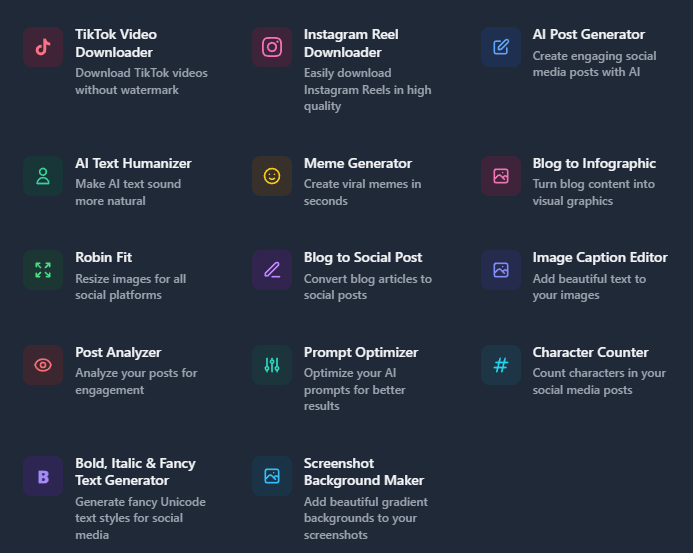
RobinReach’s control story looks decent rather than ultra-deep. It supports customized channel options, including things like first comments, reels or stories, TikTok image posting, Pinterest board selection, and Bluesky website card posts, which is better than one-size-fits-all posting. That matters because social management tools often fall apart at the platform-specific details.
The RSS page also shows useful automation controls: check intervals, max posts per update, preferred days and times, hashtags, selected target profiles, image inclusion, and immediate versus scheduled publishing. Those are the kinds of settings that make automation usable in practice instead of just noisy.
Analytics and reporting appear broad enough for normal management workflows. RobinReach’s support guide lists performance metrics, engagement analytics, audience insights, custom report generation, and automated report scheduling, while the platform pages emphasize tracking reach, comments, and post performance.
What the public pages do not show especially clearly is whether the analytics layer is merely serviceable or genuinely strong compared with dedicated reporting tools. RobinReach definitely has reporting, but its clearest public differentiation is still workflow breadth, not analytics depth. That is an inference from the emphasis across the official site.
RobinReach looks like a strong fit for small businesses that need one tool to cover everyday social creation, scheduling, and automation without building a stack from scratch. Its pricing, AI limits, and automation options all line up with that audience.
It also makes sense for agencies and multi-brand teams. The platform supports multiple brands, multiple members, approvals, profile assignments, media organization, content recycling, and shareable calendar views, which is much closer to agency reality than a solo creator scheduler.
A third strong fit is ecommerce or content-heavy brands with repeatable source material. RobinReach’s WordPress, RSS, Shopify, Etsy, and WooCommerce automation plus its repurposing tools are clearly designed for businesses that already produce blog posts, listings, or social-native content and want to convert that into distribution automatically.
Developers and automation-heavy teams are also more relevant here than in most mainstream social tools because RobinReach exposes an API, an n8n node, and MCP access on paid plans. That makes it plausible as an infrastructure layer, not just a UI tool.
- Start by deciding whether RobinReach is replacing one tool or several. The platform makes the most sense when you actually use publishing, repurposing, AI, and automation together. If you only need a basic queue, much of its appeal disappears.
- Use Bloom or Thrive if Claude integration or API access matters. RobinReach’s own docs and pricing page are clear that MCP and API access sit on those higher tiers.
- Treat Social Import and RSS automation as real workflow levers, not side features. Those are two of the clearest places where RobinReach can save repeated manual work, especially for creators with back catalogs or brands with active blogs and stores.
- Check the limits before you buy around them. RobinReach’s value can look unusually high on the headline price, but its practical ceiling depends on how many brands, profiles, team members, RSS feeds, and repurposing tasks you need.
The biggest trade-off is product sprawl. RobinReach is trying to be a scheduler, AI content tool, repurposer, feed automation system, collaboration hub, API surface, and Claude bridge at once. That breadth can be useful, but it also raises the usual question of whether every layer is equally mature. The public site is much clearer about breadth than about depth in each individual module.
The second trade-off is some public-message inconsistency. RobinReach markets Engage as “one inbox for every comment,” but its public roadmap still lists “Unified Inbox for Comments (Phase 1)” as a current build item. That suggests the engagement layer may still be evolving, and buyers should treat that part of the platform cautiously until the public messaging becomes cleaner.
The third trade-off is that video functionality is a little blurry publicly. Some channel pages market RobinClip for video creation, but the roadmap still lists “Video Repurposing (RobinClip)” as in progress. So RobinReach clearly wants video inside the platform, but the exact maturity of that layer is not as easy to pin down as the publishing and automation parts.
There is also a smaller but notable limitation in plan gating. A lot of the more interesting power-user features, especially API and MCP access, do not begin until Bloom. That is reasonable, but it means RobinReach’s most distinctive workflows are not really visible on the cheapest paid tier.
RobinReach looks most compelling as a broad social media operations platform for small businesses, agencies, and multi-brand teams that want more than basic scheduling.
Its best public case is the combination of publishing, repurposing, AI creation, RSS and ecommerce automation, collaboration, and higher-tier API/MCP access in one product at relatively low price points. The main caveat is that the platform is wide enough that some modules look more mature than others, so it is strongest when you buy it for workflow consolidation first and treat the newer layers, especially engagement and video, with a bit more caution.
TAGS: Social Media Tools Content Creation
Related Tools:
Content publishing platform that simplifies video sharing

Helps quickly develop content marketing plans
Automates digital content creation
Streamlines content creation
Transforms YouTube videos into engaging, social media-friendly shorts

Social media management tool