

Share this tool:
 |
Description:
Poper AI is an onsite engagement platform for building forms, quizzes, popups, surveys, gamified widgets, and lead capture experiences without code. Its main value is not just making popups faster. It combines AI-assisted creation, targeting rules, A/B testing, templates, analytics, and integrations so marketers can turn website traffic into email subscribers, leads, sales actions, or feedback responses.
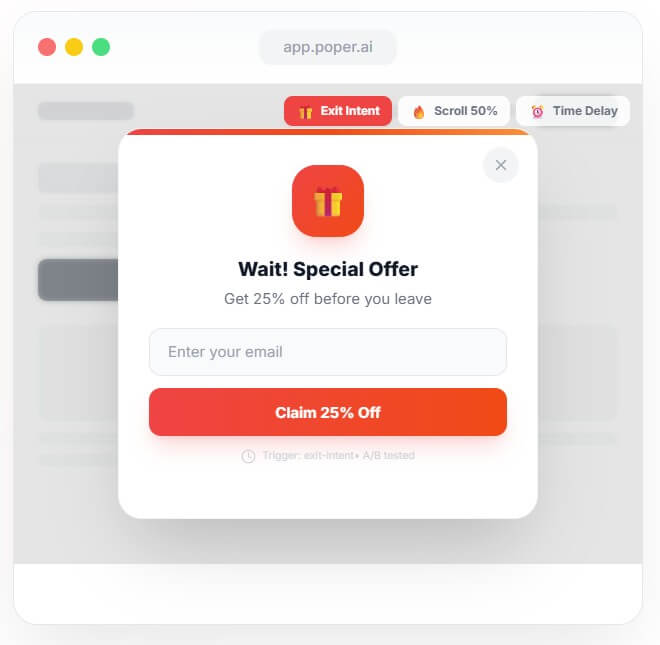
Poper AI is strongest when a website needs more than a basic email popup.
Many popup tools solve one narrow problem: show a box, collect an email, send the lead somewhere. Poper aims wider. Its current positioning is closer to an all-in-one onsite conversion layer, covering forms, quizzes, widgets, popups, gamification, surveys, and NPS-style collection in one platform.
That makes it more useful for small teams that do not want a separate form builder, quiz maker, notification bar tool, review widget, and popup plugin. It also helps marketers who want to move quickly. Instead of starting with a blank canvas, users can describe what they need, use a template, adjust targeting, connect an integration, and launch.
The AI layer matters most at the setup and optimization stages. Poper’s site says users can describe what they want in plain English, and the AI can generate forms, quizzes, popups, and targeting rules. It also describes AI support for copy generation, quiz generation, localization, behavioral prediction, and A/B optimization.
That is a good fit for teams that know the campaign goal but do not want to build every variation by hand.
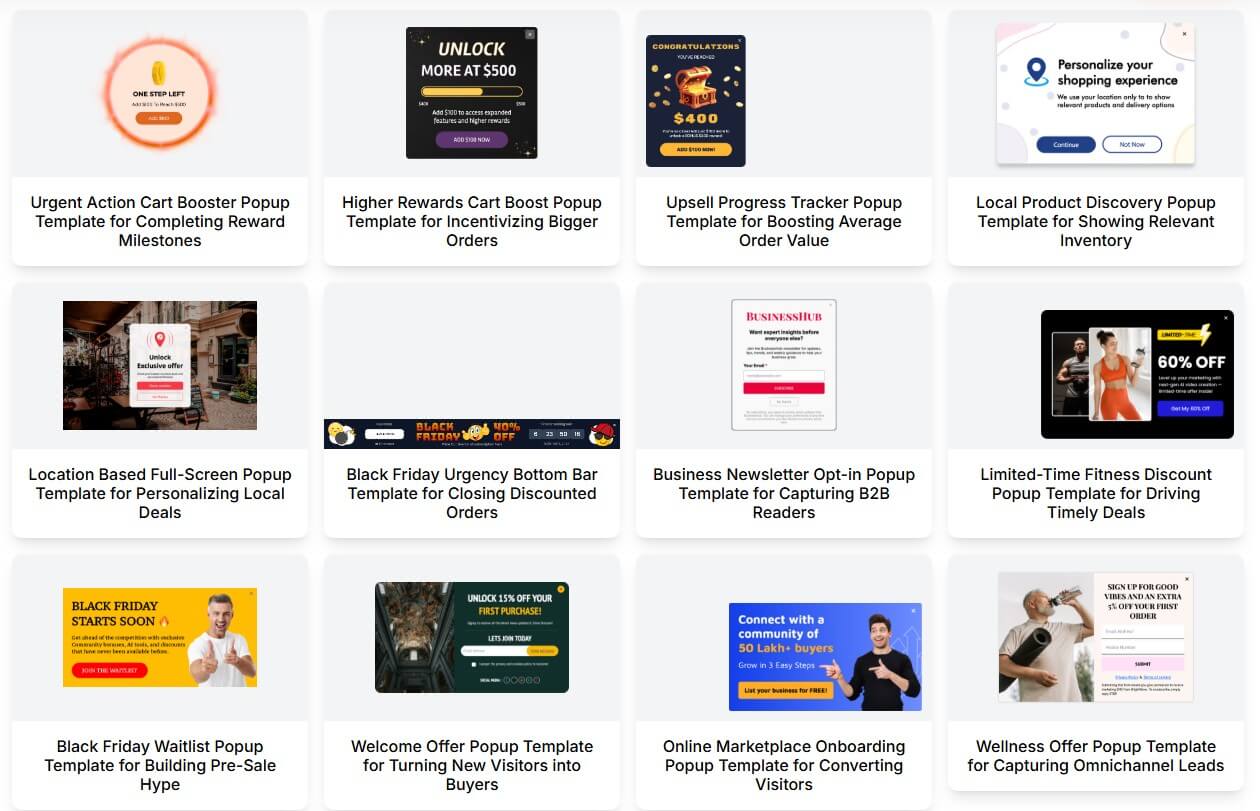
| Feature | Practical Value |
|---|---|
| AI Campaign Creation | Describe the goal, and Poper can help generate copy, design, and targeting rules. |
| Forms, Quizzes, Popups, Widgets | Useful for lead capture, feedback, product recommendations, surveys, and promotions. |
| Smart Targeting | Targets visitors by behavior, location, device, UTM source, referrer, and related context. |
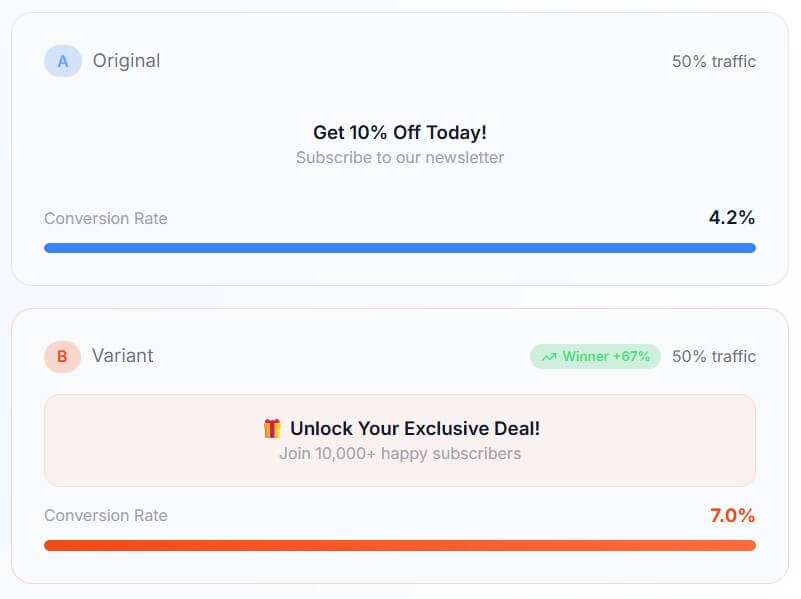
| A/B Testing | Tests headlines, CTAs, offers, timing, and variants, then helps route traffic to winners. |
| Templates | Gives teams a faster starting point for ecommerce, SaaS, education, agencies, and other use cases. |
| Integrations | Connects lead data to marketing, CRM, analytics, automation, and ecommerce tools. |
The strongest feature mix is creation plus targeting plus testing. A nice-looking popup is not enough. It has to appear to the right person, at the right point in the visit, with the right offer. Poper’s popup page describes this as an AI-driven process that can generate copy, select timing, segment visitors, and optimize through A/B testing.
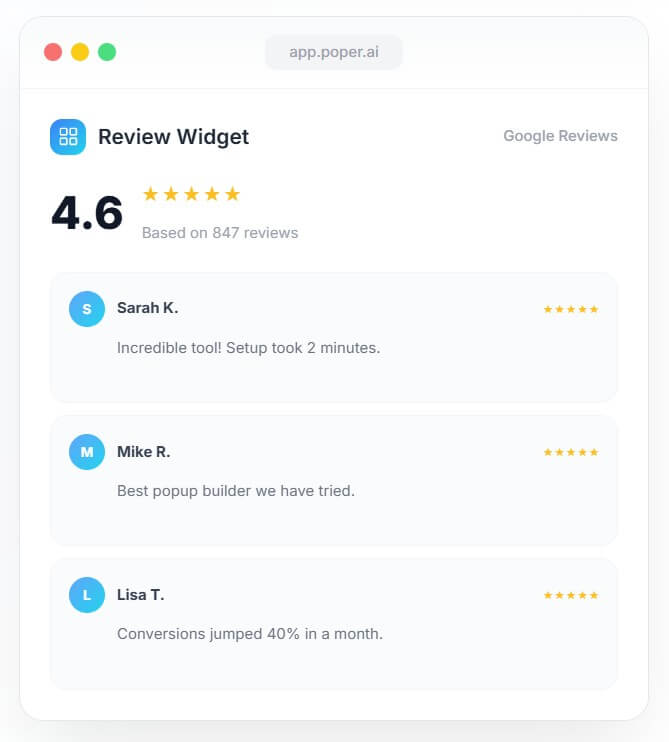
Poper’s workflow is built around four steps: design, target, launch, and optimize. Users can choose a template or start from scratch, set triggers and audience rules, publish through an embed or share link, then review results and test variations.
That is the right structure for this type of tool. The hardest part of onsite engagement is rarely the visual editor alone. The real friction comes from deciding who should see the campaign, when it should appear, what it should say, and where the data should go after someone submits a form.
Poper tries to reduce that friction with a drag-and-drop builder and AI generation. The official popup page gives a simple example: a user can type a request like an exit-intent popup for first-time visitors, and the system can produce the copy, design, trigger, audience, goal, and variants.
The no-code angle is also useful. Poper’s site says campaigns can be embedded with one script tag and used on platforms such as WordPress, Shopify, Webflow, Squarespace, Wix, and custom websites. For many teams, that is the difference between “we should test this next month” and “we can test this today.”
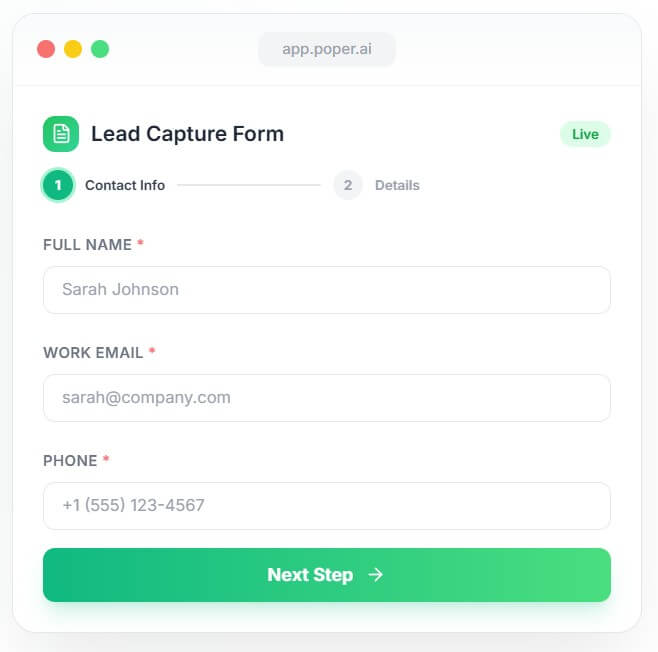
Poper’s AI is most valuable when it turns campaign intent into usable setup.
For example, a marketer may know they want to recover abandoning visitors, promote a discount to a local audience, collect leads from a blog post, or run a product recommendation quiz. Poper can help shape that into a real onsite experience with copy, layout, audience logic, and testing.
The targeting depth is important. Poper’s popup page lists signals such as scroll depth, exit intent, geolocation, device, UTM source, and cart value. These controls help avoid the classic popup mistake: showing the same interruption to every visitor.
The best use of Poper is not “show a popup to everyone after three seconds.” It is more precise. Show a discount only to visitors who are about to leave. Show a lead magnet only on related content. Show a product quiz to shoppers who need guidance. Show a survey after someone has spent enough time to have an opinion.
That is where Poper can feel more like an onsite campaign system than a basic popup plugin.
Poper’s integration story is one of its stronger selling points. The homepage says the platform supports 96+ integrations and mentions tools such as HubSpot, Salesforce, Mailchimp, Klaviyo, Zapier, Slack, Google Analytics, and Shopify.
This matters because lead capture is only useful if the lead moves into the right system. A form submission should not sit inside a popup dashboard forever. It needs to reach an email platform, CRM, automation tool, analytics system, or sales workflow.
The WordPress integration page also shows how Poper is positioned for common website owners: capture leads, offer discounts to targeted users, show custom promotions, use context-aware popups, and trigger exit-intent messages when visitors are about to leave. That makes Poper a natural fit for ecommerce stores, SaaS sites, blogs, course creators, agencies, and content-heavy businesses that need more than a static newsletter form.
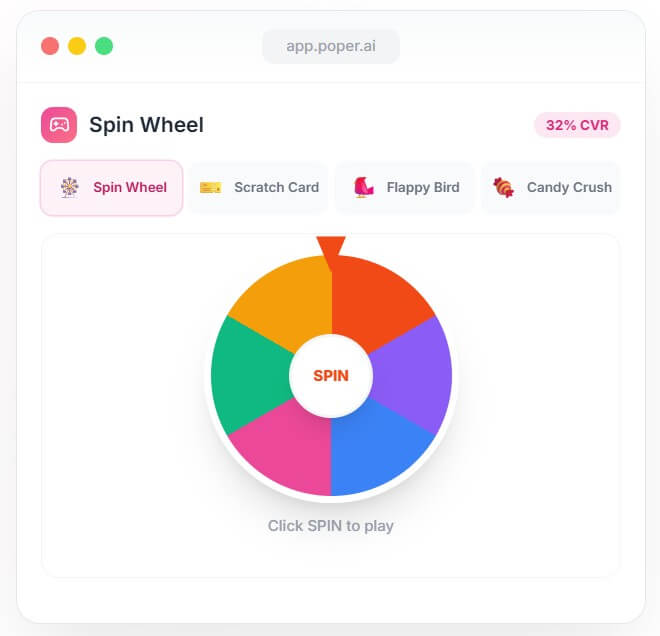
- Ecommerce lead capture: Use exit-intent offers, cart recovery prompts, countdown bars, back-in-stock forms, and spin-to-win style campaigns.
- SaaS conversion flows: Promote demos, newsletters, onboarding resources, product updates, comparison guides, or trial-related calls to action.
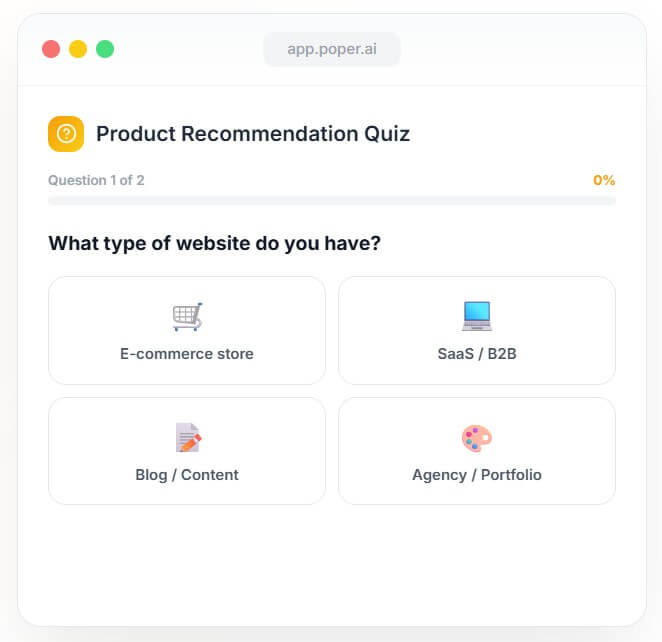
- Quiz-based recommendations: Create product finder quizzes, educational quizzes, lead qualification flows, or audience segmentation quizzes.
- Content marketing: Add content upgrades, newsletter offers, webinar signups, and targeted popups based on page topic or traffic source.
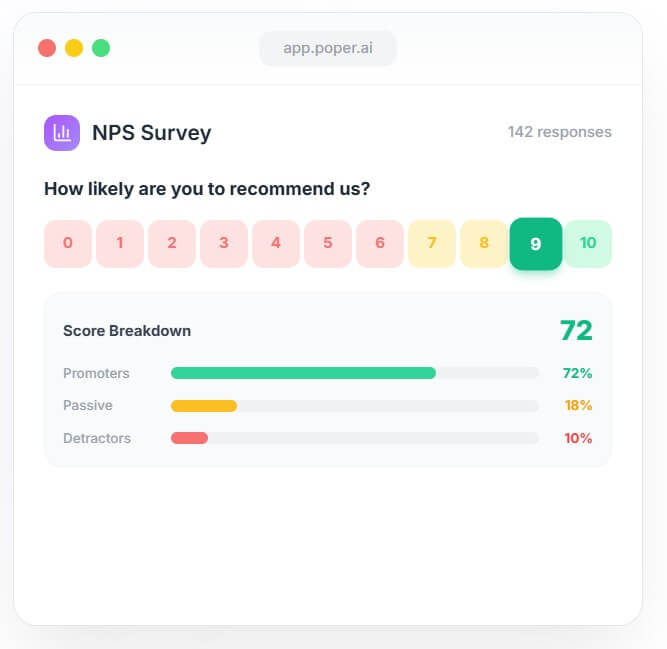
- Customer feedback and surveys: Collect NPS-style feedback, short surveys, post-purchase responses, or visitor intent data.
- Agency client work: Build and test campaigns for multiple use cases without handing every small change to a developer.
- Start with one clear goal per campaign. Email capture, demo booking, coupon redemption, feedback, and quiz completion should not all compete in the same popup.
- Use targeting rules early. A well-timed, narrow campaign is usually better than a broad interruption.
- Match the offer to the page. A blog reader may want a guide. A product-page visitor may want a discount, comparison, or sizing help.
- Test more than copy. Timing, trigger type, layout, offer, and audience can change results as much as the headline.
- Check mobile separately. Poper supports mobile-focused design, but mobile popups still need extra care because screen space is limited.
- Poper can make onsite campaigns easier to create, but it cannot fix a weak offer. If the discount, lead magnet, quiz, or message is not relevant, better targeting will only help so much.
- There is also a risk of overusing popups. Even smart campaigns can become annoying if every page triggers an overlay, notification bar, wheel, survey, or chat prompt. The best setup is restrained. Use Poper where it adds value, not everywhere it can appear.
- AI-generated copy also needs review. It can speed up campaign creation, but marketers should still check tone, brand fit, claims, legal wording, and clarity.
- Data handling deserves attention too. Poper’s data security page says it collects personal information provided during registration or service use, usage data such as IP address and device information, and cookies or similar technologies. It also says data is encrypted during transmission, but no method of transmission or storage is fully secure.
Poper AI is best for marketers, ecommerce teams, SaaS teams, agencies, and website owners who want one no-code platform for forms, quizzes, popups, widgets, surveys, targeting, testing, and integrations.
Its biggest strength is turning onsite engagement into a faster, AI-assisted workflow instead of a scattered set of plugins.
The main caveat is discipline: Poper gives you many ways to capture attention, but the best results will come from focused campaigns, careful targeting, and restraint.
TAGS: Marketing
Related Tools:

Simplifies logo design for businesses

Facilitates efficient Email marketing
Trandsforms texts into detailed UI designs

Streamlines data analysis and visualization

Create high-quality animations and motion graphics

Shopping assistant for Shopify stores