
Share this tool:
 |
Description:
Otter.ai has moved well beyond its older reputation as a simple transcription app. The current product is positioned as an AI notetaker and “Conversational Knowledge Engine” that records meetings, transcribes them in real time, generates summaries, extracts action items, lets teams ask questions across meeting history, and connects meeting notes into tools like Slack, Zoom, Google Drive, Salesforce, HubSpot, Jira, Notion, and Asana.
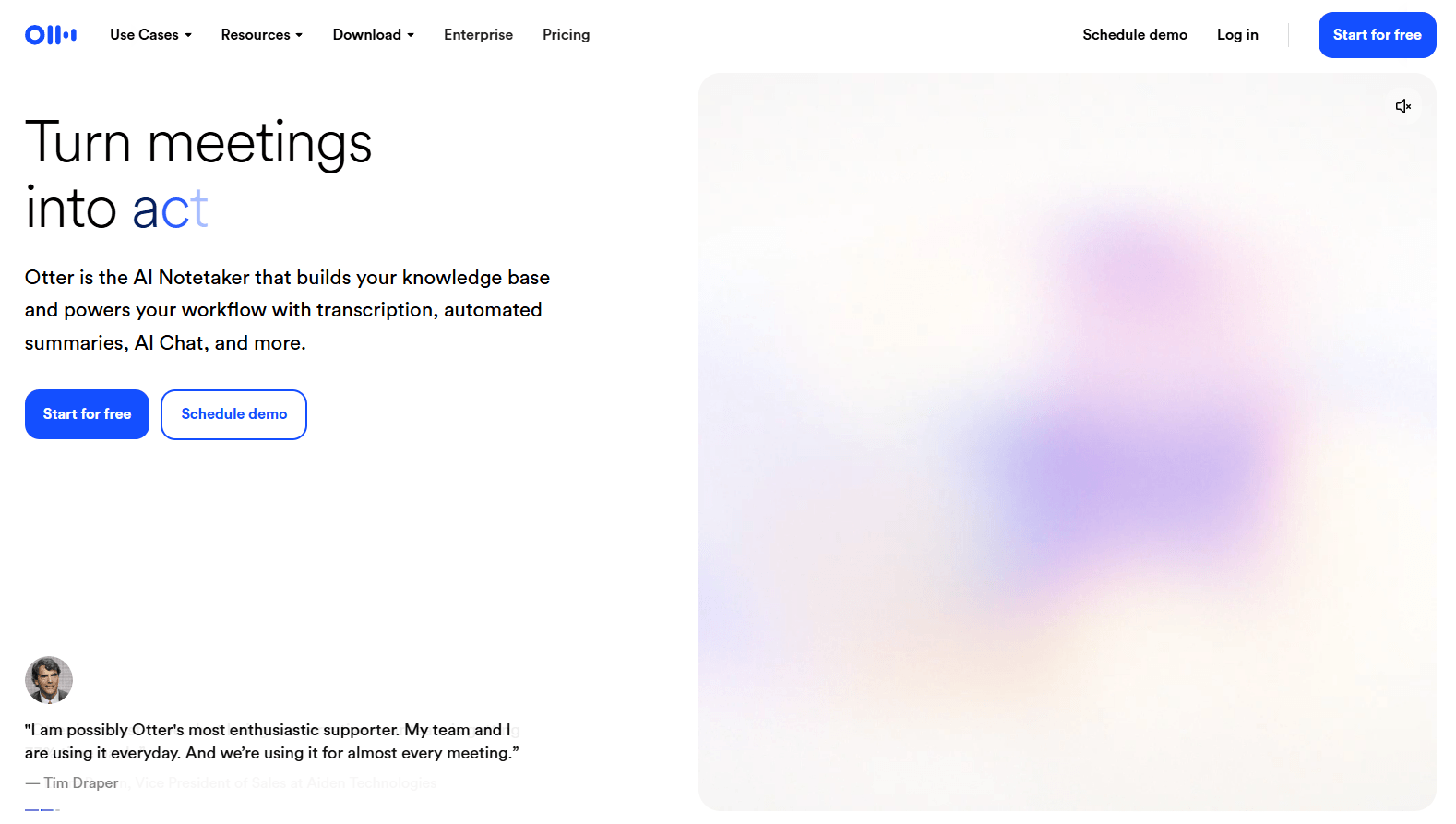
Otter joins Zoom, Microsoft Teams, and Google Meet meetings to record, transcribe, summarize, and share notes.
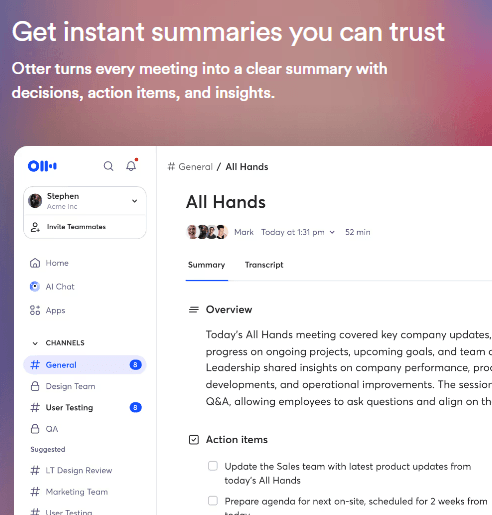
Meeting notes are turned into summaries, outlines, key takeaways, and action items instead of raw transcripts only.
Users can ask questions about meetings, generate content, and pull context from past conversations, channels, and folders.
Shared channels, collaborative note editing, speaker tagging, comments, highlights, and export tools make Otter useful for teams, not just individuals.
Otter connects with tools like Salesforce, HubSpot, Slack, Google Drive, Jira, Notion, Asana, Airtable, Amazon S3, and more.
Otter’s MCP server lets tools like ChatGPT, Claude, and Cursor query meeting transcripts with authorized access, while Enterprise users can access API and webhooks.
At the simplest level, Otter joins or records conversations, turns speech into searchable text, identifies speakers, and creates meeting notes. That base use case is still the reason many people try it: you can stop manually typing notes and focus on the conversation.
But the better way to understand modern Otter is in layers.
The first layer is live meeting capture. Otter Notetaker can join Zoom, Microsoft Teams, and Google Meet meetings, record the conversation, create a transcript, generate a summary, and share notes depending on your settings. It can also be connected to Google Calendar, Microsoft Outlook, and iOS Calendar so it knows which meetings to attend.
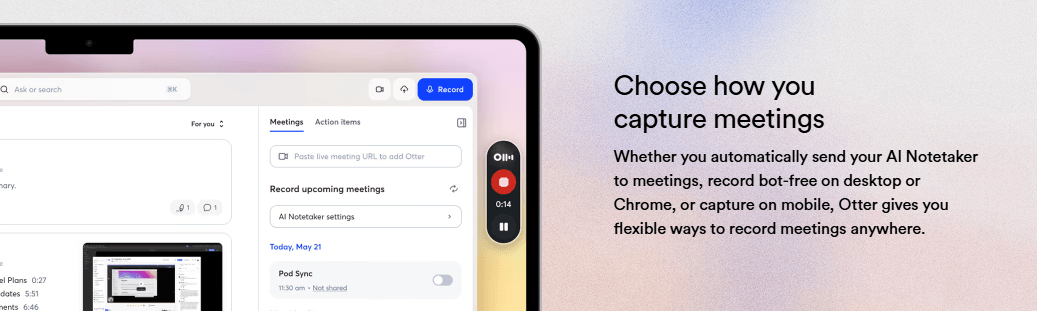
The second layer is meeting intelligence. Otter does not only leave you with a transcript. It creates automated summaries, outlines, action items, highlights, and speaker-separated notes. That is where the product becomes more useful for teams, because the output becomes a follow-up asset rather than just a record.
The third layer is AI Chat and meeting search. Otter AI Chat can answer questions about live or past conversations, generate emails or status updates, pull context from conversations, channels, and folders, and show the sources it used for answers.
The fourth layer is workflow integration. Otter can push meeting data into CRM, project, storage, and collaboration tools, and Enterprise workspaces can use API and webhooks for downstream automation.
Otter’s core workflow is simple enough for almost anyone to understand. You connect your calendar, allow Otter Notetaker to join supported meetings, and let it generate transcripts and summaries automatically. You can also manually paste a Zoom, Google Meet, or Microsoft Teams link when you want Otter to join an ad-hoc meeting.
That ease of use is one of Otter’s biggest strengths. It works best when it disappears into the meeting routine. The meeting happens, Otter joins, the transcript appears, and the team gets a summary and action items afterward.
The setup gets more complex when you want tighter control. Auto-join settings matter. Otter lets users decide whether the notetaker joins all calendar meetings with video links, only meetings they host, external meetings, internal meetings, or only manually selected meetings. That control is important because nobody wants an AI notetaker accidentally joining the wrong call.
Zoom setup can also require host-side settings. Otter’s help docs say Zoom hosts need to manage recording permissions and connect Zoom correctly so the notetaker can join and record successfully. That is not unusual for meeting bots, but it does mean Otter is easiest in teams that standardize meeting permissions and calendar behavior.
Otter’s strongest output is still live meeting transcription. It is especially useful for business meetings, interviews, lectures, sales calls, internal syncs, and recurring team discussions. The transcripts are searchable, speaker-separated, and tied to the audio, which makes them more practical than a plain text file.
The value improves when you use Otter’s summary and action-item layers. A full transcript is useful for reference, but most teams do not want to reread every meeting. Otter’s automated meeting notes and action items make the meeting easier to act on afterward.
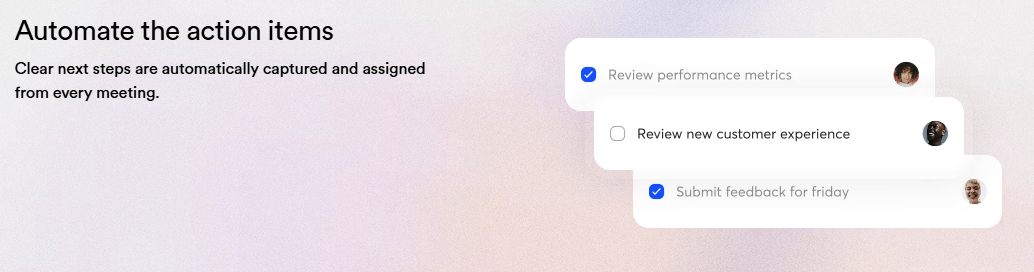
The practical value depends on review discipline. A good meeting assistant can summarize and assign next steps, but sensitive decisions, owners, deadlines, and quotes should still be checked before being treated as final.
Otter AI Chat is one of the most important upgrades because it changes the transcript library from a storage folder into a queryable knowledge base. Instead of opening individual meetings and scanning notes manually, users can ask questions across conversations, folders, and channels.
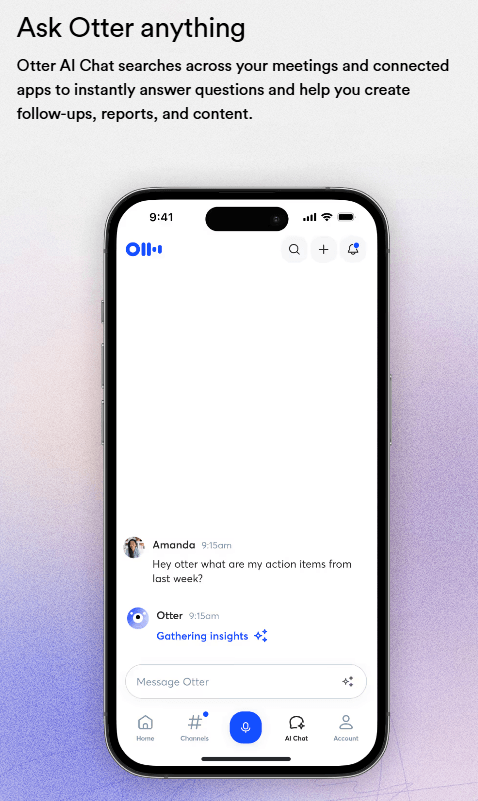
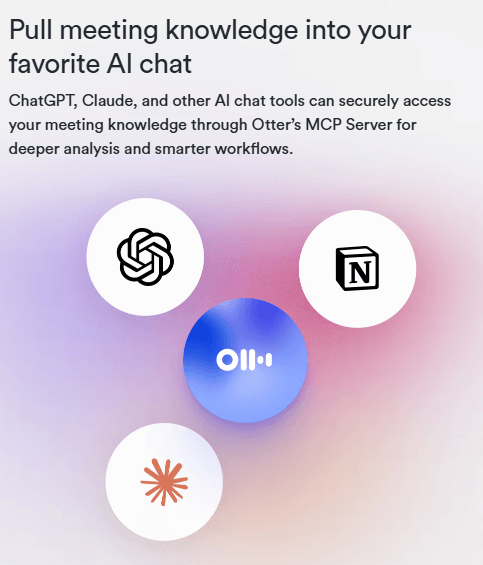
This is where Otter becomes more than a meeting recorder. If teams use it consistently, the product can help answer questions like what was decided, who owned the next step, what a customer asked for, or what risks appeared across several meetings.
Otter is most useful when meeting notes do not stay trapped inside Otter. Its integrations and automation features help push meeting outputs toward the places where work already happens, including communication tools, project tools, storage systems, and CRMs.
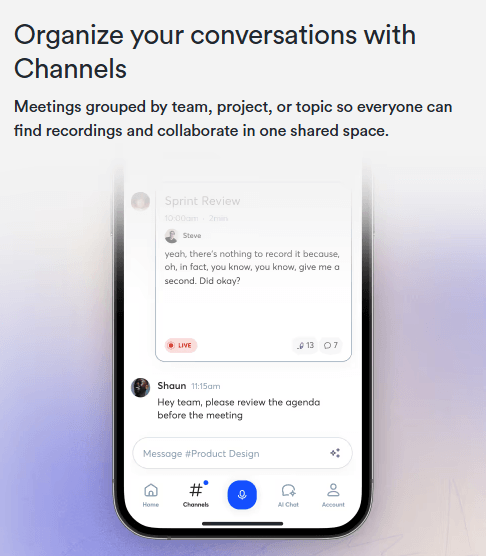
Channels are especially useful for teams because they make meeting knowledge easier to organize around projects, departments, clients, or recurring discussions. Instead of every transcript living as an isolated note, related conversations can be grouped and reused.
For sales and customer teams, integrations with tools like Salesforce and HubSpot matter because meeting notes are only valuable if they stay attached to account context. For product and operations teams, integrations with tools like Jira, Notion, Asana, and Slack help turn discussions into visible follow-up.
- Recurring team meetings: Otter is useful for internal syncs, planning meetings, leadership reviews, and project check-ins where notes and follow-up tasks matter.
- Sales calls: Sales teams can use transcripts, summaries, and CRM integrations to preserve customer context and follow up faster.
- Customer interviews: Product and research teams can capture feedback, search past conversations, and turn repeated insights into organized knowledge.
- Lectures and education: Students and educators can use Otter for searchable transcripts, lecture notes, and summaries.
- Consulting and client work: Agencies and consultants can keep clearer records of client requirements, decisions, and action items.
- Cross-team knowledge management: Otter AI Chat and channels are useful when meeting history needs to become searchable organizational memory.
- The first limitation is meeting-bot friction. Otter is easiest when calendar permissions, recording permissions, and meeting-host settings are configured properly. Otherwise, the bot may fail to join or record as expected.
- The second limitation is transcript reliability. Like all AI transcription tools, Otter can struggle with overlapping speakers, noisy rooms, accents, jargon, quiet microphones, and fast discussions.
- The third limitation is summary trust. Automated summaries and action items are useful, but they still need review for important meetings because ownership, deadlines, nuance, and decisions can be misread.
- The fourth limitation is privacy and meeting etiquette. Any tool that joins meetings and records conversations needs clear consent expectations, internal policies, and careful auto-join settings.
- The fifth limitation is category competition. Otter competes with tools like Fireflies, Fathom, tl;dv, Read AI, and meeting assistants built into broader productivity suites, so teams should choose based on workflow fit rather than transcription alone.
Otter.ai is best understood as an AI meeting agent rather than a simple transcription app. Its strongest qualities are live meeting capture, real-time transcripts, summaries, action items, AI Chat, searchable meeting history, team channels, and workflow integrations.
It is best for teams that want meetings to become useful knowledge and follow-up work instead of forgotten conversations. The main caveat is that Otter works best when meeting permissions, auto-join behavior, privacy expectations, and summary review practices are handled carefully.
The attached article appeared to switch into unrelated Scribewave content partway through, so this HTML uses the coherent Otter.ai portion only.
TAGS: Speech to Text Productivity
Related Tools:
Records, transcribes, and summarizes video meetings

Automates the creation of detailed, easy-to-follow digital guides

Unify team knowledge and automate workflows
Generates concise, human-reviewed summaries
Automates chat interactions with customizable chatbots
Summarizes various types of documents