

Share this tool:
 |
Description:
Lummi is a visual asset platform that mixes a curated stock library with AI creation tools. Its collection covers photography, illustrations, and 3D content, while its creative tools let you generate new images, retouch existing ones, change compositions, remove backgrounds, upscale assets, and create short videos.
The interesting part is how these pieces fit together. Lummi doesn't force you to generate every visual from scratch. You can search first, find something close to the brief, and only bring AI into the workflow when you need a different subject, composition, format, or variation.
A lot of AI image tools begin with an empty text box. Lummi gives you another route: browse until you find the visual direction you want.
Its main library separates content into Photos, Illustrations, and 3D. That makes Lummi useful even when you have no interest in generating an image. You can use it much like a modern stock library for presentation graphics, website imagery, social content, campaign concepts, and design references.
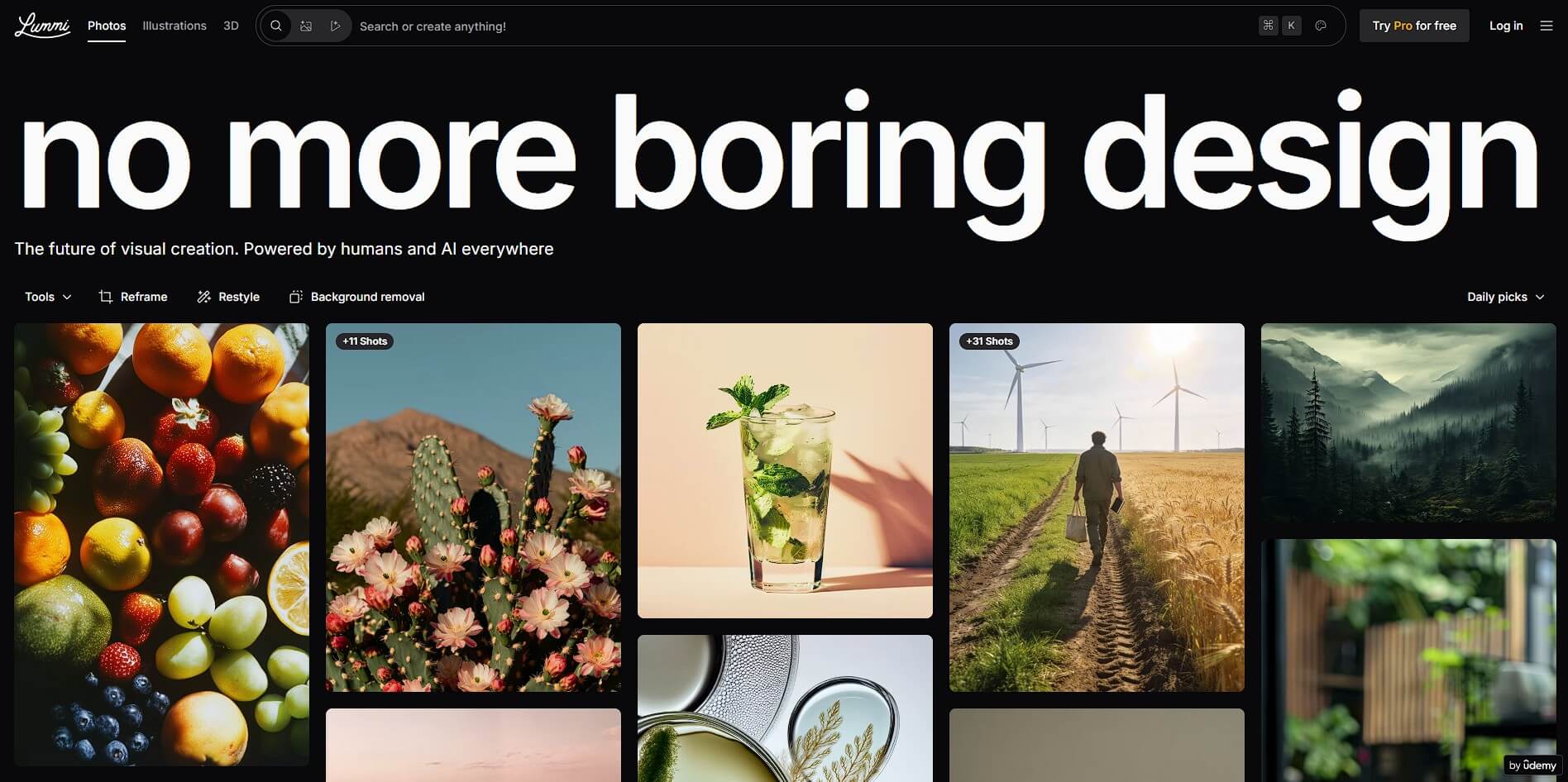
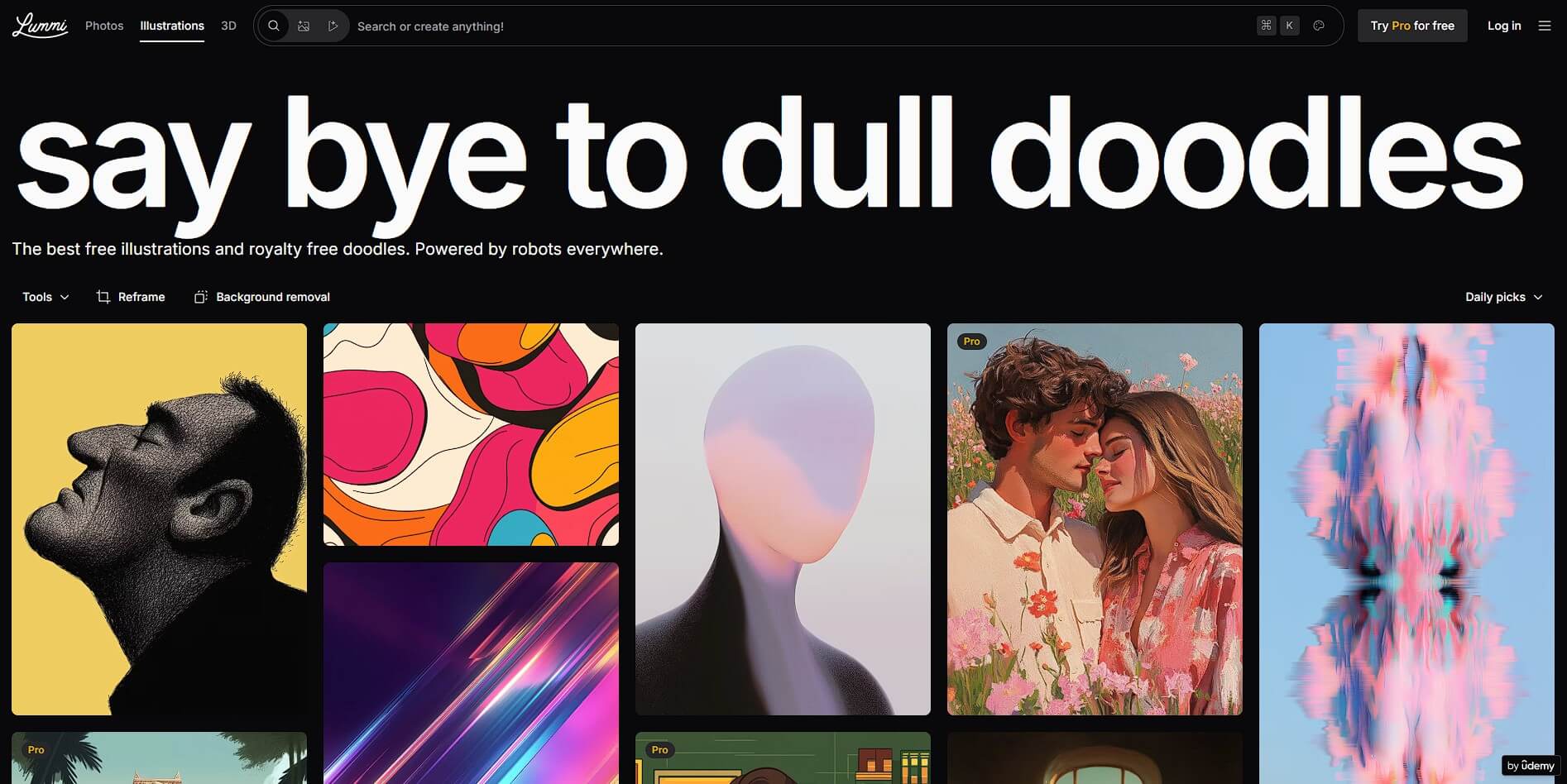
This discovery-first approach also helps with creative blocks. It is often easier to recognize the right mood, lighting, composition, or visual style than to describe it perfectly from memory.
When the library doesn't provide the right asset, Lummi's generator lets you create one from a text description. It supports photos, illustrations, and 3D-style visuals rather than locking generation into a single aesthetic.
More useful is the reference workflow. Lummi allows up to five reference images from its own collection, recent searches, or your uploads. These references can guide the style, mood, composition, and other visual qualities of the result.
That changes how you approach generation. Instead of spending several paragraphs describing soft lighting, a certain photographic treatment, or an unusual composition, you can show the system examples and use the prompt to explain what should change.
Lummi currently identifies Nano Banana and Seedream as models powering generation and editing, with an emphasis on better prompt adherence, object handling, and reference consistency.
Generating an attractive image doesn't mean it's ready for a real project. It may have the wrong dimensions, an unwanted object, too little space for text, or a distracting background.
Lummi addresses these everyday problems with several focused tools.
Retouch supports natural-language edits. You can describe the change you want instead of manually editing the entire image. A brush is still available when you need to isolate a specific object or region.
Reframe is particularly useful for design work. It can reposition the focal point, zoom the composition, and resize an image rather than forcing you to settle for a basic crop. This makes one visual easier to adapt across different layouts.
Background removal handles transparent assets, while upscaling prepares images for larger output.
| Tool | Practical Role |
|---|---|
| Visual library | Find existing creative assets |
| AI generation | Create visuals around a specific brief |
| References | Guide style, mood, and composition |
| Retouch | Change parts of an existing image |
| Reframe | Adapt compositions to new layouts |
| Background removal | Isolate subjects for design work |
| Upscaling | Prepare images for larger output |
| Video generation | Turn prompts or images into short motion assets |
Lummi's 3D content isn't restricted to flat renders. Its 3D models can be rotated so you can choose the angle you need, and their background color can be changed before use. Models can also be exported in GLTF format for compatible design, development, game, and interactive workflows.
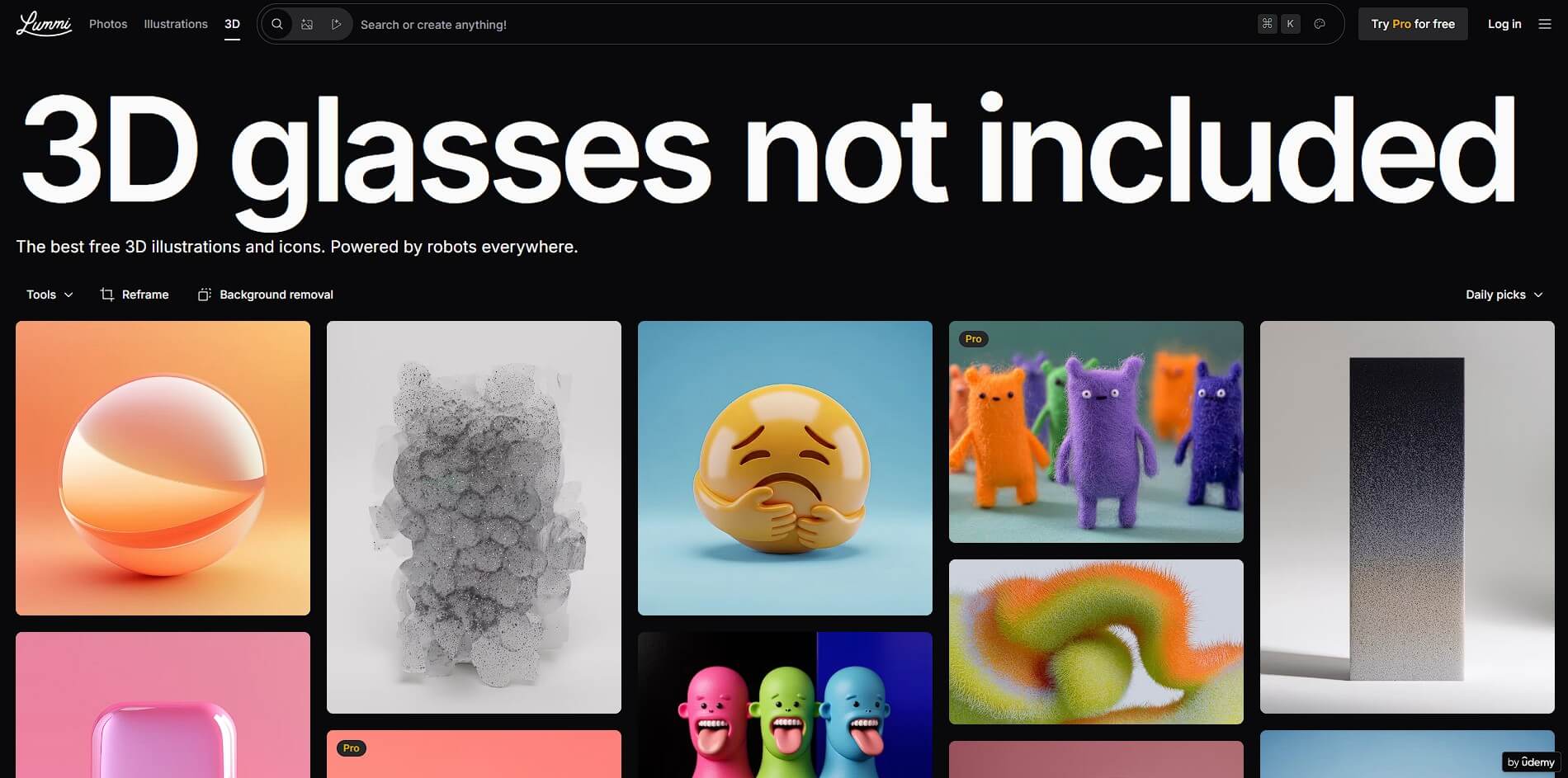
This is a practical distinction. If a static 3D illustration faces the wrong direction for a layout, you're normally stuck working around it. An adjustable model gives you more control over how the asset fits the composition.
Lummi also extends its creation workflow into AI video. It can generate short clips from written prompts or animate an existing image, with audio generation available as part of the system.
Image-to-video is the more natural extension of Lummi's core workflow. A creator can find or generate the visual concept first, then introduce motion without starting again on another platform.
This makes the feature relevant for social posts, promotional concepts, mood pieces, and quick campaign assets. It is less about replacing a full video editor and more about getting a static idea moving quickly.
Lummi fits web and product designers who need hero images, illustrations, 3D assets, backgrounds, and visual references throughout a project.
For marketing teams, its strength is flexibility. A campaign visual can be sourced from the library, generated around a specific brief, modified, and then reframed for different placements.
Content creators and small creative teams also benefit from having search and AI tools together. Tasks such as finding a blog image, generating an alternative, removing its background, and resizing the composition don't require completely separate workflows.
Developers have another route through Lummi's API, which exposes functions including image search, similar-image discovery, downloads, collections, effects, and AI image generation.
Lummi shouldn't be mistaken for a full professional image editor. Complex compositing, detailed typography, layer-based design, and highly precise local adjustments are still better handled by specialized software.
AI generation also remains variable. Reference images can provide better direction, but they don't guarantee exact reproduction of every detail. Brand-sensitive work will still need human review.
Its broad toolset is therefore most valuable for getting from an idea to a usable asset faster, rather than eliminating the finishing process.
Lummi's strongest quality is that search and AI creation don't feel like separate jobs. You can browse for inspiration or ready-made assets, generate when nothing fits, use references to establish direction, then retouch, reframe, upscale, or animate the result.
That makes Lummi especially useful for designers, marketers, content creators, and teams that need fresh visual material on a regular basis. Its main caveat is editing depth. It can handle many common asset tasks in one place, but detailed finishing still belongs in dedicated professional design software.
TAGS: Generative Art
Related Tools:

Generates realistic images of people

Turns text ideas into custom emojis and stickers

Facilitates creation of animated stories

Generates human models and product images

Open source AI tool for generating images

Simplifies custom clothing creation