
Share this tool:
 |
Description:
FuturMotion is an AI video tool built for turning still product photos into short motion videos. Its strongest focus is fashion and ecommerce: flat-lays, garment photos, product images, model shots, and campaign visuals that need more movement for Reels, TikTok, Shorts, product pages, or ads. The platform is not positioned as a full editing suite. It is closer to a quick product-content generator for teams that already have usable photos but need more video assets without filming new footage.

FuturMotion is most useful when the source image is good but the asset feels too static. A dress on a flat background, a bag on a product page, or a clothing item in a simple photo can be turned into a short moving visual. That matters because ecommerce teams often need video for social platforms, but they do not always have the time, budget, or product volume to shoot videos for every SKU.
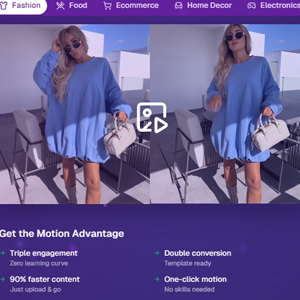
The platform’s fashion page puts this clearly: users can upload a fashion photo and create a ready-to-post video without filming, editing, or design skills. It also highlights optimization for Reels, TikTok, Shorts, and ecommerce content.
The key benefit is reuse. FuturMotion helps brands get more mileage from photos they already own.
The workflow is simple: upload a product image, let the AI add motion, then use the result as a short product video or social asset. FuturMotion also promotes FrameSync, a feature that combines up to four photos into one smooth video for fashion, products, and related visual content.
| Workflow Area | What It Does | Why It Matters |
|---|---|---|
| Image upload | Starts with an existing fashion or product photo | Reduces the need for new shoots |
| Image-to-video | Adds motion to static visuals | Makes assets more useful for video-first platforms |
| FrameSync | Combines up to four photos into one video | Helps create product sequences instead of one-shot clips |
| Fashion motion | Adds movement around garments and styled product shots | Useful for apparel, bags, and accessories |
| Flat-lay to model | Turns flat-lay items into on-model content in supported workflows | Gives shoppers more context than a flat image |
| Background cleanup | Supports fashion product photo cleanup | Helps create cleaner ecommerce visuals |
That makes FuturMotion best for quick motion generation, not complex video storytelling.
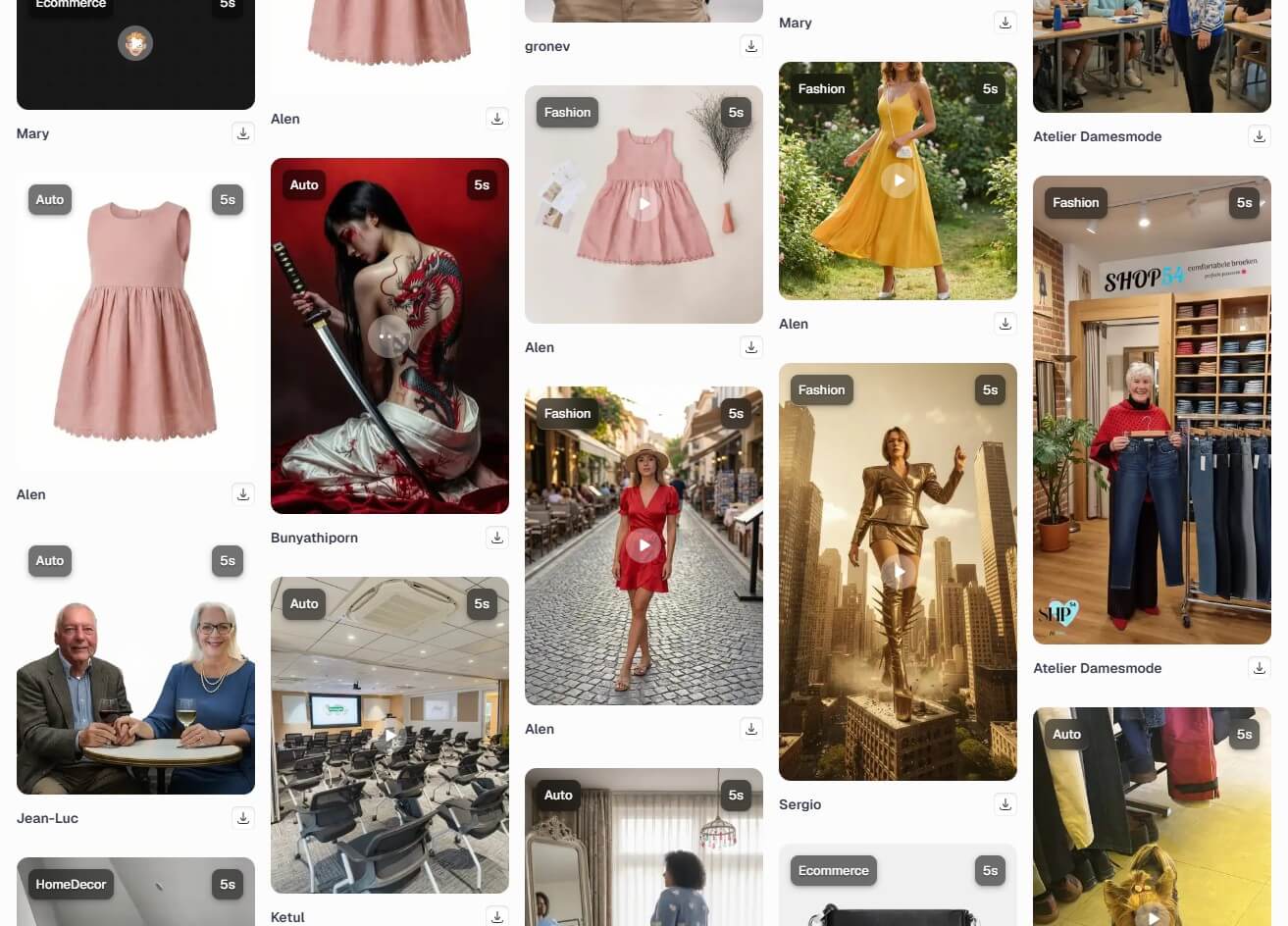
The core feature is simple: FuturMotion transforms static images into animated videos. The official site positions it for product showcases, portfolios, presentations, and content that needs more visual attention than a still photo can provide.
This is especially useful for smaller brands. They may have plenty of product images but limited video footage. FuturMotion gives them a way to turn those existing assets into short moving visuals without learning a traditional video editor.
FuturMotion has a strong fashion angle, and that is where the tool feels most specific. The fashion page says it can turn product photos into videos and mentions workflows for flat-lay images, model visuals, and product motion.
This matters because clothing is hard to sell through still images alone. Movement can show drape, shape, softness, and styling better than a fixed catalog shot. A scarf, dress, jacket, handbag, or accessory may feel more alive when the viewer sees some motion.

FrameSync is one of the more practical features because it moves beyond one photo becoming one animated clip. FuturMotion says FrameSync can combine up to four photos into one video.
For ecommerce, that can be useful when showing product angles, color variants, detail shots, or a mini lookbook sequence. It gives teams a way to create a more complete visual asset without opening a traditional video editor.

FuturMotion also promotes a ghost mannequin alternative that turns flat-lay product shots into on-model images and then into motion videos. The page describes a workflow where a flat-lay can become a catalog-ready model shot and then a short video for social platforms.
This is a strong fit for fashion sellers that rely on flat-lay photography but want more context. A customer can see the garment as a wearable item, not just as fabric arranged on a surface.
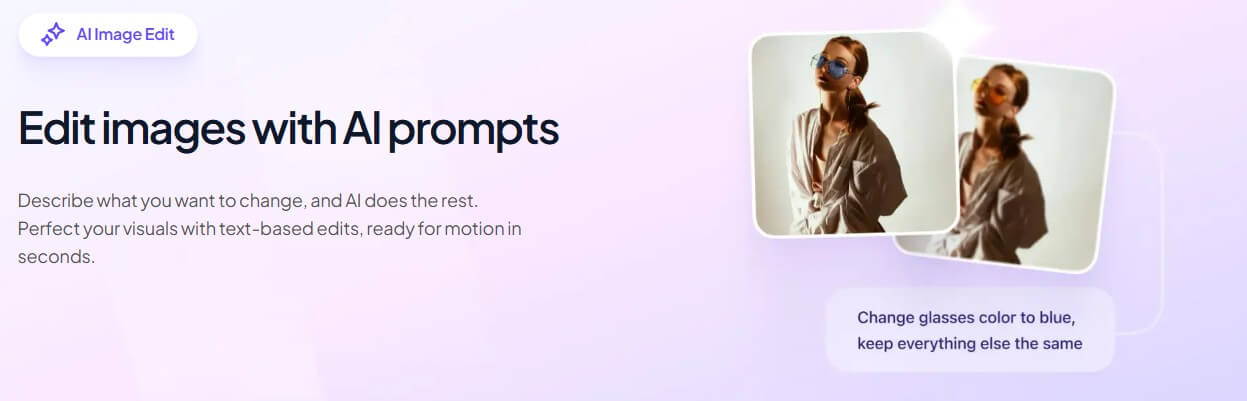
FuturMotion works best for brands with existing product photos and a steady need for short video assets.
| Use Case | Why FuturMotion Fits |
|---|---|
| Fashion ecommerce | Turns flat-lays and product shots into motion content |
| Social ads | Creates quick visual assets for Reels, TikTok, Shorts, and paid social |
| Product launches | Helps produce teaser videos from photos already available |
| Apparel catalogs | Adds on-model context and movement to basic product imagery |
| Accessories | Gives bags, scarves, shoes, and jewelry more visual energy |
| Small brand marketing | Reduces dependence on frequent video shoots |
The best first test is a clean product photo with one clear subject. Try a flat-lay garment, a model-worn piece, and one accessory. Then compare whether the motion improves the asset or distracts from the product.
FuturMotion depends heavily on input quality. A weak photo with poor lighting, messy background, odd crop, or unclear product edges will limit the final result. The AI can add motion, but it cannot fully replace good product photography.
Product accuracy also needs review. AI motion can sometimes alter fabric edges, shadows, patterns, labels, proportions, or fine details. This matters more in fashion than in many other categories because fit, cut, color, and texture affect purchase decisions.
Another limitation is scope. FuturMotion is not a full video production platform for scripts, actors, multi-scene narratives, sound design, or detailed campaign editing. It is better for short product motion than full brand films.
FuturMotion is best for fashion and ecommerce brands that already have product photos and need more short-form motion content.
Its strongest value is the focused workflow: image-to-video generation, FrameSync multi-photo videos, flat-lay-to-model options, fashion-oriented motion, and cleaner product presentation.
The main caveat is that every output should be checked for product accuracy, fabric behavior, color, and brand fit before it goes live.
TAGS: Marketing Generative Video
Related Tools:

Automates digital marketing tasks

Provides comprehensive CRM functionality

Marketing automation tool that enhances customer engagement

Transforms text or audio into professional, branded videos

Automates storytelling, storyboarding, and editing

Ensures high email deliverability