
Share this tool:
 |
Description:
Calendly is one of the clearest examples of a product that solves a small daily pain point and then expands into a broader workflow platform. At its simplest, it helps people book time without endless “what time works for you?” emails. At its more advanced level, it supports team scheduling, lead routing, automated reminders, CRM connections, meeting prep, AI tool connections, and post-meeting notes.
| Feature | What it does | Why it matters |
|---|---|---|
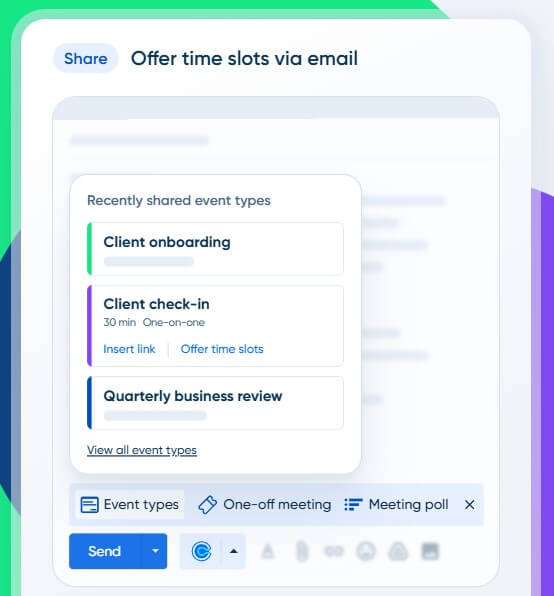
| Scheduling Links | Share a booking link by email, text, website, social profile, or other channel so invitees can choose from available times | Removes back-and-forth scheduling messages |
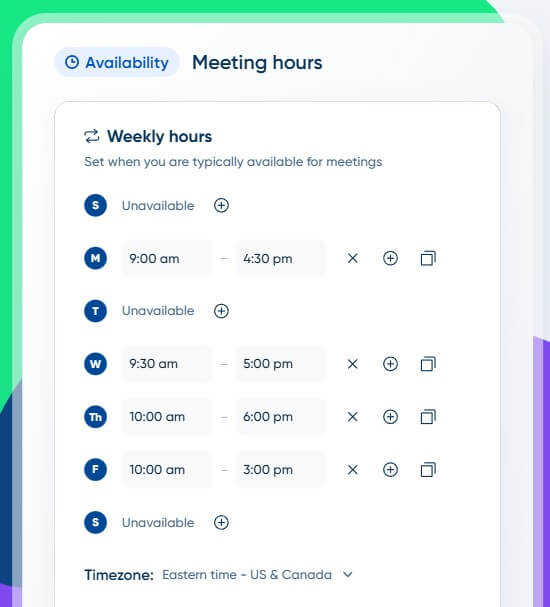
| Availability Controls | Set available hours, meeting buffers, daily limits, start-time increments, and rules that reduce back-to-back meeting overload | Keeps calendars from becoming chaotic |
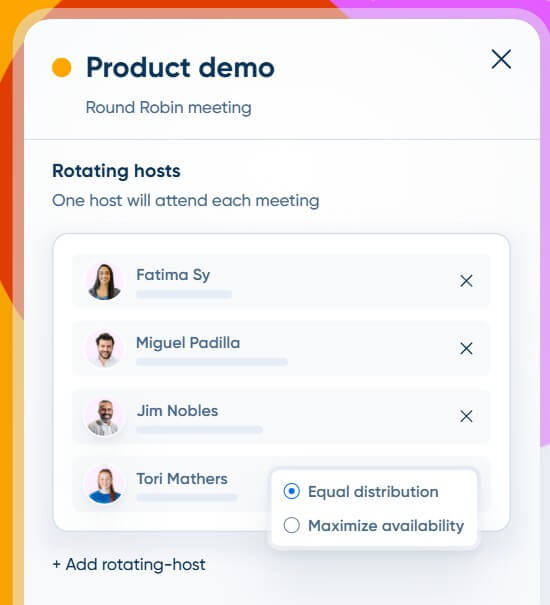
| Event Types | Create different meeting formats, such as one-on-one calls, group meetings, team-hosted sessions, demos, interviews, or consultations | Makes scheduling reusable across meeting types |
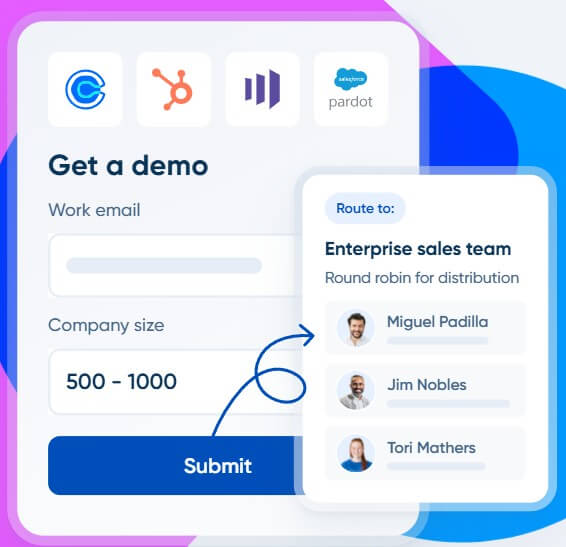
| Routing Forms | Qualify people before booking and send them to the right person, page, or meeting path based on their answers | Improves lead routing and meeting fit |
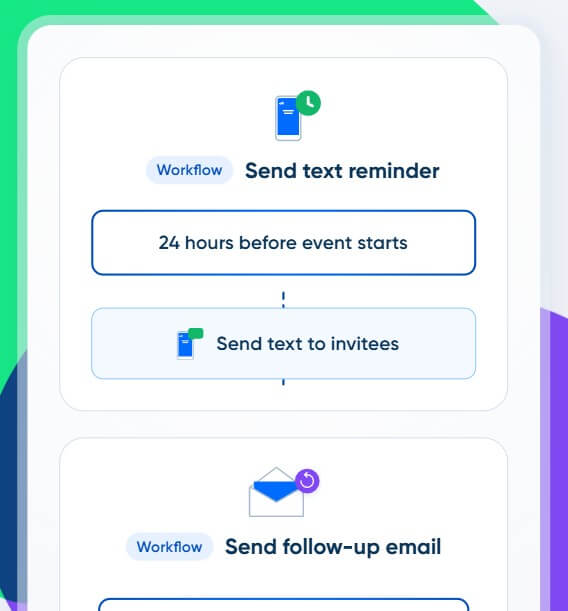
| Workflows | Automate meeting reminders, follow-ups, and related communications around scheduled events | Reduces manual meeting admin |
| AI Tool Connection | Calendly can connect with AI tools like ChatGPT and Claude through MCP, letting users find open time, book or cancel meetings, create single-use links, and update availability from a chat interface | Moves scheduling actions into AI-assisted workflows |
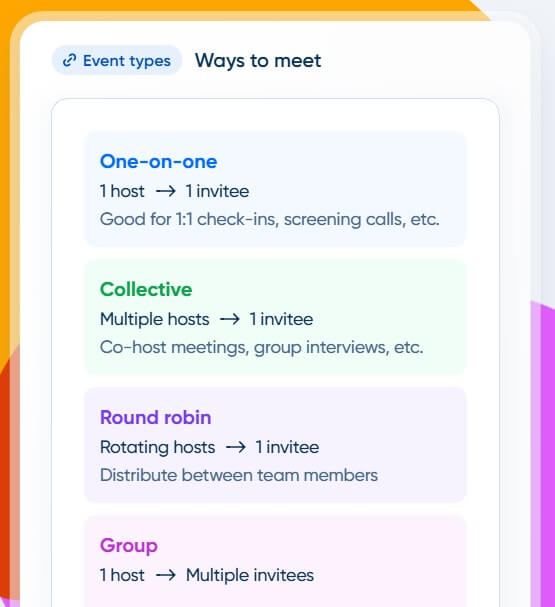
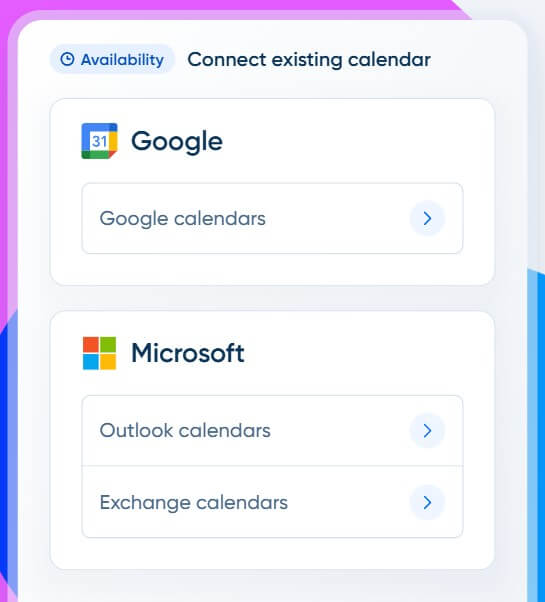
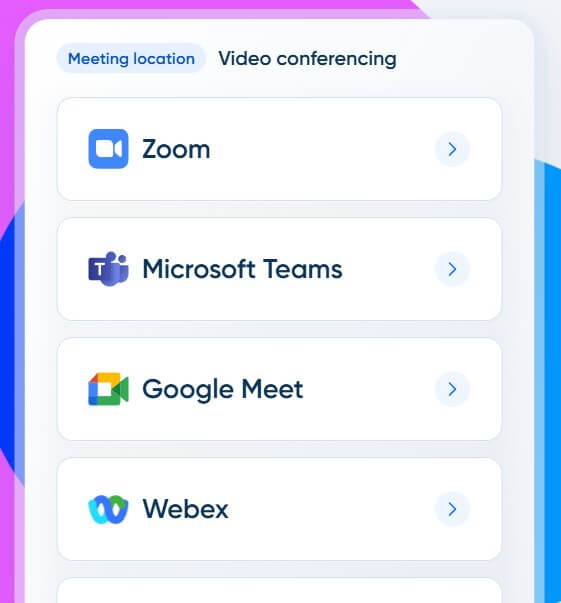
Calendly is a scheduling automation platform. You connect your calendar, define when you are available, create event types, and share booking links with other people. When someone chooses a time, Calendly checks your connected calendars, prevents conflicts, books the meeting, and can add video conferencing details automatically. Calendly says it syncs with Google, Outlook, and Exchange calendars, supports availability controls, and connects with Zoom, Google Meet, and Microsoft Teams for automatic meeting links.
That basic workflow is still the main reason people use Calendly. The product becomes more valuable when scheduling is not just personal convenience, but part of sales, recruiting, customer success, consulting, education, or service delivery. In those cases, booking the right meeting with the right person at the right time becomes an operational problem.
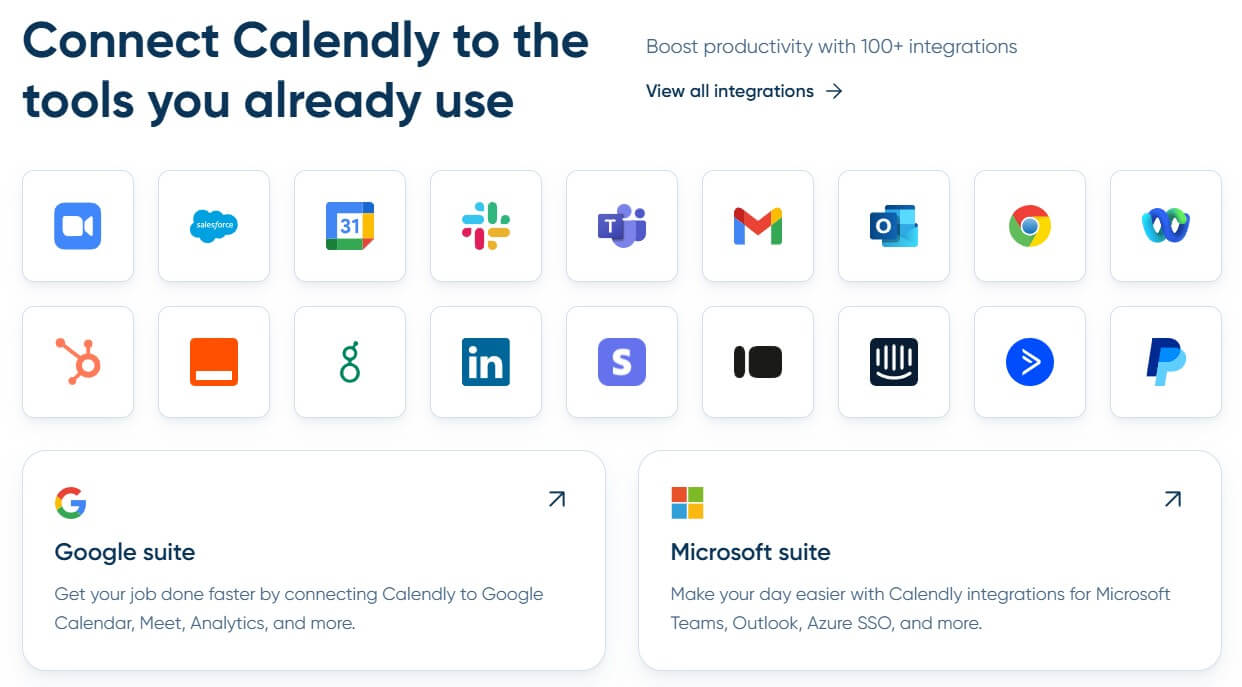
Calendly’s broader feature set now covers scheduling links, event types, workflows, embeds, routing, integrations, analytics, admin controls, mobile apps, browser extensions, and meeting tools. Its integrations page says meeting data can sync with other tools in a user’s tech stack, and Calendly APIs are available for deeper custom integrations.
Calendly is strongest when the cost of scheduling friction is high. A solo consultant may use it to avoid email back-and-forth. A sales team may use it to book demos the moment a qualified buyer is ready. A recruiter may use it to let candidates schedule interviews without manual coordination. A customer success team may use it to route customers to the right specialist.
The strongest part of Calendly is not that it offers a booking page. Many tools can do that. The strength is how much scheduling logic it can wrap around that booking page: availability rules, buffers, booking limits, time zones, event types, routing forms, CRM lookup, reminders, follow-ups, embeds, and integrations. That makes Calendly feel less like a calendar add-on and more like a meeting operations layer.
Calendly’s user experience is built around removing unnecessary choices. You create an event type, set availability, connect a calendar, then share the link. Invitees see open times, choose one, answer required questions, and receive the calendar invite.
The best part is that this feels familiar even for non-technical users. There is no heavy setup required for a basic booking link. The complexity appears only when you need it: routing rules, CRM matching, team assignments, custom questions, reminders, follow-up workflows, or embeds.
That gradual complexity is one reason Calendly works for both individuals and teams. A freelancer can use it for simple discovery calls. A sales operations team can use it to qualify leads, match them with account owners, and book meetings directly from a website form.
Routing is one of Calendly’s most business-critical features. Calendly Routing can screen and qualify leads from HubSpot, Marketo, Pardot, or Calendly forms, then match known leads to assigned account owners from Salesforce and HubSpot. It can also book meetings immediately with the right person.
This matters because speed-to-lead is not only about sending a fast reply. It is about removing the dead space between interest and conversation. If a buyer fills out a form and then waits for a rep to respond manually, interest can fade. Calendly’s routing workflow is designed to reduce that delay.
For internal teams, the same principle applies. Instead of one person manually deciding who should take a meeting, routing logic can direct the invitee based on role, territory, account ownership, company size, interest, or other form answers.
Calendly is not primarily an AI product, but AI is becoming part of its workflow. The most useful current AI angle is its connection to external AI tools through MCP. Once connected, users can ask an AI assistant to take scheduling actions inside Calendly, such as finding open time, booking a meeting, canceling a meeting, creating a single-use link, or changing availability settings.
Calendly also has Notetaker, which provides AI-generated summaries, transcripts, and action items for recorded meetings. Calendly notes that Notetaker is being gradually rolled out to eligible users, so this is not yet the same as a universally available core feature. The practical point: Calendly’s AI layer is not about generating content from scratch. It is about reducing scheduling admin and helping users move from “meeting booked” to “meeting captured and followed up.”
Calendly works best for sales calls, demo booking, customer onboarding, recruiting interviews, consulting calls, coaching sessions, admissions meetings, support appointments, office hours, and internal team coordination.
Sales teams get value from routing, CRM lookup, fast demo booking, and automated reminders. Recruiters benefit from candidate self-scheduling and fewer coordination loops. Consultants and coaches benefit from clean booking pages and repeatable event types. Customer success teams benefit from directing customers to the right specialist. Educators and advisors benefit from structured availability and reduced email load.
It is less compelling for people who schedule only a few informal meetings per month. In that case, a standard calendar tool may be enough.
Calendly’s biggest limitation is that scheduling automation still needs careful setup. If your availability rules are sloppy, Calendly can make bad scheduling easier. Buffers, limits, time zones, calendar conflict checks, and event-specific rules matter more than new users may expect.
The second trade-off is social. Some people still dislike receiving a scheduling link when they expect a more personal exchange. That is not a product flaw exactly, but it affects how Calendly should be used. A short personal note before the link often works better than dropping the link without context.
The third limitation is workflow sprawl. Once teams start using routing, reminders, CRM syncs, embeds, and AI tool connections, admin hygiene matters. Someone needs to maintain event types, old links, form logic, ownership rules, and integration settings.
Calendly is best at turning scheduling from a manual coordination task into a repeatable workflow. It is ideal for individuals and teams that book meetings often, especially sales, recruiting, consulting, customer success, education, and service-based businesses. The main caveat is that Calendly works best when availability rules, routing logic, and follow-up workflows are set up with care. Otherwise, it can automate a messy scheduling process instead of improving it.
TAGS: Productivity
Related Tools:

Simplifies presentation and document creation

Designed to enhance learning and productivity

Automates code reviews, testing, and merges to help engineering teams

Turns data, text, and visuals into dynamic spreadsheets

Email tool that summarizes long threads and offers smart reply

Automatically tracks tasks and facilitates goal setting