
Share this tool:
 |
Description:
- What Is Brushless AI?
- Prompting With a Visual System
- Color Control Is More Than Decoration
- Editable Output Makes Brushless More Practical
- Custom Styles for a Distinctive Look
- Brushless Inside Figma
- An Interesting Option for Developers
- Where Brushless Makes the Most Sense
- Limitations and Trade-Offs
- Final Takeaway
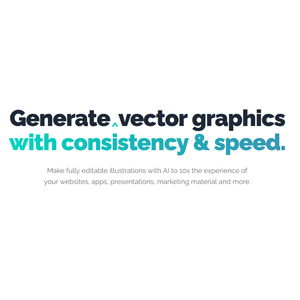
Brushless AI is an illustration generator built around a problem that general AI image tools often struggle with: consistency. You can enter a prompt, choose an illustration style, control the palette, provide visual guidance, and create artwork intended to look like it belongs to the same project rather than a collection of unrelated generations.
The self-serve product covers illustrations, logos, icon sets, and related graphics. Brushless also operates a broader creative-production service for brands that need campaign adaptations, localization, versioning, and assets built around established brand rules.
For most individual designers, the illustration generator is the more interesting place to start.
A basic Brushless workflow begins with a description of the artwork you need. For example:
“A small product team discussing ideas around a whiteboard, three people, laptops and sticky notes on the table, friendly startup atmosphere, simple composition, plenty of empty space around the characters.”
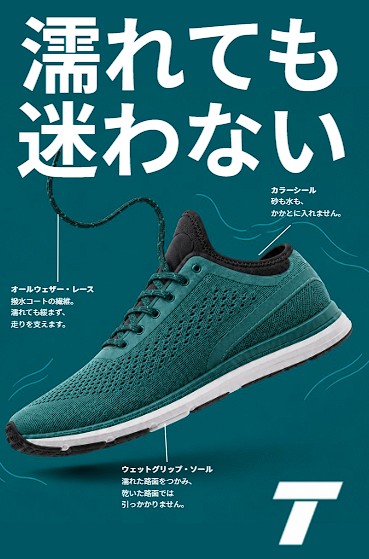
The important difference is what happens around that prompt. Brushless lets you select a style and guide the model using text, visual references, or both. It also supports custom styles created from uploaded examples.
That means you don't need to describe every stylistic detail repeatedly. Once you've established a visual direction, the subject can change while the overall illustration language stays more controlled.
This makes more sense for a website or product than generating each graphic independently and hoping they match.
Brand illustration often fails when every image uses slightly different shades. Brushless addresses this with reusable color palettes.
You can choose an existing palette or create one that matches your brand. Its Figma workflow goes further, supporting palette generation from an image and granular control over how strongly individual colors appear in the artwork.
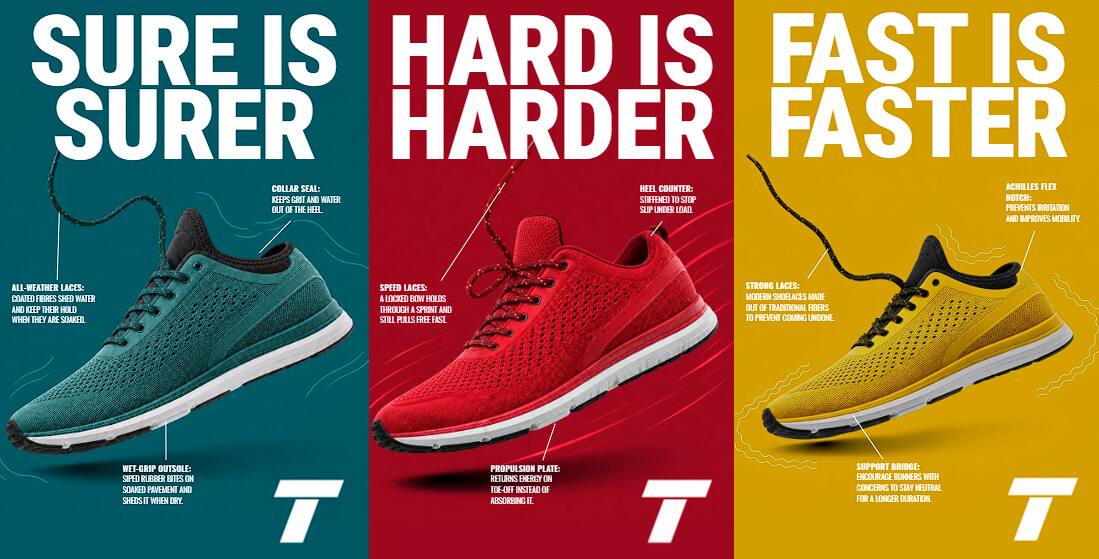
Imagine building illustrations for a finance app with dark blue, cream, and lime as its core colors. Instead of mentioning those colors in every prompt and relying on the model to interpret them consistently, you can establish the palette as part of the system.
That's a small workflow difference with a noticeable effect across a larger asset set.
AI artwork becomes much more useful when generation isn't the final step.
Brushless describes its illustrations as editable, with customizable layers and colors. Its Figma integration is specifically designed to generate artwork directly inside the design environment, where the result can be refined without bouncing between multiple tools.
That matters for production work. An illustration might be 90 percent right but still need a different shirt color, simpler composition, adjusted branding, or another small correction.
A conventional image generator often pushes you toward another complete generation. Brushless is closer to a design workflow where AI provides source material and the designer retains control over the final asset.
Preset styles are convenient, but they can also make different brands look suspiciously similar.
Brushless lets users upload examples to establish a custom style. For organizations with a more mature visual identity, its broader brand service can go further by studying existing assets, guidelines, color systems, line weight, character proportions, and composition patterns to create models around a specific brand language.
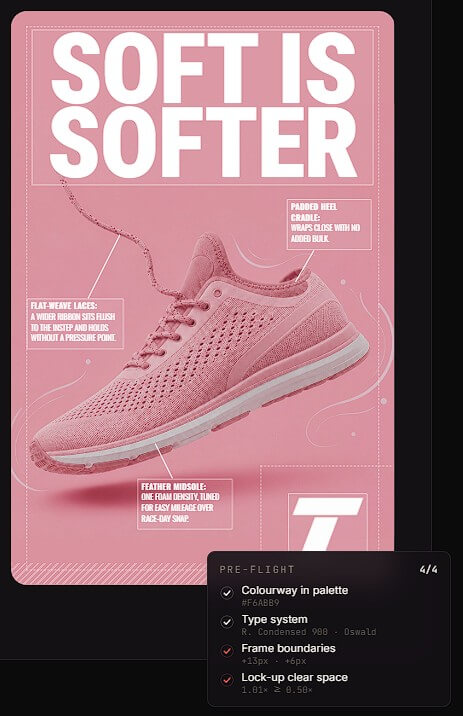
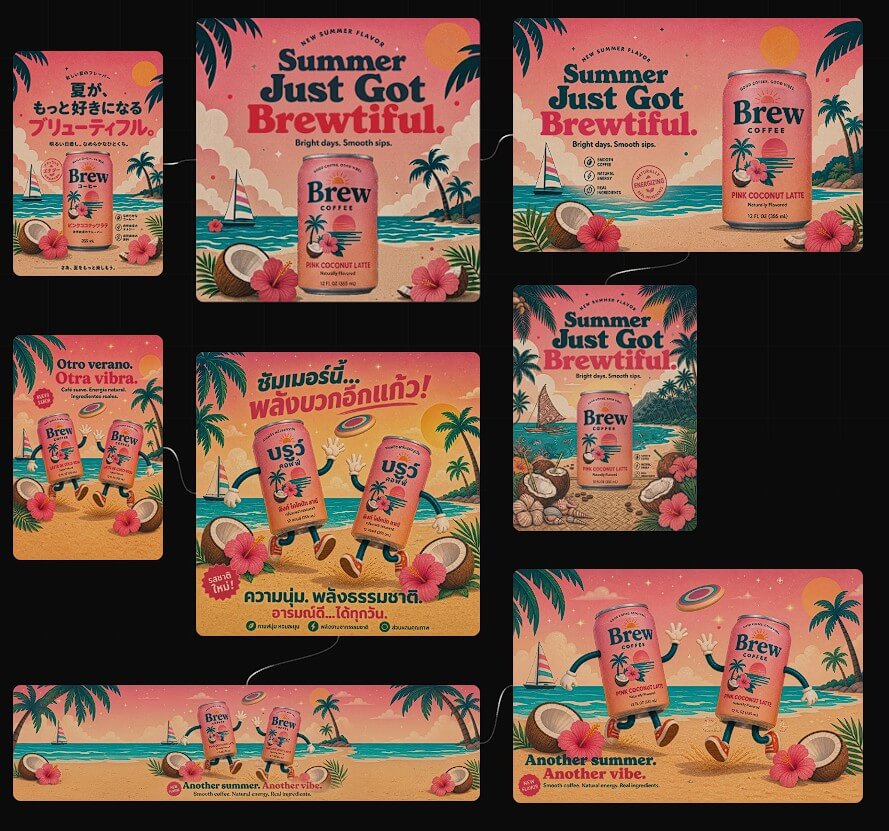
This is where Brushless becomes more interesting than a collection of illustration presets.
A startup can begin with an existing style and custom palette. A larger brand with an established illustration library can build around visual rules it already owns.
Brushless also offers a Figma plugin, which is a natural fit for its audience.
The plugin supports more than 30 illustration styles, palette syncing, color control, and several asset categories, including character illustrations, icons, logos, infographics, and informative graphics. Generated assets stay inside the Figma workflow rather than requiring repeated exporting and importing.
For product and web designers, this may be one of the platform's most useful workflows. Illustrations can be generated in the same environment where the interface or landing page is already being assembled.
Brushless isn't limited to visual design tools. It also provides an MCP server for compatible AI coding environments such as Claude Code, Cursor, and Codex.
The developer chooses a style, and Brushless stores that choice in the project's configuration. Later generations reuse the same style instead of allowing the coding agent to choose a new aesthetic every time. A palette can also be stored with the project.
That makes it possible to ask a coding agent for an empty-state illustration, feature icon, or landing-page graphic while keeping the artwork aligned with the rest of the project.
| Use case | What Brushless adds |
|---|---|
| SaaS websites | Consistent illustrations across multiple sections |
| App interfaces | Icons, empty states, and supporting graphics |
| Brand systems | Reusable styles and controlled palettes |
| Marketing | Matching visuals for campaigns and social content |
| Figma projects | Generation stays close to the design workflow |
| AI-coded websites | MCP can generate assets from inside coding agents |
Brushless is intentionally focused on illustration. If you need photorealistic advertising shots, cinematic scenes, realistic product photography, or extensive photo manipulation, a general image-generation platform will give you a broader toolbox.
Consistency also doesn't eliminate the need for art direction. A matching palette and style can make assets feel related, but designers still need to judge composition, visual hierarchy, subject choice, and whether the illustration communicates the right idea.
Custom brand systems are most valuable when you already have a visual identity worth preserving. For a new project with no established direction, the preset styles and palette controls are the more practical starting point.
Brushless AI is best viewed as an AI illustration system, not just another image generator. Its strongest features revolve around keeping artwork connected: reusable styles, controlled palettes, visual references, editable outputs, Figma integration, and even consistent generation from coding environments.
It's particularly well suited to web designers, product teams, startups, developers, and brands that need a collection of related illustrations rather than one impressive image.
The main caveat is specialization. Brushless won't replace a broad image-generation suite. But when the goal is repeatable, editable illustration with a recognizable visual identity, that narrower focus is its biggest advantage.
TAGS: Generative Art
Related Tools:

Generates unique artworks from prompts
Creates images based on objects
Automates publishing and provides social media analytics

Generates personalized arts and avatars

Create and blend Images

Transforms text prompts into unique, personalized coloring pages