
Share this tool:
 |
Description:
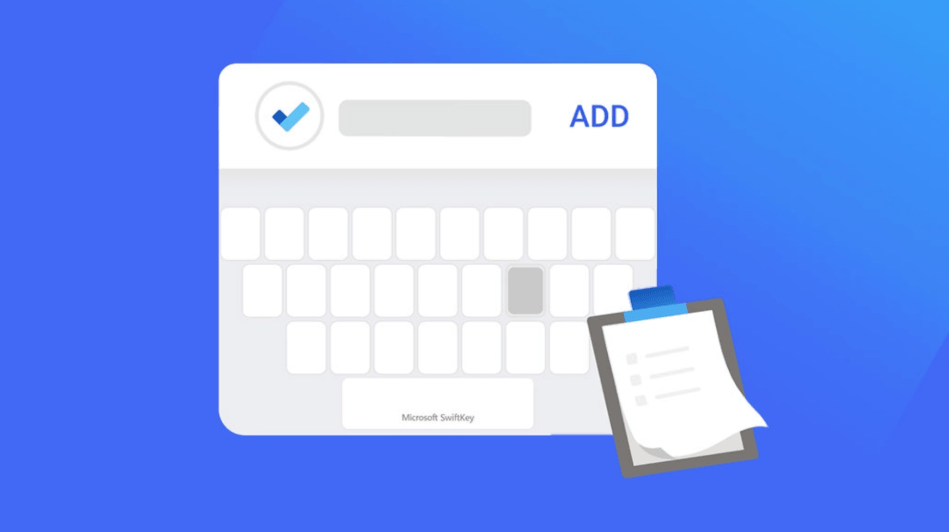
Microsoft SwiftKey is a mobile keyboard for Android and iOS that replaces your default keyboard with a smarter, more personalized typing experience. Its core value is not just AI writing. It learns your writing style, improves autocorrect and next-word predictions, supports swipe typing, handles hundreds of languages, gives quick access to emoji, GIFs, stickers, clipboard, and translation tools, and connects some typing data with Microsoft account and OneDrive sync.
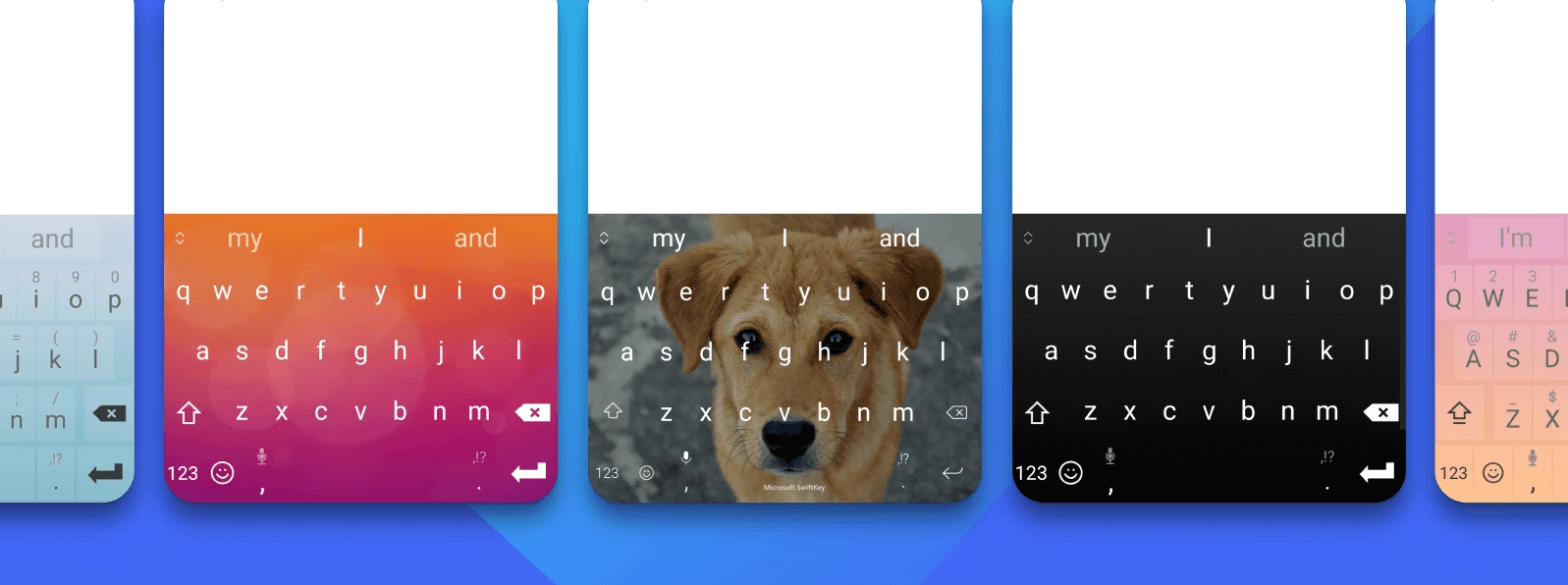
SwiftKey is a third-party mobile keyboard, not a standalone writing app. Once enabled, it appears anywhere you type: messaging apps, email, search boxes, social media, notes, browser fields, and productivity apps. The main idea is that the keyboard adapts to you. Microsoft says SwiftKey learns your writing style, including words, phrases, and emoji that matter to you, so it can offer better autocorrect and predictions.
The easiest way to understand SwiftKey is to break it into layers.
| Layer | What it does | Why it matters |
|---|---|---|
| Typing engine | Learns your words, phrasing, emoji habits, and typing patterns. | Makes autocorrect and next-word predictions feel more personal over time. |
| Swipe input | SwiftKey Flow lets you slide from letter to letter instead of tapping. | Useful for fast one-handed typing. |
| Language support | Supports 700+ languages on Android and lets users enable multiple languages at once. | Strong fit for multilingual users. |
| Toolbar | Gives quick access to GIFs, Clipboard, Translator, Stickers, and other tools. | Keeps common writing utilities close to the keyboard. |
| Microsoft tools | Includes features like Editor, Translator, cloud clipboard, account sync, and data controls. | Connects typing with broader Microsoft services. |
| Privacy and data layer | Lets users manage learned data, export data, and control account-backed sync. | Important because keyboards handle sensitive input. |
That structure is why SwiftKey still matters. It is not trying to replace full writing assistants or social content tools. It is trying to make every small typing moment faster, cleaner, and more personal.
SwiftKey learns your writing style and common phrases to improve predictions and reduce corrections.
Users can swipe from letter to letter instead of tapping every key, which is useful for quick mobile typing.
SwiftKey supports 700+ languages on Android, and Android users can enable up to five languages at once.
The keyboard toolbar includes quick access to GIFs, Clipboard, Translator, Stickers, and other typing utilities.
Editor can check grammar, spelling, and punctuation using AI directly from the keyboard.
Android users can sync clipboard content between SwiftKey and Windows when signed in with a Microsoft account.
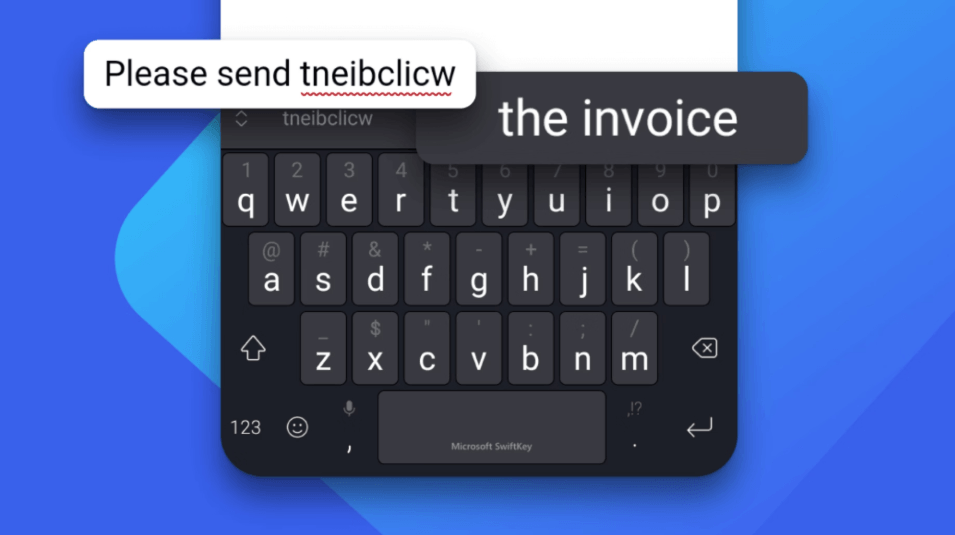
SwiftKey is strongest for people who type a lot on mobile and want the keyboard itself to become smarter over time. The biggest advantage is prediction quality. A normal keyboard may correct common words well, but SwiftKey becomes more useful when it learns your slang, names, repeated phrases, emoji habits, and multilingual patterns. Microsoft’s own product page emphasizes that SwiftKey learns the words, phrases, and emoji that matter to you.
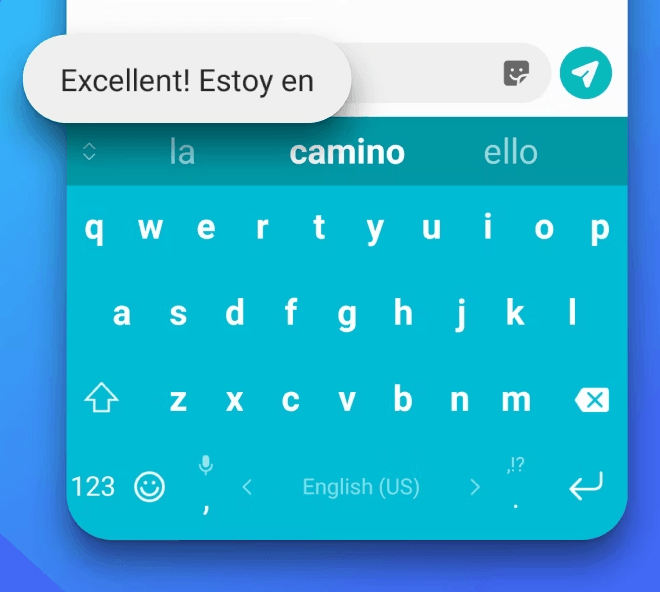
The second strength is multilingual use. Android support for 700+ languages and up to five enabled languages at once makes SwiftKey especially useful for users who switch between languages throughout the day. On iOS, SwiftKey supports up to two languages at a time, so Android remains the stronger platform for heavy multilingual typing.
The third strength is speed. Flow typing, next-word suggestions, autocorrect, emoji prediction, and clipboard access all reduce small typing friction. That matters because keyboards are used hundreds of times a day. A slightly better keyboard can quietly save time across messaging, email, search, notes, and social apps.
The fourth strength is Microsoft ecosystem connection. SwiftKey’s Cloud Clipboard can sync copied text between Android and Windows, and Microsoft is moving SwiftKey backup and sync toward Microsoft account and OneDrive storage. For users already inside Microsoft’s ecosystem, that makes SwiftKey more than just a phone keyboard.
The everyday workflow is simple. Install SwiftKey, enable it as your keyboard, select it as the active input method, then choose languages, themes, and preferences. Microsoft’s SwiftKey setup guidance walks users through enabling the keyboard, selecting it, and finishing setup.
Once active, SwiftKey mostly disappears into normal typing. That is the point. You do not open SwiftKey as a separate writing environment. You use it wherever you type. Its prediction bar, autocorrect behavior, emoji suggestions, toolbar, clipboard, and translation tools all sit above or inside the keyboard interface.
SwiftKey Flow is especially useful for one-handed typing. Instead of tapping every letter, you drag across the keyboard and let SwiftKey infer the word. This is not unique anymore, but SwiftKey remains one of the best-known keyboards built around predictive typing and swipe input. Microsoft still presents Flow as a core typing feature.
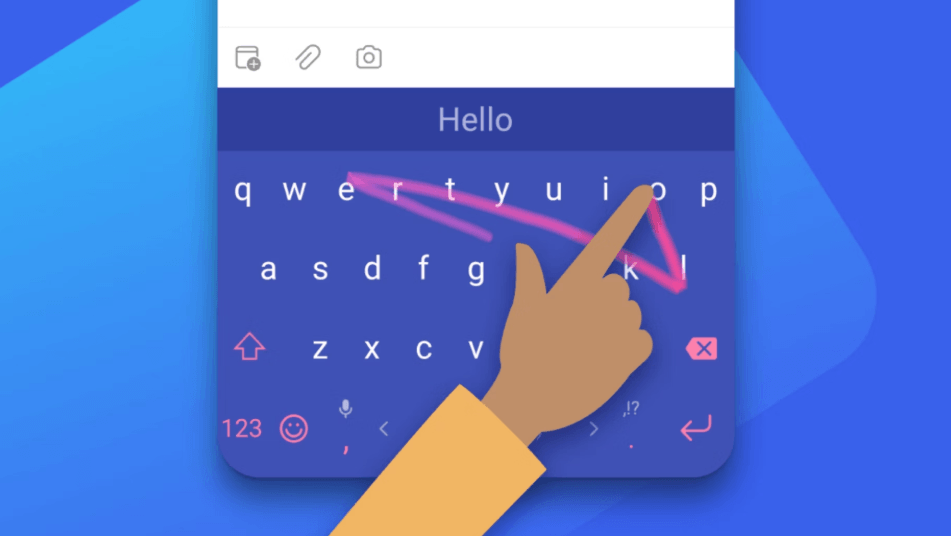
Customization also matters. SwiftKey lets users choose from themes or design their own, and the toolbar can be adjusted around tools such as GIFs, Clipboard, Translator, and Stickers. That keeps the keyboard from feeling like a rigid system keyboard replacement.
SwiftKey’s AI story needs careful wording because Microsoft’s public pages are not perfectly aligned. The Google Play listing currently says Microsoft SwiftKey comes with Copilot, while Microsoft’s support page for Copilot changes says the Copilot and Compose integration in SwiftKey have been removed and recommends using the standalone Microsoft Copilot app instead.
That means SwiftKey should not be judged as a full Copilot keyboard today without checking the installed app version in your region and device. The safer current view is this: SwiftKey still has Microsoft-powered writing utilities, but the broader Copilot/Compose integration has changed.
The most reliable AI feature to discuss is Editor. Microsoft’s support page says Editor lets users proofread text typed with SwiftKey and uses AI to check grammar, punctuation, and spelling. This is practical because it fits naturally into the keyboard workflow. You write a message, run Editor, fix obvious issues, and keep going.
Tone is another documented feature, but it sits in a slightly confusing place because its support article still references a Copilot icon and tone rewrite options such as Professional, Casual, Polite, and Social Post. Given Microsoft’s separate statement that Copilot and Compose integration have been removed, users should treat Tone availability as app-version-dependent and verify it inside their current SwiftKey build.
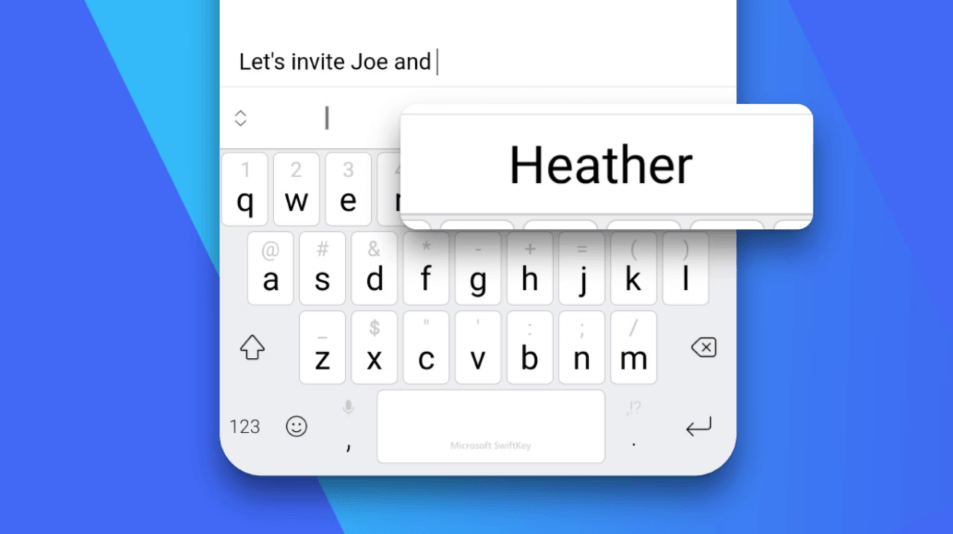
Translator is one of SwiftKey’s most practical toolbar features. Microsoft’s support page says Microsoft Translator is available inside SwiftKey and can translate text in over 60 languages without leaving the keyboard. That is useful for messaging, travel, customer communication, and multilingual social replies.
The Clipboard is another everyday strength. SwiftKey lets users save copied text for later, and Microsoft’s support page says the iOS clipboard can store up to 30 clips, with each clip limited to 1,000 characters. For Android users, Cloud Clipboard can sync copied text between SwiftKey and Windows after signing in with a Microsoft account.
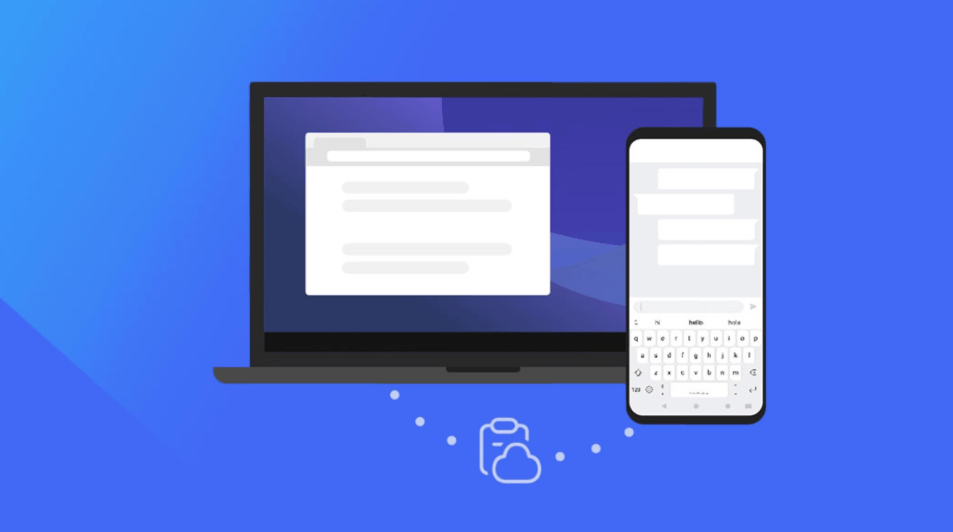
Emoji, GIFs, and stickers are less serious but still important. A keyboard lives inside messaging, so quick expression tools matter. Microsoft’s support pages describe emoji prediction, the emoji panel, stickers, and toolbar customization as part of the SwiftKey experience.
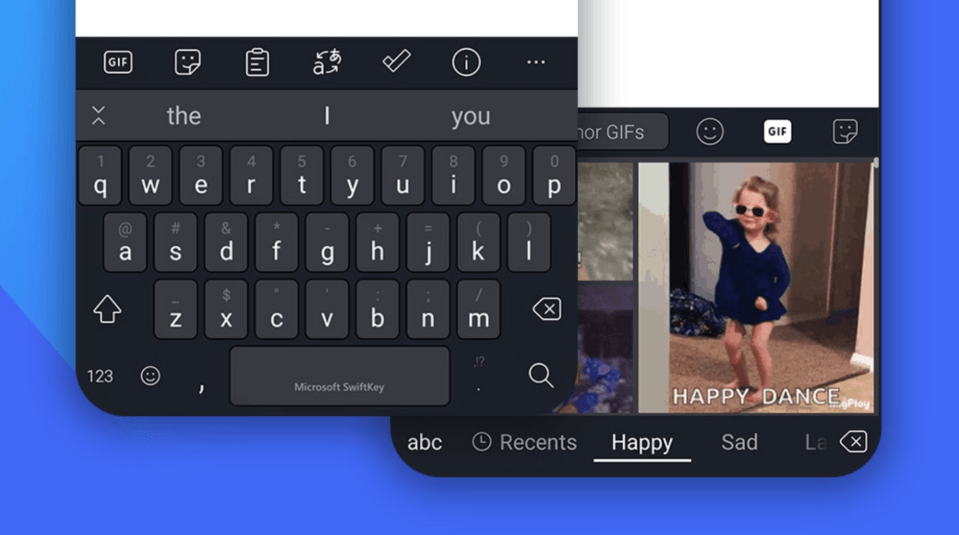
The practical benefit is that SwiftKey becomes more than letters. It is a typing surface for text, translation, saved snippets, emoji, stickers, GIFs, and quick corrections.
Keyboard privacy matters more than normal app privacy because keyboards can see what you type. Microsoft’s SwiftKey privacy support page says SwiftKey does not learn from fields marked as password fields and does not remember long numbers such as credit card numbers. It also explains that Android’s warning about third-party keyboards collecting typed text is a general operating-system warning shown for any third-party keyboard.
SwiftKey account and backup behavior is changing. Microsoft support says SwiftKey Accounts will be retired on May 31, 2026, and users can continue backup and sync by signing in with a Microsoft account. Microsoft also says personalized typing data, such as learned words, is being stored in the user’s own OneDrive folder as part of a rollout scheduled to be complete by May 31, 2026.
This is a meaningful shift. For Microsoft users, it may be convenient because data can be accessed, exported, and deleted through OneDrive-backed storage. For users who do not want a Microsoft account or OneDrive involved in keyboard personalization, it is a real trade-off.
Microsoft also provides a SwiftKey Data Portal that lets users control personal data and account preferences, including exporting data and managing personal information. That is useful for people who want more visibility into what SwiftKey has learned.
- Heavy mobile typers: SwiftKey is a strong fit for people who send many messages, emails, notes, social replies, and search queries from a phone every day.
- Multilingual users: Android users in particular benefit from broad language support and the ability to enable multiple languages at once.
- Microsoft ecosystem users: People who use Windows and Android together can benefit from Cloud Clipboard and Microsoft account-backed sync.
- Writers who want lightweight correction: Editor is useful for quick grammar, spelling, and punctuation cleanup inside normal typing.
- Travelers and international communicators: Built-in Translator makes it easier to translate short messages without switching apps.
- Users who dislike default keyboards: SwiftKey is still a strong alternative for people who want more customization, stronger prediction, themes, toolbar tools, and swipe typing.
- Give SwiftKey time to learn. Its best feature is personalization, and that improves after it sees your common words, names, phrasing, and emoji habits.
- Set languages carefully. Android users can enable up to five languages at once, but too many active languages can make predictions feel noisy. Keep only the languages you actually use often.
- Use Clipboard for reusable snippets. Saved phrases, email templates, addresses, support replies, and short bios are good candidates for clipboard reuse.
- Turn on Cloud Clipboard only when it fits your workflow. It is useful for Android-to-Windows copying, but it requires Microsoft account sign-in and cloud sync.
- Check AI feature availability inside your installed app. Microsoft’s public pages currently conflict on Copilot-style integration, so installed behavior may vary by version, platform, and rollout.
- Review privacy and account settings after setup. SwiftKey’s Data Portal and account settings are worth checking because keyboard personalization can involve sensitive typing patterns.
The biggest limitation is the confusing AI positioning. The app store listing still markets SwiftKey with Copilot, but Microsoft’s support page says Copilot and Compose integration in SwiftKey have been removed. That makes the “AI Keyboard” label less clear than it should be. Users expecting a full Copilot writing assistant inside the keyboard should verify the current app experience before relying on it.
The second trade-off is privacy sensitivity. SwiftKey has reasonable public privacy explanations, including not learning from password fields and not remembering long credit-card-style numbers, but it is still a third-party keyboard. Users who are uncomfortable with any keyboard learning their writing style may prefer a default system keyboard.
The third limitation is Microsoft account dependence for sync. SwiftKey Accounts are being retired on May 31, 2026, and backup/sync is moving to Microsoft account and OneDrive storage. That will be convenient for some users and annoying for others.
The fourth limitation is platform unevenness. Android has broader language support and deeper system integration than iOS. For example, Android supports 700+ languages and up to five enabled languages at once, while iOS works with up to two languages at a time.
The fifth trade-off is that SwiftKey is not a full writing workspace. It can help with prediction, grammar, translation, tone where available, and quick expression, but it will not replace a long-form writing tool, dedicated AI assistant, or professional translation platform.
Microsoft SwiftKey is best for people who want a smarter everyday mobile keyboard rather than a separate AI writing app.
Its strongest advantages are personalized predictions, strong autocorrect, SwiftKey Flow, broad language support, Translator, Editor, Clipboard, themes, emoji, stickers, and Windows/Android sync.
The main caveat is that the AI story is currently messy: some public pages still market Copilot inside SwiftKey, while Microsoft support says Copilot and Compose have been removed. As a keyboard, SwiftKey remains useful and mature. As a full AI assistant inside your keyboard, it should be evaluated based on the exact version and platform you install today.
TAGS: Translation Productivity
Related Tools:

Captures meetings, manages tasks, and organizes documents

AI search engine for research

Creates translation glossaries and style guides

Enhances productivity for researchers
Email assistant that automatically generates replies

Summarizes meetings to help teams capture key information