

Share this tool:
 |
Description:
Runware is generative AI infrastructure for developers. Instead of building separate integrations for every image, video, audio, language, or 3D provider, applications can access models through a common API and identify the model they want to run by its model ID.
That makes Runware quite different from a typical AI creation app. You can experiment with models through its website, but the bigger use case is putting generation inside your own application, automation, SaaS product, or production pipeline.
The appeal is straightforward: integrate the infrastructure once, then switch or add models without rebuilding the entire backend.
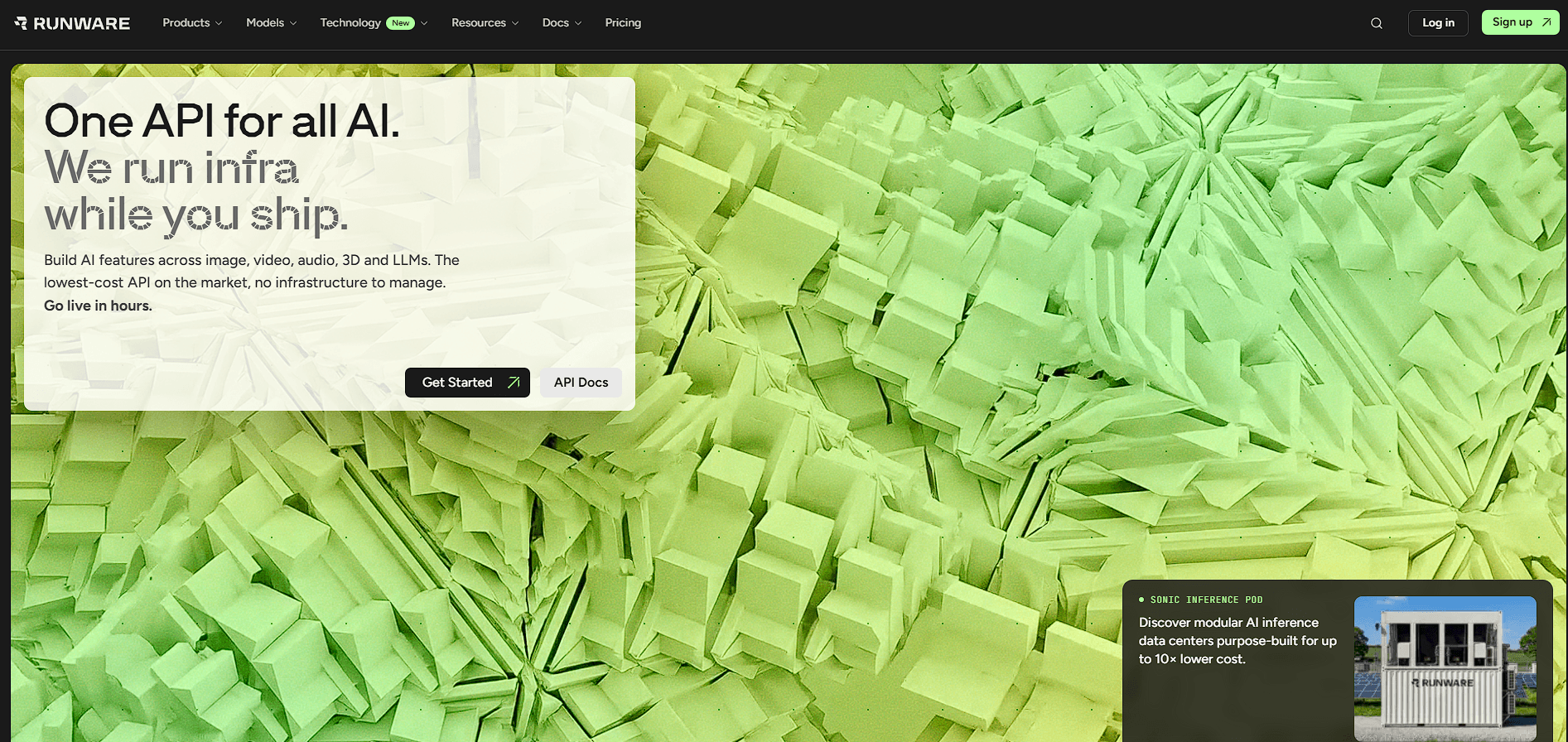
Runware uses a unified endpoint across image, video, audio, text, and 3D tasks. Although individual models have their own supported parameters, they sit behind a shared request structure.
| Area | Example Capabilities |
|---|---|
| Image | Generation, editing, inpainting, outpainting, upscaling |
| Video | Text-to-video, image-to-video, video editing and transformation |
| Audio | Speech, music, sound generation and processing |
| 3D | Text-to-3D and image-to-3D |
| Text & Vision | LLM and multimodal inference |
| Advanced Image Control | LoRAs, ControlNet, IP-Adapters and custom models |
This becomes useful when a product expands. An application might begin with text-to-image, then add image editing and video generation later without adopting a completely separate infrastructure stack for each capability.
Model choice is one of Runware's defining strengths. Its public catalog spans hundreds of featured models alongside a much larger community catalog. Models can be filtered by input/output modality and operations such as editing, upscaling, background removal, training, vectorization, segmentation, and prompt enhancement.
The catalog includes model families from providers such as OpenAI, Google, Black Forest Labs, ByteDance, Alibaba, MiniMax, Recraft, and others.
This breadth matters more than having the latest model name on a list. Developers can compare models for different workloads and change the model identifier when another option better fits the application's quality, latency, or feature requirements.
Runware also exposes a Model Search API, allowing applications to discover models programmatically using names, versions, tags, categories, architectures, and other metadata.
Runware has considerable depth on the image side. Along with standard text-to-image and image-to-image generation, the API supports background removal, upscaling, inpainting, outpainting, and image-to-3D workflows.
More technical users can work with ControlNet, LoRAs, IP-Adapters, and other controls for steering composition, style, subjects, and consistency.
Runware also supports custom model uploads. Developers can bring supported checkpoints, LoRAs, LyCORIS models, and VAEs into the platform rather than being restricted entirely to the public catalog.
That combination makes Runware relevant to both straightforward consumer-facing generators and more specialized image applications.
Video follows the same idea: different generation workflows and model providers sit behind a common API layer.
Supported workflows include text-to-video, image-to-video, video-to-video, first-and-last-frame generation, and other model-dependent operations. Runware's video infrastructure also supports asynchronous jobs, with polling or webhooks available for receiving results from longer-running generations.
This is a practical production detail. Video jobs don't behave like instant text responses, so applications need sensible ways to submit a job, track its status, and handle the result without keeping a request open indefinitely.
Developers who prefer terminal workflows can use the Runware CLI across image, video, audio, text, and 3D generation. The CLI also handles model search, uploads, presets, and account operations.
There's a ComfyUI integration as well. Its generic Runware node can target models through their AIR identifiers, including models that arrive before a dedicated typed node is added.
Runware also provides an MCP integration for compatible AI agents. The agent can select a tool and model from a natural-language request while users can still override choices when specific behavior is required.
These integrations broaden Runware beyond developers making direct HTTP calls.
Runware makes the most sense for AI startups, developer tools, creative applications, image and video generators, automated content pipelines, multimodal SaaS products, and teams that need to experiment with several model providers.
It becomes particularly attractive when model flexibility matters. A product team can evaluate different image or video engines without designing the application around one provider from the beginning.
Teams using custom diffusion models can also combine their own assets with Runware's hosted catalog rather than maintaining all inference infrastructure themselves.
A unified API reduces integration work, but it doesn't make different AI models identical. Models still vary in supported resolutions, reference inputs, editing controls, generation times, prompt behavior, and output quality. Developers need model-specific testing even when the surrounding API is consistent.
The size of the catalog creates another challenge: selection. Having a huge number of models is useful for experienced teams, but newcomers may need time to understand which architecture or provider suits a particular workload.
Runware is also primarily infrastructure. Someone looking for a polished creative workspace for manually designing campaigns, storyboards, or presentations would be better served by a creator-focused application.
Runware is strongest as the infrastructure layer behind generative AI products. Its main advantage isn't one standout generation model. It's the ability to access a broad range of image, video, audio, text, vision, and 3D capabilities through a common system, while still supporting advanced controls, custom models, CLI workflows, ComfyUI, and programmatic model discovery.
It's best suited to developers and product teams that expect their AI stack to change over time. The main caveat is that unified access doesn't remove model-specific complexity. Runware makes switching and integrating models easier, but choosing the right model and validating its behavior remains part of building a reliable product.
TAGS: Generative Video Generative Art
Related Tools:
Allows users to easily find AI-generated artworks
Transforms sketches to images and videos

Generates Japanes-style interior designs
Streamlines publishing content across various platforms
Transforms a single product photo into marketing images

Generates images and videos from descriptions