
Share this tool:
 |
Description:
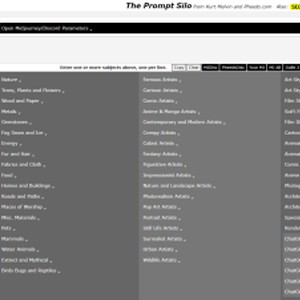
Prompt Silo is not an AI model or a polished chat app. It is a large prompt-building reference page filled with categories, modifiers, subject ideas, art styles, materials, ChatGPT role prompts, copywriting formulas, and text utilities. Its best use is simple: when your prompt feels flat, Prompt Silo gives you more ingredients to shape it.
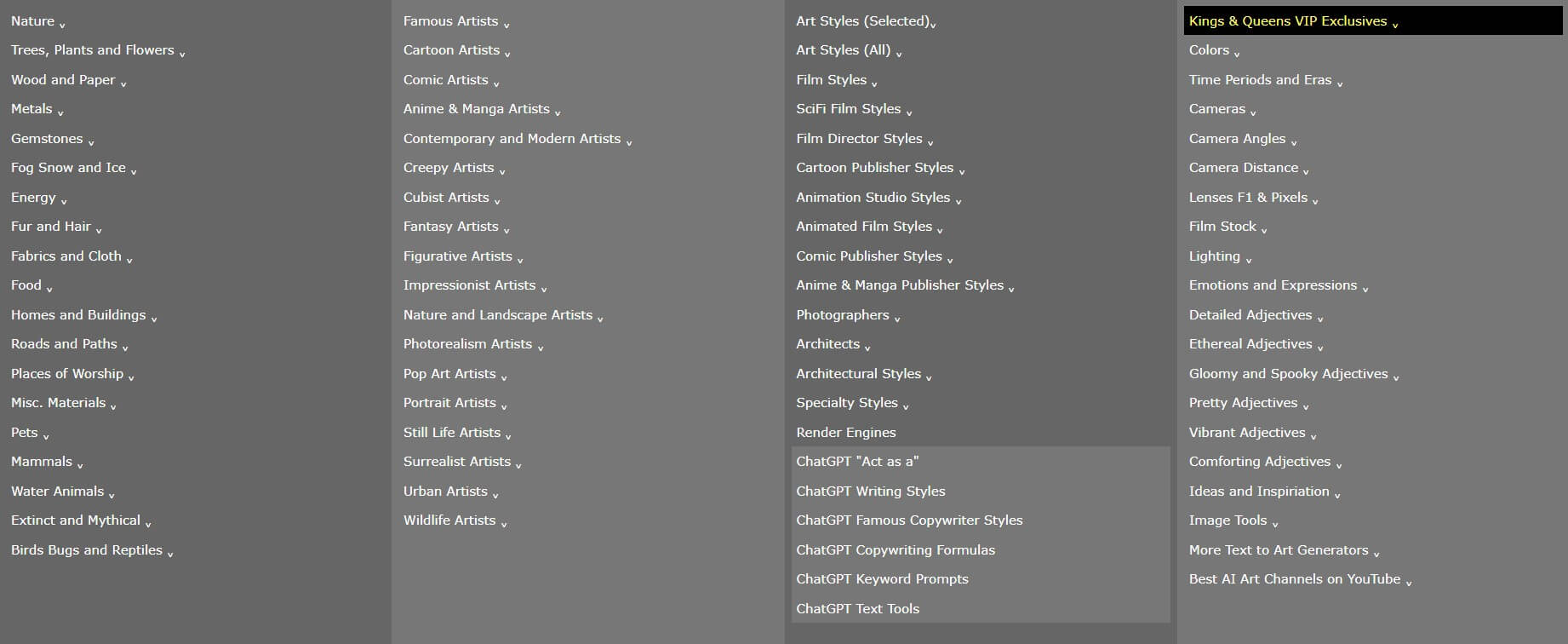
Prompt Silo’s main strength is range. The page includes long lists for nature, trees, materials, metals, gemstones, animals, mythical subjects, art styles, film styles, architecture, lighting, and more. That makes it useful when you know the general image you want but need more visual vocabulary.
The page also includes an “Open Midjourney/Discord Parameters” area with common prompt syntax and aspect ratio options, plus links to Midjourney, Stable Diffusion, Playground, Leonardo, BlueWillow, ChatGPT, and other related resources.
Its ChatGPT section is broader than expected. Prompt Silo includes “Act as a” role ideas, writing styles, famous copywriter styles, copywriting formulas, keyword prompts, and text tools. That gives the page some value beyond image generation, especially for people who create marketing copy, SEO content, descriptions, or idea lists.
Prompt Silo is useful, but it is not elegant. It feels more like an old-school creator resource than a modern SaaS dashboard. The page is dense, long, and packed with expandable sections. That is good for discovery but less friendly for beginners who expect a guided wizard.
The best workflow is to start with one subject, then add only three to five modifiers. For example: subject, material, setting, lighting, and style. If you add too many keywords, your prompt can become noisy. Prompt Silo gives you a lot of options, but it does not decide which ones belong together.
A practical flow looks like this:
| Step | What to Do |
|---|---|
| 1 | Write the subject first. |
| 2 | Add one setting or environment. |
| 3 | Choose one material or texture. |
| 4 | Add one lighting direction. |
| 5 | Add one style or format. |
| 6 | Add output rules such as aspect ratio, no text, or clean background. |
Prompt Silo is strongest for visual creators who use Midjourney, Leonardo, Stable Diffusion, Playground, or similar image tools. It helps when you need fresh combinations: a material you would not have thought of, a better lighting phrase, a more specific architecture style, or a stronger visual genre.
It is also useful for print-on-demand ideas, concept art, book covers, social graphics, fantasy scenes, product mockups, and visual brainstorming. For writers and marketers, the ChatGPT role and copywriting sections can help generate starting points for ads, articles, titles, keywords, and content outlines.
The biggest value is prompt expansion. If your prompt says “dragon in a forest,” Prompt Silo can help you turn it into something more visual: “obsidian dragon in an old-growth rainforest, mossy rocks, fog, bioluminescent plants, dramatic backlight, dark fantasy illustration.”
- Prompt Silo’s main limitation is organization: The page is packed with useful material, but it can feel overwhelming. It does not explain much, and it does not always guide users toward better prompt structure.
- Some Midjourney parameter references also appear older: Version options and syntax should be double-checked against the current image tool being used. Treat Prompt Silo as an idea bank, not as the final authority on current model syntax.
- It also does not judge prompt quality: A beginner may combine ten unrelated modifiers and get a worse result. The tool gives ingredients, but the user still needs taste.
Prompt Silo is best for creators who already use AI image generators and want a fast way to expand prompt ideas.
Its strongest value is the sheer range of categorized visual language, plus useful ChatGPT roles, copywriting formulas, keyword prompts, and text utilities.
The main caveat is that it feels more like a dense prompt reference sheet than a guided AI app, so users get the best results when they use it selectively rather than stuffing every prompt with too many modifiers.
TAGS: Prompt Guides
Related Tools:

Provides advanced features for ChatGPT

Enables users to create, refine, and compare prompts

AI prompt generator for image generation models

Streamlines utilizing ChatGPT prompts
Converts brand guides into structured skill packs
Enhances creativity of AI prompts