
Share this tool:
 |
Description:
Easy-Peasy.AI has outgrown the “AI copywriting assistant” label. The current product is much broader: a multi-model chat layer, a growing agent called Marky, custom bots trained on your data, an AI workflow builder, 200+ writing templates, image and video generation, transcription, text-to-speech, music, and team plans with shared assets. That breadth is the real selling point, but it is also the first trade-off. Easy-Peasy.AI is most compelling when you want one subscription to cover a lot of AI tasks, not when you want the cleanest specialist tool in a single category.
The easiest way to understand Easy-Peasy.AI is as four connected layers.
| Layer | What it does | Why it matters |
|---|---|---|
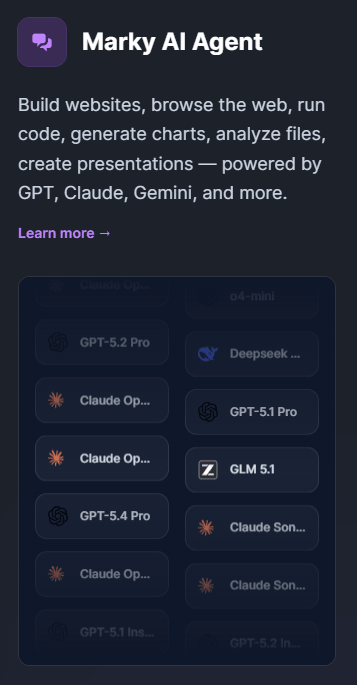
| Marky agent | Multi-model chat with web browsing, code execution, file analysis, deep research, image generation, presentation creation, and website building/deployment. | This is the clearest sign the product is no longer just a writing app. |
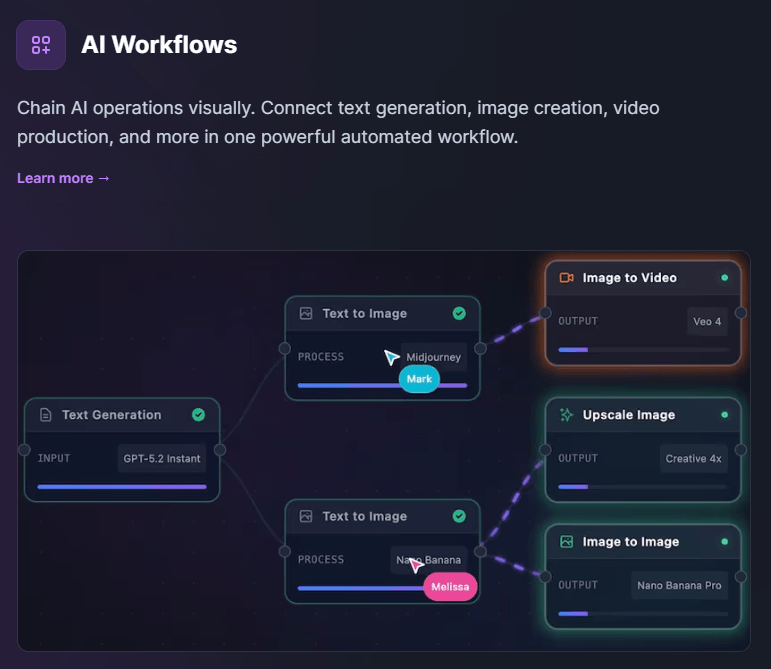
| Bots and workflows | Train bots on your own data, embed them on websites, connect via Zapier/WordPress/API, and design multi-step workflows. | This gives the platform some operational depth beyond one-off prompting. |
| Media stack | AI images, videos, talking videos, TTS, transcription, music, sound effects, photo tools, interior design. | This is what makes the subscription feel broader than a typical chat product. |
| Templates and brand tools | 200+ templates, brand voice, and many writing generators across marketing, social, and business use cases. | Useful for speed, especially for non-experts who do not want to start from a blank chat. |
That layered structure is the reason Easy-Peasy.AI can feel like good value. In simple use, it is an AI writing and chat tool. In heavier use, it becomes a mixed productivity stack: research assistant, media generator, support bot platform, and lightweight automation layer in one place.
One conversational workspace for browsing, coding, research, data analysis, image generation, presentations, and file work.
Train bots on your own data and embed them on websites, WordPress, or other apps via API/Zapier.
A beta automation layer for multi-step AI workflows across text, images, video, and more.
200+ templates for writing, social, email, SEO, and business content.
Transcription, TTS, voice options, and media-to-content workflows are built in rather than bolted on.
Plans combine different model families with a word-consumption system instead of forcing one default model.
Easy-Peasy.AI is strongest for users who keep bouncing between separate AI subscriptions and want one interface instead. Marky is now positioned as the main umbrella tool: it can browse the web, run code, analyze files, generate charts, build websites, create presentations, and switch across models from OpenAI, Anthropic, Google, DeepSeek, xAI, Meta, and more. That is a real convenience advantage over using a single-provider assistant plus separate media tools.
Its second real strength is breadth without a very high entry price. The official comparison page leans hard on this: Easy-Peasy.AI positions itself as a cheaper alternative to paying for a ChatGPT plan while bundling more model vendors, more creative tools, bots, brand voice, templates, and API access on higher tiers. That is marketing, obviously, but the product pages do support the basic claim that Easy-Peasy.AI is trying to be an all-in-one bundle rather than a single premium assistant.
The third strength is that the non-chat surfaces are not decorative. Bots can be embedded on a site or shared by URL. Workflows are their own beta product category. Brand Voice is its own tool. The transcription and TTS products each have dedicated pages and guides. This matters because many broad AI platforms have one good feature and ten token extras. Easy-Peasy.AI looks more intentionally built across several lanes.
The good news is that Easy-Peasy.AI is easy to start. The platform still supports the old low-friction entry points that made it popular in the first place: templates for common tasks, basic writing generators, image generation, transcription, and TTS with obvious use cases. If you just need “generate this,” the app is approachable.
The more advanced workflow is where the product becomes more interesting and slightly messier. Marky is now the center of gravity, and it clearly wants to be the place where you do complex work: browse the web, upload files, run code, generate visuals, and switch models mid-conversation. That can be genuinely useful, especially for research-heavy or mixed-media tasks, but it also means Easy-Peasy.AI is no longer the kind of app you understand in five minutes. The platform has become a toolbox.
Bots and workflows add another layer of complexity. The bot product is practical because it supports website embedding, WordPress, HTML snippets, Zapier, and API connections. But that also means the product now asks users to think in systems: what should the bot know, where will it live, what apps should it touch, and should this be a reusable workflow instead of a chat session? That is good product depth, but it raises the learning curve compared with a simpler AI assistant.
The model story is one of Easy-Peasy.AI’s most distinctive choices. Instead of pushing one flagship model, it gives users access to many models and then meters usage through a word-consumption system. Some models are listed as unlimited with a 0x multiplier, while others consume 0.25x, 0.5x, or 1x of your plan allowance. In practice, that means the platform is not just selling “more models”; it is selling a budgeting system for choosing when to use cheap fast models versus more expensive premium ones.
Here is the practical version of the consumer plans currently shown on the main site:
| Plan | Yearly price shown | Key practical limits |
|---|---|---|
| Free | $0 | 1,000 words, 1 image credit, 1 transcription, 1,000 TTS characters, 1 bot, 170+ templates, public images only. |
| Starter | $8/month billed yearly | 25,000 premium-model words, 200 image/video credits, 20 transcriptions, 2 bots, 3 brand voices. |
| Unlimited 50 | $12/month billed yearly | Unlimited standard models, 50,000 premium-model words, 300 image/video credits, 3 bots, unlimited brand voices. |
| Unlimited | $16.5/month billed yearly | Unlimited standard models, 100,000 premium-model words, unlimited transcription, API access, newest features, priority support. |
This pricing is one of the platform’s strongest arguments. The Unlimited plan in particular is the one that starts to make Easy-Peasy.AI feel like a real all-in-one subscription rather than a capped sampler. It is also where API access, enhanced transcription, and newer features show up, which is important because those are some of the product’s more serious use cases.
For teams, the B2B plans mainly add seats and shared assets rather than inventing a new product. The official team page emphasizes sharing prompts, chats, documents, brand voices, and images, while keeping the same general stack of unlimited standard models, image/video credits, transcription, and API access. That makes Easy-Peasy.AI easier to place: it is basically the same platform, expanded for collaboration.
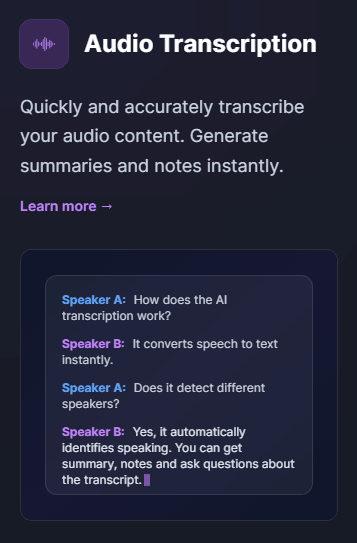
The audio side is better developed than you might expect from a platform that started life closer to copywriting. The transcription product claims over 96% accuracy, supports common audio and video formats, and is explicitly positioned around turning one media file into many content assets. Even if you take the headline metrics as vendor claims rather than neutral benchmarks, the workflow is clearly more than “speech to text.” It is built around transcript-plus-repurposing.
The TTS product is similarly fleshed out. Easy-Peasy.AI markets 50+ languages, voice cloning, studio-quality output, many voice options, and commercial ownership of generated audio output as long as the user has the rights to the input material. That makes the TTS layer more useful than the average basic voice add-on, especially for creators, explainer videos, social media, and internal narration tasks.
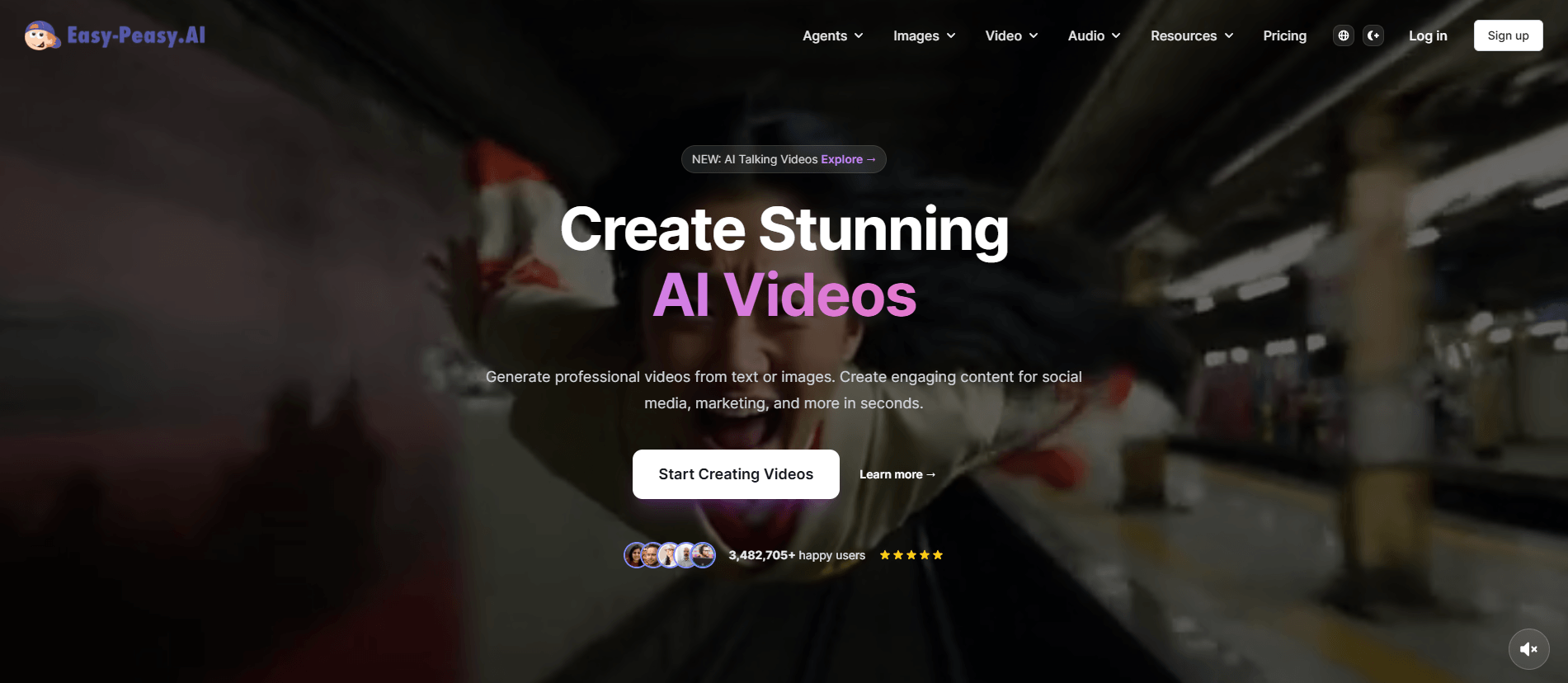
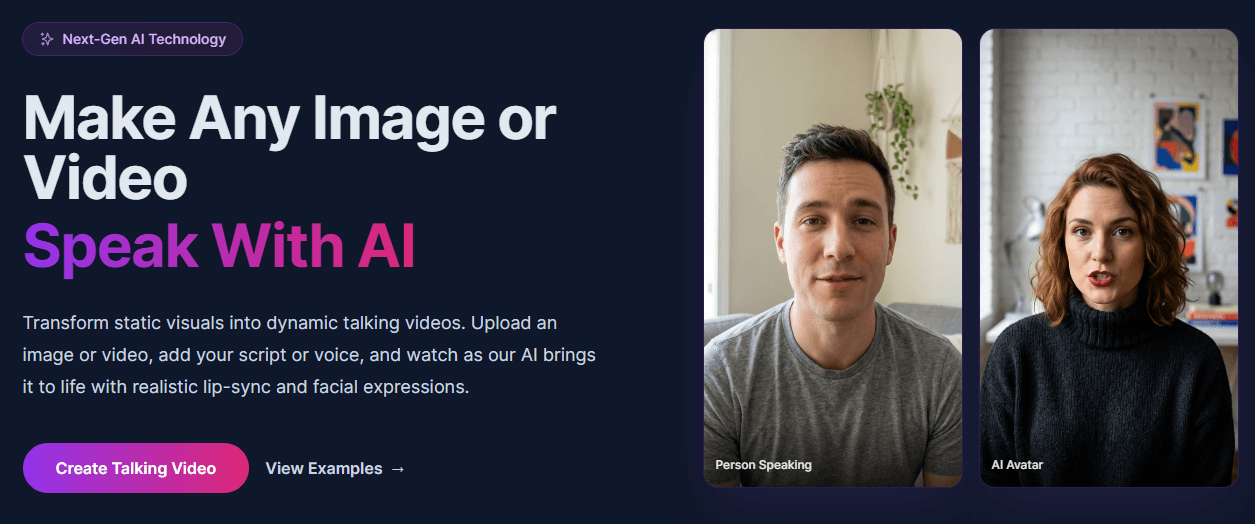
The image and video side looks broad, but also slightly more scattered. The main platform and Marky pages mention multiple image models, AI video generation, talking videos, motion tools, and other creative surfaces. The breadth is impressive. The question is not whether those features exist; it is whether you need all of them in one subscription. This is where Easy-Peasy.AI starts looking like a value bundle rather than a best-in-class specialist across every medium.



Easy-Peasy.AI is a strong fit for solo creators, marketers, founders, and small teams that want one subscription to cover chat, copywriting, media generation, transcription, and basic automation. It is especially attractive for people who keep doing mixed workflows like “research this topic, summarize the PDF, turn it into a script, generate a voiceover, then make supporting visuals.” Marky plus the media stack makes that kind of bundling plausible.
It is also a good fit for small businesses that want lightweight AI customer support or lead capture without building their own bot stack from scratch. The bot product supports training on your own data, embedding by HTML or WordPress, and integration via Zapier or API, which is enough to make it practical for many smaller deployments.
It is less compelling for users who want the absolute best tool in a single lane. If your whole job is advanced TTS, there are deeper voice platforms. If your whole job is image generation, there are more focused image tools. If your whole job is frontier-model reasoning, a dedicated assistant may feel cleaner. Easy-Peasy.AI’s appeal is not category dominance. It is breadth per dollar. That last point is partly an inference from the official feature mix and pricing.
- Use the unlimited-standard-model plans only if you will actually lean on cheaper everyday models for most of your work. The whole pricing system rewards that behavior. If you mostly want premium models all day, the headline “unlimited” language matters less than the premium-word caps.
- Treat Marky as the advanced layer, not the only layer. For quick outputs, templates, TTS, or transcription may be faster than trying to force everything through one agent conversation. The platform is broad enough that choosing the right surface matters.
- If you are considering bots, start with a narrow customer-support or FAQ use case before trying to automate everything. The embedding and integration options are strong, but small scoped bots are easier to maintain than general-purpose ones.
- For teams, the real value is shared assets. If you are not going to share prompts, documents, chats, or brand voices, the business plans become much less interesting.
- The biggest trade-off is platform sprawl. Easy-Peasy.AI now covers enough categories that the product can feel less like one elegant assistant and more like a growing bundle of AI tools under one roof. That is great for breadth, but it can also make the interface and product story feel diffuse.
- The second limitation is that the pricing language is friendlier than it first appears, but not as simple as it first appears. “Unlimited” does not mean unlimited access to every model. It means unlimited access to certain standard models, while premium models still burn through word allowances at different multipliers. That system is reasonable, but users should understand it before buying.
- The third limitation is specialist depth. Easy-Peasy.AI clearly has real TTS, transcription, image, and bot products, but the platform’s appeal depends on whether you value having many good-enough tools together more than having the deepest possible tool in one category. Many users will. Some will not. That is the central buying decision.
- And finally, some pieces are still visibly evolving. Workflows are labeled beta, Marky’s changelog shows frequent new capabilities, and the product is adding features fast. That is good for momentum, but it also means buyers should expect a platform that is still expanding rather than a frozen, tightly bounded suite.
Easy-Peasy.AI is best for people who want one affordable AI subscription to cover a lot of ground: multi-model chat, agent-style work, bots, templates, transcription, TTS, and creative generation.
It is most valuable for creators, marketers, small businesses, and teams that benefit from breadth more than from category-specific perfection. The main caveat is that it has become a platform, and the pricing/value story only really works if you understand how its model limits and many product layers fit your workflow.
TAGS: Copywriting Content Creation Generative Art
Related Tools:

Record, edit, and produce high-quality videos
Helps you write polished, and effective content

Facilitates creation of animated stories
Generates creative images from prompts
Creates marketing copy and content from short prompts

Automates content creation