
Share this tool:
 |
Description:
DupDub is best understood as a creator suite, not a single AI voice tool. Its public product stack spans AI writing, text to speech, voice cloning, talking-photo avatars, video translation, video editing, transcription, subtitles, subtitle alignment, sound effects, recording, downloader tools, and APIs. That breadth is the real reason to look at it. The question is less “Can it generate a voice?” and more “Do you want voice, video, localization, and repurposing work to happen in the same system?”
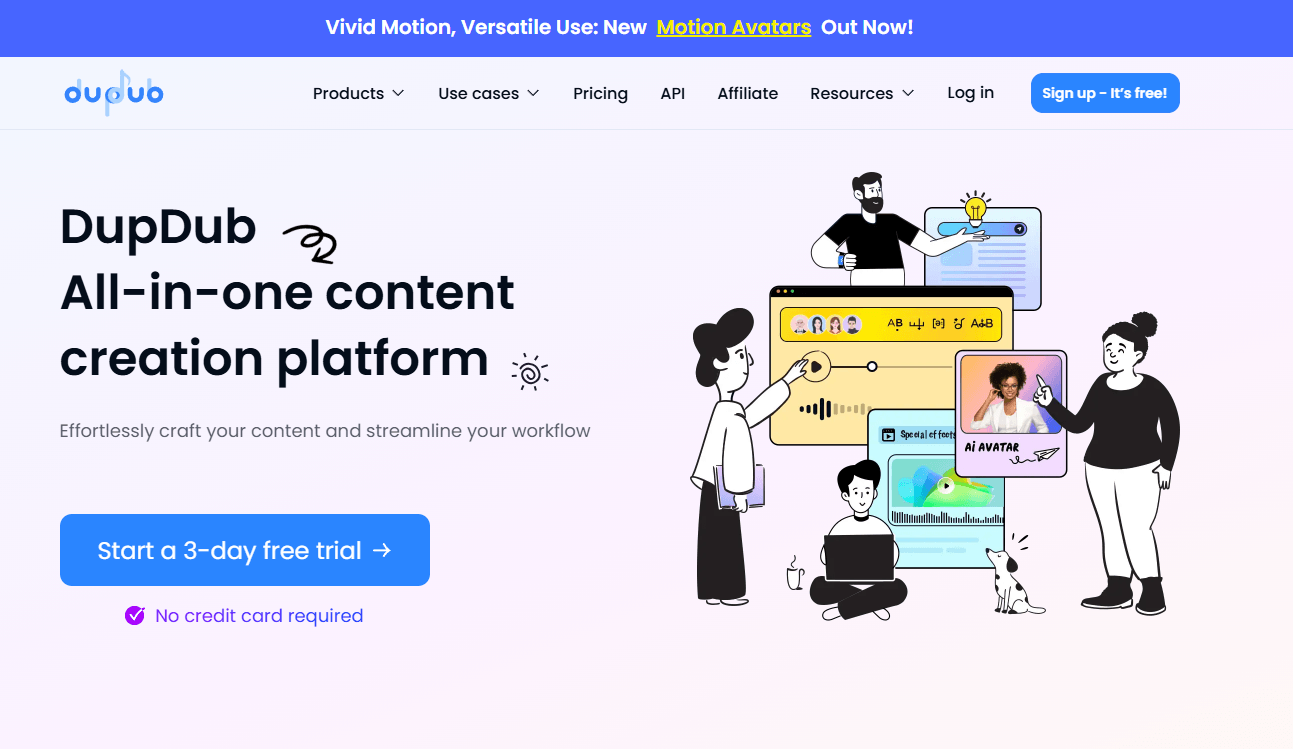
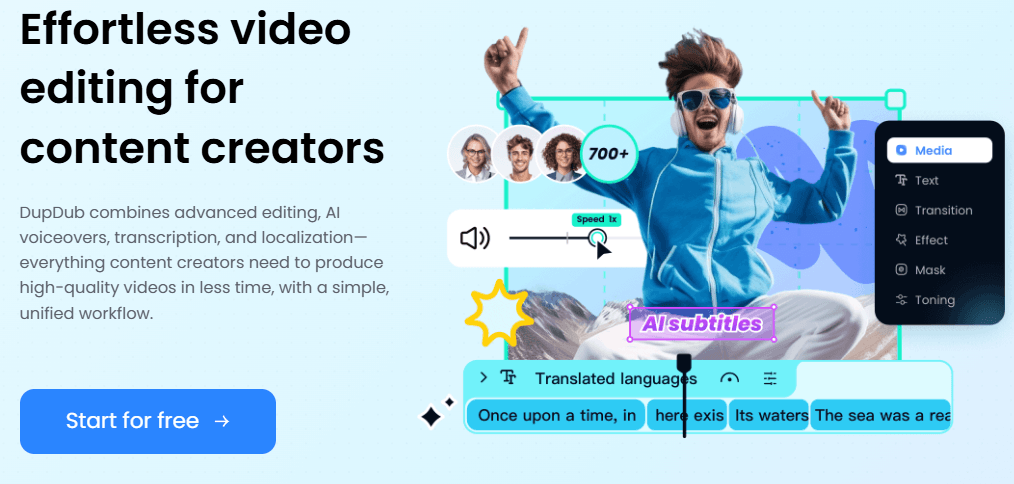
DupDub is strongest when a project moves across formats. A lot of AI tools are good at one isolated step: text to speech, transcription, dubbing, or avatars. DupDub’s pitch is that those steps should connect. Its video editor explicitly combines editing, AI voiceovers, transcription, and localization in one workflow, while its transcription tool can turn a file or social link into editable text, optional subtitles, and then into voiceovers. That makes the product more practical for content repurposing than a narrower voice-only app.
That broader workflow matters most for creators, educators, marketers, and localization-heavy teams. DupDub’s own product pages keep circling back to the same pattern: upload or paste a source, transcribe or translate it, edit the script, generate voice, then turn it into a finished video or avatar output. If your work actually looks like that, DupDub makes more sense than a tool that only handles one lane.
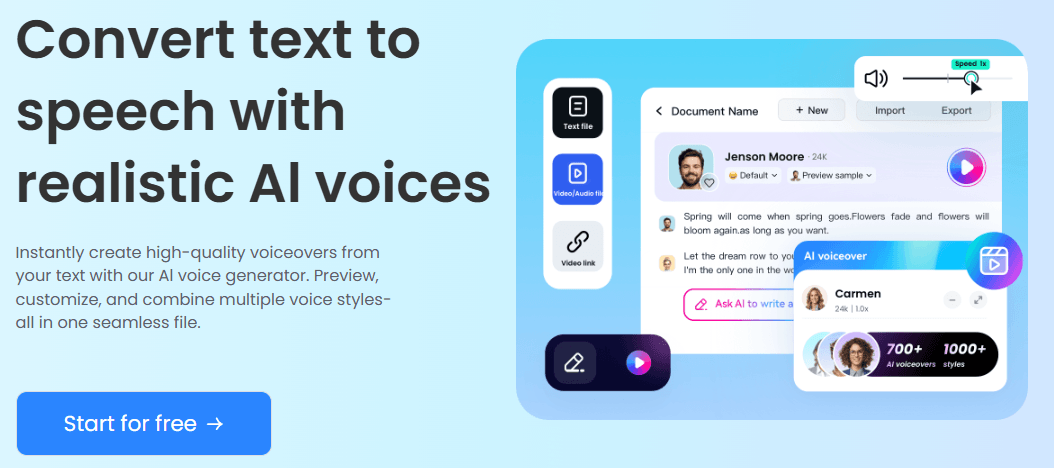
DupDub’s voiceover stack currently emphasizes 700+ voices, 1000+ voice styles, 90+ languages and accents, multi-voice projects, and export options including MP3, WAV, MP4, and SRT.
It supports instant cloning from a short clip, multilingual output, and cloned voices that can be reused across other DupDub tools.
DupDub’s translation flow includes dubbing, lip sync, editable translated text, and speaker-preserving workflows aimed at multilingual publishing.
The avatar side includes talking-photo creation, motion-oriented templates, subtitle support, and more recent instant avatar cloning through the API.
You can upload files or paste links from platforms like YouTube, TikTok, Facebook, X, and others, then export text or SRT and push the result into other DupDub tools.
DupDub’s API covers core creator functions and includes SSML support for more controlled TTS output, which matters for developers and production teams.
The easiest entry point is still voiceover. DupDub’s TTS flow is straightforward: paste text, choose a voice, adjust delivery, and export. The company also exposes useful controls instead of pretending the first take will always be right. You can combine multiple voices in one file, adjust pitch, speed, rhythm, and emphasis, and export in several formats. That keeps it friendlier than a raw API product while still giving more control than a one-button generator.
Where DupDub gets more interesting is when you stop treating it as a narrator and start treating it as a pipeline. The transcription tool accepts uploads and pasted links, produces editable text and subtitles, and then lets you move toward rewriting or voice generation. The video editor page describes the product in similar terms: subtitles, voiceovers, localization, and browser-based recording all sit in one workflow. That is the clearest picture of what the platform is trying to be.
The trade-off is that DupDub is no longer a small, single-purpose app. As an inference from the current product lineup, it is broad enough that first-time users may need a minute to decide where to begin: voiceover, transcription, avatar, translation, or editing. That is the cost of being more of a suite than a single feature.
DupDub’s voice stack looks strongest on practical control rather than pure model mystique. The public TTS page stresses voice variety, multilingual coverage, and segment-level controls such as pitch, speed, rhythm, and emphasis. Its API page adds SSML, pronunciation control, pauses, and multiple voiceovers, which is exactly the kind of detail that matters when you are making polished narration instead of quick placeholder audio.
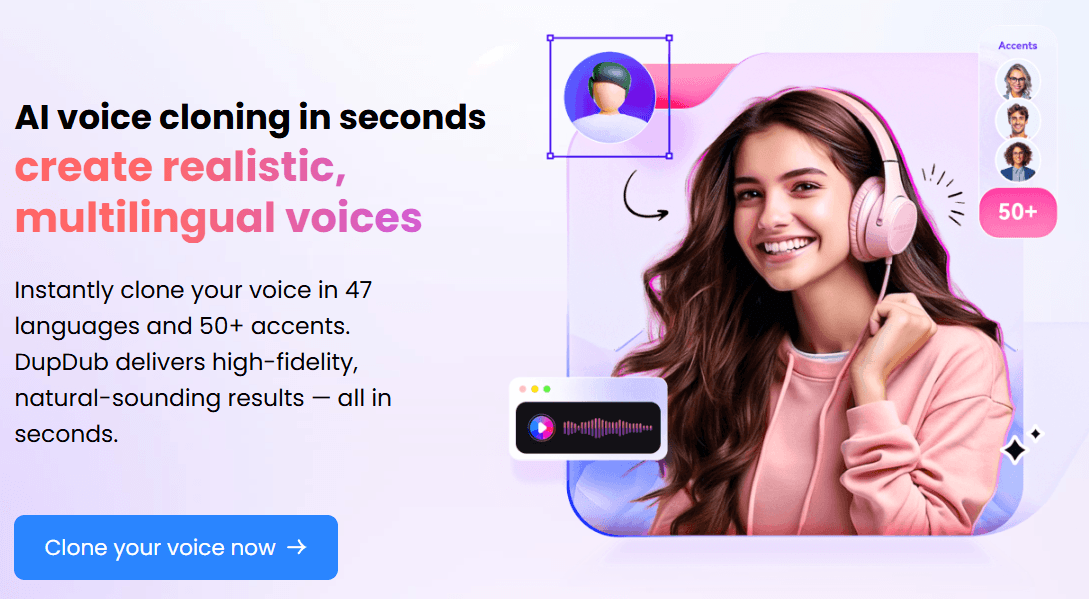
That makes DupDub especially useful when you need repeatable voice identity, not just one generic narrator. Voice cloning, multi-voice output, SSML control, and reuse across other tools make the voice layer feel connected to the rest of the platform rather than isolated.
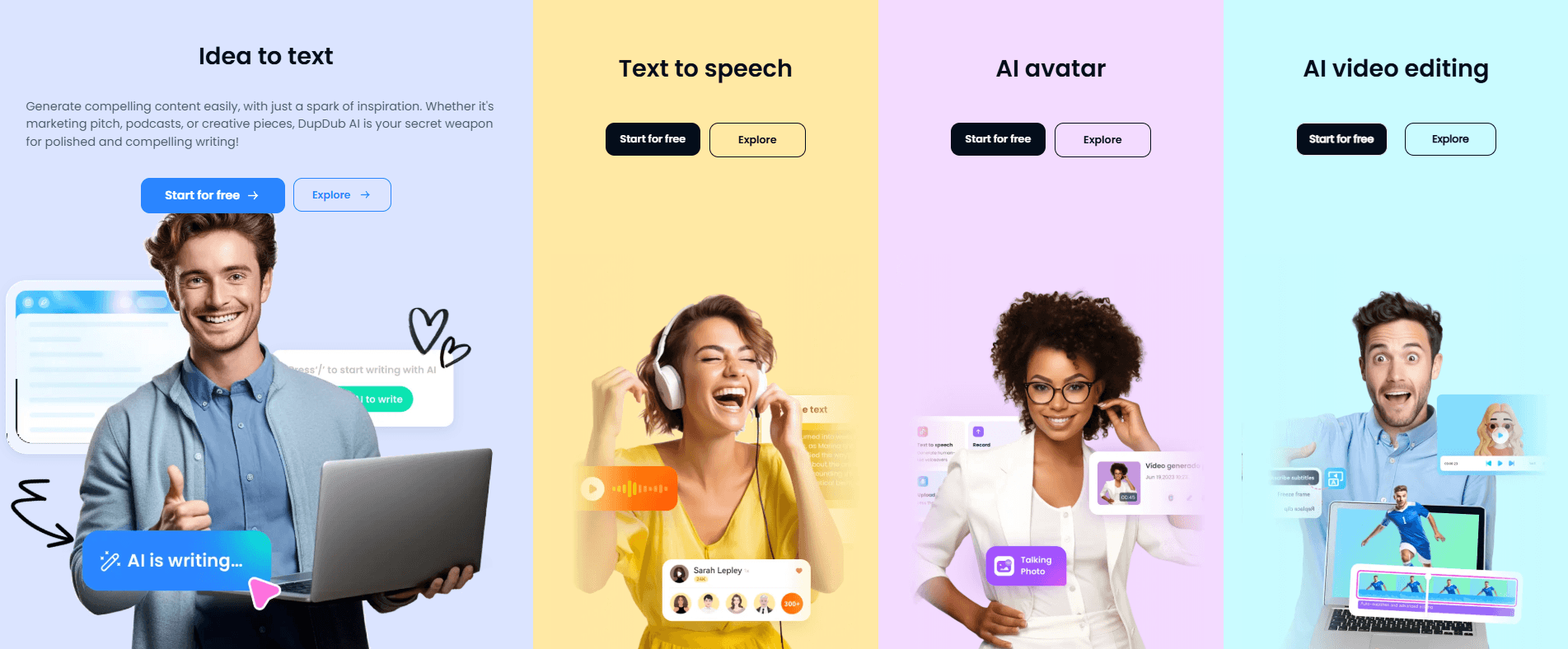
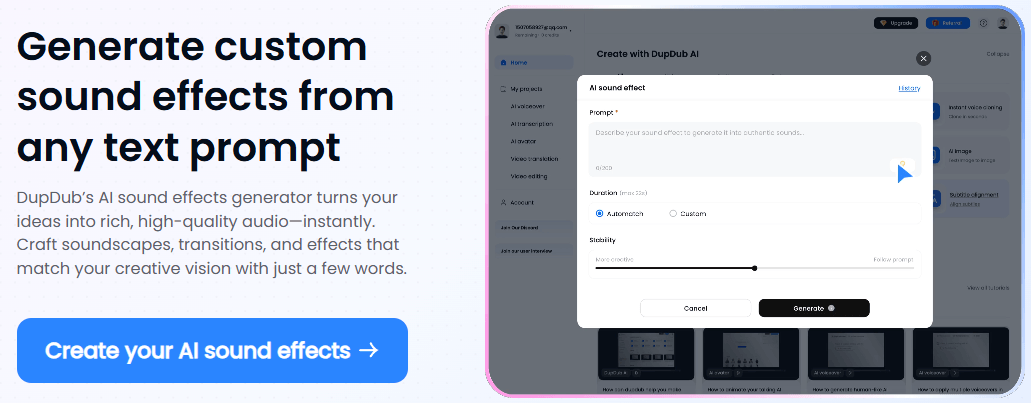
The first layer is text to speech, voice cloning, sound effects, and audio controls. This is still the platform’s most direct use case and probably the easiest place for new users to start.
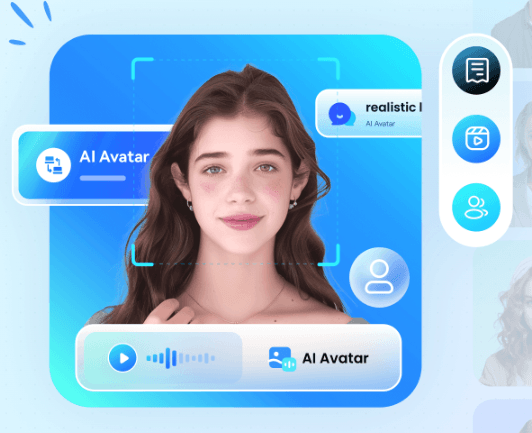
The second layer is talking-photo avatars, motion-oriented templates, avatar cloning, and video editing. This turns DupDub from a voice generator into a visible content-production tool.
The third layer is transcription, subtitles, video translation, dubbing, and content conversion. This is where DupDub becomes more useful for teams that turn one source asset into many versions across languages and formats.
- Creators and social teams: DupDub is useful when you need voiceovers, avatars, subtitles, sound effects, and edited clips in the same production flow.
- Educators and course builders: Text to speech, transcription, avatars, and video editing make it practical for lessons, explainers, and training content.
- Marketing teams: The platform fits product videos, multilingual ads, short-form repurposing, and campaign content where fast iteration matters.
- Localization-heavy teams: Dubbing, translation, lip sync, editable text, and speaker-preserving workflows make DupDub relevant for adapting video content across regions.
- Developers and production teams: API and SSML support make it more flexible than a purely visual one-click creator tool.
- Start with the voiceover workflow first if you are new to DupDub. It is the simplest way to understand the platform before moving into avatars, dubbing, or video editing.
- Use voice cloning when a recurring brand voice or creator identity matters. A reusable cloned voice becomes more valuable when it can carry across narration, avatars, and translated content.
- Use transcription as the bridge between old content and new formats. Uploading or linking existing media can give you editable text, subtitles, and a path into voice generation or repurposing.
- Use the video editor when a project needs subtitles, voiceovers, localization, and recording together. That is where DupDub’s suite structure makes the most practical sense.
- The first trade-off is product breadth. DupDub covers a lot of ground, and that makes it more useful for connected workflows, but less instantly simple than a focused voice-only tool.
- The second trade-off is workflow choice. New users may need to decide whether to begin with voiceover, avatar creation, transcription, translation, or video editing before the product feels natural.
- The third trade-off is specialist depth. DupDub looks strongest as an integrated creator suite, but users who only need one highly specialized lane may still prefer a dedicated audio editor, dubbing platform, or avatar tool.
- The fourth trade-off is review burden. Because DupDub touches voice, video, translation, subtitles, and avatars, human review matters across more than one output type before anything is published.
DupDub is best understood as a broad AI creator workflow for voice, avatars, dubbing, transcription, subtitles, sound effects, and video editing. Its strongest value is not one isolated feature. It is the way those pieces connect when you are repurposing content, localizing video, or turning scripts into finished media.
It is best for creators, educators, marketers, and localization-focused teams that want one system for voice and video production rather than a stack of disconnected tools. The main caveat is that the platform’s breadth creates a learning curve, especially for users who only need one narrow function.
TAGS: Text to Speech Video Editing
Related Tools:
Transforms text or images into short videos

Transforms written texts to voiceovers

AI-driven video editing tool

Creates cinematic AI videos and polished images

Enhances video quality and converts text to video

Enhances website SEO optimization