

Share this tool:
 |
Description:
- Introduction
- Core Features and Capabilities
- What Altered Actually Is
- What Altered Does Best
- Voice Morphing Is the Main Reason to Use It
- Media Production vs Real-Time Voice Changing
- Voice Editor and Production Workflow
- Voice Quality and Control
- Transcription, Translation, and Dubbing
- Real-Time Pro and Live Voice Identity
- Best Use Cases
- Comparison to Other AI Voice Tools
- Practical Tips
- Limitations and Trade-Offs
- Final Takeaway
Altered is an AI voice platform built around voice transformation rather than simple text-to-speech alone. Its strongest value is that it lets users record, edit, morph, clone, clean, translate, transcribe, and repurpose voice content inside one workflow, while also offering a separate real-time voice changer for live calls, gaming, streaming, and accessibility-style voice restoration use cases.
Change a recorded voice into a different realistic voice while keeping the original performance feel.
Transform vocal identity during live calls, streams, games, and conferencing while prioritizing low latency.
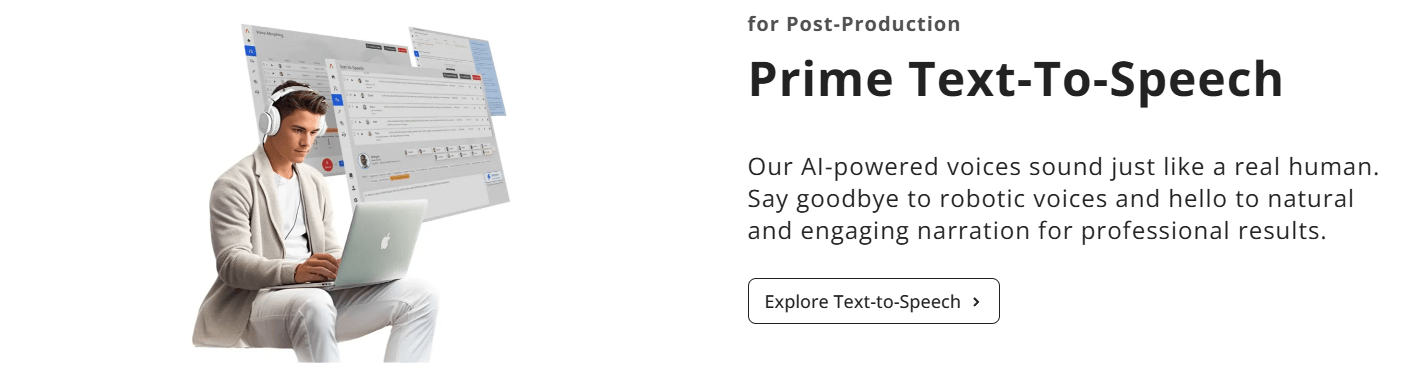
Edit voice and audio files in a web or desktop workflow with voice morphing, text-to-speech, transcription, translation, and audio editing tools.
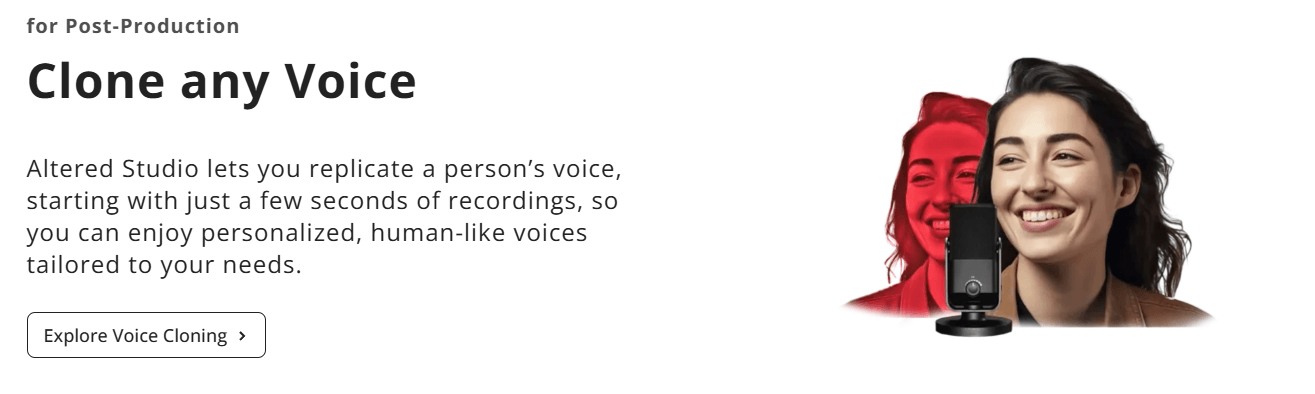
Replicate a person’s voice from a short recording and create personalized human-like voices for production workflows.
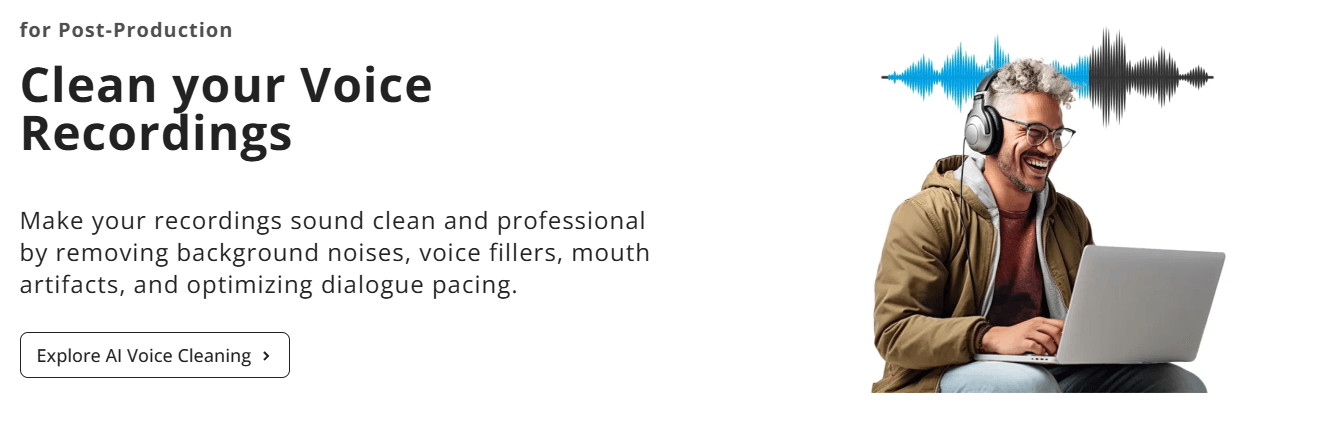
Clean recordings by reducing background noise, filler sounds, mouth artifacts, and dialogue pacing issues.
Transcribe, translate, and add voice-over inside the same workflow, with support for many languages across transcription, translation, and text-to-speech.
Altered is best understood as two related products.
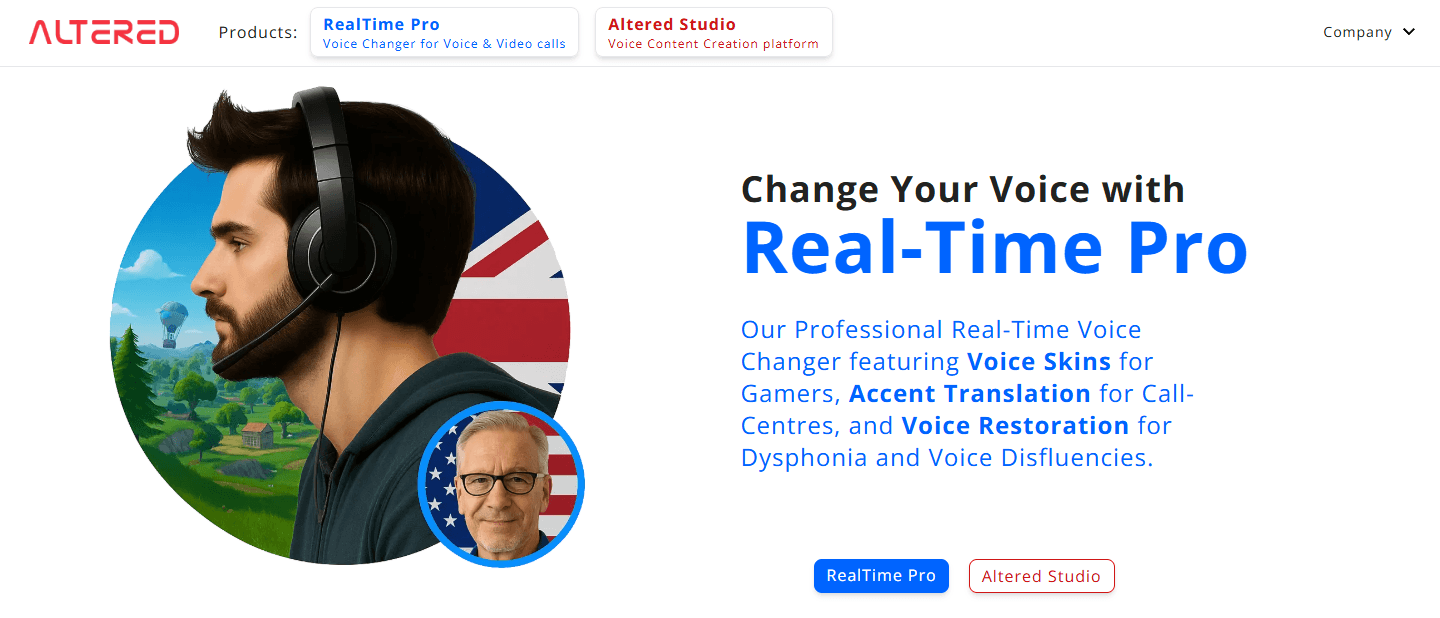
The first is Altered Studio, a voice content creation platform for media production. This is where users work with recorded audio, voice morphing, text-to-speech, transcription, translation, audio editing, and post-production tools. Altered describes Studio as a comprehensive voice content creation platform that runs online and locally on Windows and Mac.
The second is Real-Time Pro, a live voice changer for voice and video calls. This side of the product focuses on low-latency voice transformation for live scenarios, including gaming, streaming, video conferencing, call centers, and voice restoration.
| Product Layer | Best For | Why It Matters |
|---|---|---|
| Altered Studio | Recorded voice production, media editing, dubbing, character voices, voice cleanup | Prioritizes quality, editing control, and post-production flexibility. |
| Real-Time Pro | Live calls, gaming, streaming, conferencing, accent transformation, voice restoration | Prioritizes speed, low latency, and live voice identity changes. |
This is the central idea behind Altered. It is not only trying to generate speech from text. It is trying to give users more control over vocal identity, performance, and post-production.
Altered is strongest when the original human performance still matters.
That is the biggest difference between Altered and many standard AI voice generators. A normal text-to-speech tool starts with written text and produces a voice. Altered’s more distinctive workflow starts with a real performance and changes the voice while preserving rhythm, tone, cadence, expression, and delivery. Its voice changer page emphasizes that the human voice carries more than words, and that Altered’s process is designed to preserve performance details while changing the vocal identity.
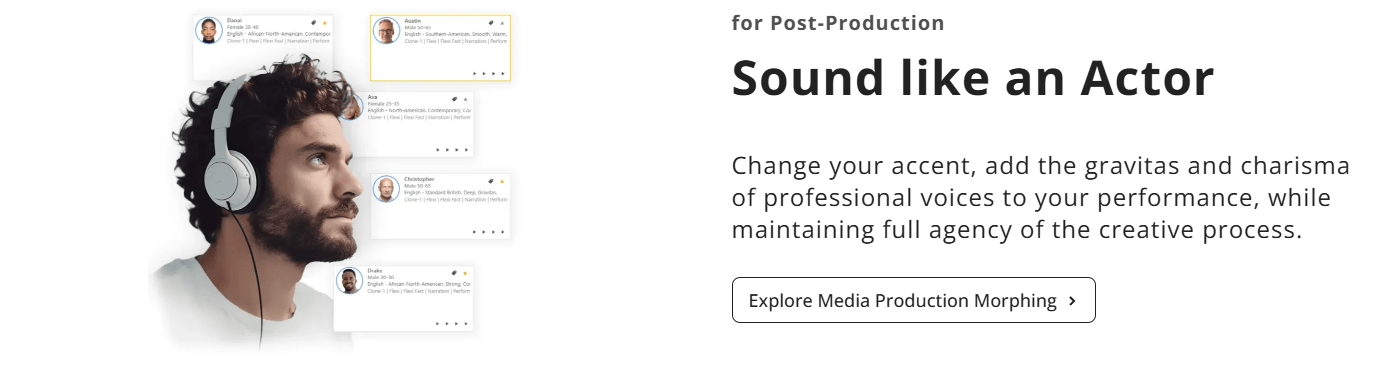
That makes it especially useful for creators who want the acting, timing, emotion, and phrasing of a real recording, but not necessarily the original speaker’s voice. A single performer can create multiple characters. A producer can test different vocal identities. A video editor can repair or reshape dialogue. A creator can anonymize or stylize a voice without losing the energy of the original delivery.
This is where Altered feels more production-oriented than a basic AI narrator. Its best use case is not “type a paragraph and get audio.” Its best use case is “take a performance and make it sound like a different speaker, character, accent, age, or vocal identity.”
Altered’s most important feature is voice morphing. It is the part that separates the platform from more generic voiceover tools.
The product supports several types of voice transformation. Timbre models change the core sound of the voice while preserving the speaker’s natural accent. Clone models modify both the voice and accent. Speaking Style models go further by adjusting not just the vocal identity but also how the content is delivered.
That gives Altered more creative range than a single “change my voice” button. You can use it for character creation, accent shaping, speaker anonymization, narration experiments, or matching a specific vocal direction. The practical advantage is that users can keep the original performance but change who it sounds like.
For media production, this is valuable because performance is often the hardest part to recreate. Timing, emphasis, pauses, intensity, and emotion are not just technical details. They are the difference between a flat AI read and a believable voice performance. Altered’s strongest idea is that AI should transform the voice without throwing away the performance.
One of the most useful distinctions in Altered’s product positioning is the difference between media production morphing and real-time morphing.
Media production voice morphing is built for quality and refinement. Altered says this path emphasizes flexibility and recording-quality output, with more room for meticulous post-recording edits. Real-time voice morphing is built for speed and low latency, using fewer CPU resources so it can work during live scenarios such as gaming, streaming, and video conferencing.
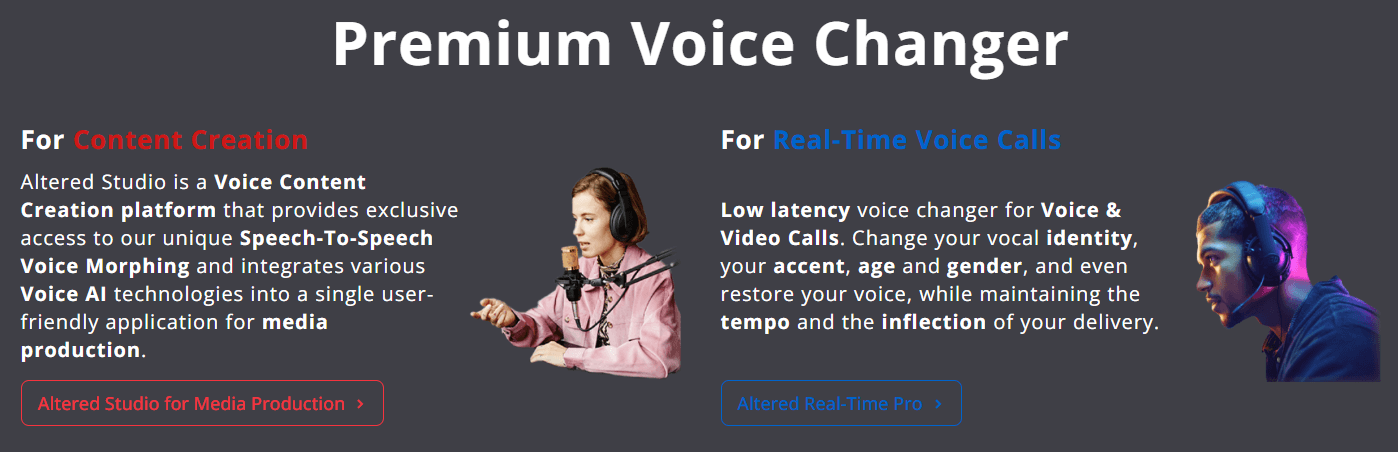
That difference should guide how people use the product. If you are making a film, podcast, explainer, game prototype, character scene, or polished voice asset, Studio is the better lane. You can record, edit, morph, clean, review, and revise the audio before publishing.
If you are streaming, roleplaying, joining a live call, testing a virtual avatar, or using voice transformation during real-time communication, Real-Time Pro is the better lane. The output may not have the same post-production polish, but it is designed for immediacy.
Altered’s Voice Editor is where the platform starts to feel like a proper production tool rather than a novelty voice changer.
The editor supports voice morphing, text-to-speech, transcription, translation, and general audio editing in one workspace. It also runs online and locally on Windows and Mac, which gives users more flexibility than browser-only tools.
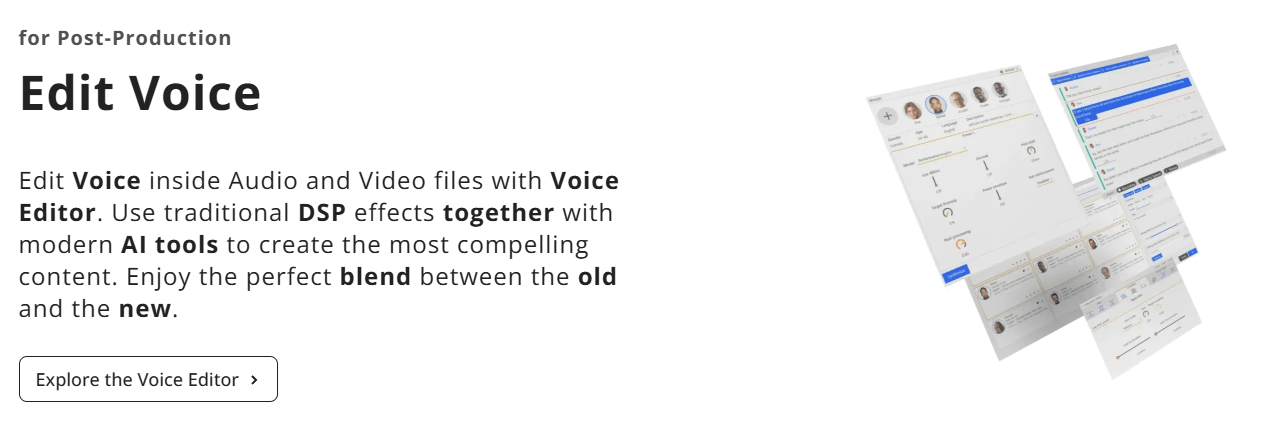
The workflow is built around editing voice recordings more efficiently. Users can record directly from the browser, import and export in multiple formats, use Google Drive integration, and inspect audio through spectrum and spectrogram visualizations.
The more interesting part is the editing system. Altered includes an integrated mixer that automatically normalizes loudness after edits and automates crossfading when audio is copied and pasted into another section. That matters because voice editing often becomes tedious at the mixing stage. Matching loudness, avoiding harsh cuts, and keeping edits smooth can take more time than the creative decision itself. Altered tries to remove some of that friction.
The editable history system is also useful. Instead of a simple undo/redo model, Altered lets users revisit past changes, adjust settings, export intermediate results, and recompute subsequent changes. That is especially helpful when experimenting with different voices, effects, pacing, or cleanup choices.
Altered is strongest when the user gives it a good performance to work with.
Because the platform leans heavily into speech-to-speech morphing, the source recording matters. A clear recording with intentional delivery gives the system more useful performance information. A noisy, rushed, inconsistent recording will still carry those weaknesses into the workflow unless cleaned or edited first.
The control system is broad. Users can adjust pitch, speaking style, age, gender, and other characteristics, depending on the chosen workflow and model. Altered also offers a voice library that includes professional voices and a larger group of everyday voices for secondary characters and production variety. The site says its collection includes 20 professional voices and more than 800 additional voices.
That range is useful for character work. A creator can build a multi-character scene without hiring a full cast. A game developer can prototype dialogue. A filmmaker can test voice directions before final casting. A marketer can experiment with a more serious, warm, energetic, or authoritative delivery.
The trade-off is that this type of control can also create a learning curve. Altered is more technical than a basic text-to-speech app. Users who only want a quick narrator may find the platform more involved than necessary. Users who care about performance, editing, and vocal identity will get much more from it.
Altered also includes a practical dubbing workflow. The Voice Editor can transcribe and translate audio files, then add voice-over with text-to-speech. Altered says transcription and translation support more than 75 languages, while text-to-speech voice-over supports more than 70 languages.
This makes Altered useful for repurposing audio and video into different language versions. It is not positioned only as a voice changer. It can also support multilingual production, podcast localization, video dubbing, educational content, marketing assets, and creator workflows that need alternate language versions.
The benefit is convenience. Instead of using one tool for transcription, another for translation, another for voice generation, and another for editing, Altered puts those steps closer together. That does not remove the need for human review. Translation quality, timing, pronunciation, emotional match, and cultural nuance still need checking. But it does make rapid experimentation easier.
Real-Time Pro is the more interactive side of Altered.
It lets users change their vocal identity in voice and video calls. Altered highlights use cases like voice skins for gamers, accent translation for call centers, and Euphonia for voice restoration in cases involving dysphonia or voice disfluencies.
This is an important direction because live voice AI is different from edited voice AI. In production, you can fix mistakes. In live use, the system has to respond quickly enough that conversation still feels natural. That means latency becomes just as important as realism.
For streamers and gamers, Real-Time Pro can be used for character personas, roleplay, avatars, and entertainment. For professional calls, accent transformation may be useful when the goal is clearer communication while preserving vocal individuality. For accessibility-related workflows, voice restoration is one of the more meaningful applications, because the goal is not only creative transformation but helping users communicate more comfortably.
- Solo creators making multi-character content: Altered is strong for YouTubers, podcasters, animators, and short-form creators who want several voices without needing several actors.
- Game and animation prototyping: Developers can test characters, accents, ages, and delivery styles before committing to final voice casting or recording sessions.
- Film and video post-production: Editors can repair, transform, anonymize, or stylize voice recordings while preserving the original delivery.
- Podcast and video localization: Transcription, translation, text-to-speech, and editing tools make Altered useful for multilingual content repurposing.
- Streaming and live roleplay: Real-Time Pro is built for live vocal identity changes in gaming, streaming, conferencing, and avatar-based workflows.
- Voice anonymization and identity protection: Speech-to-speech morphing can help disguise a speaker while keeping the structure and emotion of the original recording.
- Voice restoration and accessibility workflows: Altered’s Euphonia positioning makes the platform relevant for users dealing with dysphonia, stuttering, or other voice disfluencies during live communication.
Altered overlaps with tools like ElevenLabs, Murf, Lovo, Descript, and Voicemod, but it has a different center of gravity.
| Tool | Strongest Fit | Where Altered Stands |
|---|---|---|
| ElevenLabs | Highly realistic text-to-speech, voice cloning, dubbing, creator narration | ElevenLabs is often simpler for generating polished narration from text; Altered is stronger when transforming a real performance is the main goal. |
| Murf | Business voiceovers, presentations, explainer narration | Murf is easier for standard voiceover production; Altered has deeper voice morphing and performance transformation. |
| Descript | Podcast/video editing, transcript-based editing, screen/audio workflows | Descript is broader for editing media projects; Altered is more specialized around AI voice transformation. |
| Voicemod | Fun real-time voice effects for gaming and streaming | Voicemod is more casual and entertainment-focused; Altered aims for more realistic AI voice identity and production use. |
| Traditional DAWs | Full audio production and mixing | A DAW gives deeper manual control; Altered makes AI voice transformation easier inside a voice-first workflow. |
The simple version: use Altered when the voice itself is the project. Use a general video editor when voice is only one part of a larger edit. Use a pure text-to-speech tool when you only need narration from a script.
- Start with the best recording you can get. Altered can clean and transform audio, but the performance quality still matters. Use a quiet room, stable mic distance, and intentional delivery.
- Use Studio for anything publishable. Real-time voice changing is useful, but post-production morphing gives you more room to refine the output.
- Try multiple voice models before judging the result. Timbre, Clone, and Speaking Style models are built for different goals, so one weak result does not mean the tool cannot handle the project.
- Use voice cleaning before morphing if the recording is rough. Background noise, mouth sounds, and awkward pacing can become more distracting once the voice is transformed.
- Do not skip manual review in dubbing workflows. Transcription and translation are useful accelerators, but final language, timing, and emotional fit still need human judgment.
- Use batch workflows for larger projects. Altered supports batch-style work for larger volumes of audio, which is useful for production, prototyping, and QA.
- Treat Real-Time Pro as a live-performance tool. It is best when speed and live identity matter more than perfect studio polish.
- Altered’s biggest limitation is complexity. It is more powerful than a simple voice generator, but that also means the workflow takes more understanding. Users need to think about source audio, voice models, morphing type, cleanup, pacing, output review, and export choices.
- The second limitation is that the product is split across different workflows. Altered Studio and Real-Time Pro serve different needs. That split is logical, but it can be confusing for new users who are not sure whether they need post-production quality or live voice changing.
- The third limitation is that voice transformation is still dependent on input quality. A weak performance, poor microphone, background noise, or unclear diction can limit the final result. AI voice tools can do a lot, but they do not remove the need for good recording discipline.
- There is also a creative limitation. Altered can help one performer create many voices, but it does not automatically replace good acting, direction, script work, or casting judgment. The output still needs taste and review.
- Finally, users working with cloned or transformed voices need to take consent and disclosure seriously. Altered has an ethics section on its site, and this category of tool carries obvious risks around impersonation, identity misuse, and unauthorized voice replication. For professional work, voice rights and permission should be handled before production, not after.
Altered is a strong AI voice platform for creators and production teams who care about transforming real performances, not just generating clean narration from text.
Its best features are speech-to-speech voice morphing, multi-character performance creation, voice editing, cleanup, transcription, translation, dubbing support, and real-time voice identity changes. It is especially useful for media production, character work, game prototyping, localization, streaming, and voice anonymization.
The main caveat is that Altered is more of a production tool than a one-click voice app. Users who want maximum simplicity may prefer a narrower text-to-speech platform. Users who want creative control over vocal identity, performance, and voice editing will find Altered much more interesting.
TAGS: Voice/Audio Modulation Text to Speech
Related Tools:

Transforms texts to voice-overs

Specializes in converting text to speech
Transforms voices into professional performances for media projects

Improve speech clarity and reduces noise
Designed to simplify filling and signing documents
High-quality multilingual voice generator